Summary
The Custom Shaders Patch (CSP) for Assetto Corsa is a powerful mod that completely overhauls the game’s graphics and visual effects. It introduces advanced shaders, lighting systems, weather effects, and reflections, creating a more immersive and realistic driving experience. Players can fine-tune nearly every aspect of CSP to match their preferences, from subtle enhancements to dramatic visual overhauls. With its vast customization options, this mod has become a must-have for players seeking to elevate the look and feel of Assetto Corsa.
Note: Learn how to add custom cars to Assetto Corsa here.
How to Install the Custom Shaders Patch on Assetto Corsa
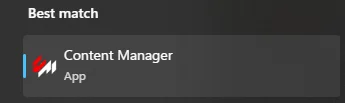
Run Content Manager.
Go to the Settings tab and select Custom Shaders Patch
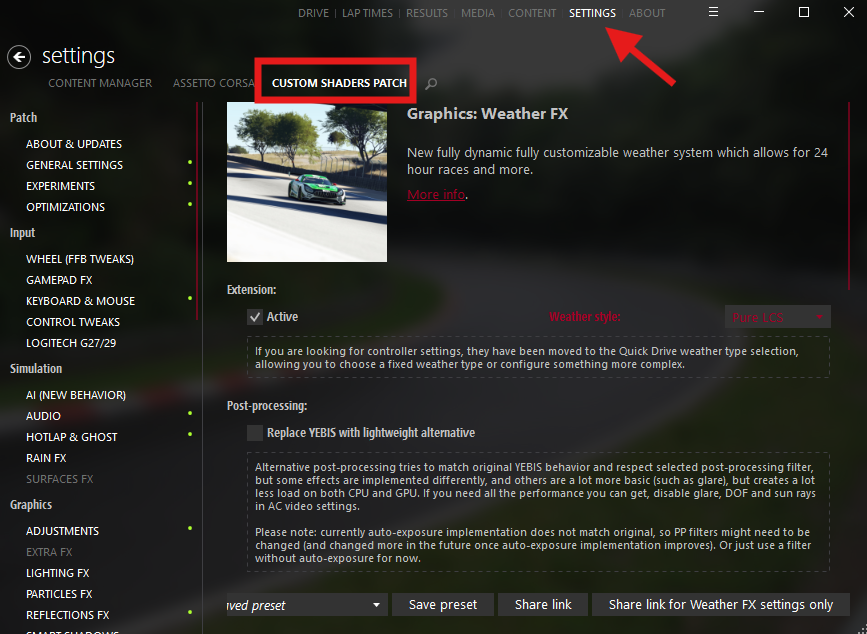
Click Install to apply CSP to your game.
How to Enable Extra Custom Shaders Patch on Assetto Corsa (Web)
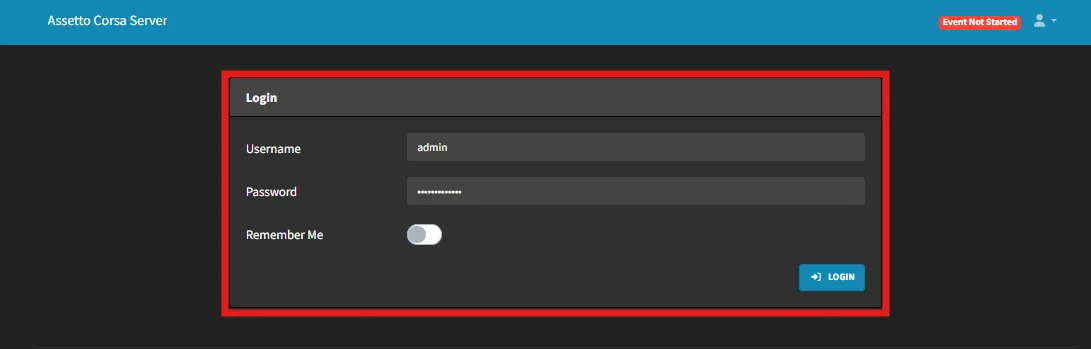
Log in to ChipHead Assetto Corsa Server
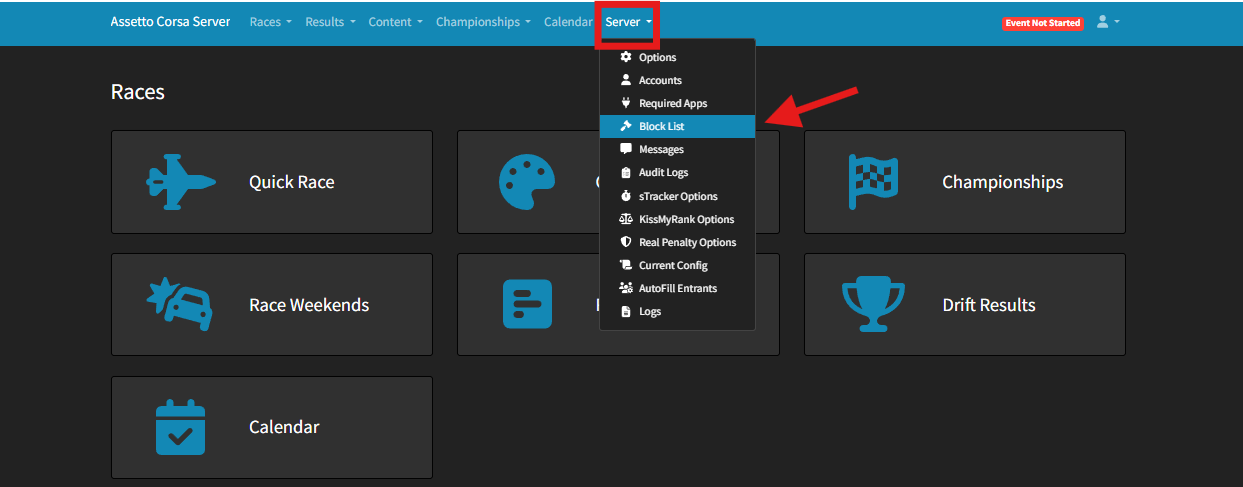
Go to Server > Options
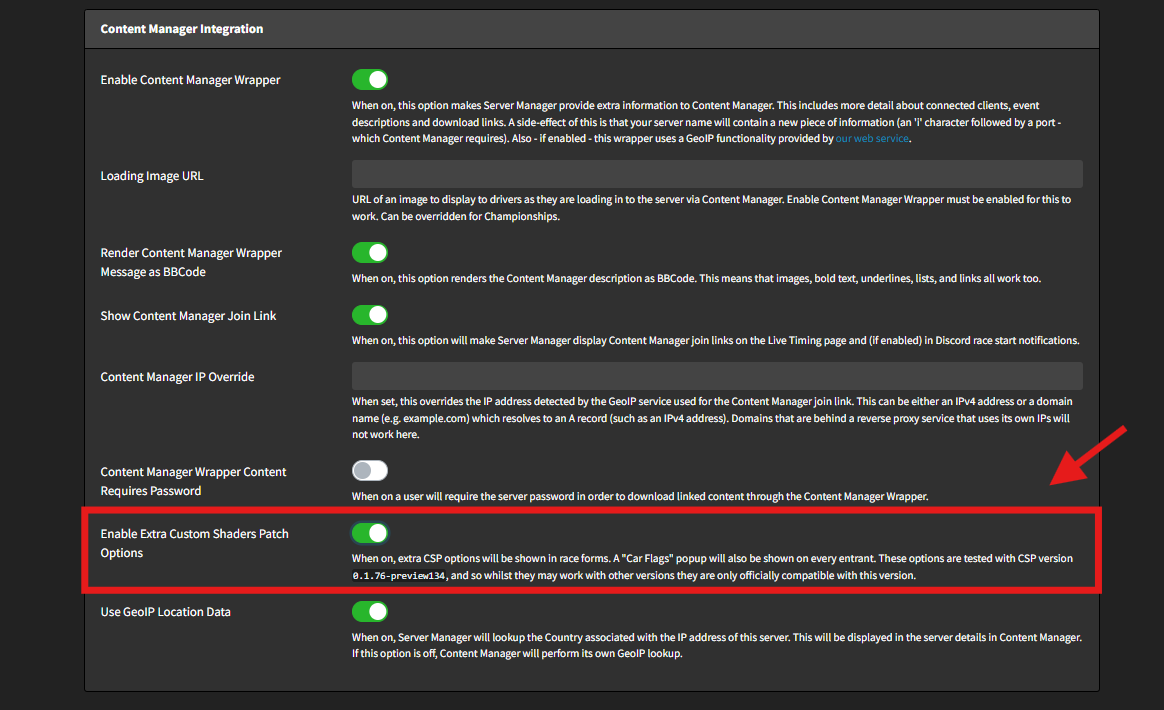
Switch “Enable Extra Custom Shaders patch Options” to enable it