Summary
Unturned is a popular sandbox survival game featuring a blocky, Minecraft-like art style. It offers both single-player and multiplayer gameplay and has developed a strong player community thanks to its frequent updates and extensive mod support. Players can explore, build, and survive in a post-apocalyptic world filled with zombies. To make a server visible on the public server list, server owners must register and apply a Steam account token before connecting.
Note: Adding a Steam account token ensures your Unturned server appears on the public server list.
How to Add a Steam Account Token to an Unturned Server
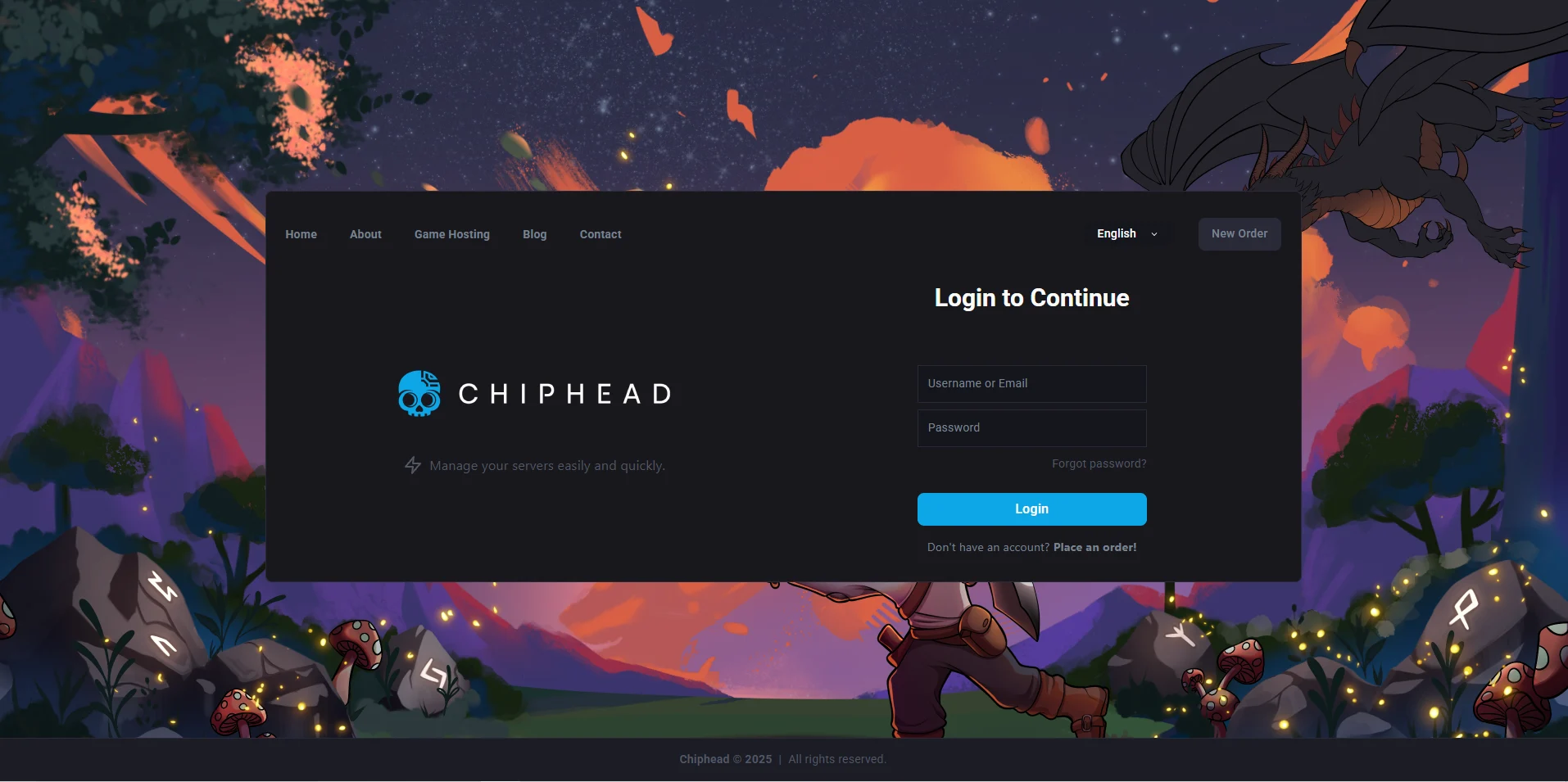
Log in to the ChipHead Panel.
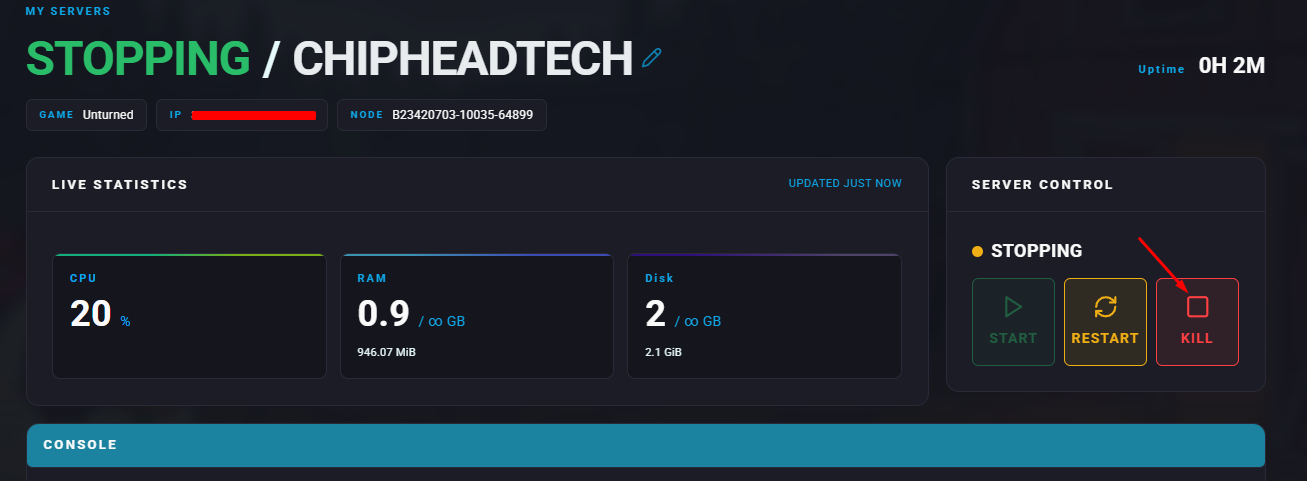
Stop the server.
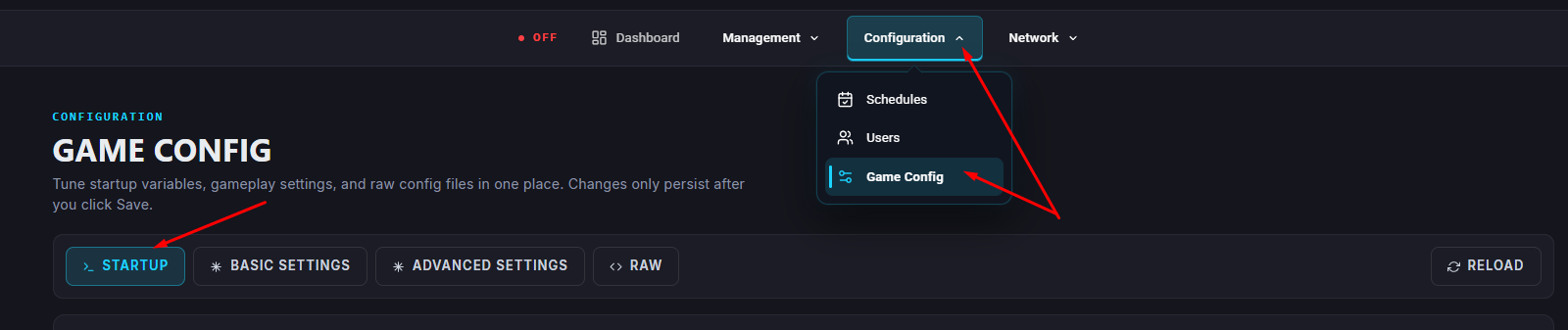
Go to the “Startup”
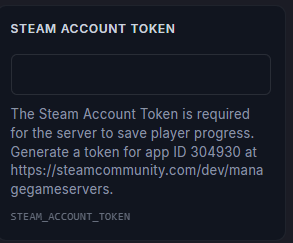
In the Steam Account Token section, follow the provided link or click [here].
In the App ID field, enter
304930.(Optional) In the Memo field, enter a name or label for the token.
Click Create.
Copy the generated Login Token.
Enter the token in the “GSLT” field
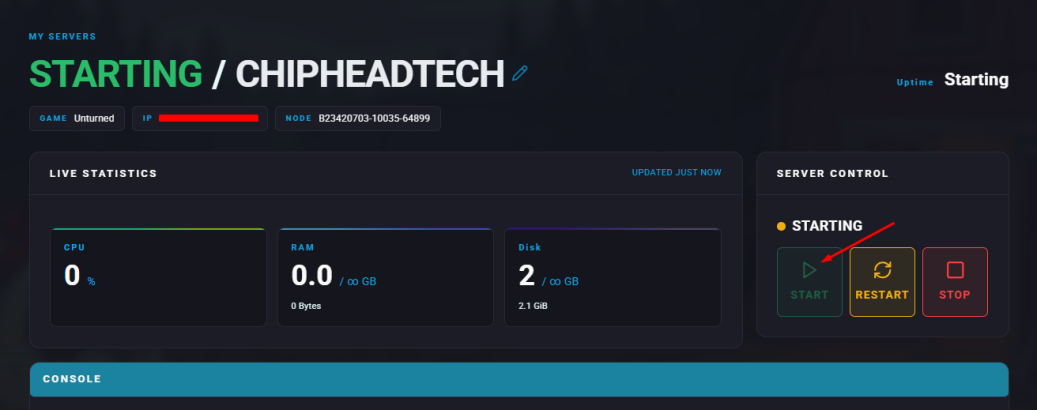
Start the server.