Unturned is an open-world survival game that challenges players to gather resources, build, and survive against zombies and other threats. Players can enhance their gameplay by downloading and installing custom maps from the Steam Workshop. These maps can be added to servers using their unique Mod IDs, which allows the server to automatically download and apply them for all players.
Go to Steam Workshop
Find the Mod ID for the map from its Steam Workshop URL.

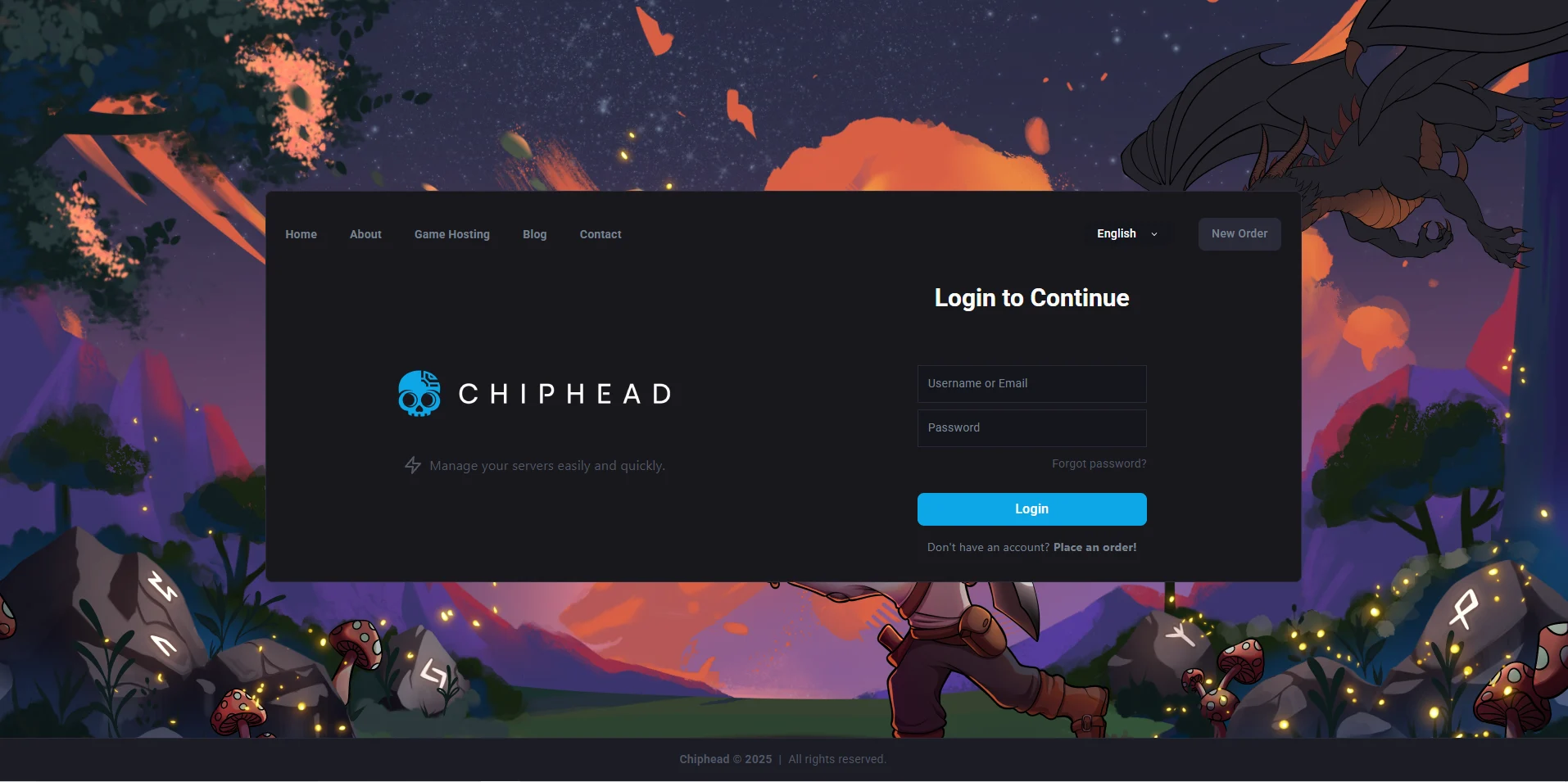
Log in to the ChipHead Panel.
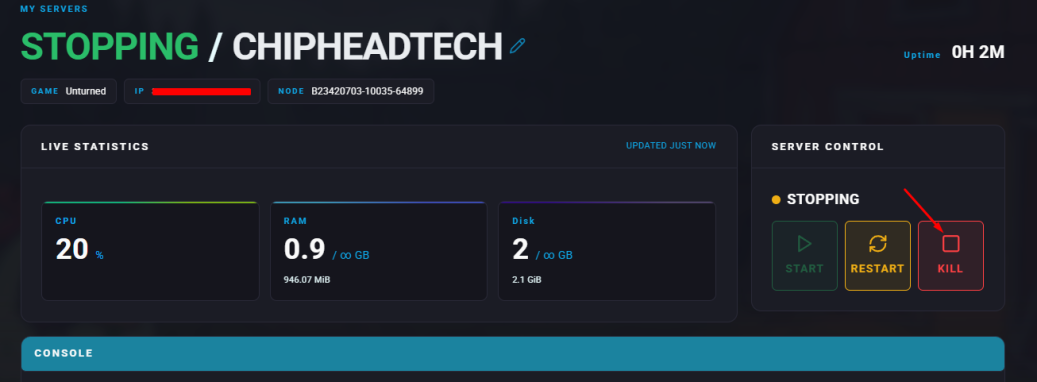
Stop the server.
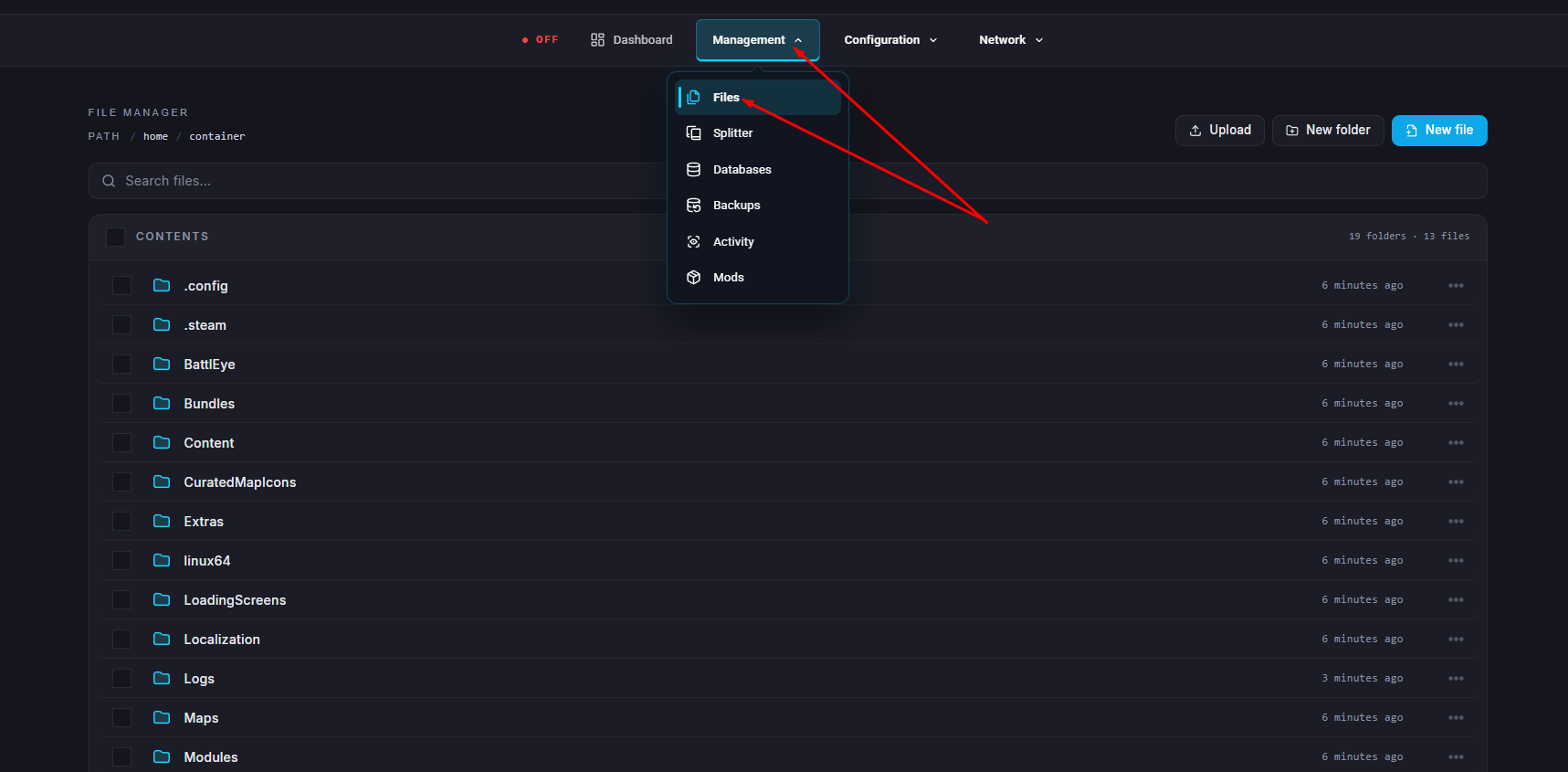
Go to the Files tab.
Navigate to the directory: /home/container/Servers/Default & Open the WorkshopDownloadConfig.json file.
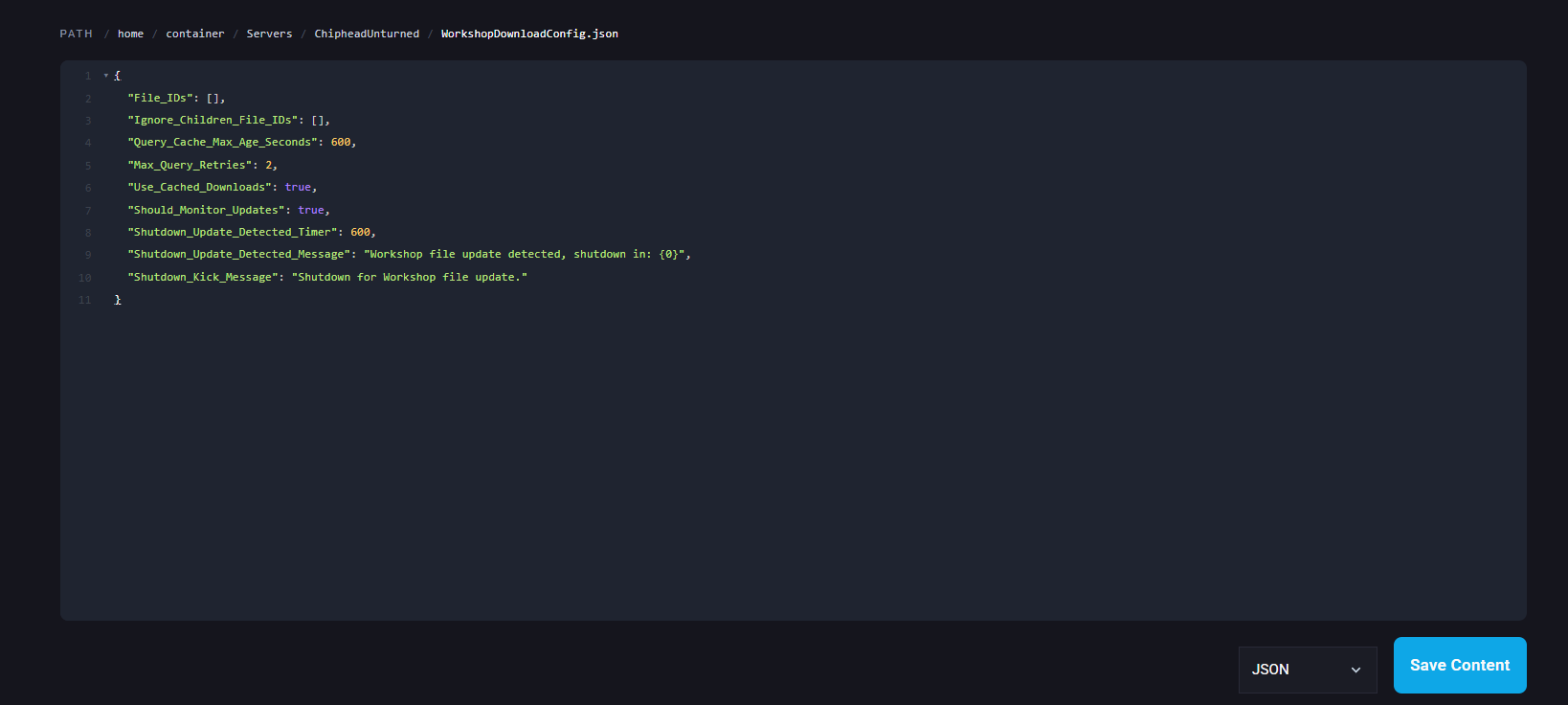
Add the Mod ID on a new line inside the brackets.
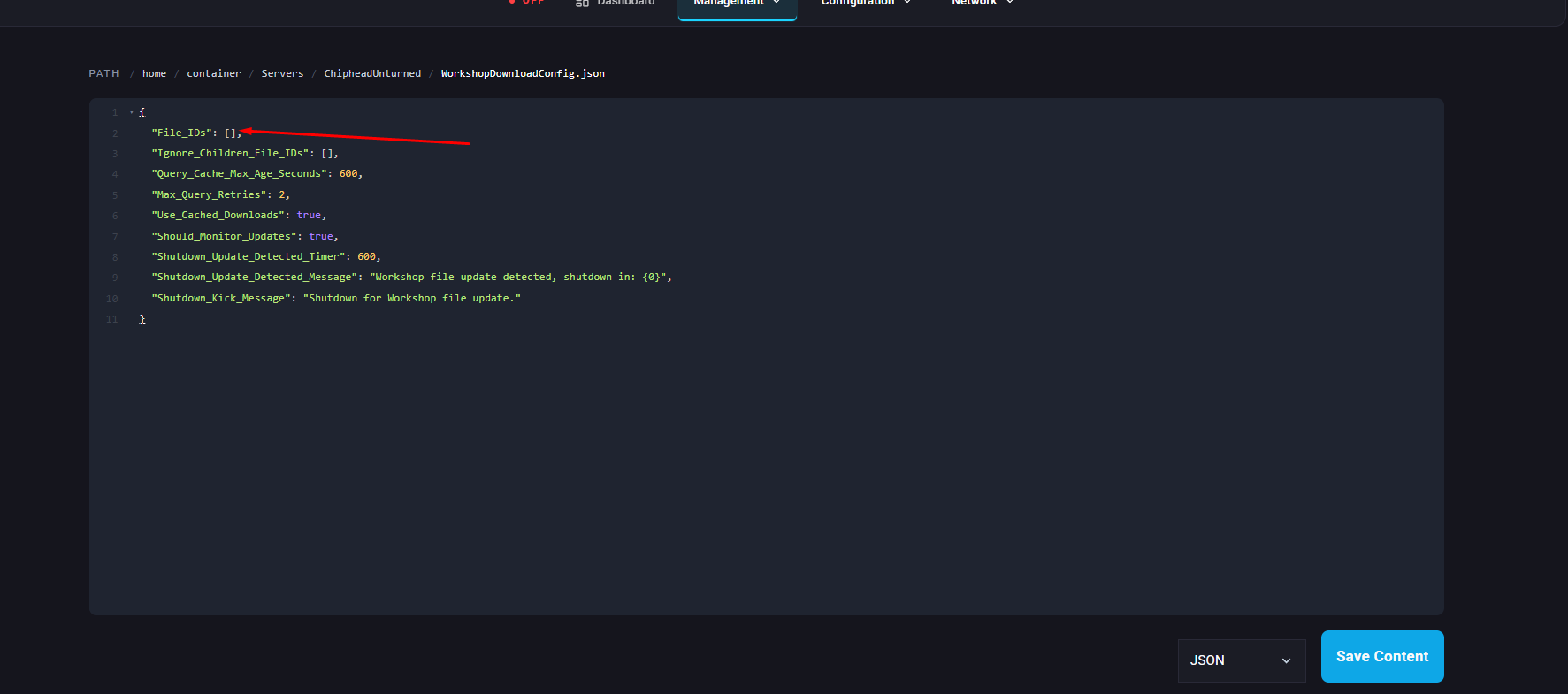

Click “Save Content” in the bottom right.
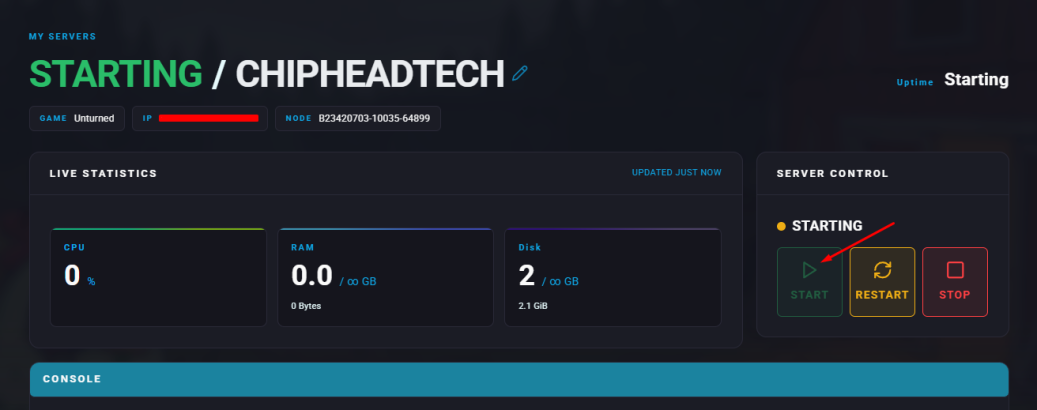
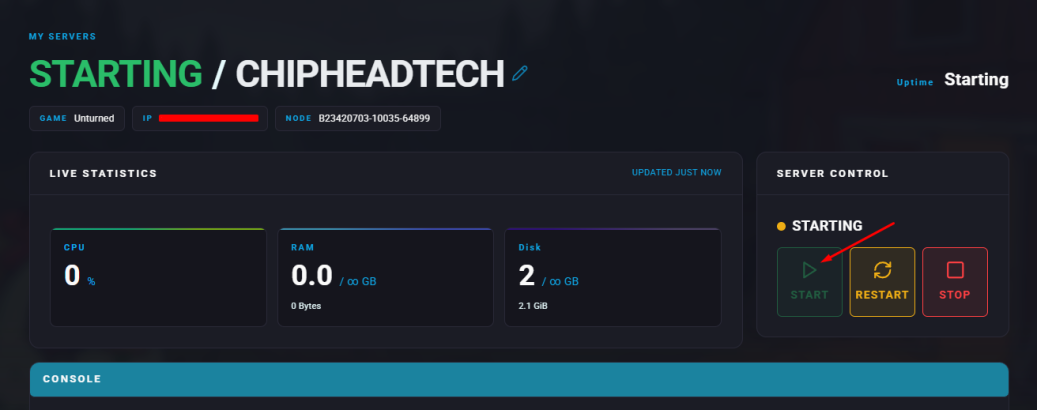
Start the server it will automatically download and install the map.
Log in to the ChipHead Panel.
Stop the server.
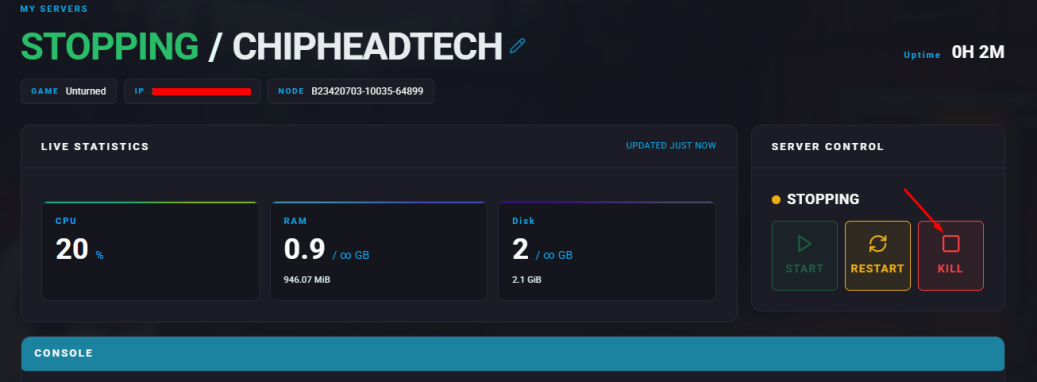
Go to the Files tab. & Navigate to: /home/container/Servers/Default/Server.
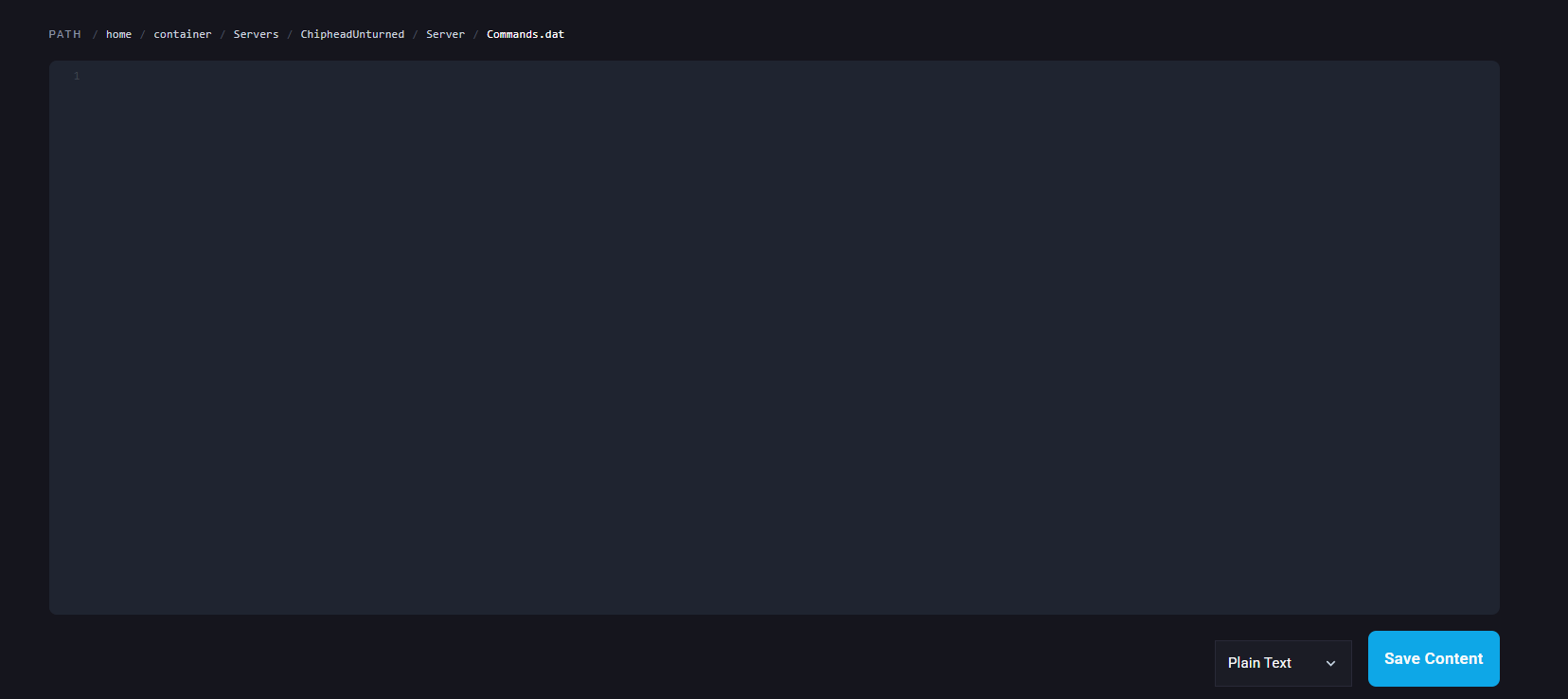
Inside Commands.dat file add this line: map [Map Name]
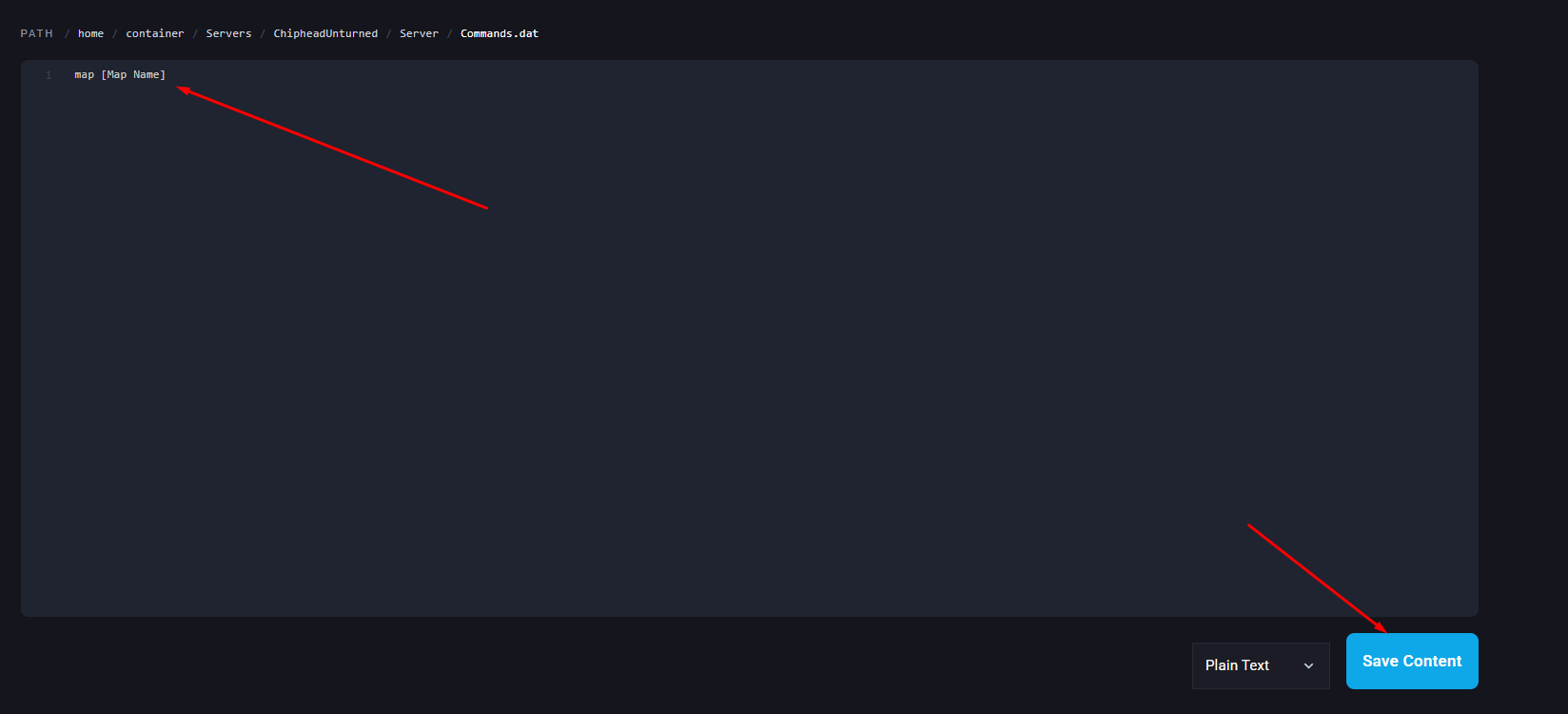
Click “Save Content” in the bottom right.
Start the server.