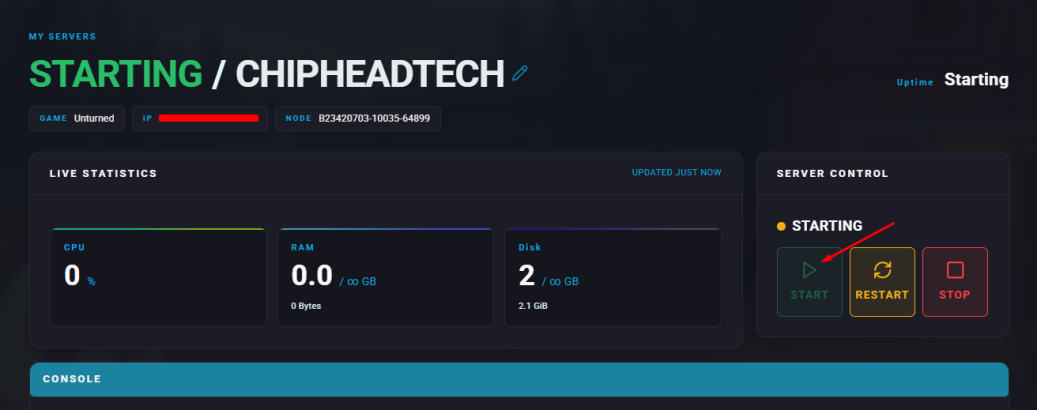
Summary
Unturned is a free-to-play sandbox survival game developed by Smartly Dressed Games. Players explore a post-apocalyptic world, scavenge for supplies, craft weapons, and build shelters. Server owners can make their Unturned servers public or private by adding a password. Through the ChipHead Panel, administrators can easily configure commands to enhance gameplay, including setting passwords or switching maps.
How to Add a Password to an Unturned Server
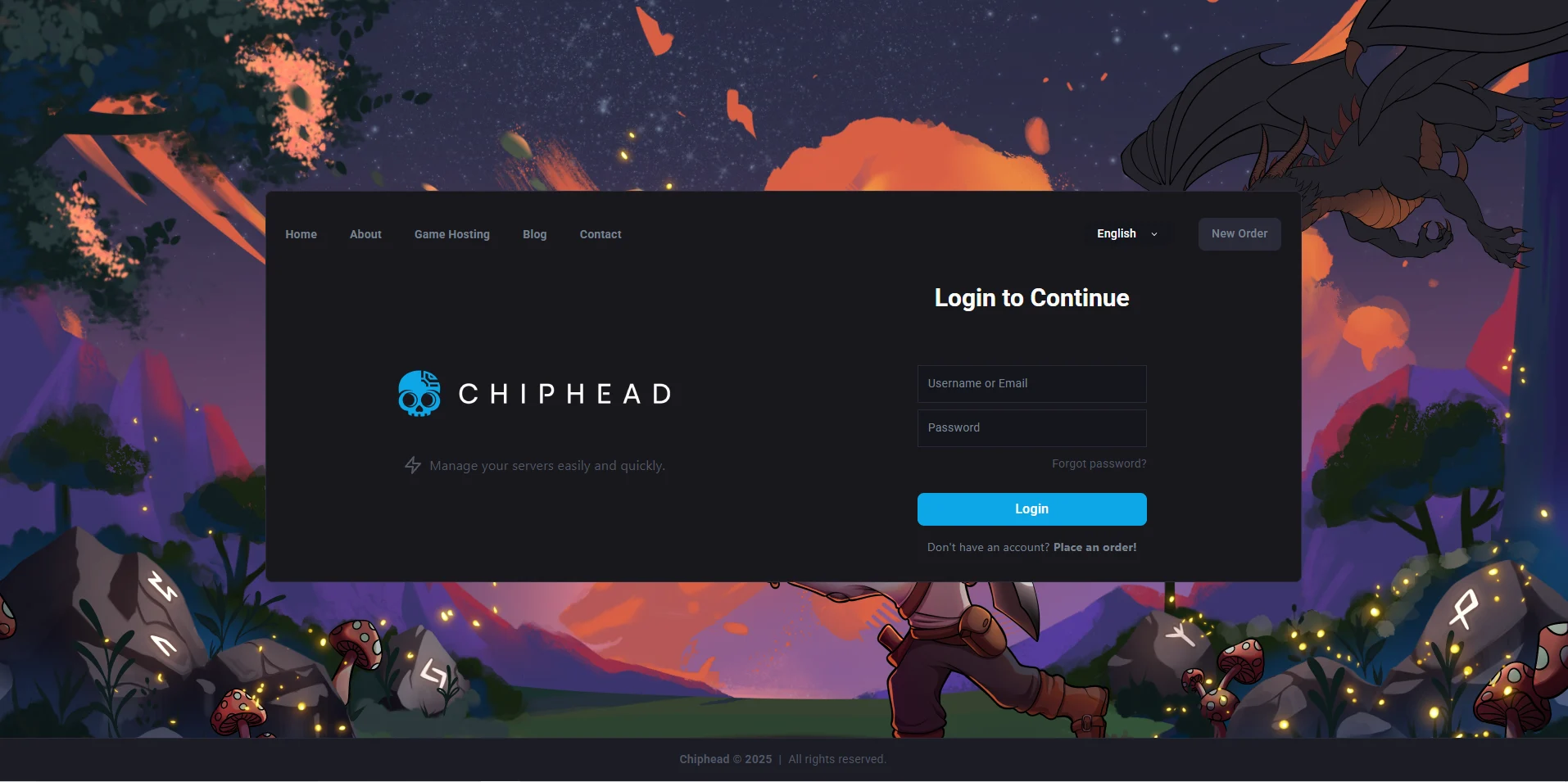
Log in to the ChipHead Panel.
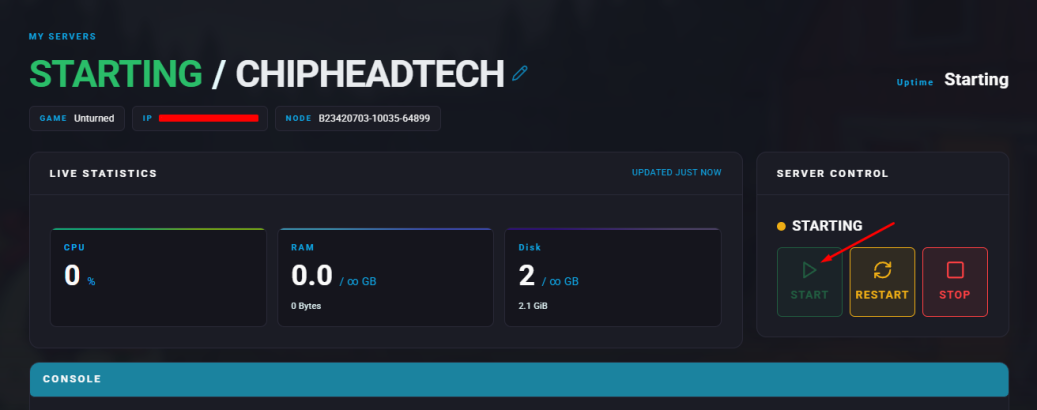
Stop the server.
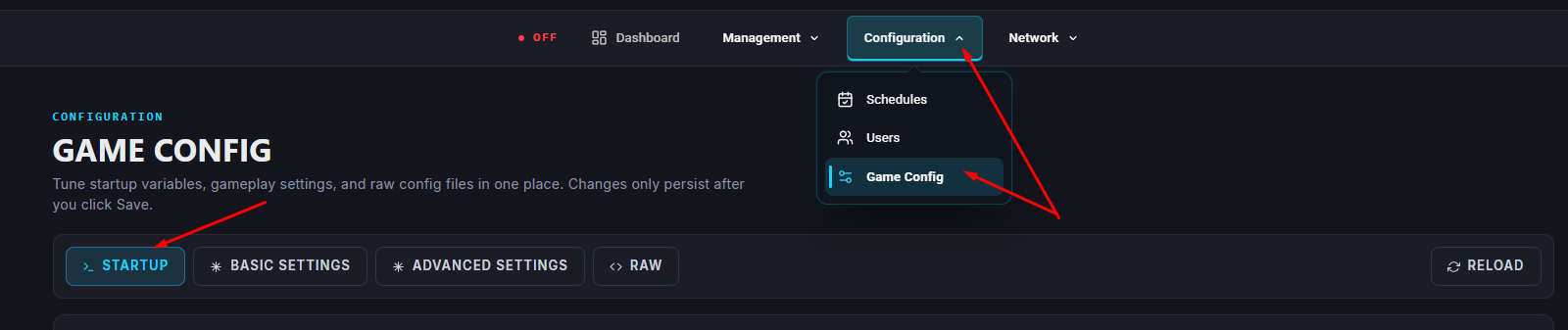
Go to “Startup”
Enter a password inside the “Server Password” field.
Start the server.