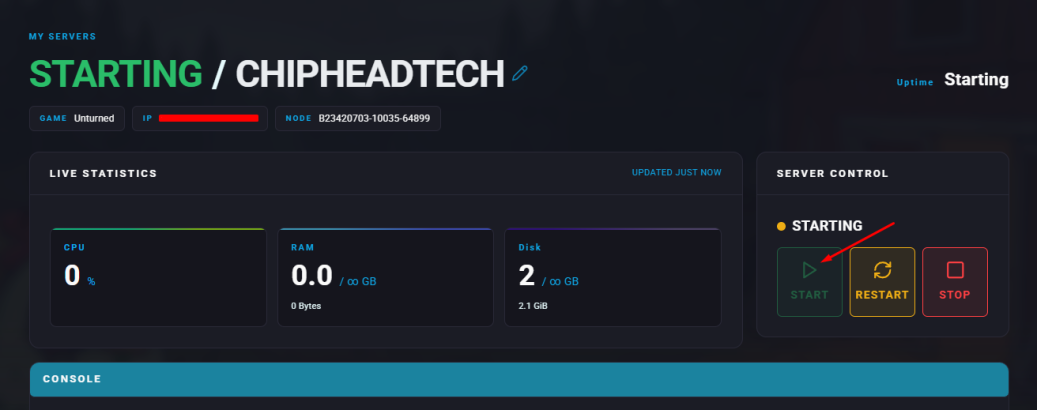
Summary
Unturned offers an open-world survival experience that is both challenging and rewarding. The game features extensive mod support, allowing players to create and use custom content that enhances gameplay. By adding mods, players can enjoy new items, vehicles, and custom maps made by the community.
How to Add Mods to an Unturned Server
Find the Mod ID in the Steam Workshop URL.
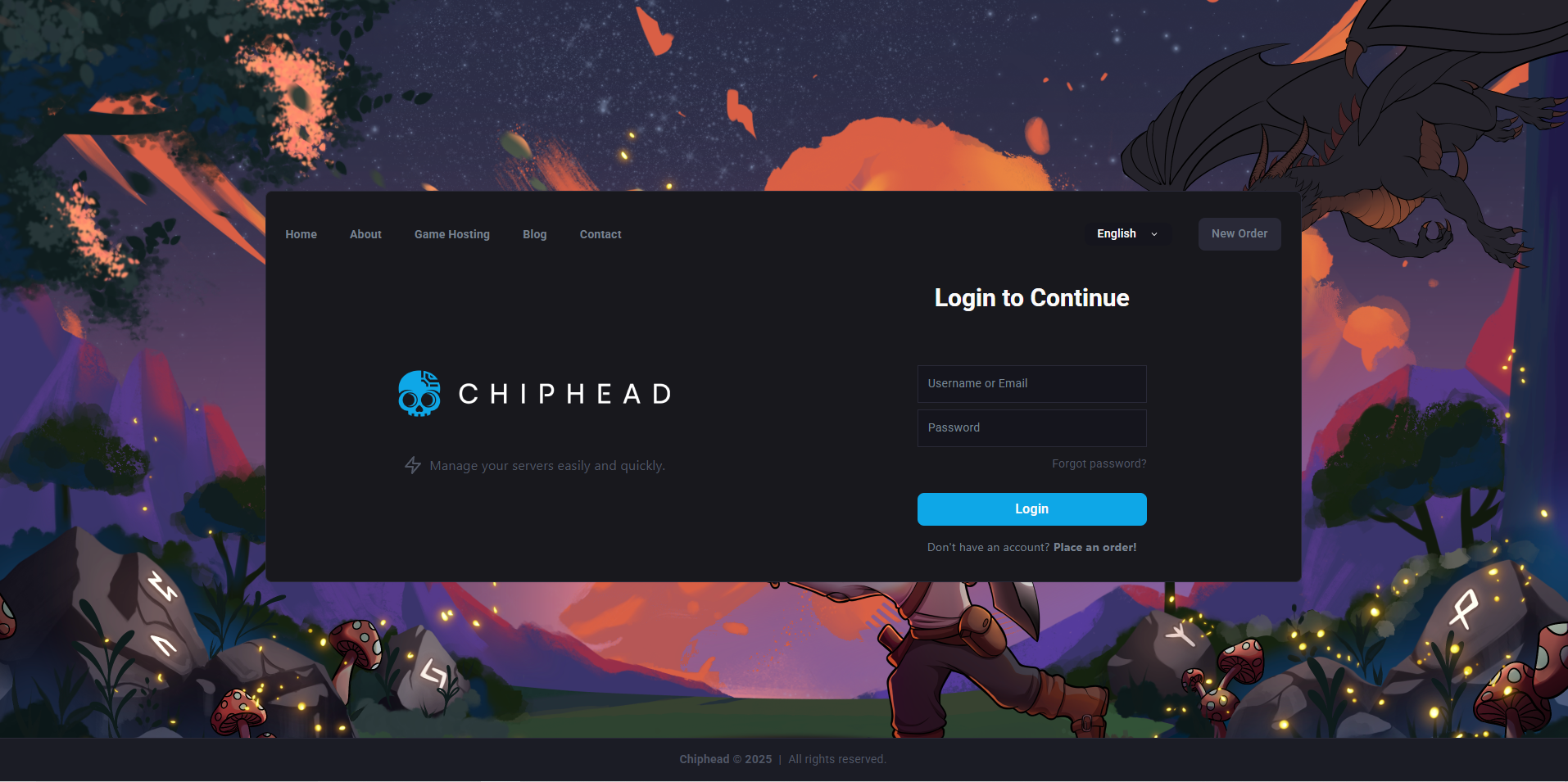
Log in to the ChipHead Panel.
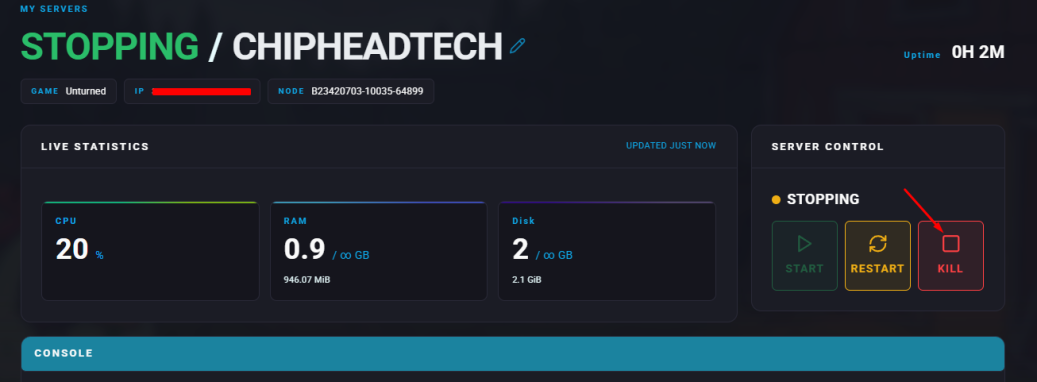
Stop your server.
Navigate to the Files tab.
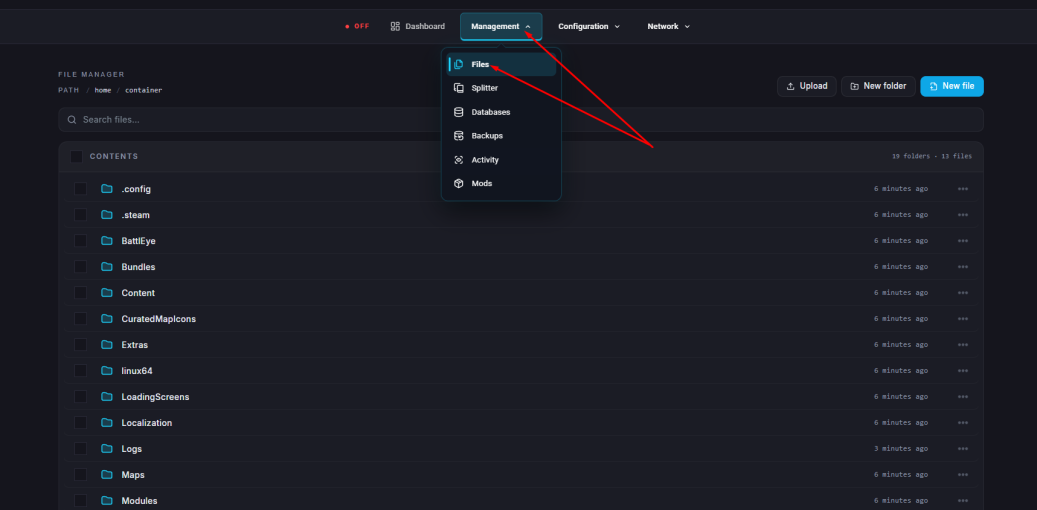
Locate this directory: /home/container/Servers/ChipheadUnturned
Open the WorkshopDownloadConfig.json file.
Inside the brackets next to "File_IDs", add the mod ID on a new line. Separate each additional mod ID with a new line and comma.
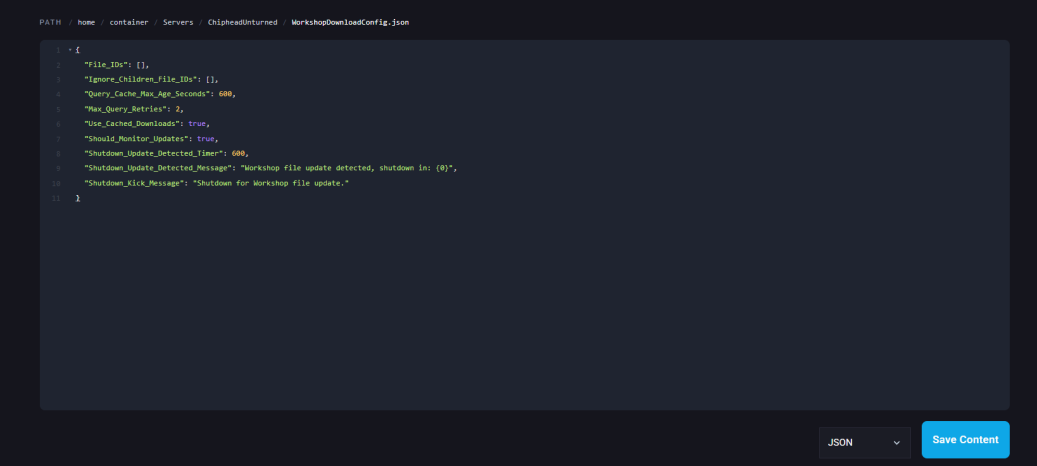
Click Save Content in the bottom right hand corner.
Start the server again.