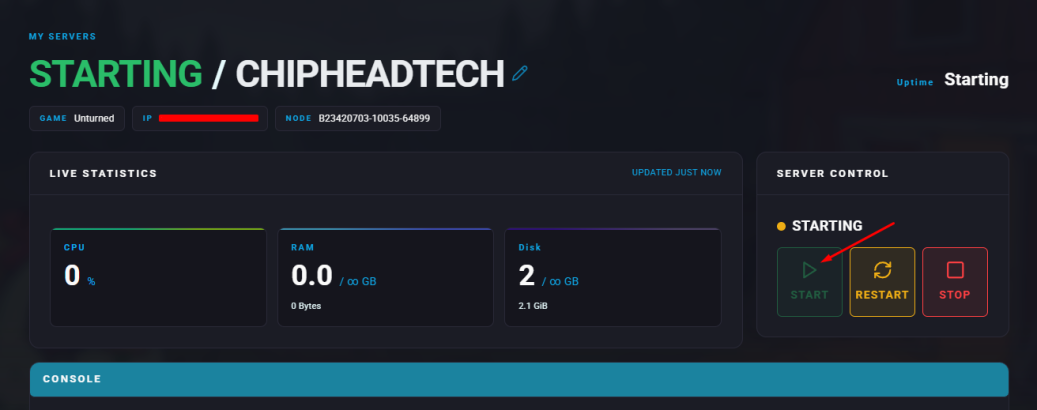
Summary
Unturned is a survival game with multiple difficulty settings that affect gameplay elements such as resource availability, environmental hazards, and zombie aggression. Players can select from Easy, Normal, or Hard modes. Easy mode offers abundant resources and less dangerous zombies, perfect for beginners. Normal mode provides a balanced experience, while Hard mode increases the challenge with scarce resources and more aggressive enemies.
How to Change the Difficulty on an Unturned Server
Log in to the ChipHead Panel.
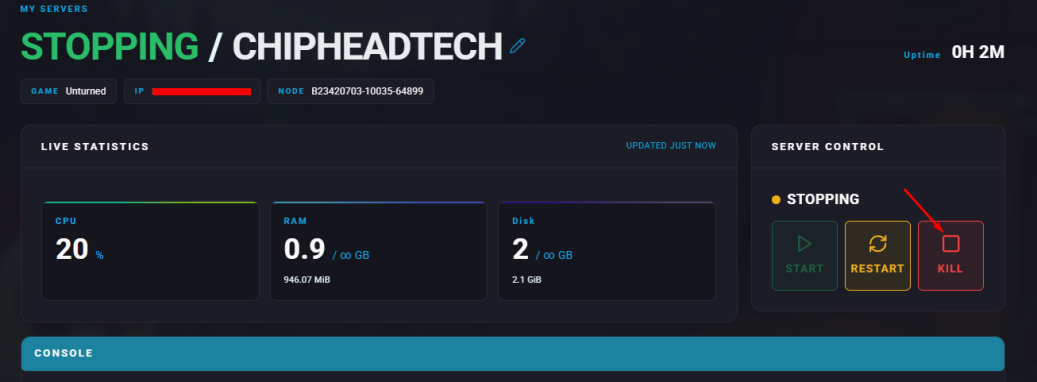
Stop your server.
Go to the Files tab & Navigate to the following directory: Servers
/ChipheadUnturned/Server/Commands.dat
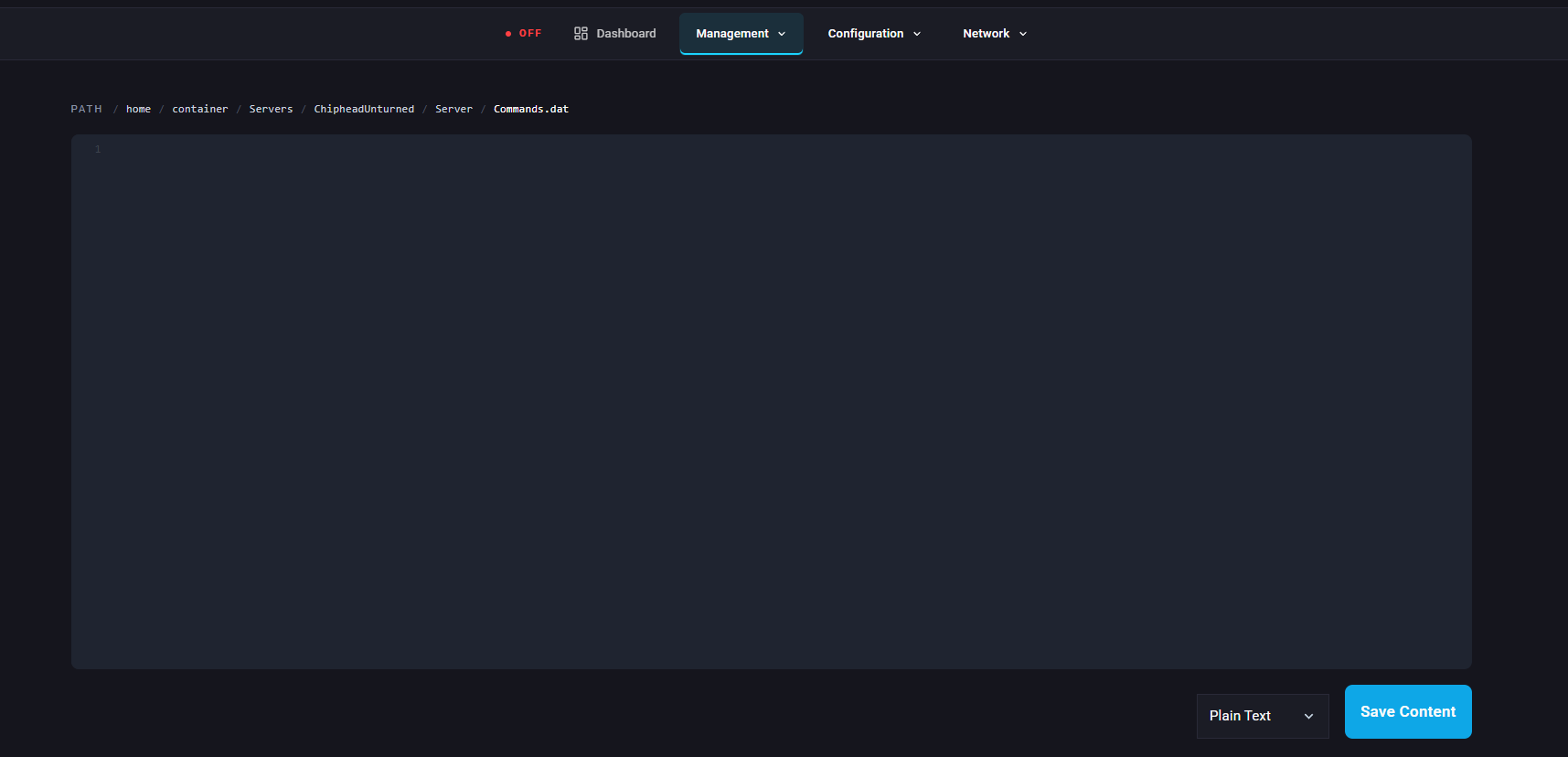
On a new line, enter: Mode [Difficulty] — replace [Difficulty] with Easy, Normal, or Hard.
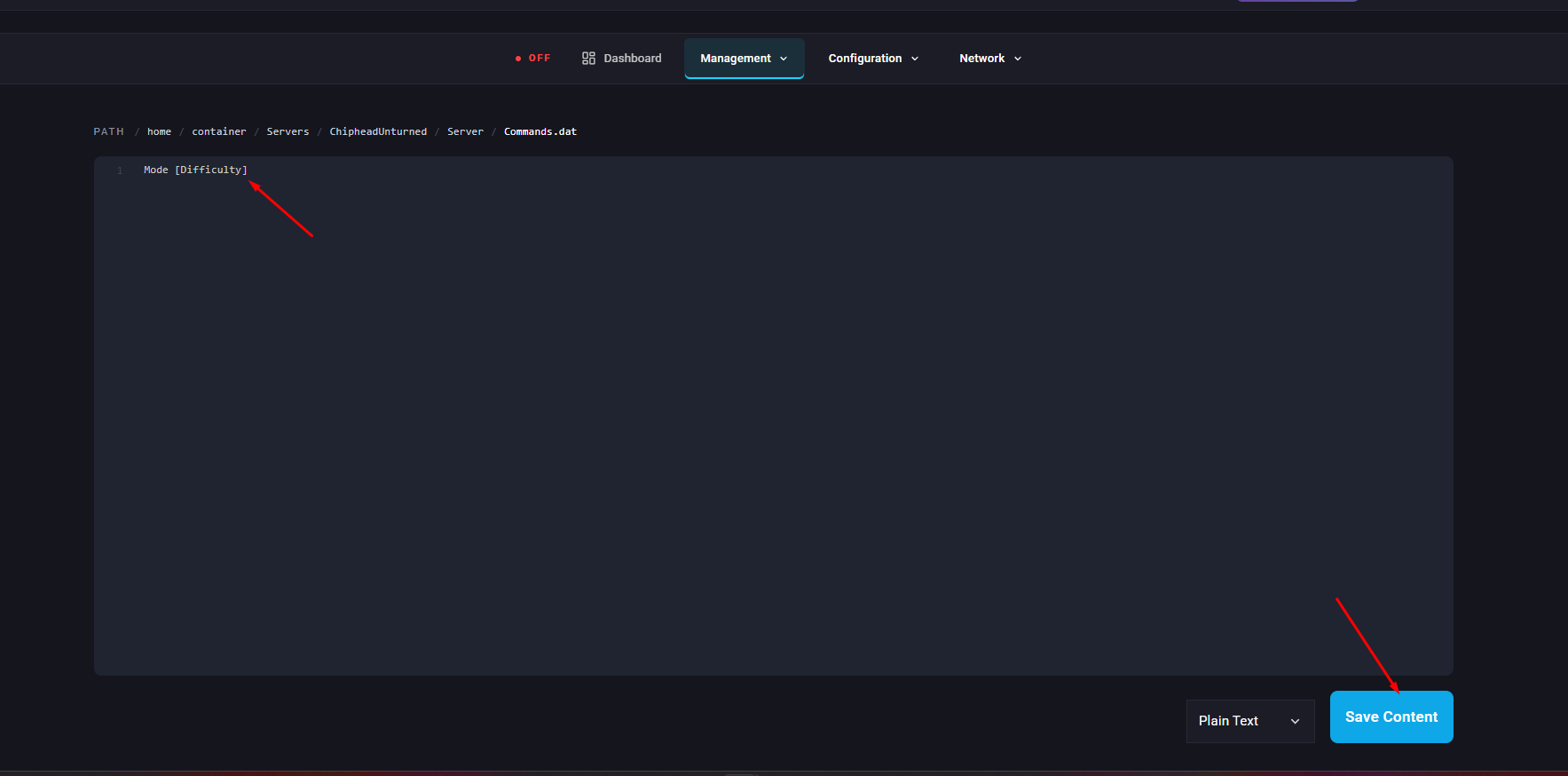
Click “Save Content” at the bottom right.
Start your server.