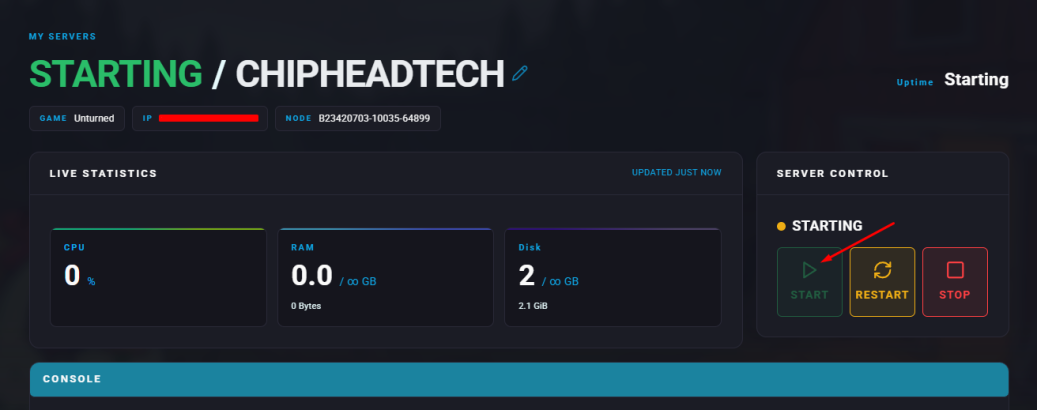
Summary
Unturned is a free-to-play sandbox survival game created by Smartly Dressed Games. Players explore a post-apocalyptic world where they can craft tools and weapons, scavenge for supplies, drive vehicles, and build bases. With frequent updates and a wide range of maps, Unturned offers diverse environments to explore from the frozen wilderness of Yukon to the lush landscapes of Germany.
How to Change the Map on an Unturned Server
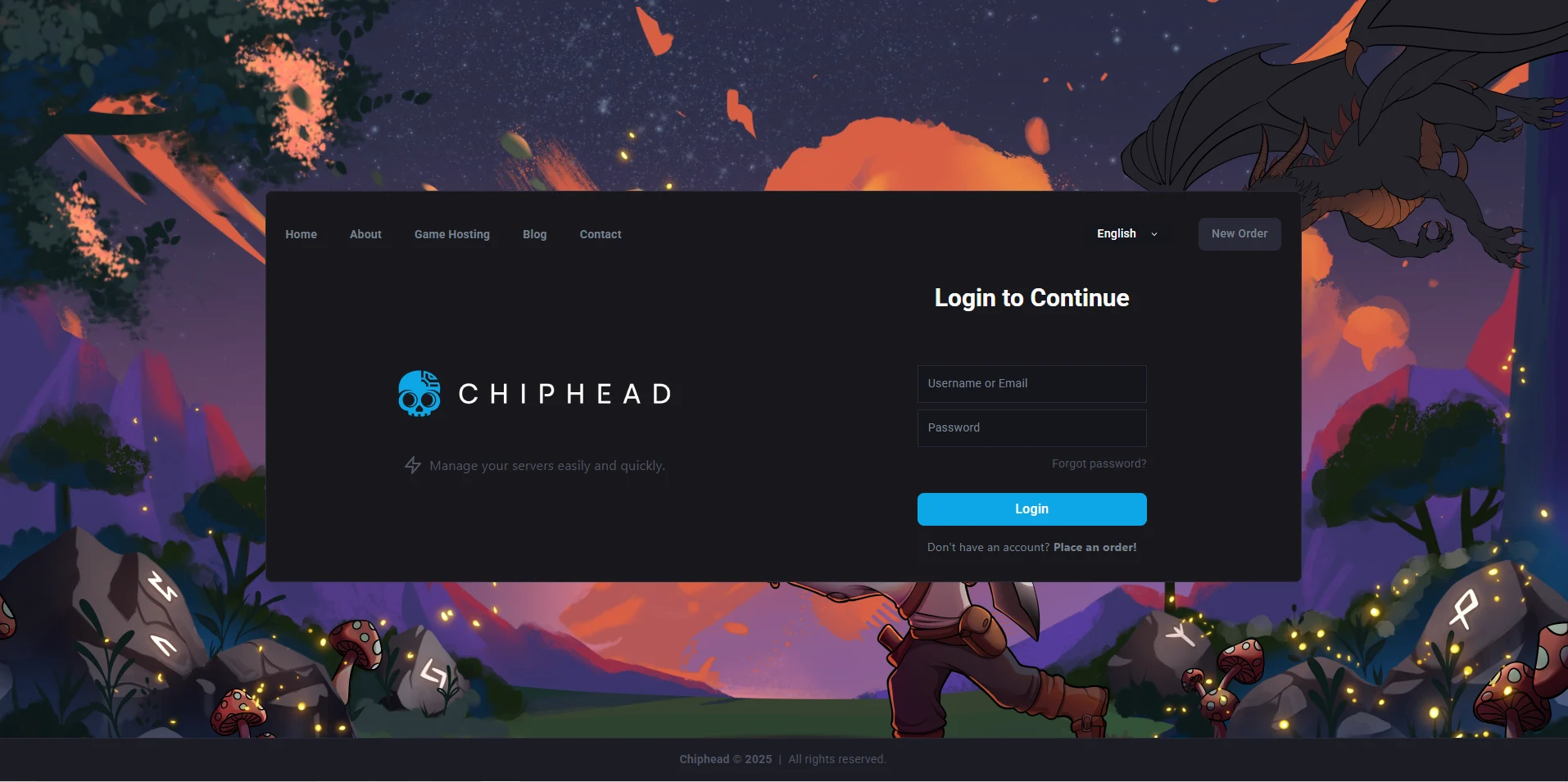
Log in to the ChipHead Panel.
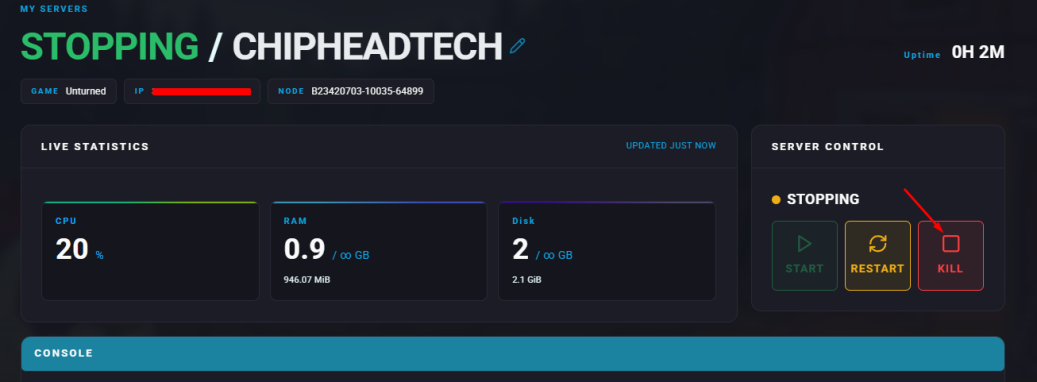
Stop your server.
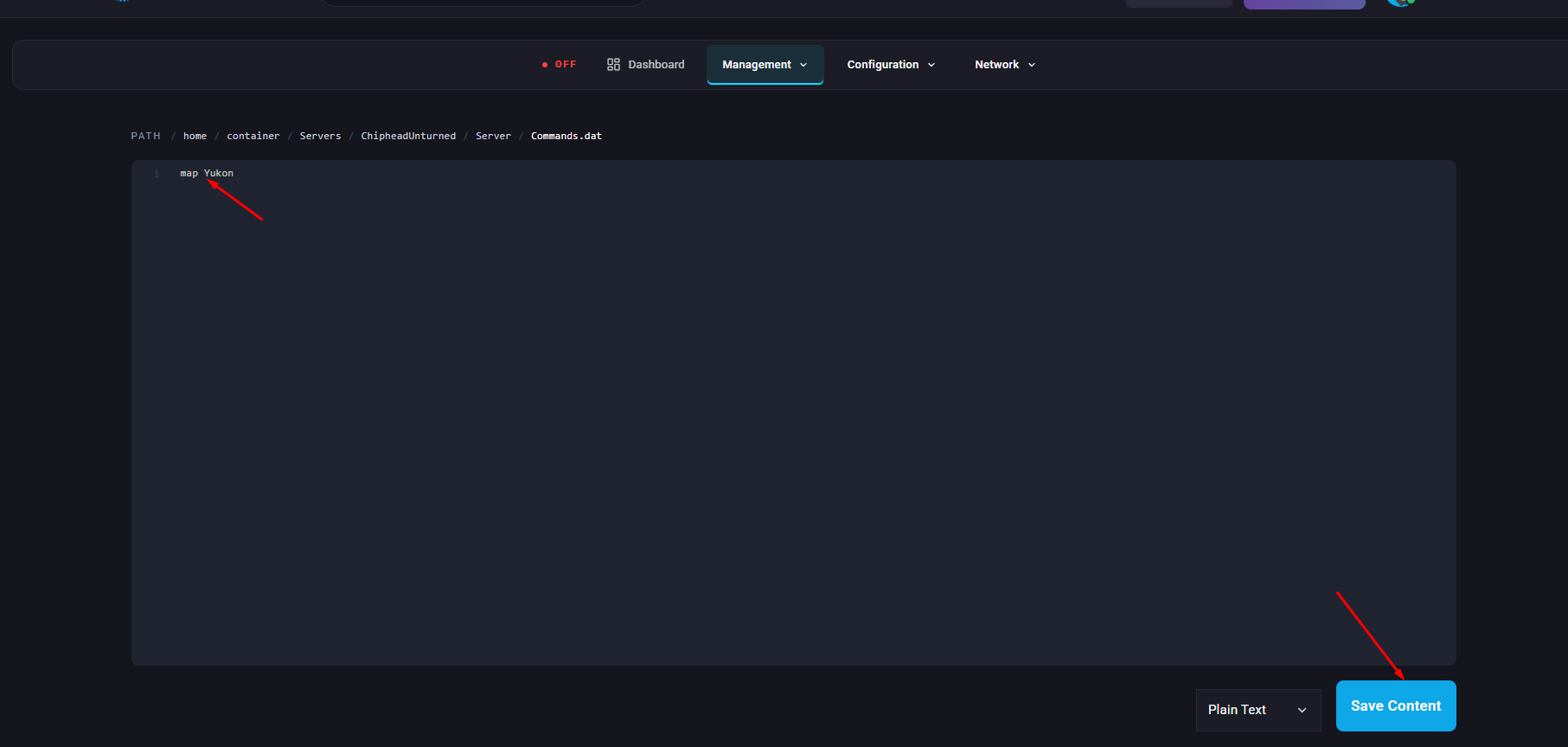
Go to the Files tab & Navigate to the following directory: Servers
/ChipheadUnturned/Server/Commands.dat
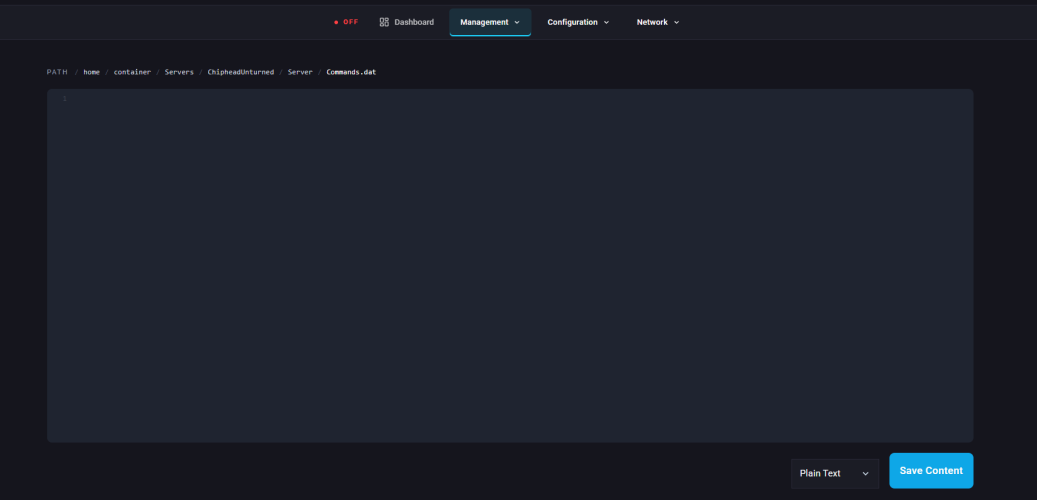
Open the Commands.dat file and add this line: map Yukon
Note: Replace “Yukon” with any official map name such as PEI, Washington, Yukon, Russia, or Hawaii. You can also download and use custom maps.
Click “Save Content” in the bottom right.
Start your server.