Summary
In Unturned, the server name acts as a unique label that helps players identify and join specific multiplayer worlds. Server owners often choose names that reflect their community, playstyle, or theme, making it easier for players to find a server that matches their interests. A well-chosen name can help your server stand out and attract more players.
How to Change the Server Name on an Unturned Server
Log in to the ChipHead Panel.
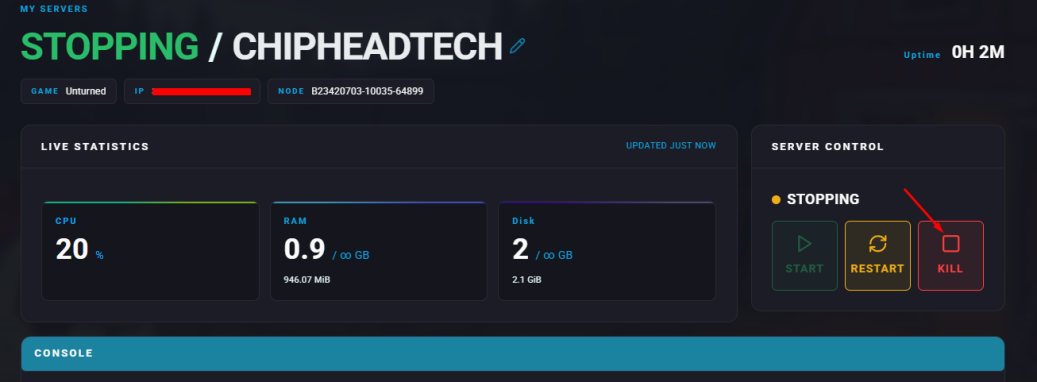
Stop your server.
Go to the Startup tab.
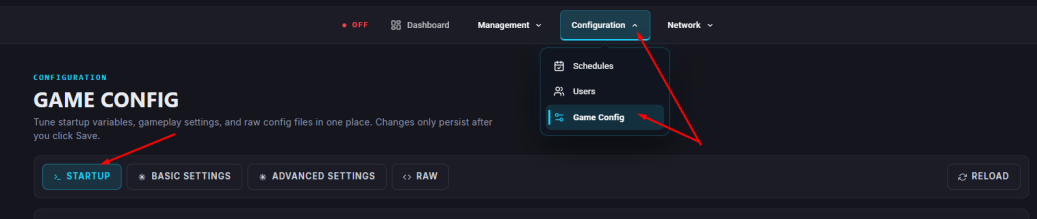
In the “Server Name” field, enter your desired name.
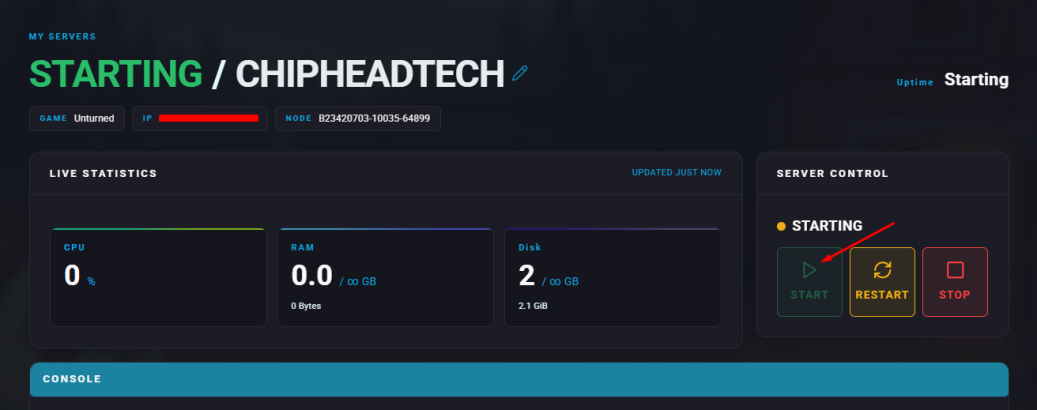
Start the server.