
Summary
Resetting your Unturned server helps fix persistent issues, glitches, or performance problems that may have developed over time. This process clears out corrupted or unnecessary data, giving you a clean slate for improved stability and smoother gameplay.
Note: Be sure to back up any important files locally before starting the reset.
How to Completely Reset an Unturned Server
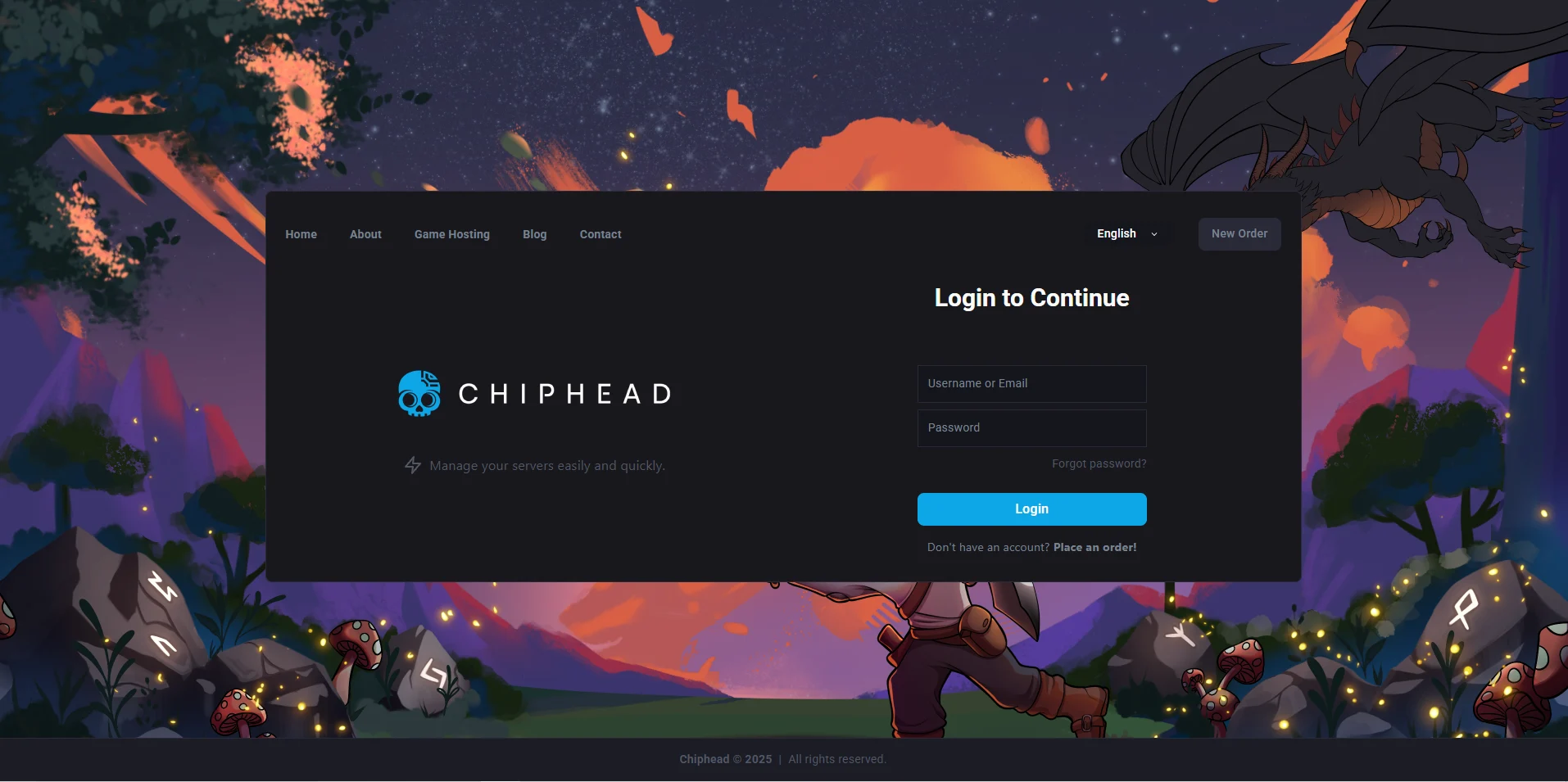
Log in to the ChipHead Panel.
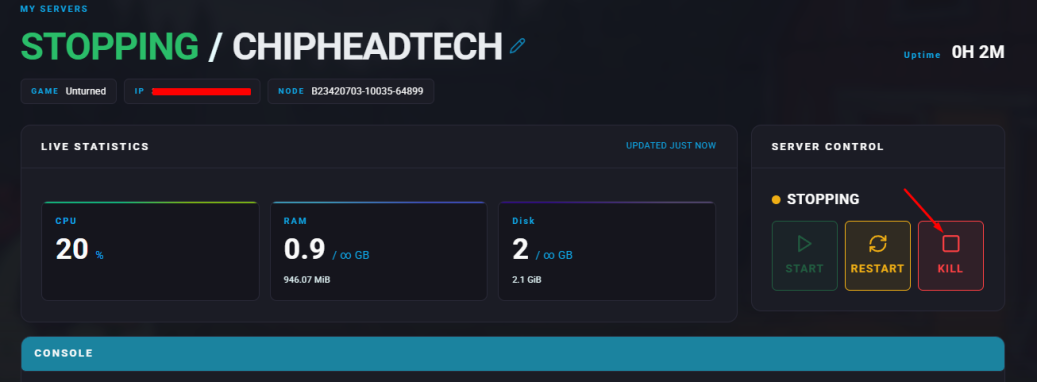
Stop your server.
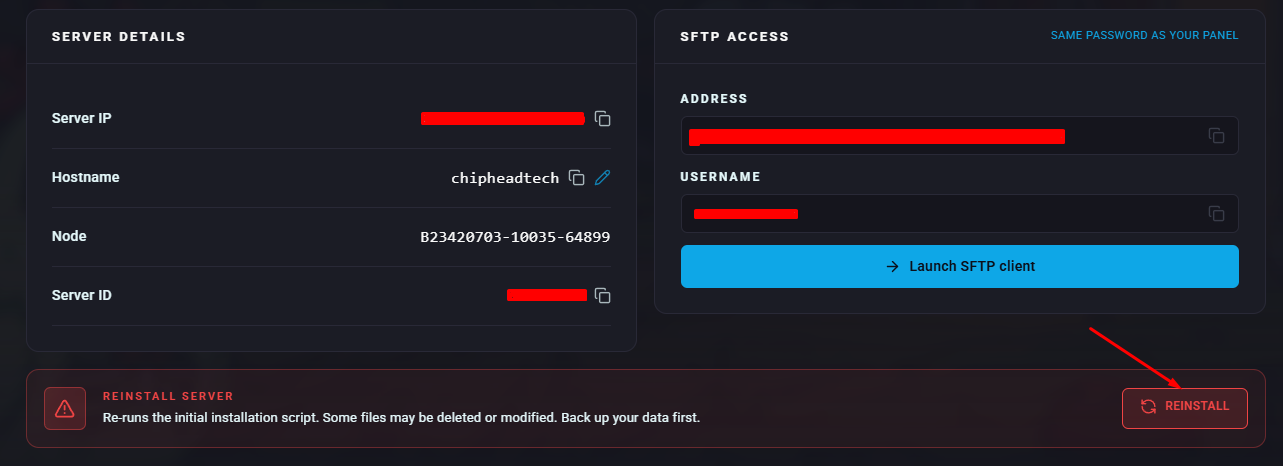
Navigate to “Dashboard” & scroll down to “Reinstall Server”
Confirm the popup

Your server will now Reinstall