Summary
In Unturned, Player versus Environment (PvE) mode centers on cooperation and teamwork rather than competition. Players work together to survive against zombies and other environmental threats without worrying about combat with other players. PvE servers are ideal for those who enjoy a more relaxed and collaborative survival experience in the game’s multiplayer world.
How to Disable PvP on an Unturned Server
Log in to the ChipHead Panel.
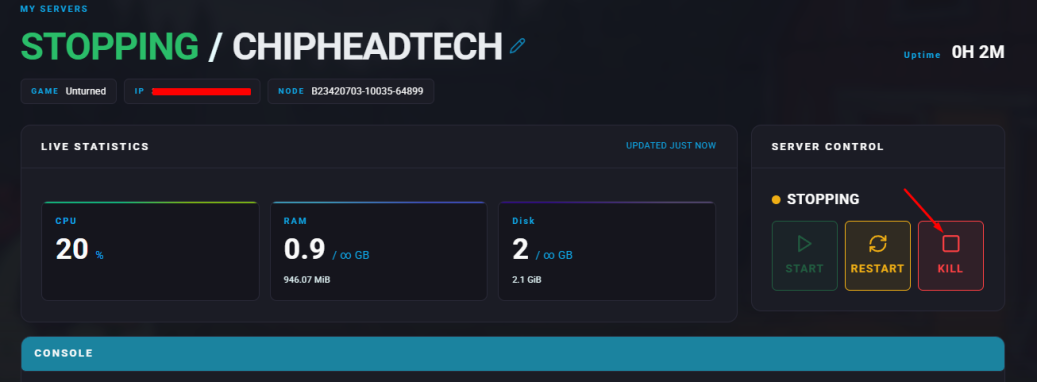
Stop your server.
Go to the Files tab & Navigate to the following directory: /home/container/Servers/Default/Server
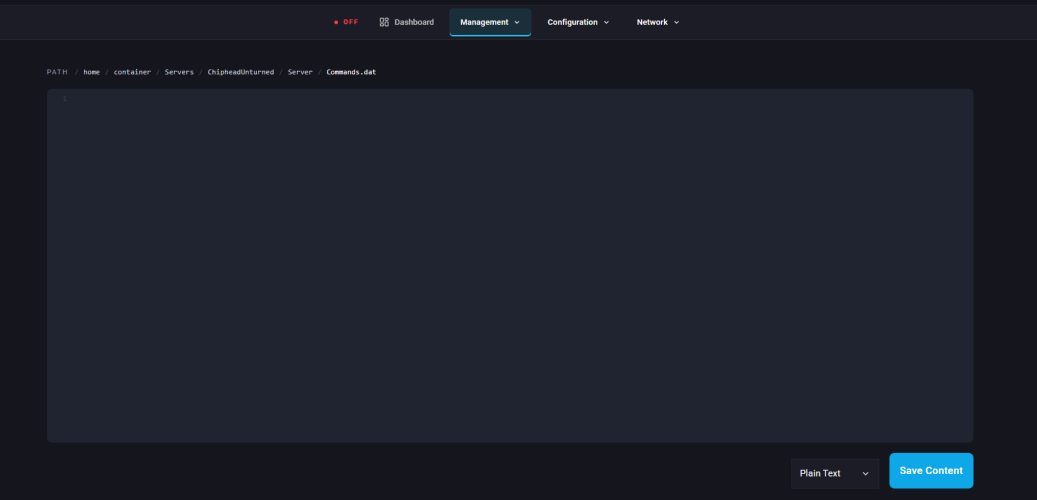
Add this line on a new line: pve
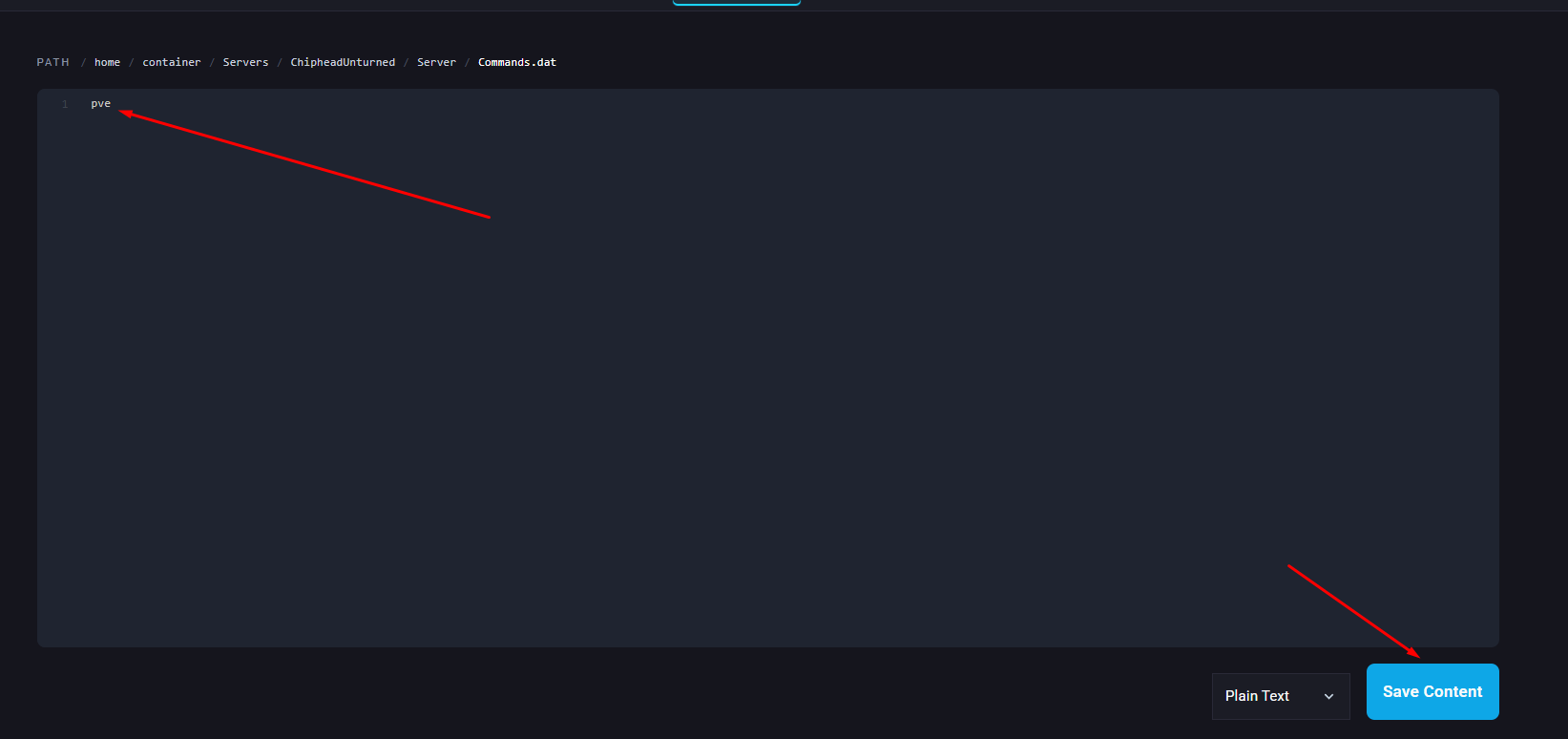
Click “Save Content” in the bottom right
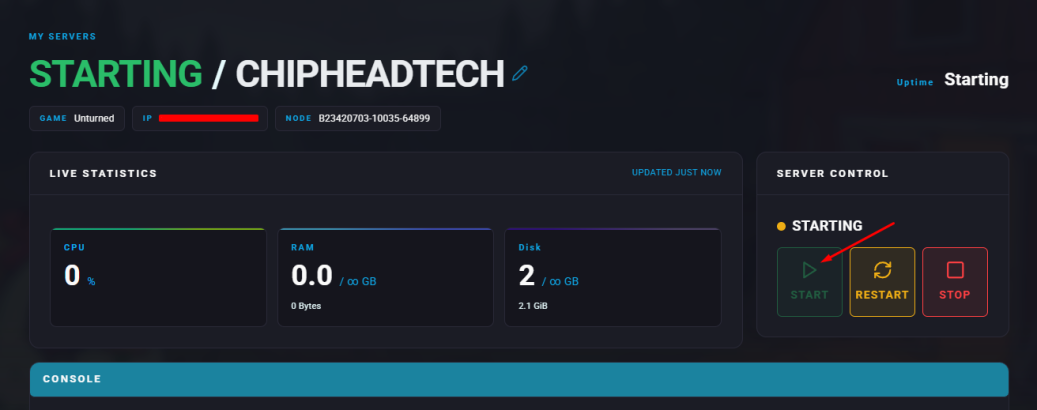
Start your server