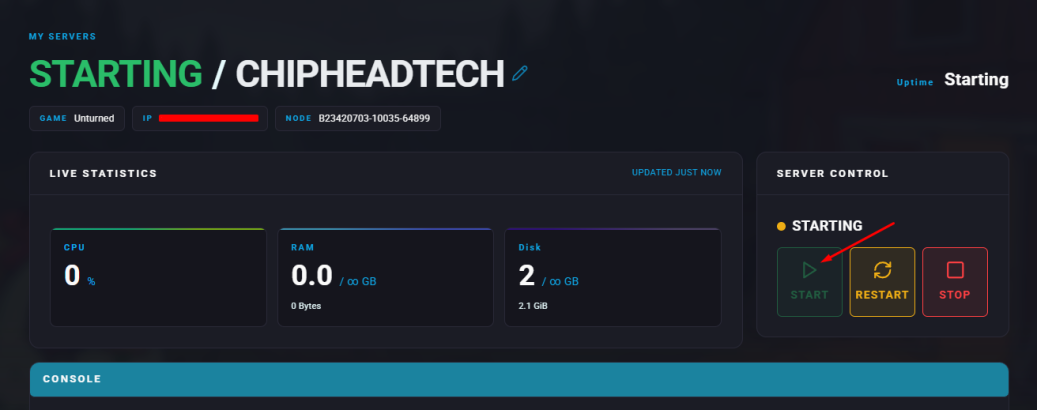
Summary
The auto-save feature on an Unturned server automatically records game progress at set intervals, helping prevent data loss from crashes or restarts. It saves player actions, world changes, and server configurations, ensuring a stable and reliable experience for everyone. Adjusting the auto-save frequency allows server owners to balance performance and data safety effectively.
How to Edit Auto-Save on an Unturned Server
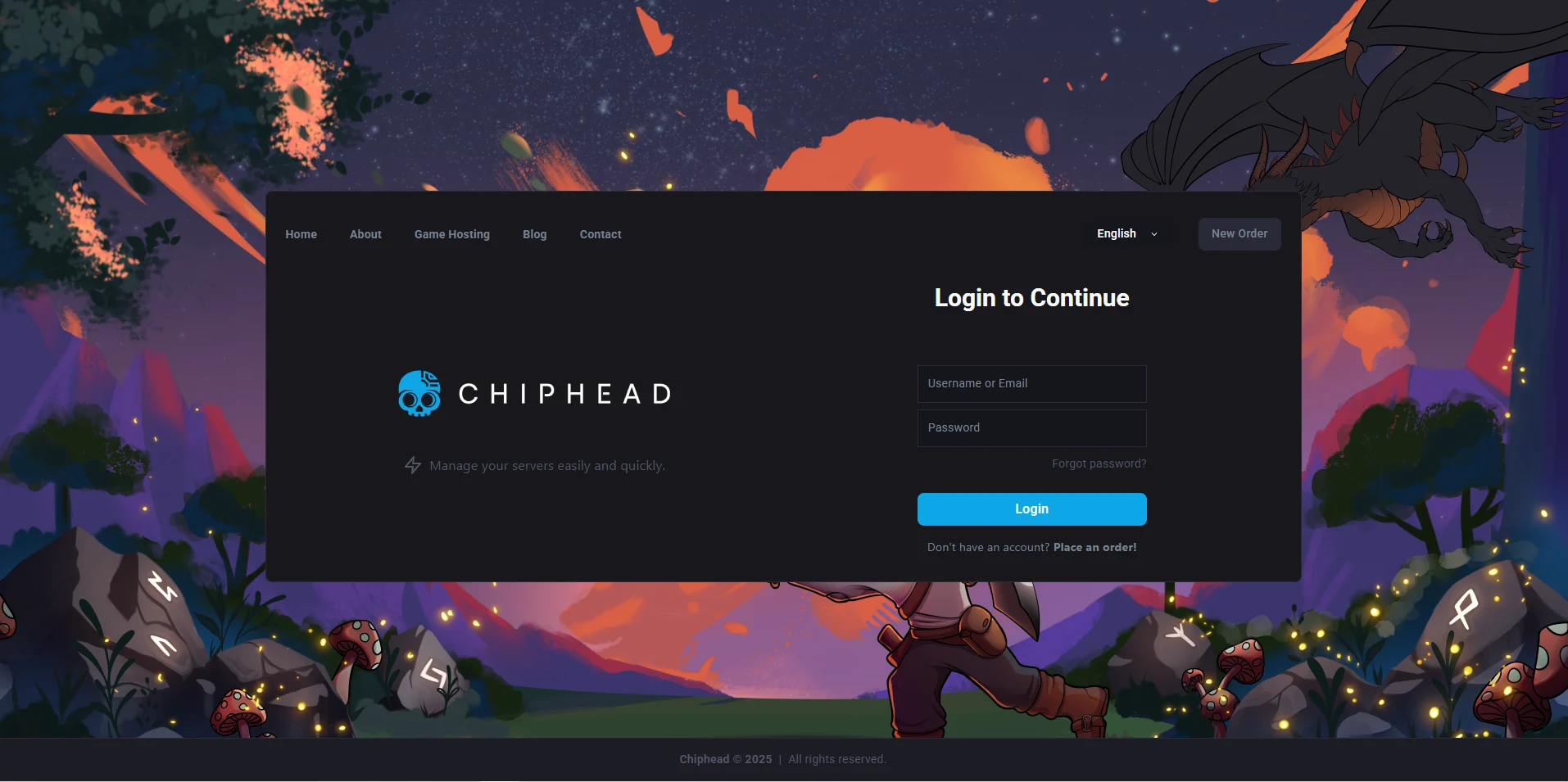
Log in to the ChipHead Panel.
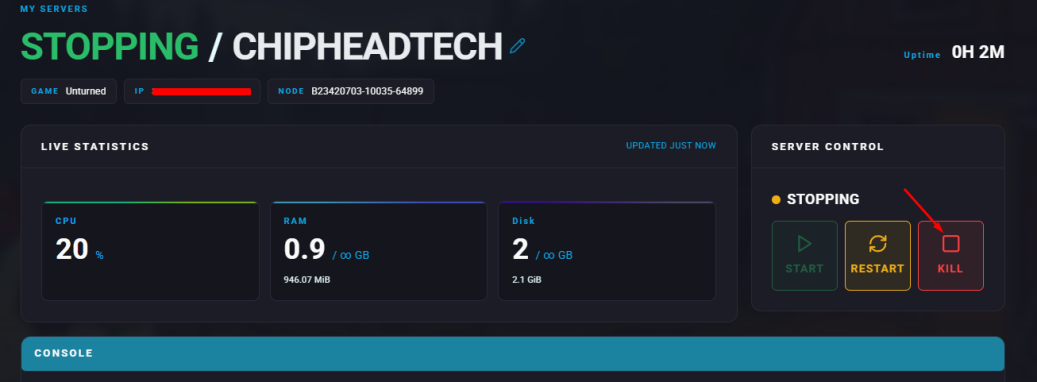
Stop your server.
Go to “Game Config” & Select “Rocket Unturned Config”

Locate the Automatic Save setting and adjust the Interval value “ <AutomaticSave Enabled="true" Interval="1800" />”
 The interval is measured in seconds.
Click “Save”.
Start your server.