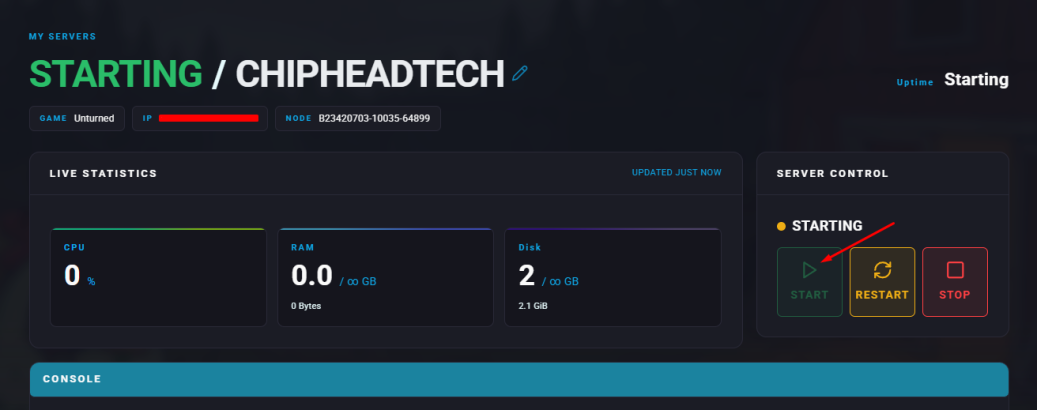
Editing your Unturned server settings allows you to customize and expand gameplay beyond the default options. By adjusting these settings, you can fine-tune how your server operates, define specific rules, and create unique gameplay experiences. This flexibility lets you craft anything from cooperative survival challenges to creative, custom-made worlds.
Note: Learn how to find a player’s SteamID here.
Log in to the ChipHead Panel.
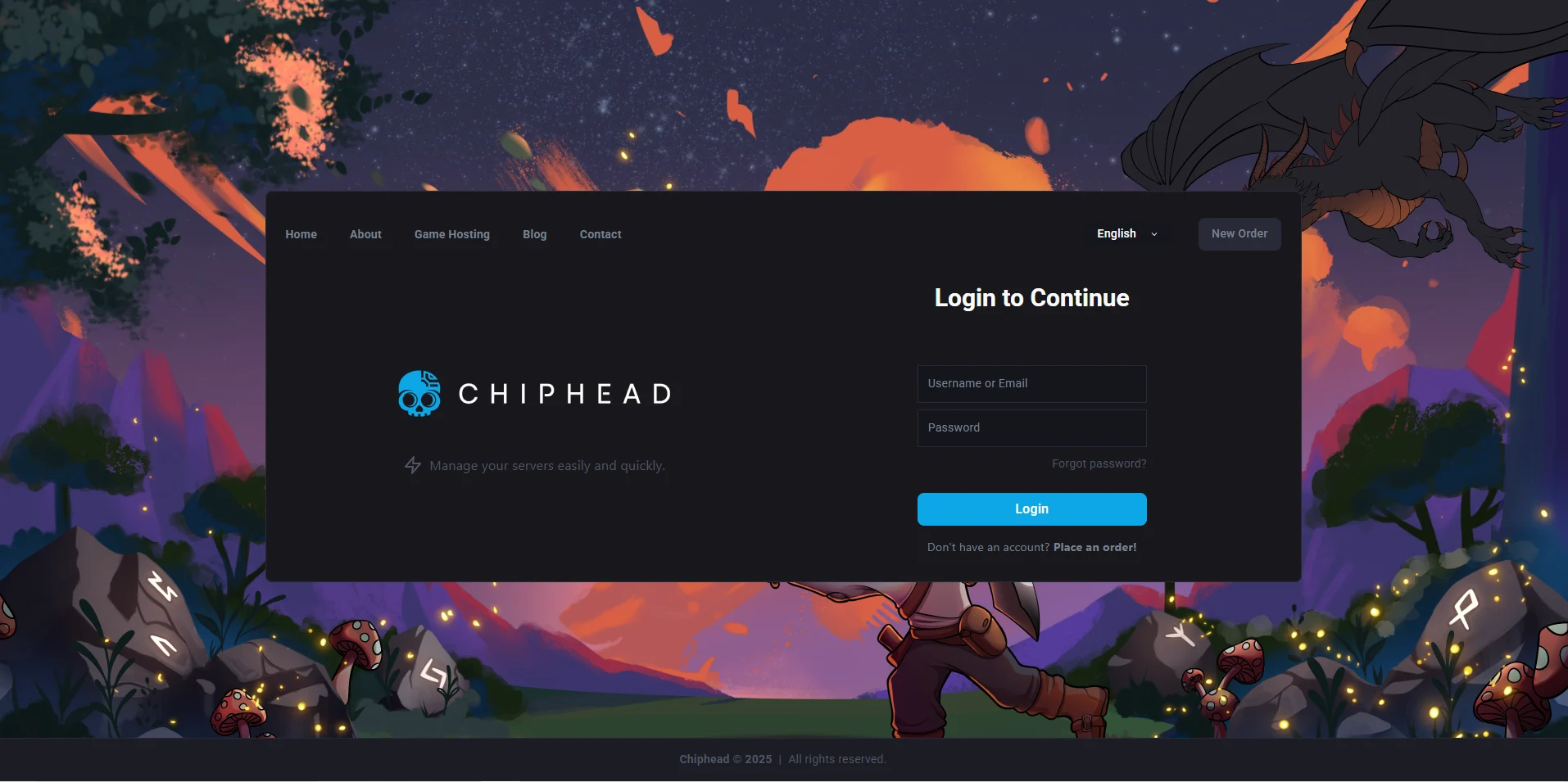
Stop your server.
Go to the Files tab & Navigate to the following directory: /ChipheadUnturned/Server/Commands.dat
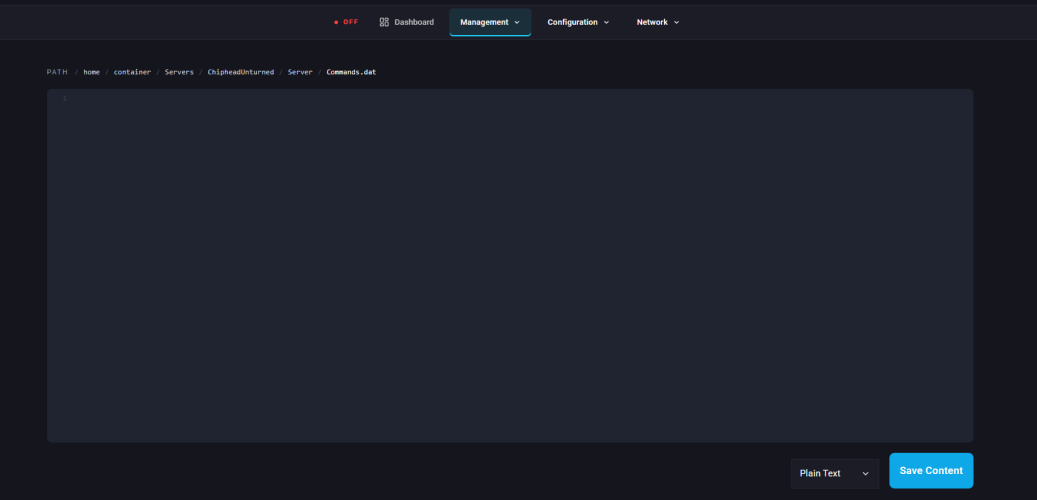
Open the Commands.dat file for editing.
Enter your preferred settings, placing each command on a new line.
Admin [SteamID] | Grants admin access to a specific player. | Admin 1234567890 |
Perspective [First | Third | Both |
Chatrate [Number] | Sets the delay between chat messages in seconds. | Chatrate 100 |
Cheats [Enabled | Disabled] | Enables or disables cheats on the server. |
Cycle [Number] | Sets the day/night cycle length in seconds. | Cycle 100 |
Decay [Number] | Controls structure and barrier decay in seconds (set 0 to disable). | Decay 0 |
Filter | Enables old name filtering, restricting non-English-alphanumeric names. | Filter |
Gold | Restricts the server to Gold players only. | Gold |
Hide_Admins | Makes admins appear as normal players. | Hide_Admins |
Loadout [SkillsetID]/[ItemID]/[ItemID]/... | Sets the player loadout using Skillset and Item IDs. | Loadout 1/233/234/241 |
Log [Chat]/[Join/Leave]/[Death]/[Anticheat] | Configures server logging options (Y for yes, N for no). | Log Y/Y/Y/N |
Map [Level Name] | Sets the server map. | Map Greece |
MaxPlayers [Number] | Sets the maximum number of players allowed. | MaxPlayers 10 |
Mode [Easy | Normal | Hard] |
Name [Text] | Sets the server’s name (max 50 characters). | Name My Server |
Owner [SteamID] | Assigns the server owner. | Owner 1234567890 |
Password [Text] | Sets a password for the server. | Password ChipHead |
PvE | Disables player-versus-player combat. | PvE |
Queue_Size [Number] | Sets the maximum number of queued players. | Queue_Size 10 |
Sync | Enables shared player data between servers. | Sync |
Time [Number] | Adjusts the day/night cycle length in seconds. | Time 600 |
Timeout [Number] | Defines the maximum ping before a player times out. | Timeout 300 |
Weather [None | Storm | Blizzard] |
Welcome [Text]/[R]/[G]/[B] | Displays a custom welcome message with color settings. | Welcome Hello there!/255/0/0 |
Whitelisted | Enables the whitelist feature. | Whitelisted |
Click “Save Content” in the bottom-right corner.
Start your server.