Summary
Unturned is a sandbox survival game created by Nelson Sexton, set in a post-apocalyptic world overrun by zombies. Players must gather resources, build shelters, and fend off the undead to survive. For server admins, enabling cheats allows access to powerful tools such as spawning items or vehicles, teleporting, and flying. Cheats can also be used to adjust gameplay settings like damage, weather, or time.
How to Enable Cheats on an Unturned Server
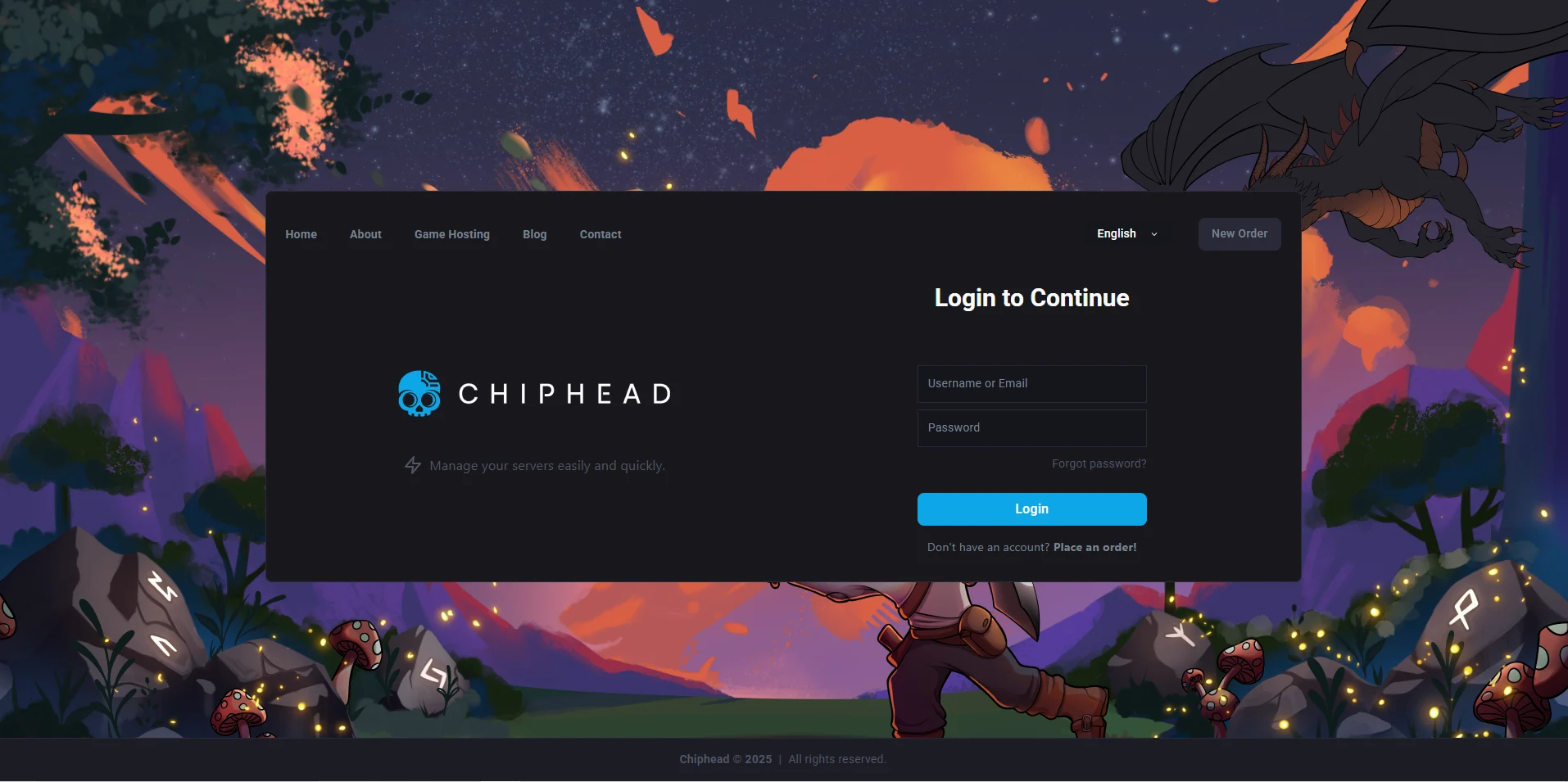
Log in to the ChipHead Panel.
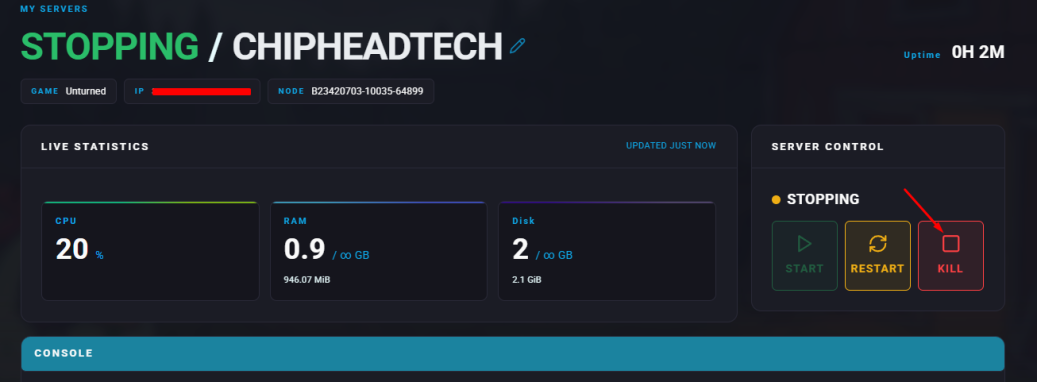
Stop your server.
Go to the Files tab.
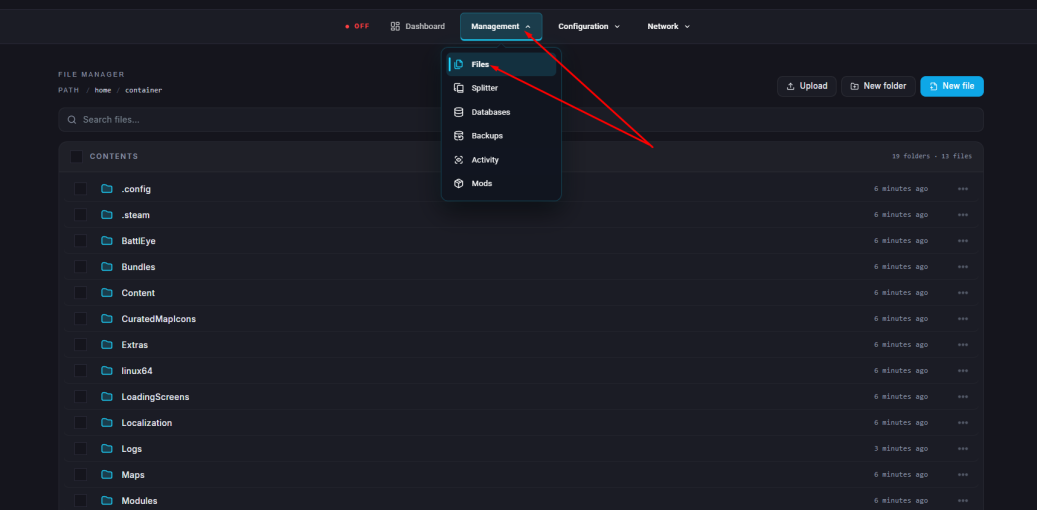
Navigate to the following directory: /ChipheadUnturned/Server/Commands.dat & Open the Commands.dat file.
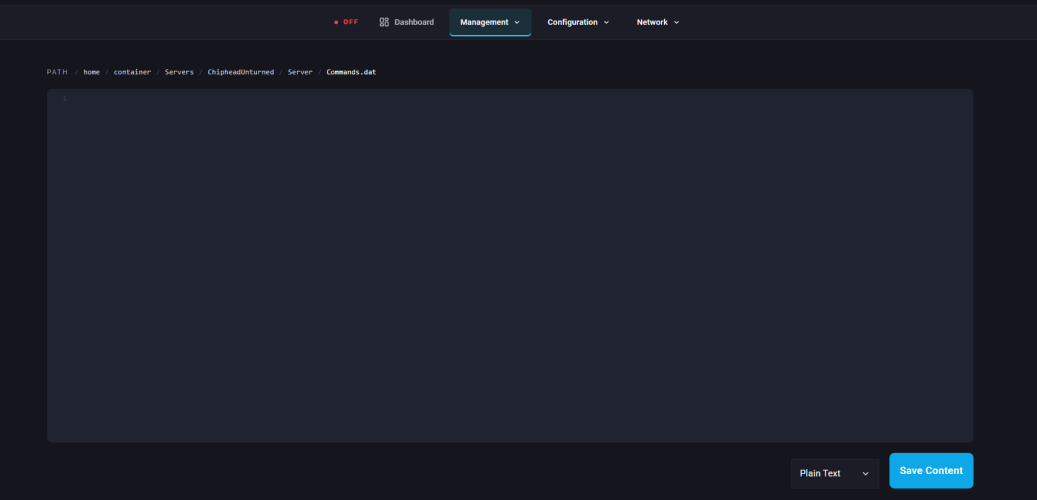
Add this line: cheats enabled
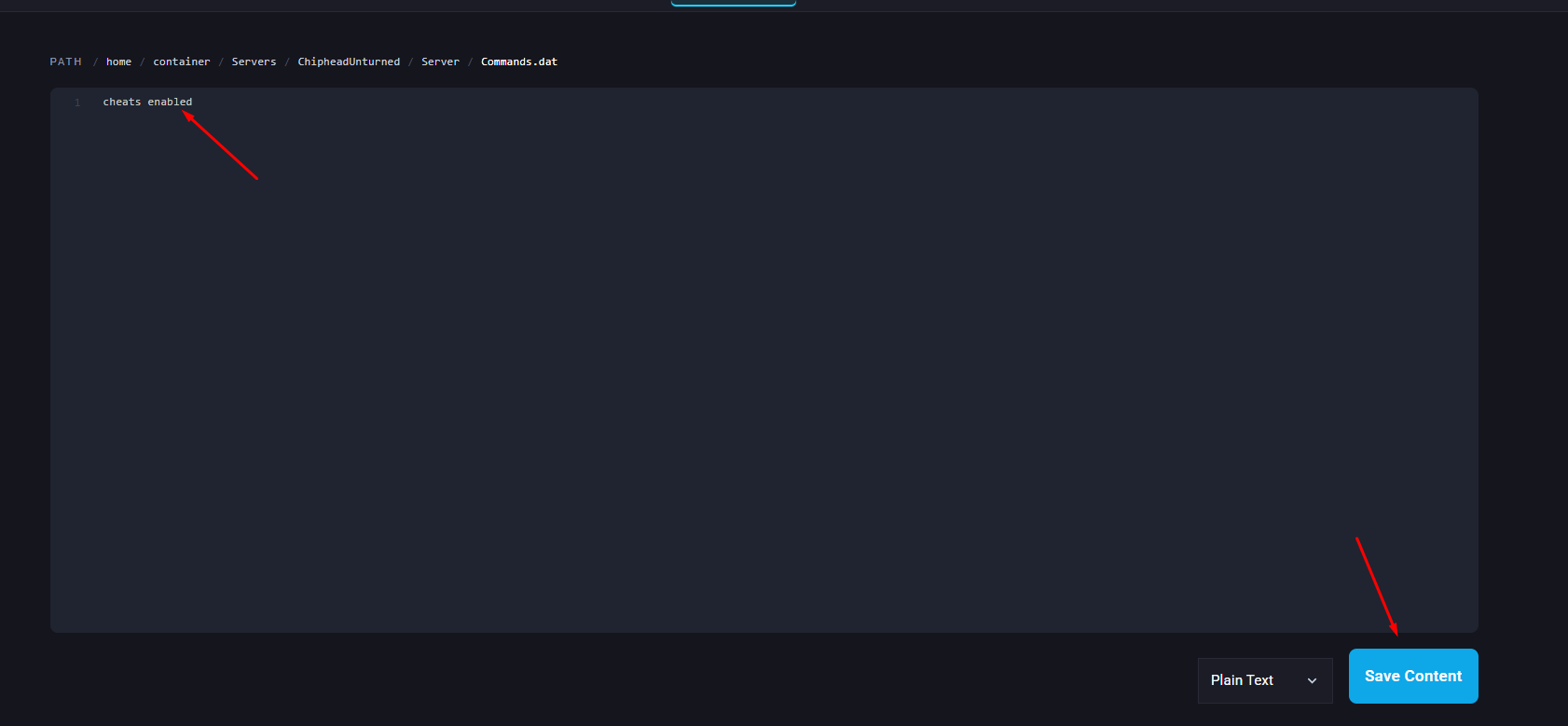
Click “Save Content” in the bottom left.
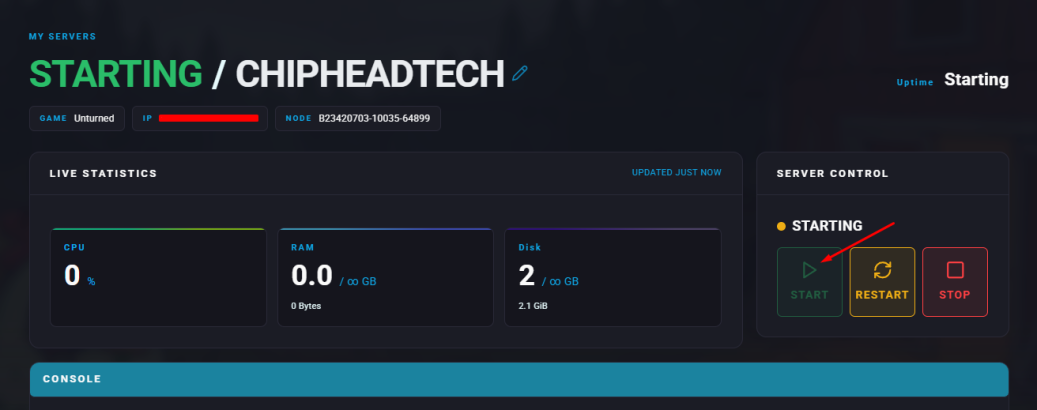
Start your server.