Summary
Unturned is a sandbox survival game that allows players to switch between first-person and third-person perspectives. The third-person view gives players a wider field of vision, improving awareness during exploration, combat, and resource gathering. This flexibility lets players choose the perspective that best fits their playstyle, whether for immersion, strategy, or convenience.
How to Enable Third Person Mode on an Unturned Server
Log in to the ChipHead Panel.
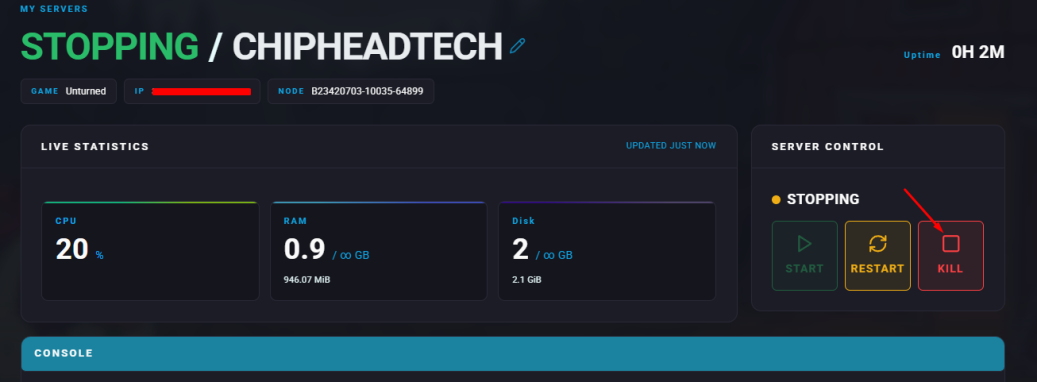
Stop your server.
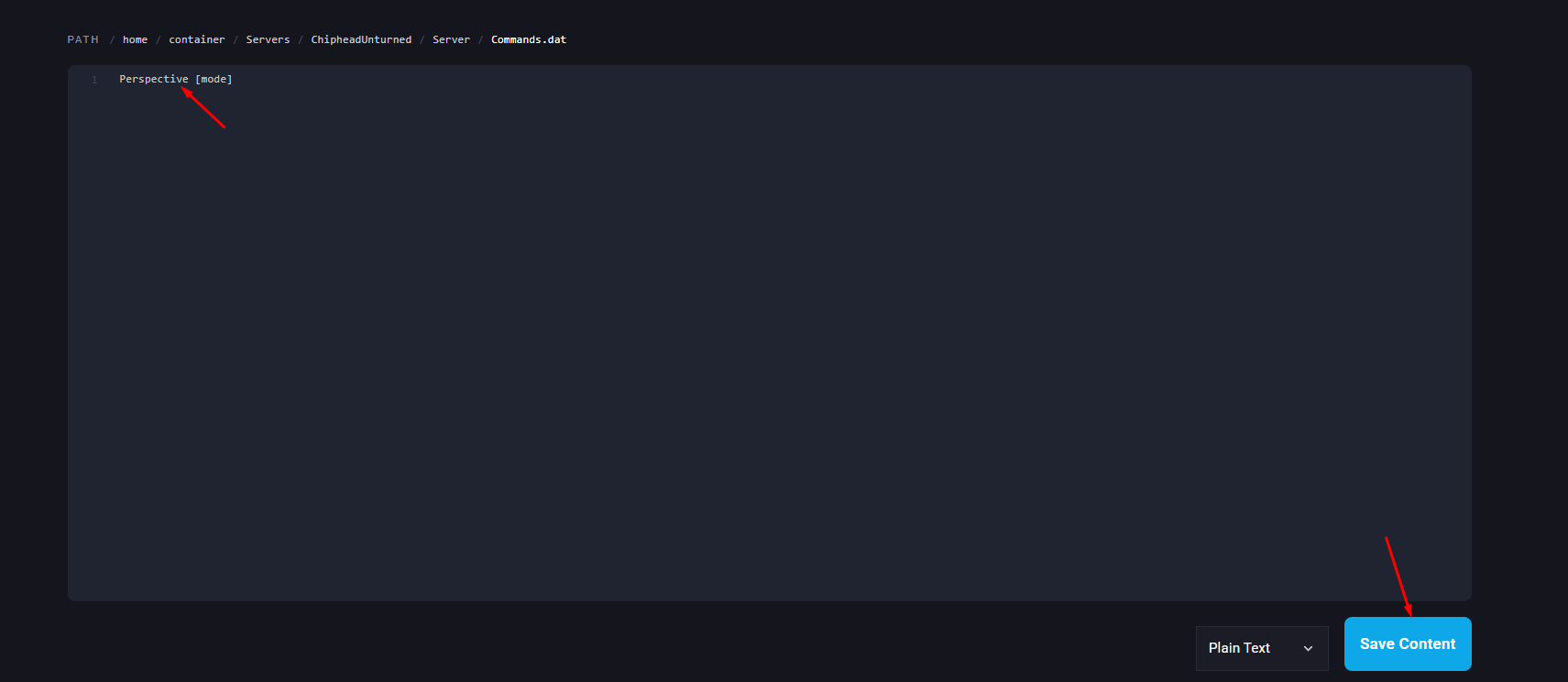
Go to the Files tab. & Navigate to the following directory:
/ChipheadUnturned/Server/Commands.dat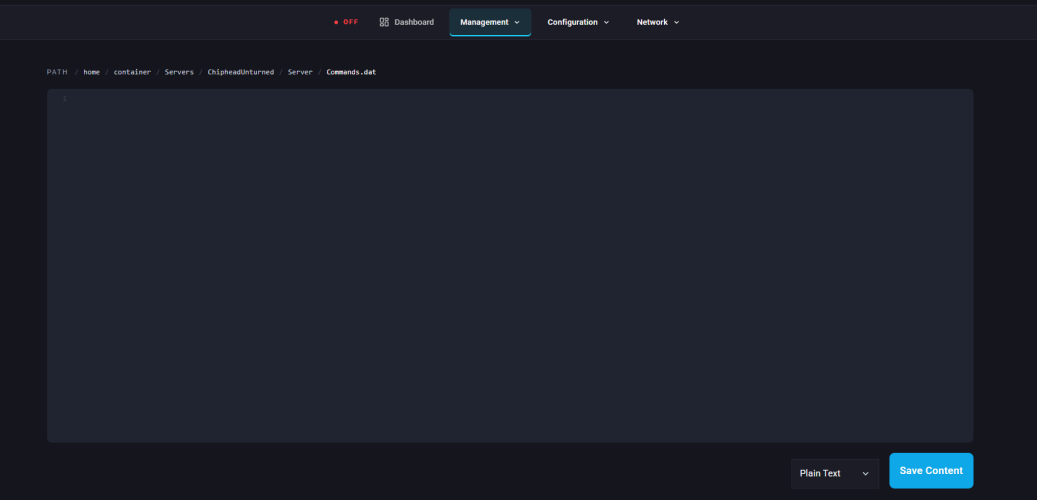
Add the following line on a new line: Perspective [mode]
First | Only allows the first-person perspective. |
Third | Only allows the third-person perspective. |
Both | Allows both first and third-person perspectives. |
Vehicle | Only allows third-person perspective when inside a vehicle. |
Click “Save Content” in the bottom right.
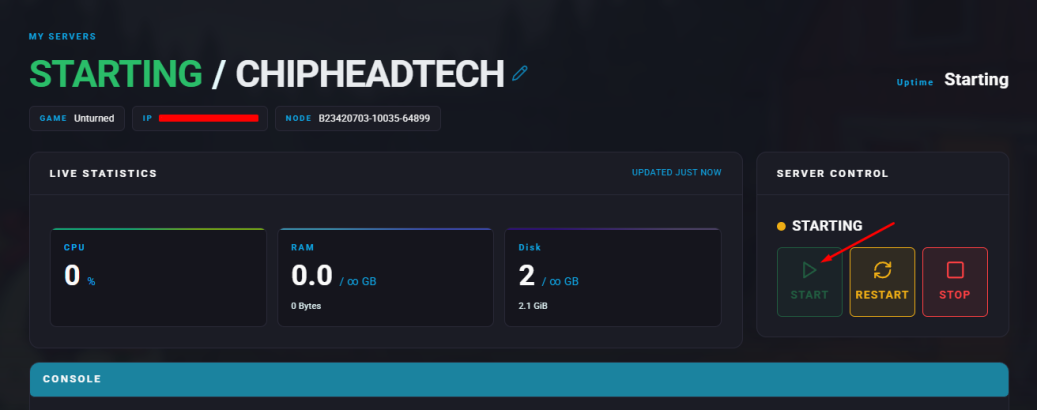
Start your server.