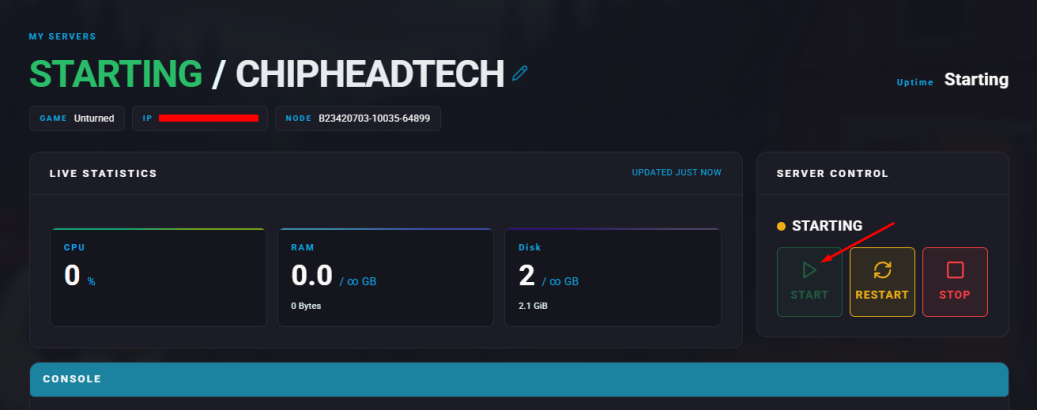
Summary
Unturned is a post-apocalyptic survival game where players gather resources, craft tools, and fight to stay alive. Server admins play a vital role in maintaining balance and fairness on multiplayer servers. They can manage players by kicking or banning rule-breakers, enabling cheats, and ensuring the community enjoys a smooth, fair experience.
Requirement
Cheats must be enabled on the server. Follow the guide on how to enable cheats for Unturned servers.
Note: To find a player’s STEAMID64, visit SteamID.io.
How to Give Admin Access on an Unturned Server
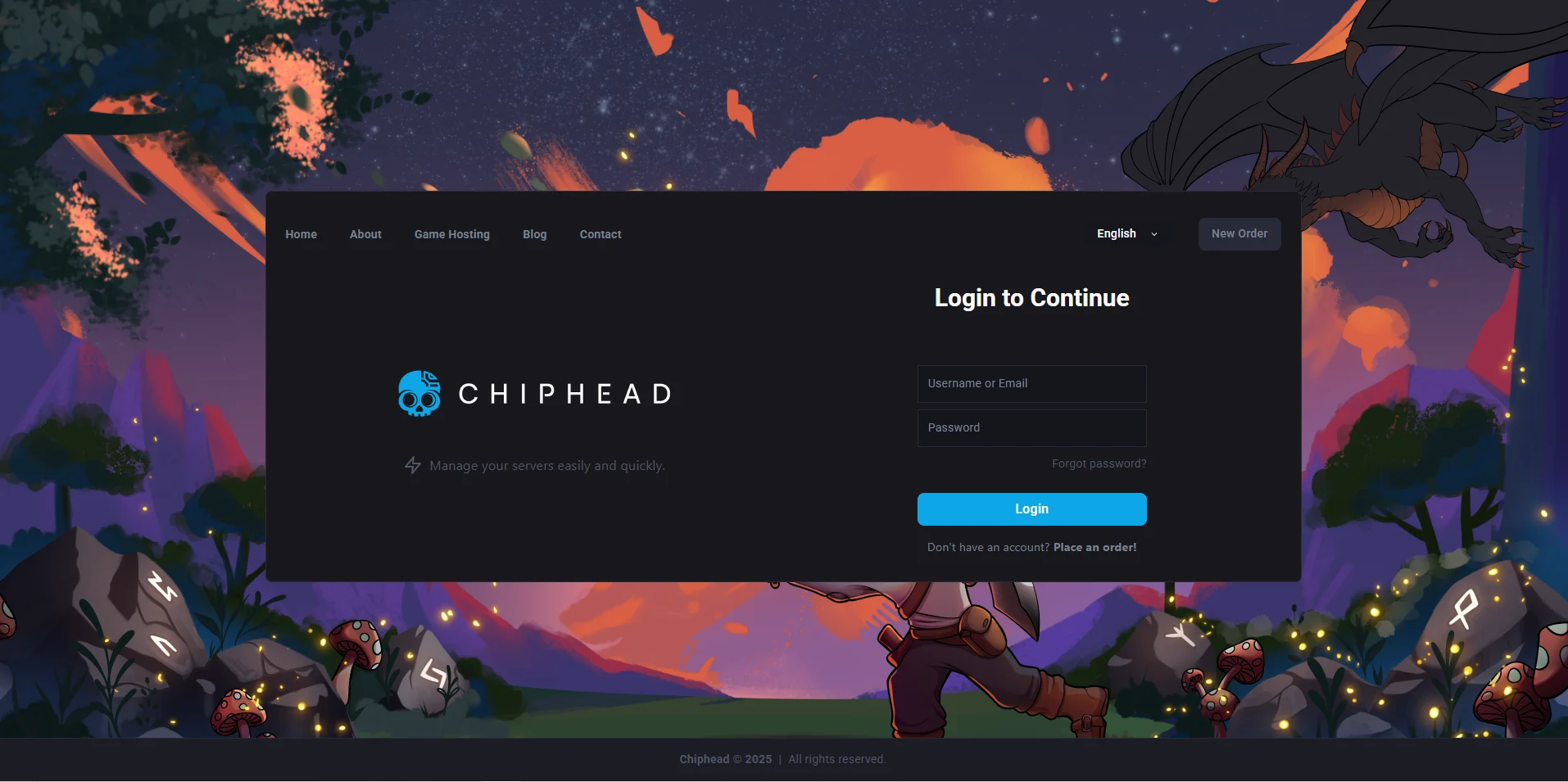
Log in to the ChipHead Panel.
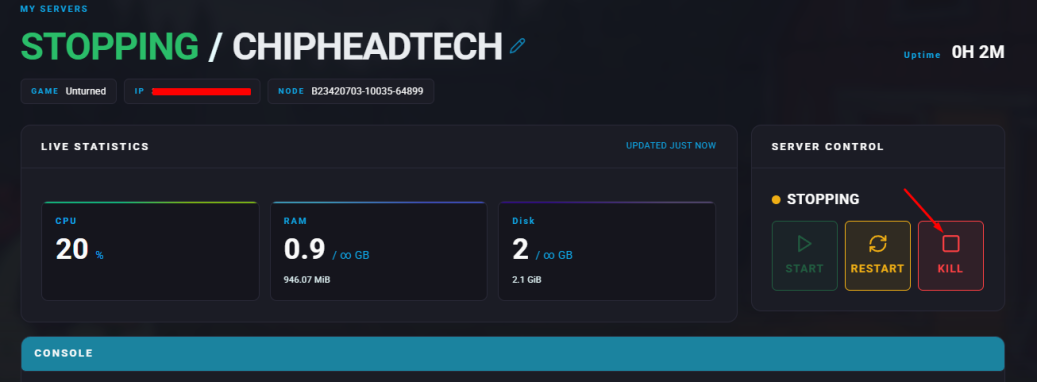
Stop your server.
Go to the Files tab & Navigate to the following directory: /ChipheadUnturned/Server/Commands.dat
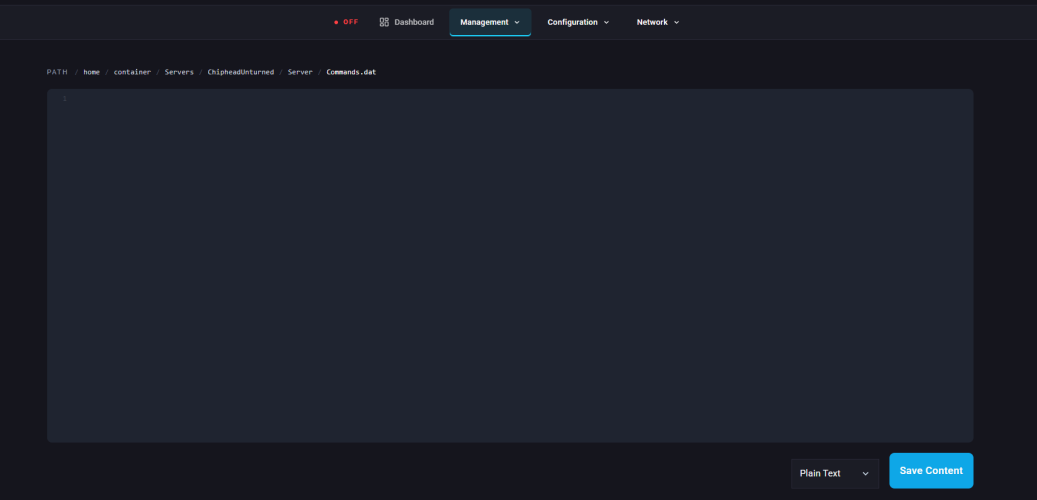
On a new line, type: owner [SteamID64]
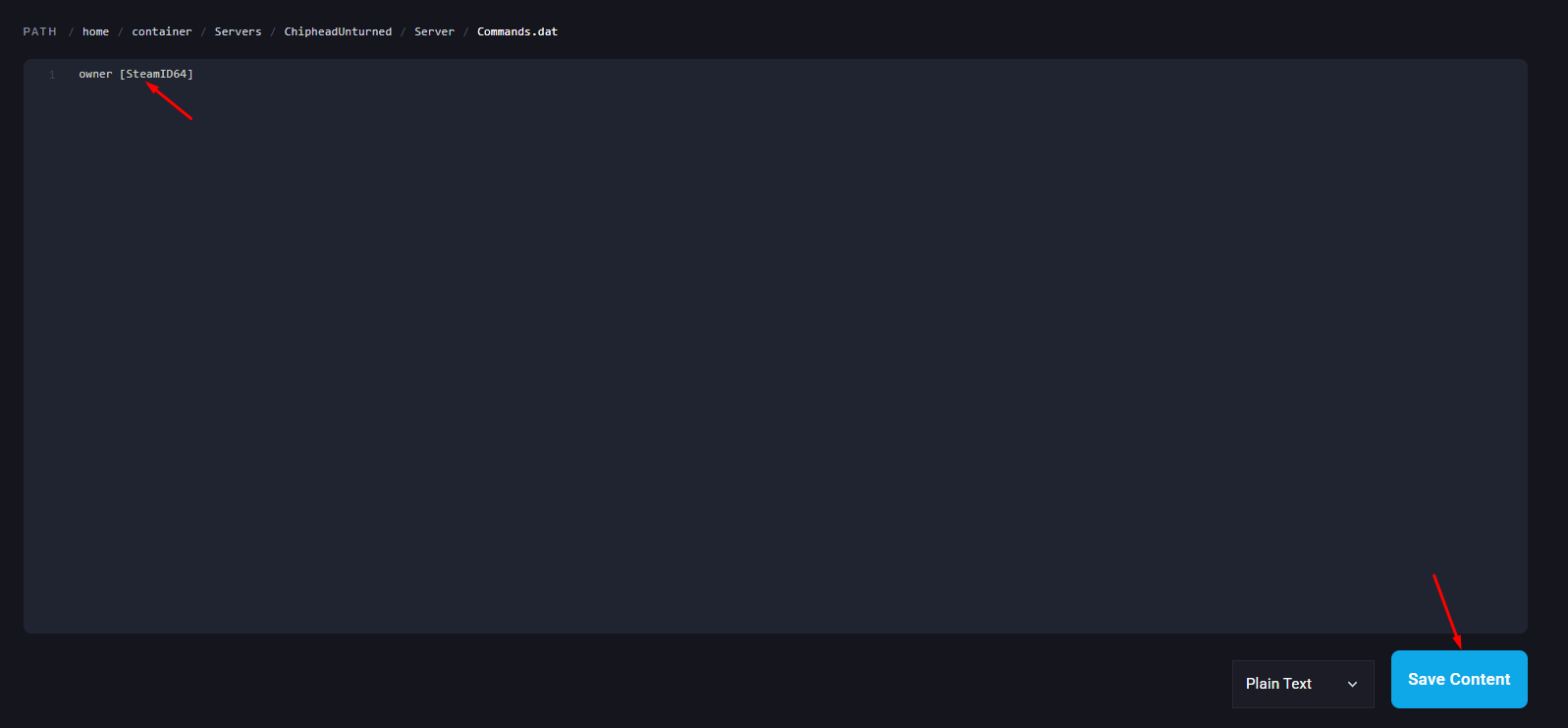
Click “Save Content” in the bottom right
Start your server