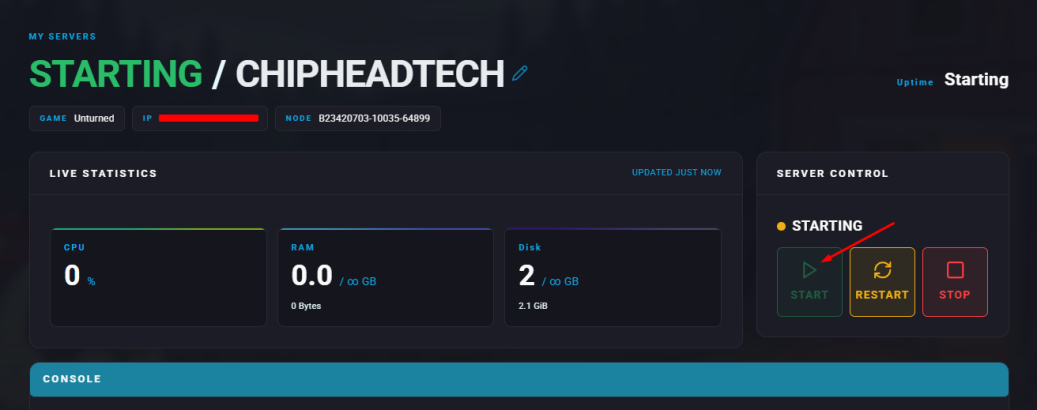
Summary
OpenMod is a plugin framework for Unturned servers that allows players and administrators to expand and customize gameplay. It supports a wide range of plugins designed to improve server management, add new features, and enhance player experiences. OpenMod is beginner-friendly, with clear documentation and an active community, making it simple to install and configure.

Some plugins may be outdated and might not function correctly.
How to Install OpenMod on an Unturned Server
Download the latest OpenMod file.
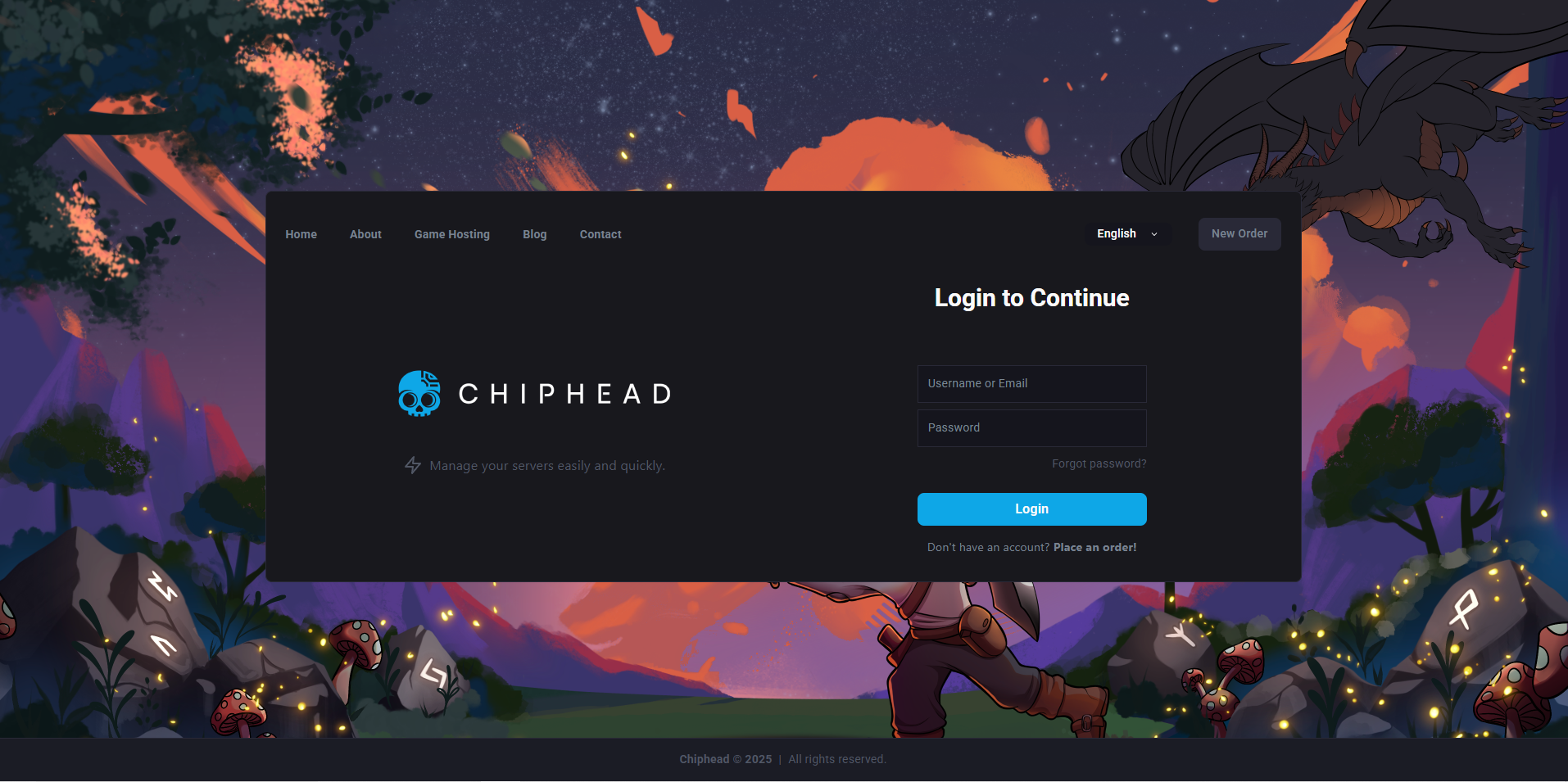
Log in to the ChipHead Panel.
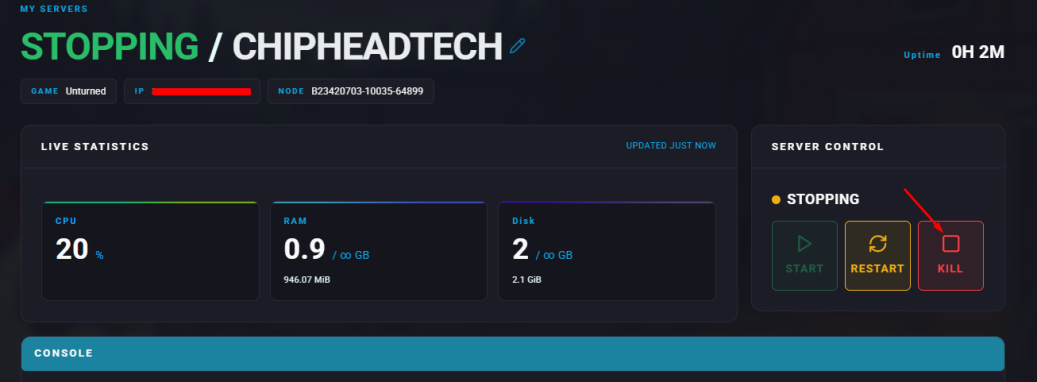
Stop your server.
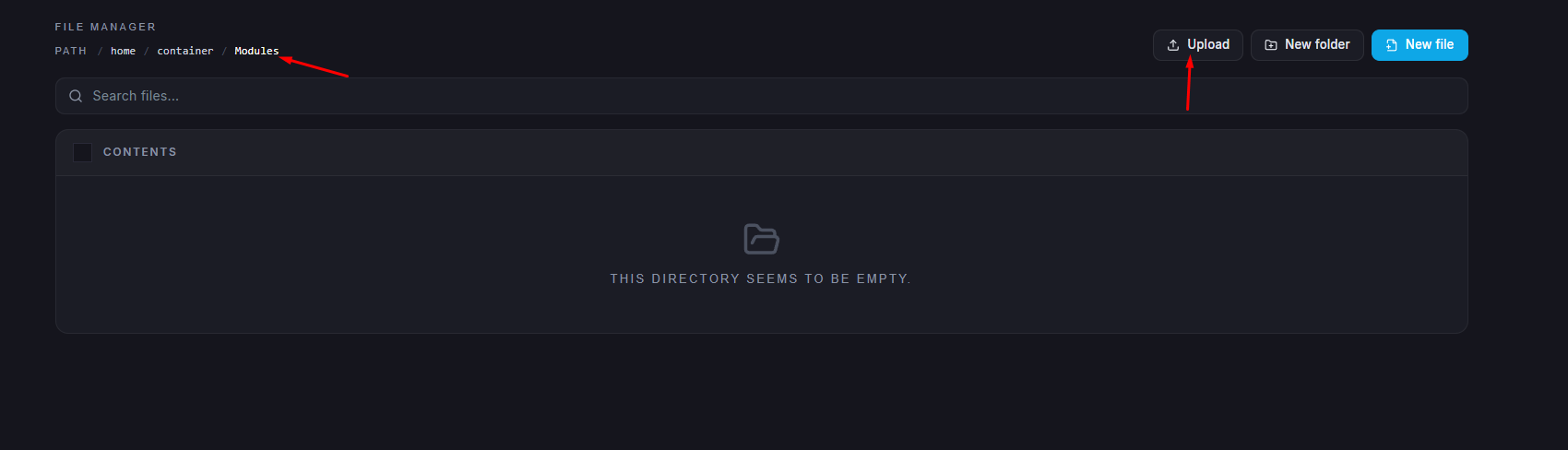
Go to the Files tab.
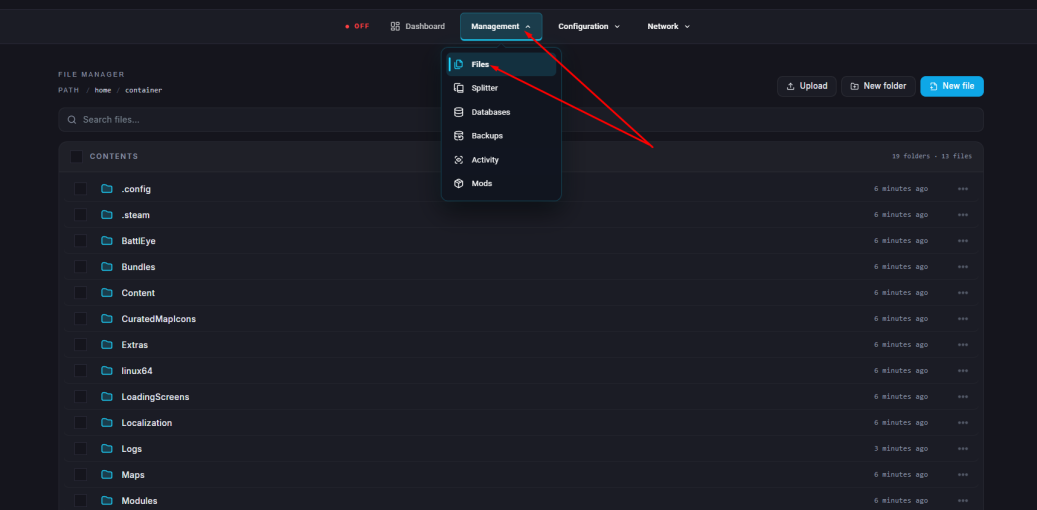
Open the Modules folder.
Click the Upload button and upload the file in here or drag and drop file in.
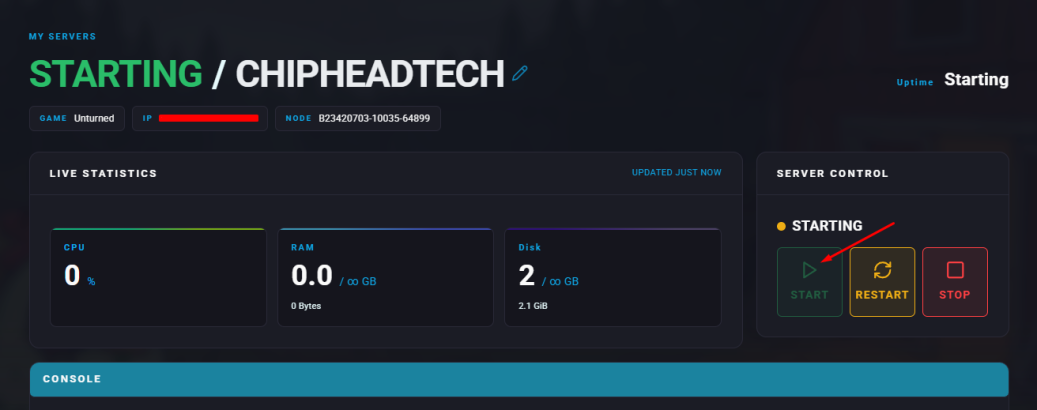
Restart/Start your server.
How to Install OpenMod Plugins on an Unturned Server
Browse and select a plugin from the OpenMod plugin library.
Click Copy Install Command on the desired plugin page.
Log in to the ChipHead Panel.
Paste the copied command into the console field.
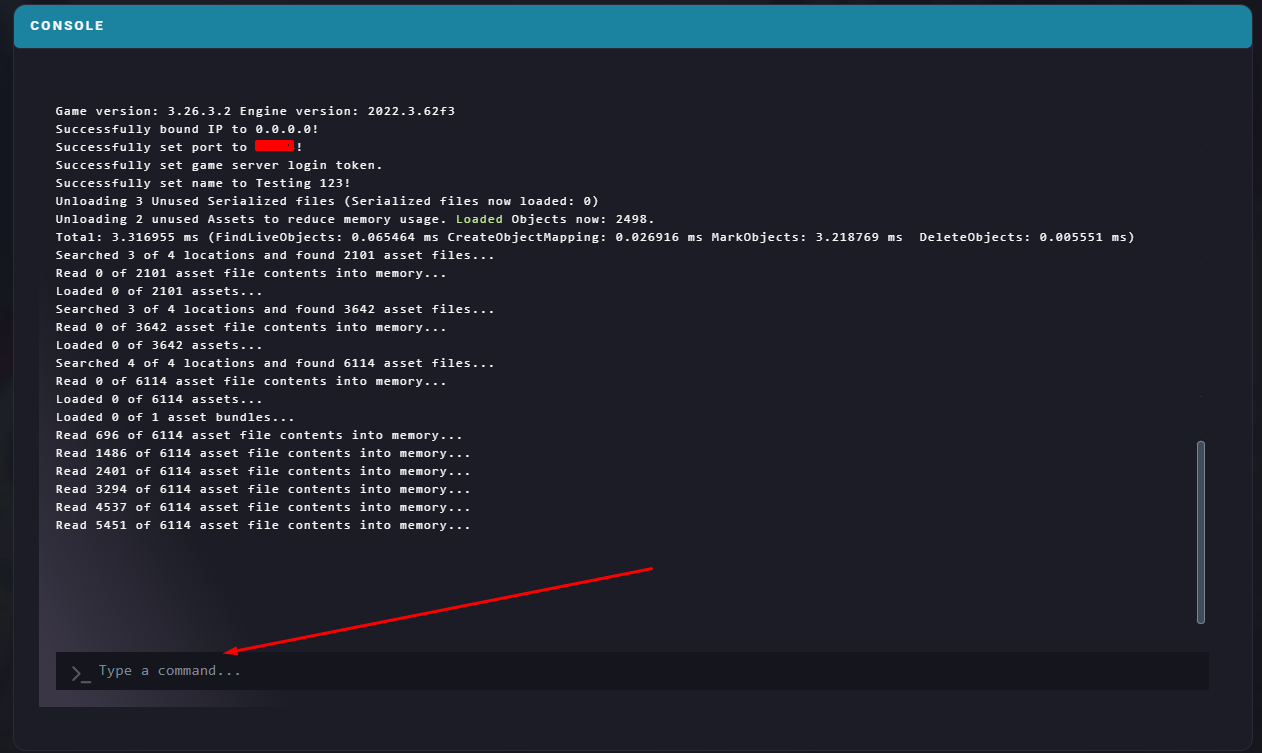
Wait for the installation to complete.
Run this command:
openmod reloadRestart/Start Server to update.