RocketMod is a widely used plugin framework for Unturned that enables players and server administrators to add custom features and expand gameplay functionality. From small convenience tweaks to major gameplay overhauls, RocketMod plugins allow for deep customization, helping create unique and engaging Unturned server experiences.

Download a RocketMod plugin file.
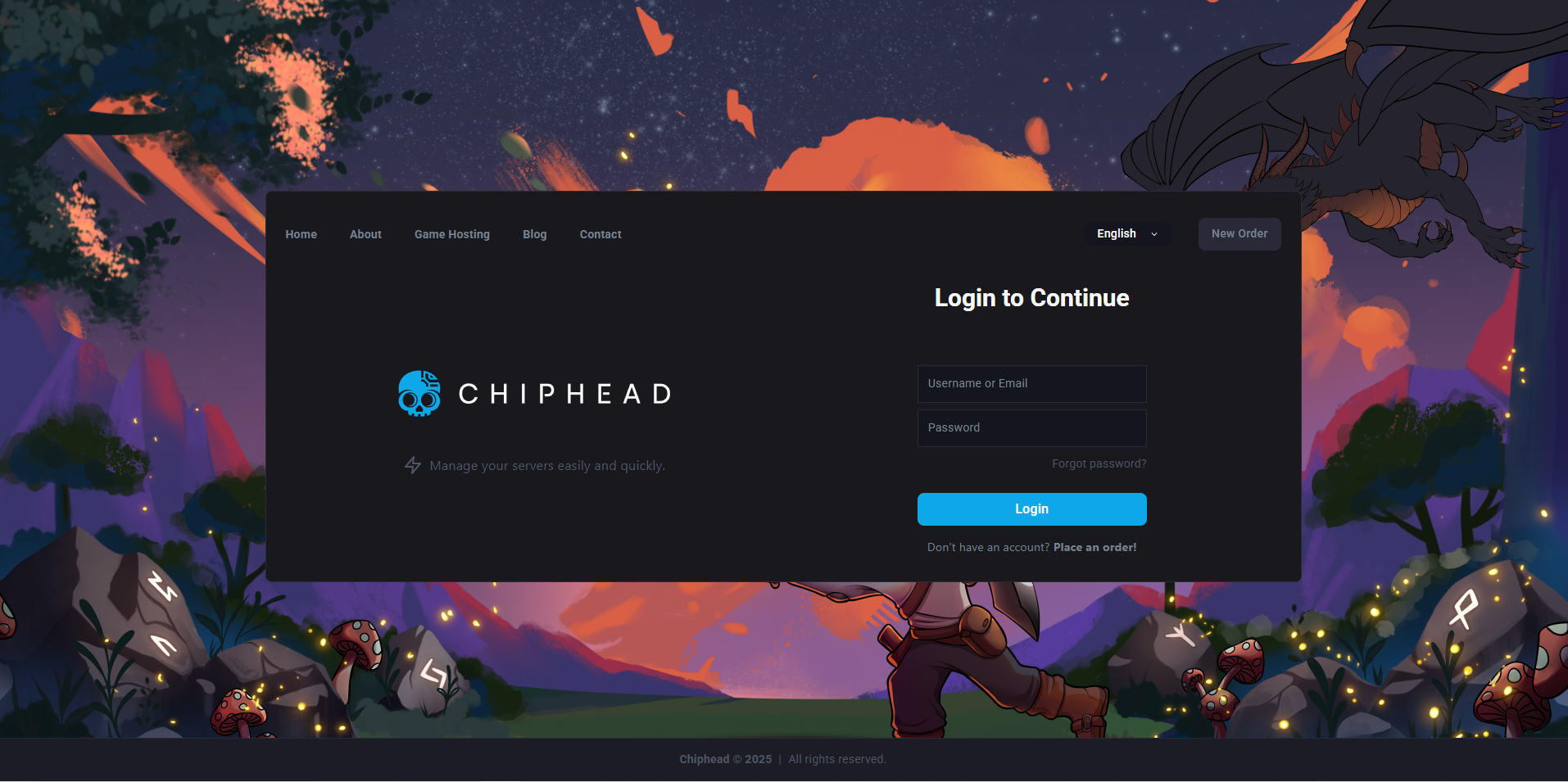
Log in to the ChipHead Panel.
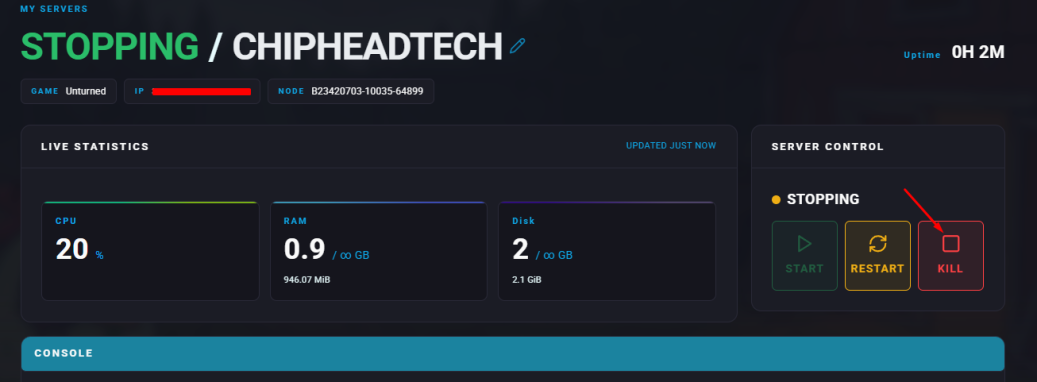
Stop your server.
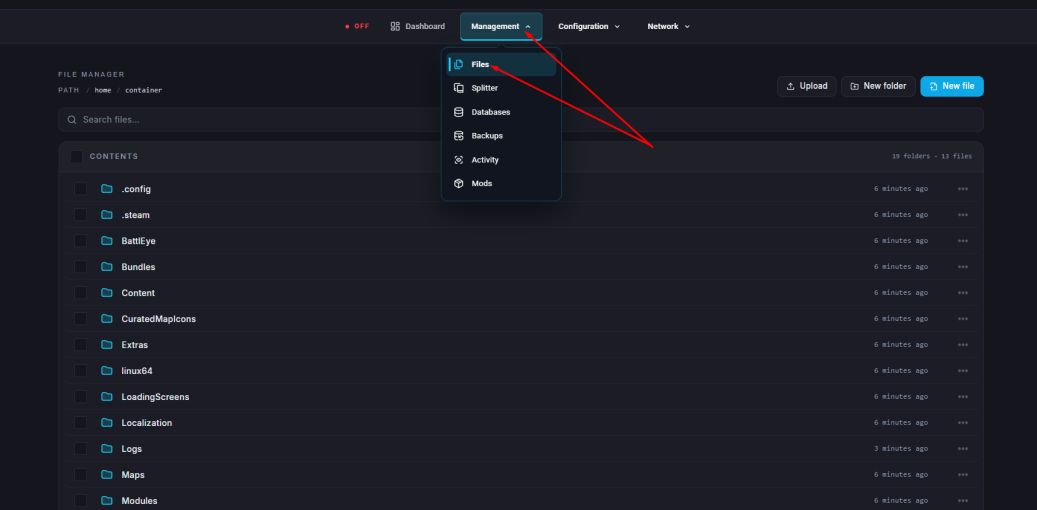
Go to the Files tab.
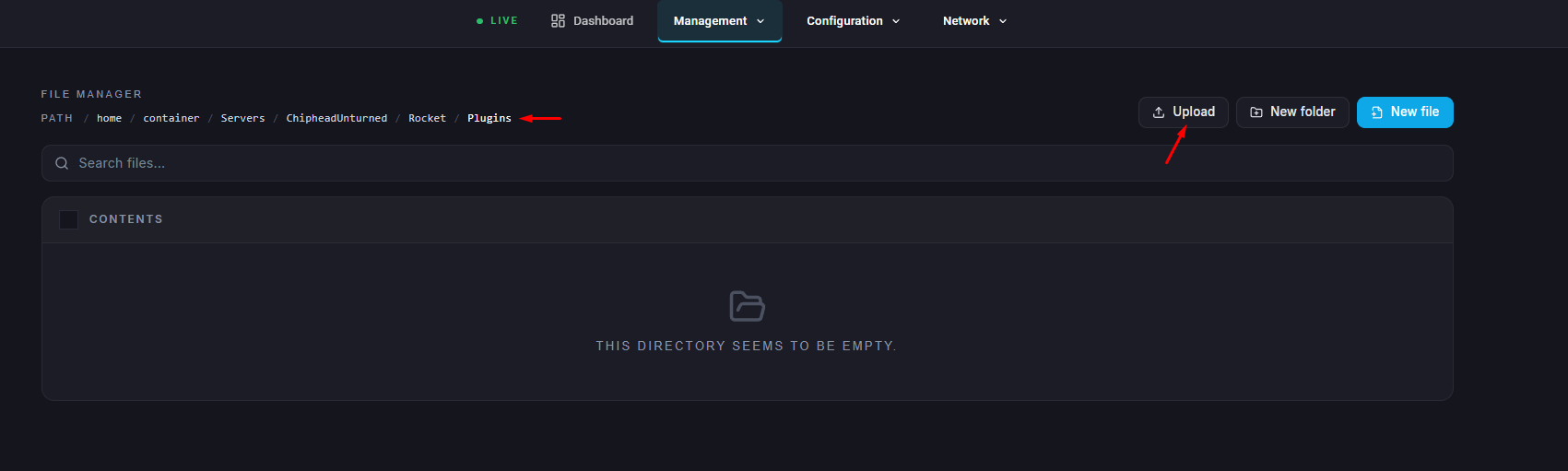
Navigate to the following directory: /home/container/Servers/ChipheadUnturned/Rocket/Plugins

Upload the .dll plugin file.
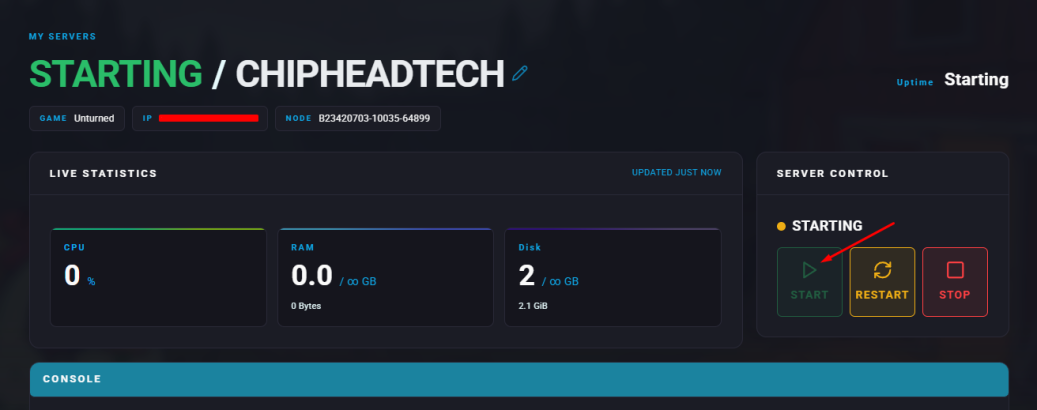
Start your server.
/admin PlayerName | Grants admin permissions to a specific player. |
/unadmin PlayerName | Removes admin permissions from a player. |
/broadcast MyMessage | Sends a message to all players on the server. |
/god | Enables god mode. |
/vanish | Makes the player invisible. |
/tp Location | Teleports to a specific location or player. |
/tphere Player | Teleports a selected player to your current position. |
/compass | Displays the player’s compass direction. |
/home | Teleports the player to their claimed bed. |
/i Item Amount | Spawns a specific number of a chosen item. |
/more Amount | Spawns more of the previously spawned item. |
/v Vehicle | Spawns a specific vehicle. |
/investigate PlayerName | Displays the Steam64ID of a specific player. |
/help Command | Shows details about a particular command. |

