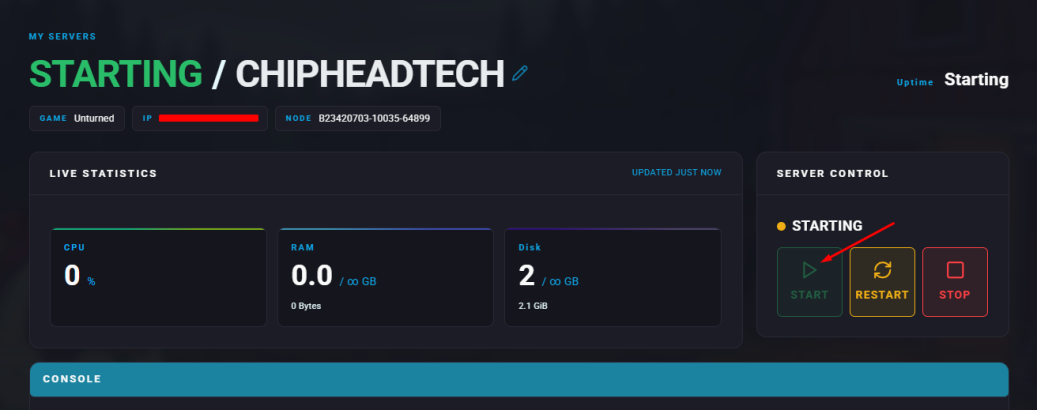
Unturned servers provide a great platform for creating communities and playing with friends. Whether for cooperative adventures or large-scale faction battles, hosting a server allows for shared experiences and persistent worlds. Players can also upload their single-player saves to a server, preserving progress while preparing for multiplayer gameplay. Although a Steam Account Token is required, world saves can be transferred at any time.
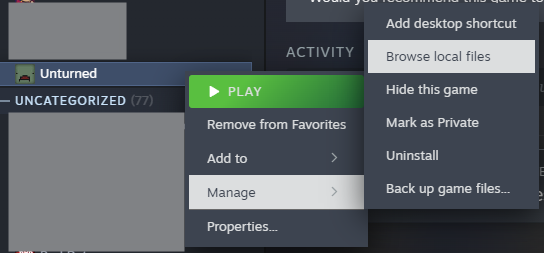
In your Steam Library, right-click Unturned and select Manage > Browse local files.
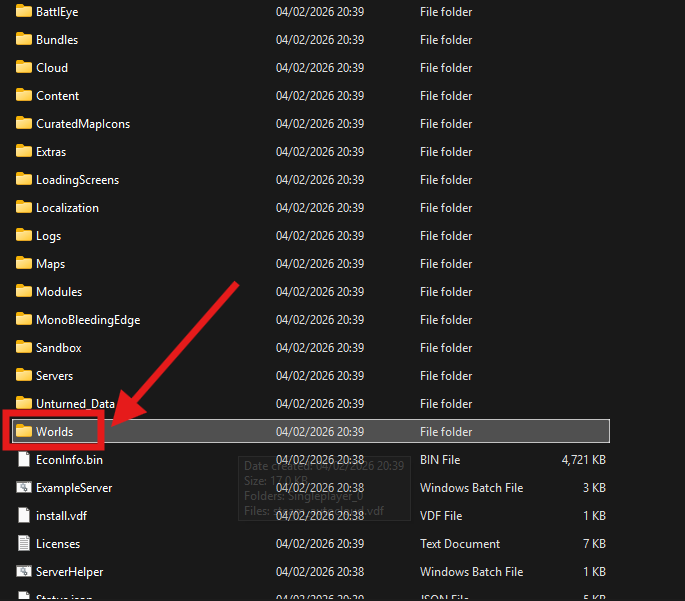
Open the Worlds folder.
Locate and open your desired world folder (for example, Singleplayer_0), then minimize the window for later use.
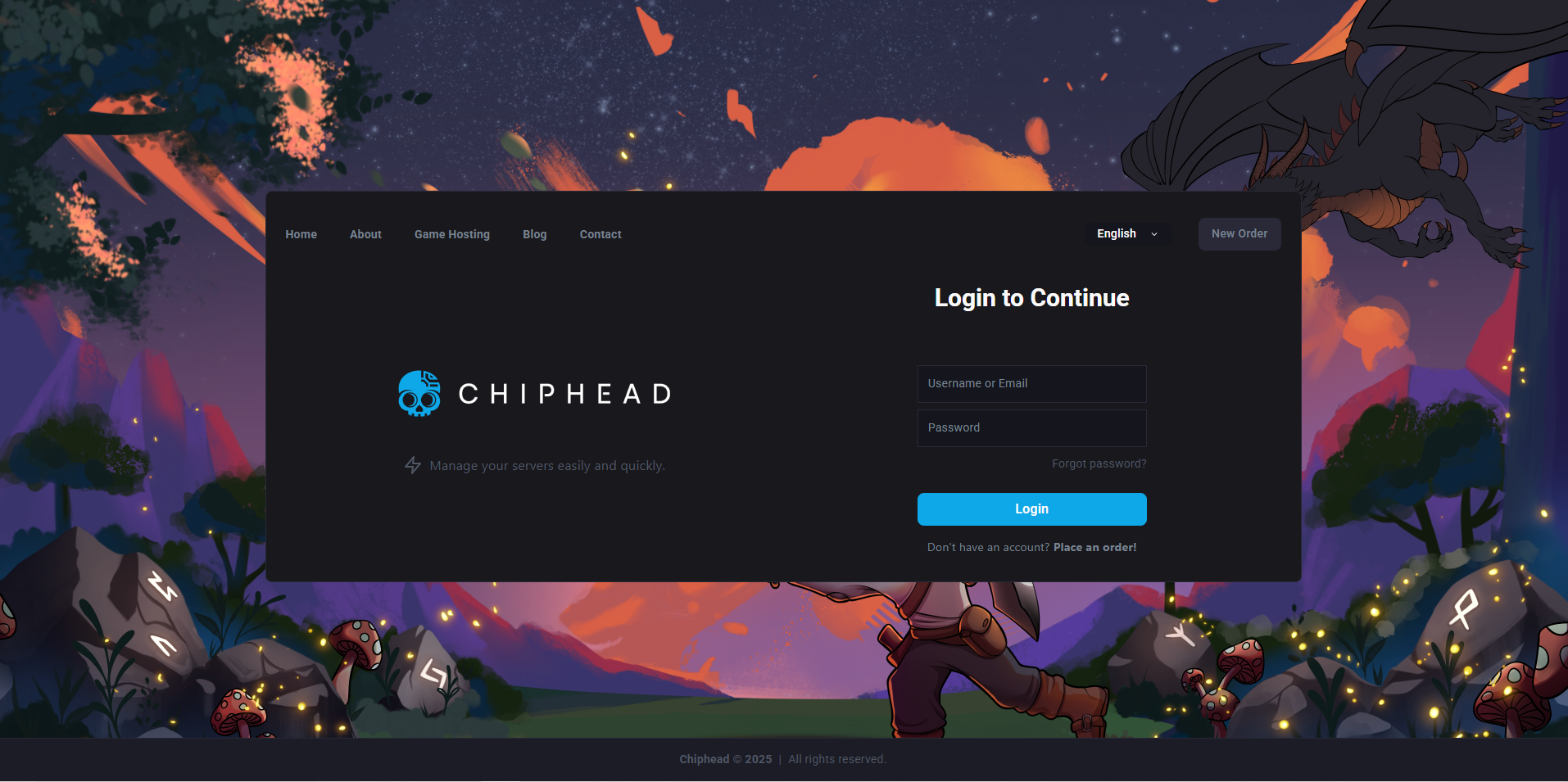
Log in to the ChipHead Panel.
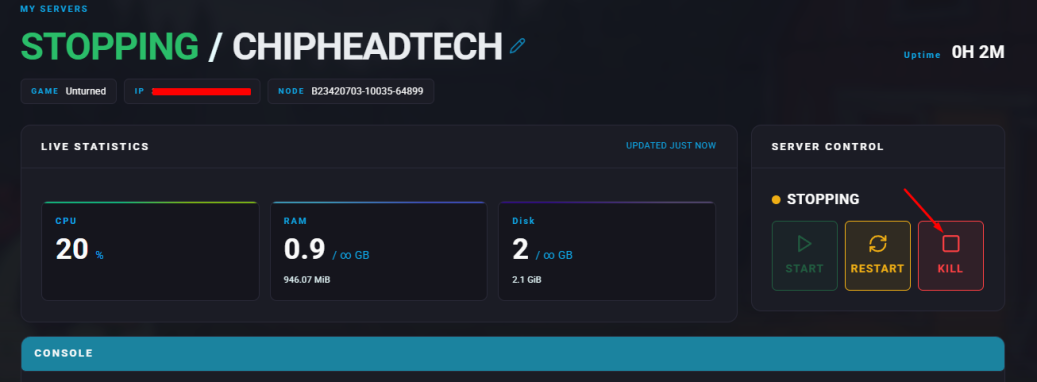
Stop your server.
Go to the Files tab.
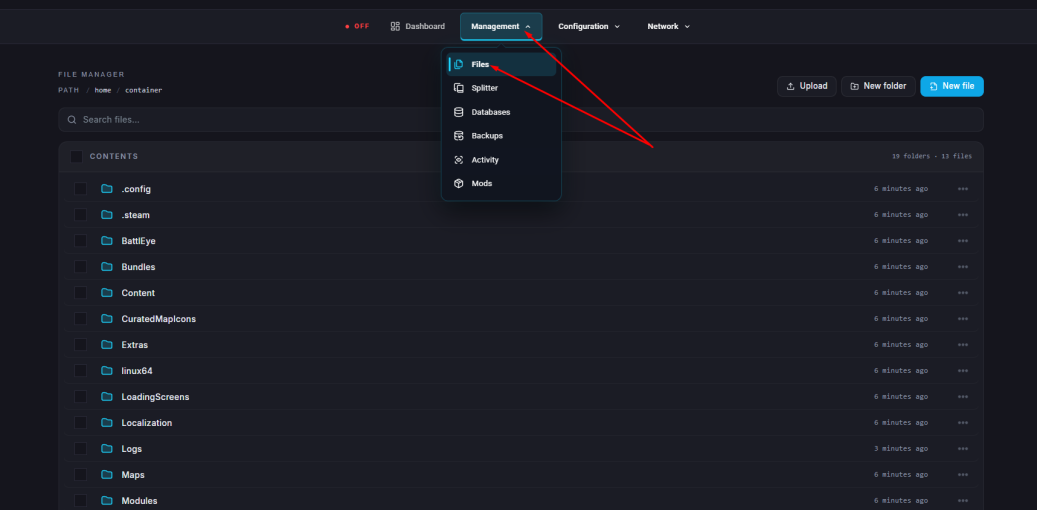
Navigate to: /home/container/Servers/ChipheadUnturned

Select and delete the Level, Players, and Config.json files.

Upload the local files from Step 3 into the Default (ChipheadUnturned) folder.
Navigate to Game Config to open the Commands.dat file.
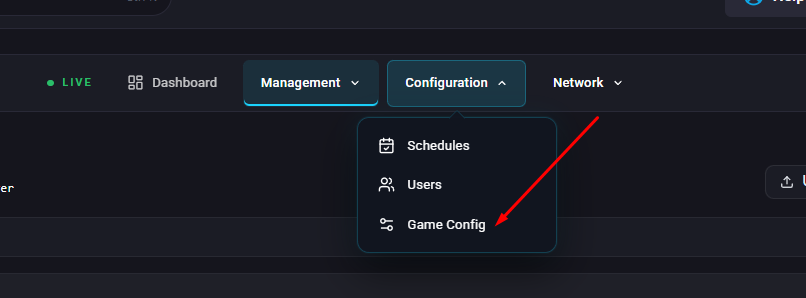
Add the following line: map mapname — replacing “mapname” with the name of your uploaded world’s map.
Click Save when finished.
Start your server.