
Summary
Whitelisting an Unturned server limits access to approved players only, creating a secure and private environment. This helps prevent griefing, cheating, and other unwanted behaviour, making it ideal for groups of friends, clans, or dedicated gaming communities who want a controlled and enjoyable multiplayer experience.

Admin permissions are required. Learn how to give admin access here.
Note:
You can find a player’s SteamID64 using the SteamID.io website.
How to Whitelist an Unturned Server
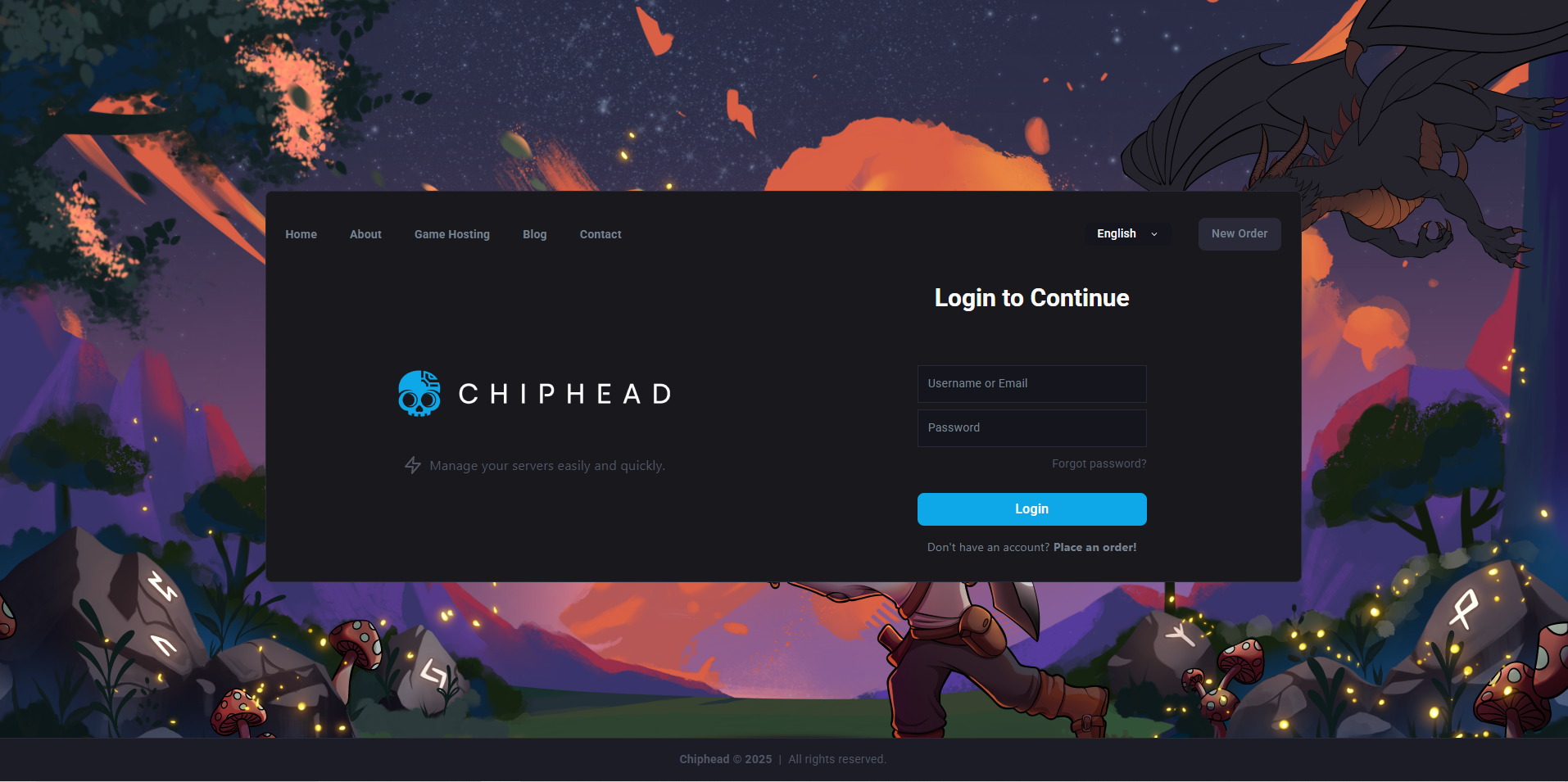
Log in to the ChipHead Panel.
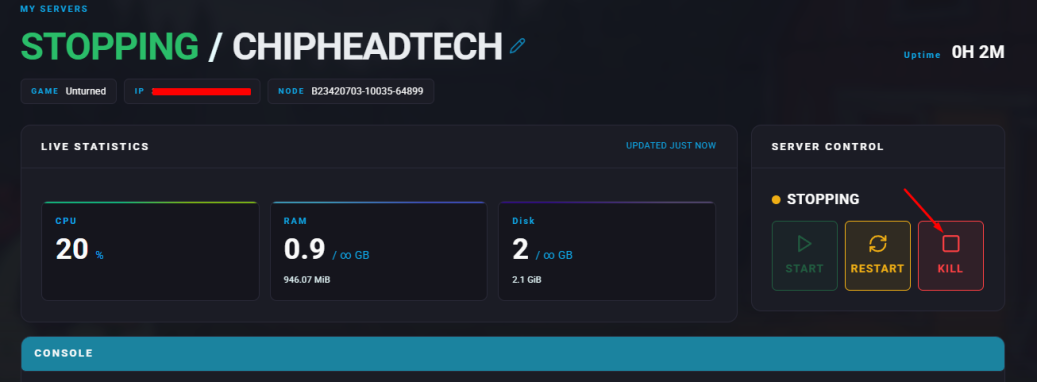
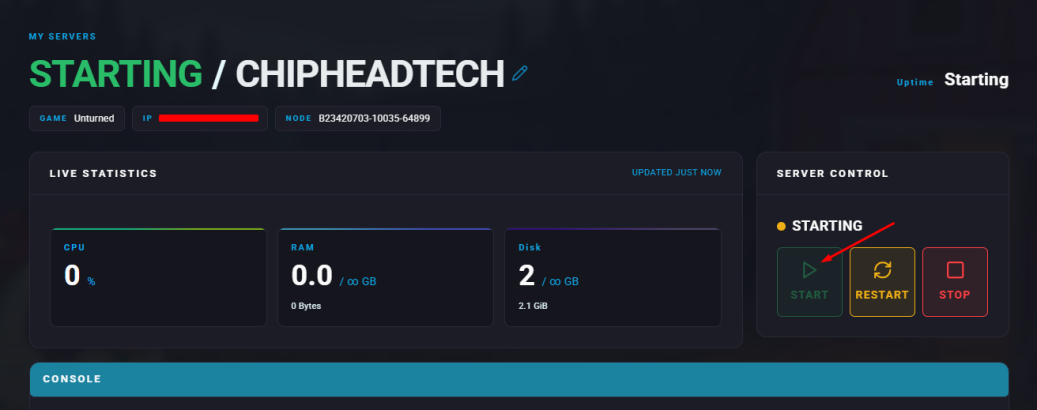
Stop your server.
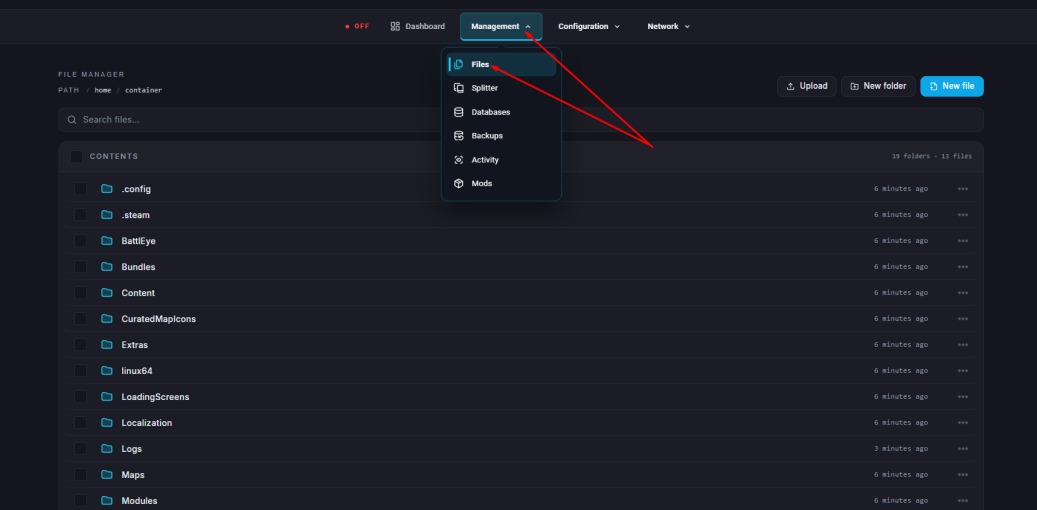
Go to the Files tab.
Navigate to: /home/container/Servers/ChipheadUnturned/Server/Commands.dat
Open the Commands.dat file for editing.
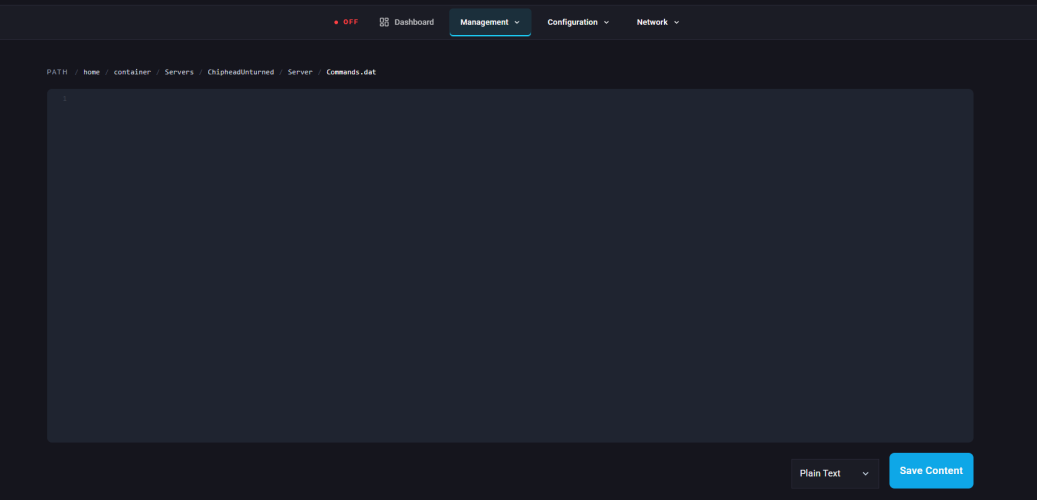
On a new line, type: Whitelisted
Click Save Content in the lower-right corner.
Start your server.
How to Whitelist Players on an Unturned Server
To add a player to the whitelist, run this command in-game or in the console:
/Permit [SteamID64]/[Tag]To remove a player from the whitelist, run:
/Unpermit [SteamID64]To view all whitelisted players in the console, run:
/Permits