
Summary
Creating a private server gives you full control over who can join your Truck Simulator server, ensuring that only trusted players have access. This is useful for maintaining a safe and enjoyable environment for friends or specific communities.
Note:
This guide applies to both Euro Truck Simulator 2 and American Truck Simulator servers.
How to Set a Password
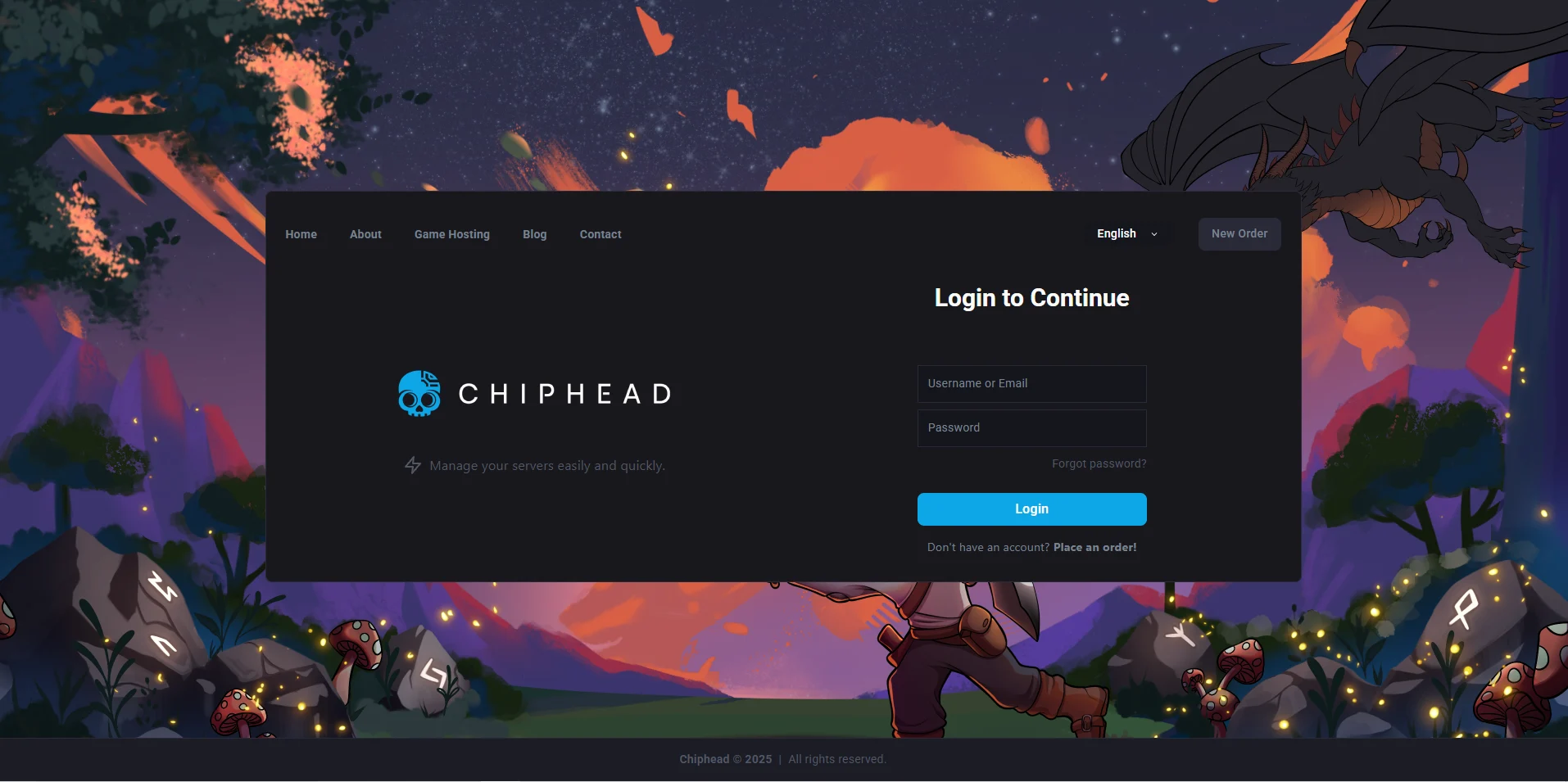
Log in to your ChipHead Panel.
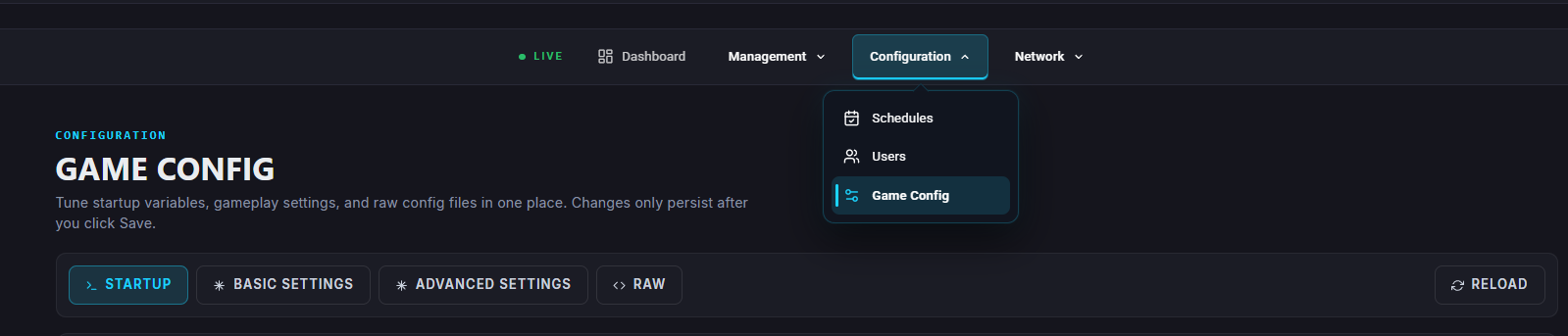
Navigate to the “Game Config”.
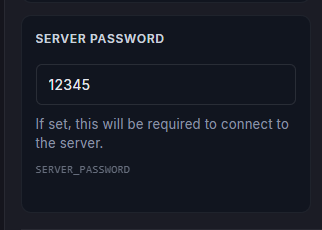
Find the “Password” field and enter your desired password.
Save changes.

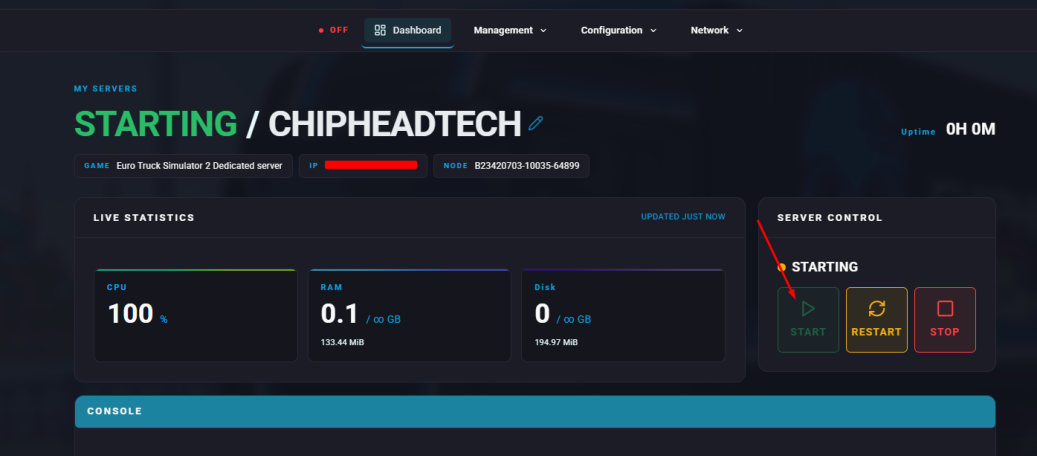
Start your server.

Once set, only players with the correct password will be able to connect.