Summary
When hosting a Euro Truck Simulator 2 or American Truck Simulator server, you may want to customize your server’s name and description. This is especially helpful for public servers that appear in the in-game browser, allowing you to share key details about your community or playstyle.
How to Modify Your Server Name and Description
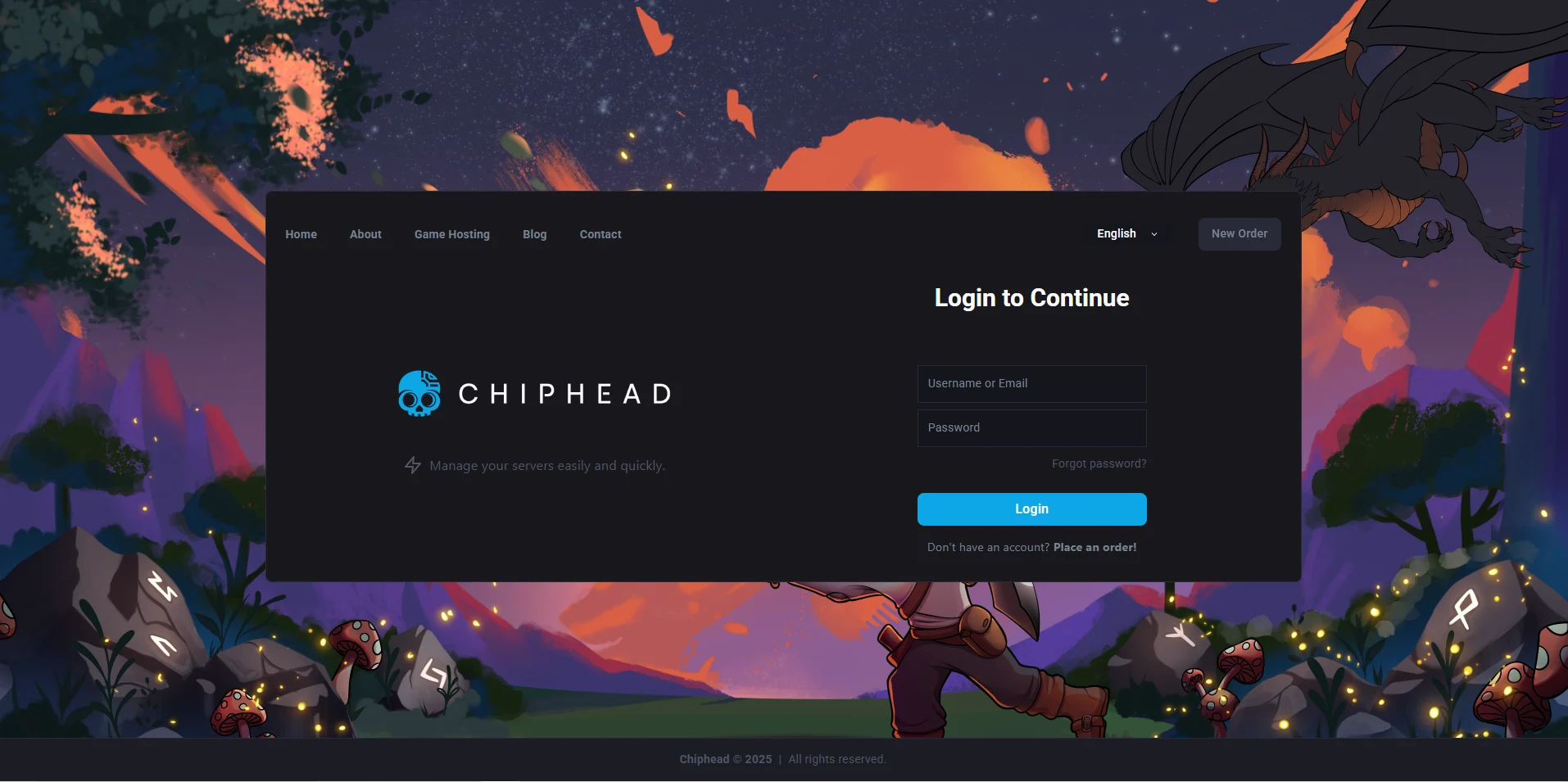
Log in to your ChipHead Panel.
Go to the Game Config section.

Enter <> RAW & Put your desired values in the “Lobby Name” and “Description” fields.
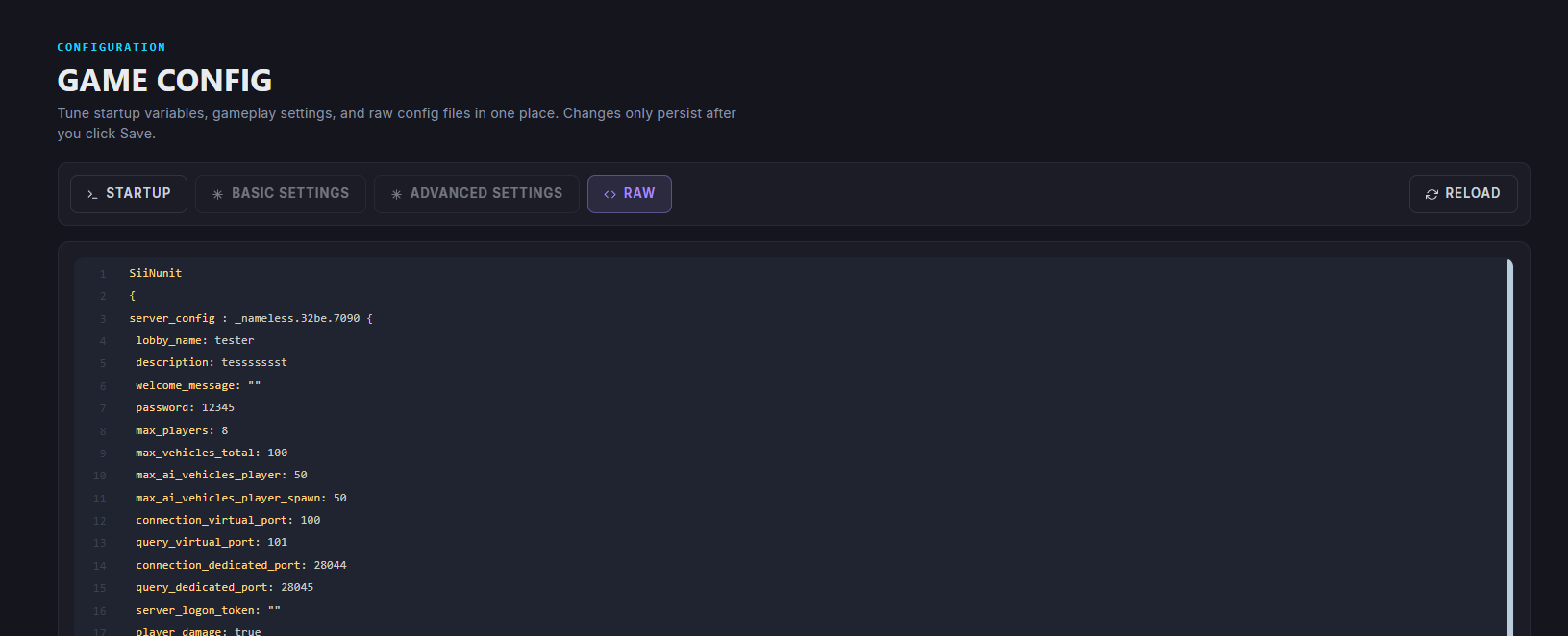
Save your changes

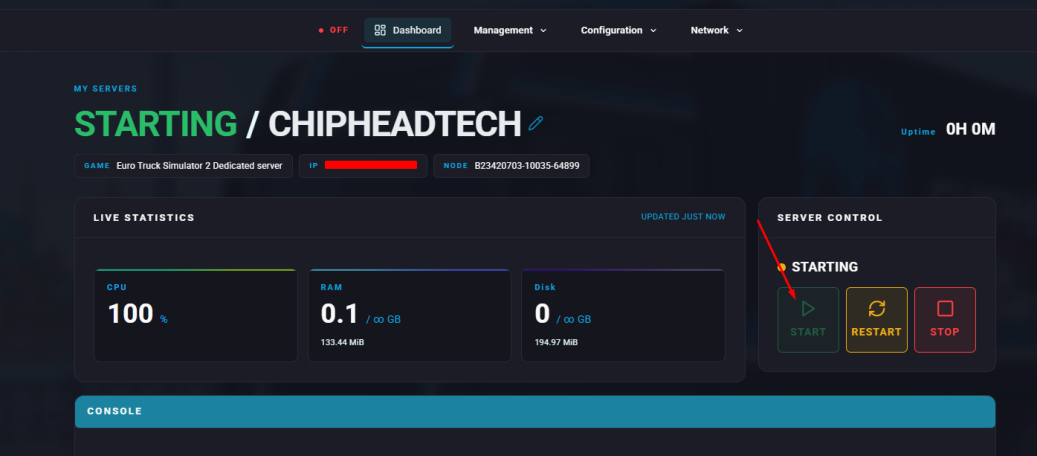
Start your server.