Summary
A Game Server Login Token (GSLT) provides an added layer of security and verifies server ownership, preventing fake or unauthorized servers from appearing in public server lists.
Why GSLT Keys Are Required
Many games, including Euro Truck Simulator 2 and American Truck Simulator, require a GSLT to ensure that servers are operated by legitimate owners. This system also helps enforce accountability if a server violates Valve’s Terms of Service.
Important:
For Euro Truck Simulator 2 and American Truck Simulator, a GSLT key is required to keep your server’s Session Search ID consistent across restarts.
To create a GSLT, your Steam account must:
Not be banned or blocked.
Not be limited.
Have a verified phone number attached.
Own the game associated with the key.
Have fewer than 1,000 GSLT keys generated.
If your server violates Valve’s Terms of Service, both your server and linked Steam account may be banned.
How to Obtain a GSLT Key
Log in to the Steam Community website.
Go to the Steam Game Servers Account page.
Enter the appropriate App ID:
ETS2: 227300
ATS: 270880
(Optional) Add a note for reference.
Click Create.
Copy the Login Token — this is your GSLT key.
How to Add a GSLT Key to Your Server
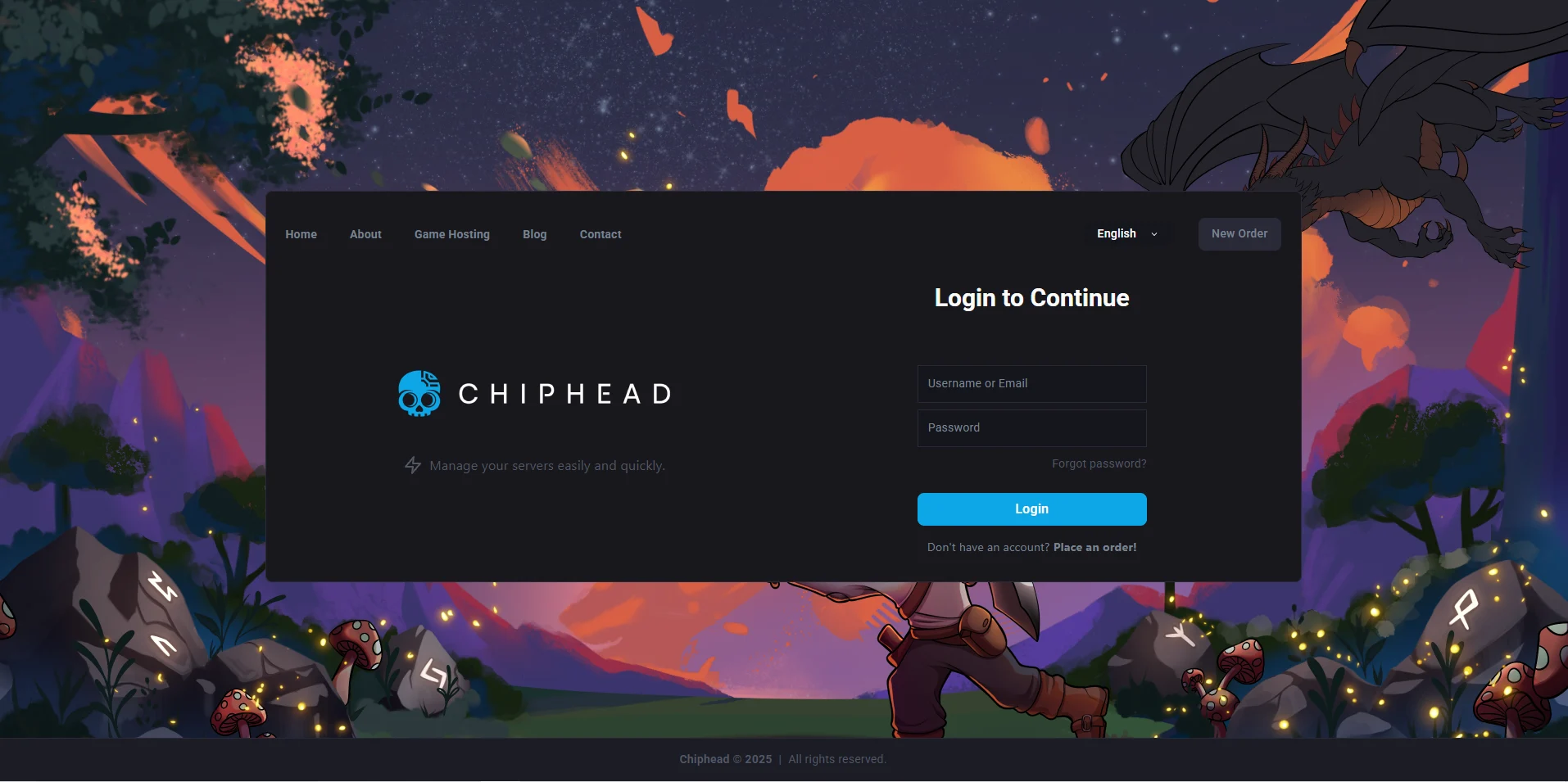
Log in to the ChipHead Panel
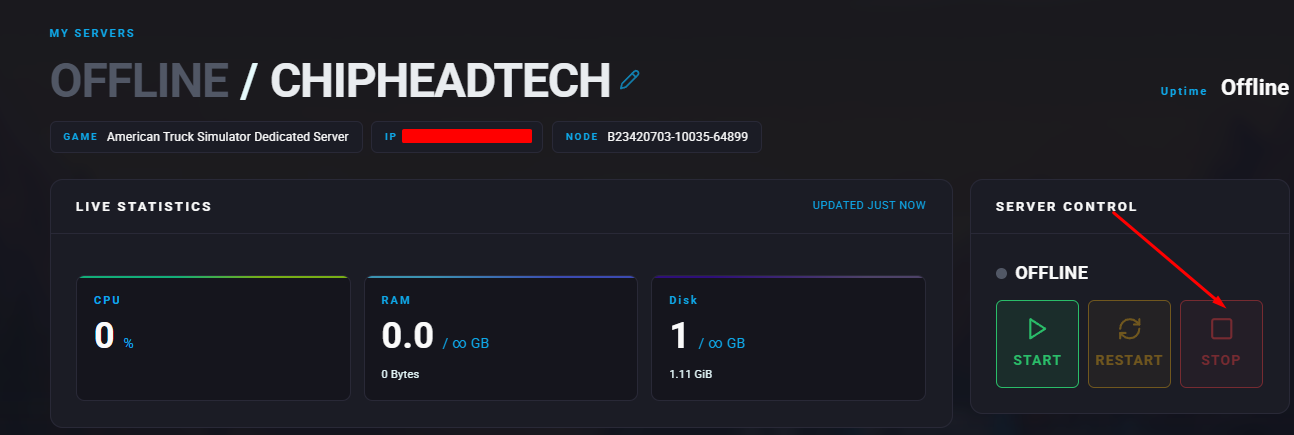
stop your server.
Navigate to the “Startup”

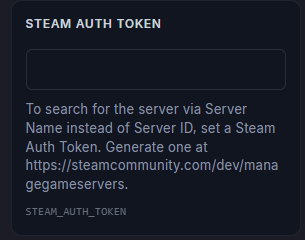
Find the “Steam Auth Token” field and paste your GSLT key.
Save changes.
Start server.