
Summary
SourceMod is a powerful and widely used modding framework for Counter-Strike: Source servers. It’s required to run plugins, which allow you to add popular community features such as Zombie Escape, custom admin tools, and gameplay enhancements.
How to Install SourceMod on a Counter-Strike: Source Server

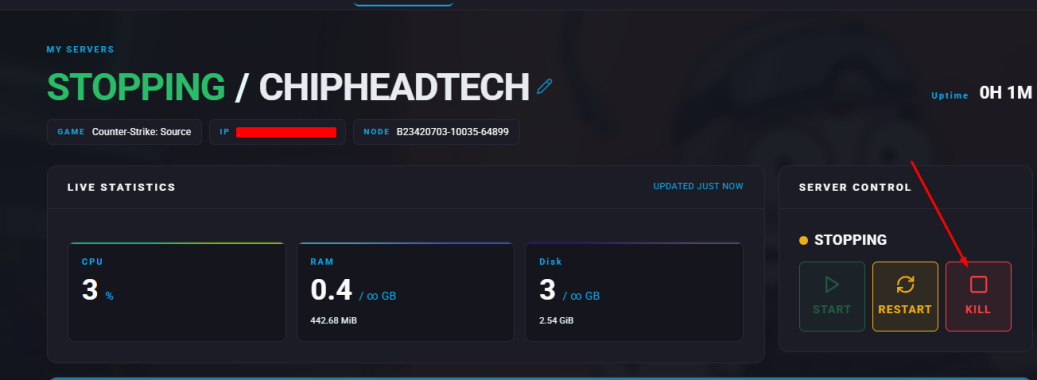
Log in to the ChipHead Panel and stop your server.
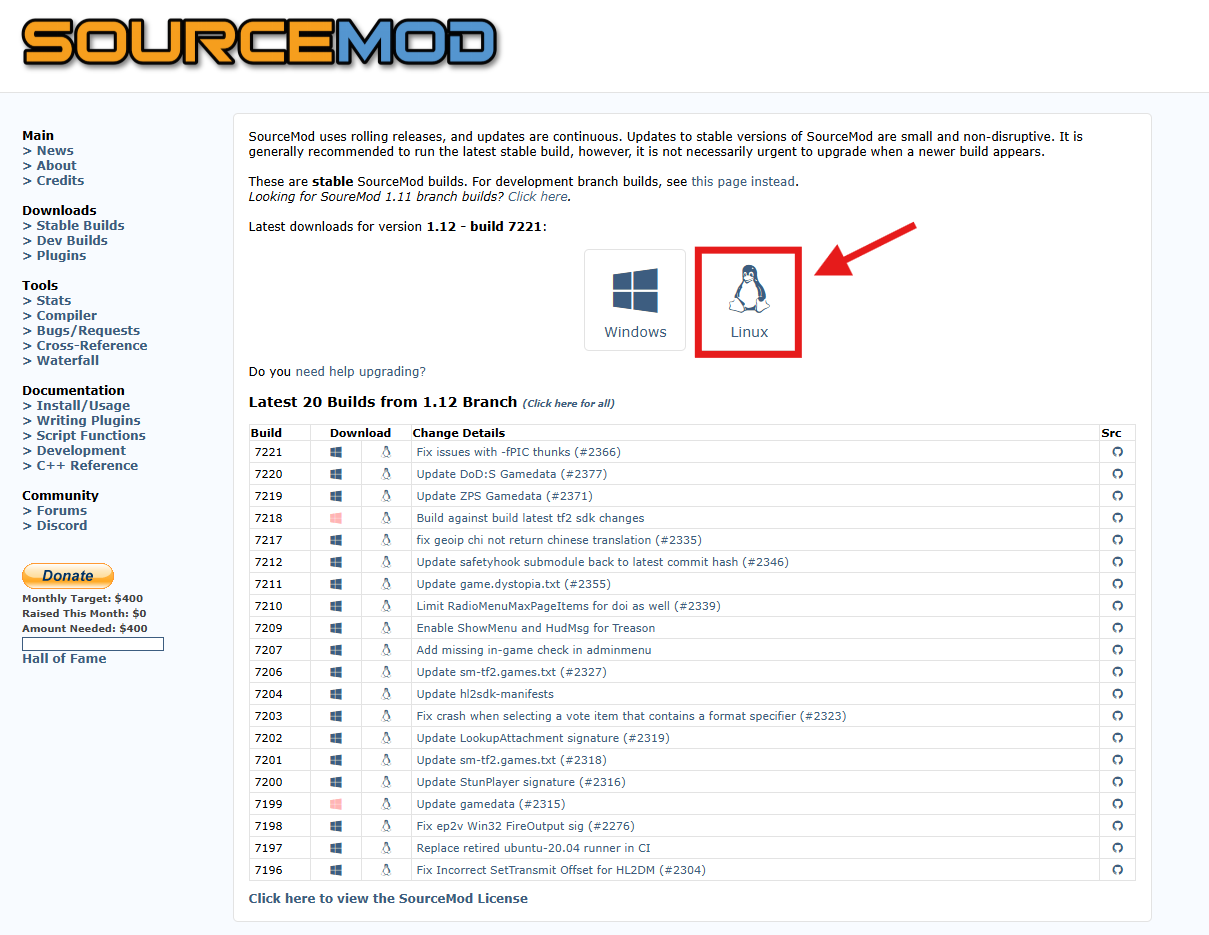
Visit the SourceMod website and download the latest Linux version of SourceMod.
After downloading, extract the files to a secure folder on your computer.
Tip: You can use WinRAR or 7Zip to create and extract .zip files if needed.Go to the VDF Generator website and generate a metamod.vdf file for Counter-Strike: Source.
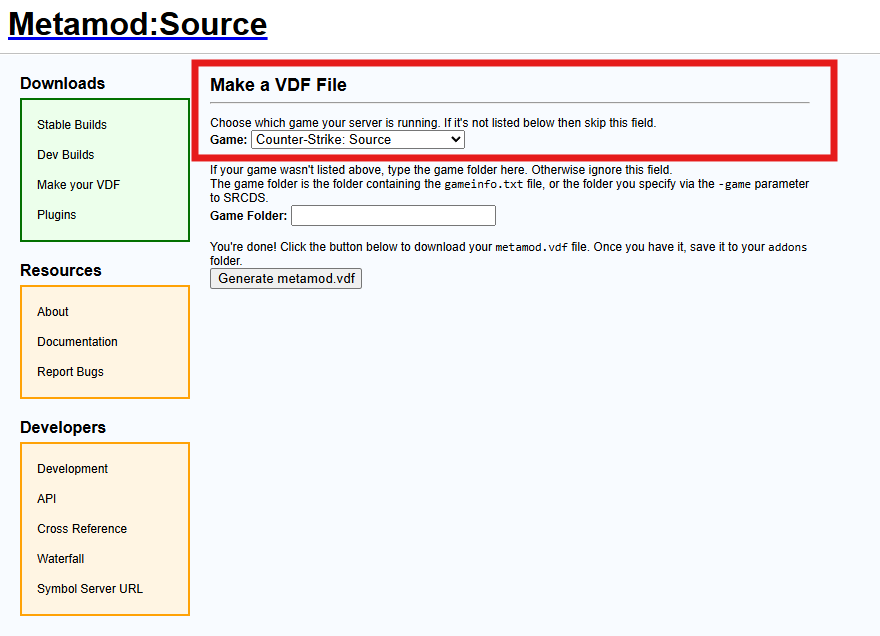
Move the metamod.vdf file into the “addons” folder inside your extracted SourceMod in Step 3.

Re-zip your SourceMod extracted folder
Return to your ChipHead Panel and open the Files tab.
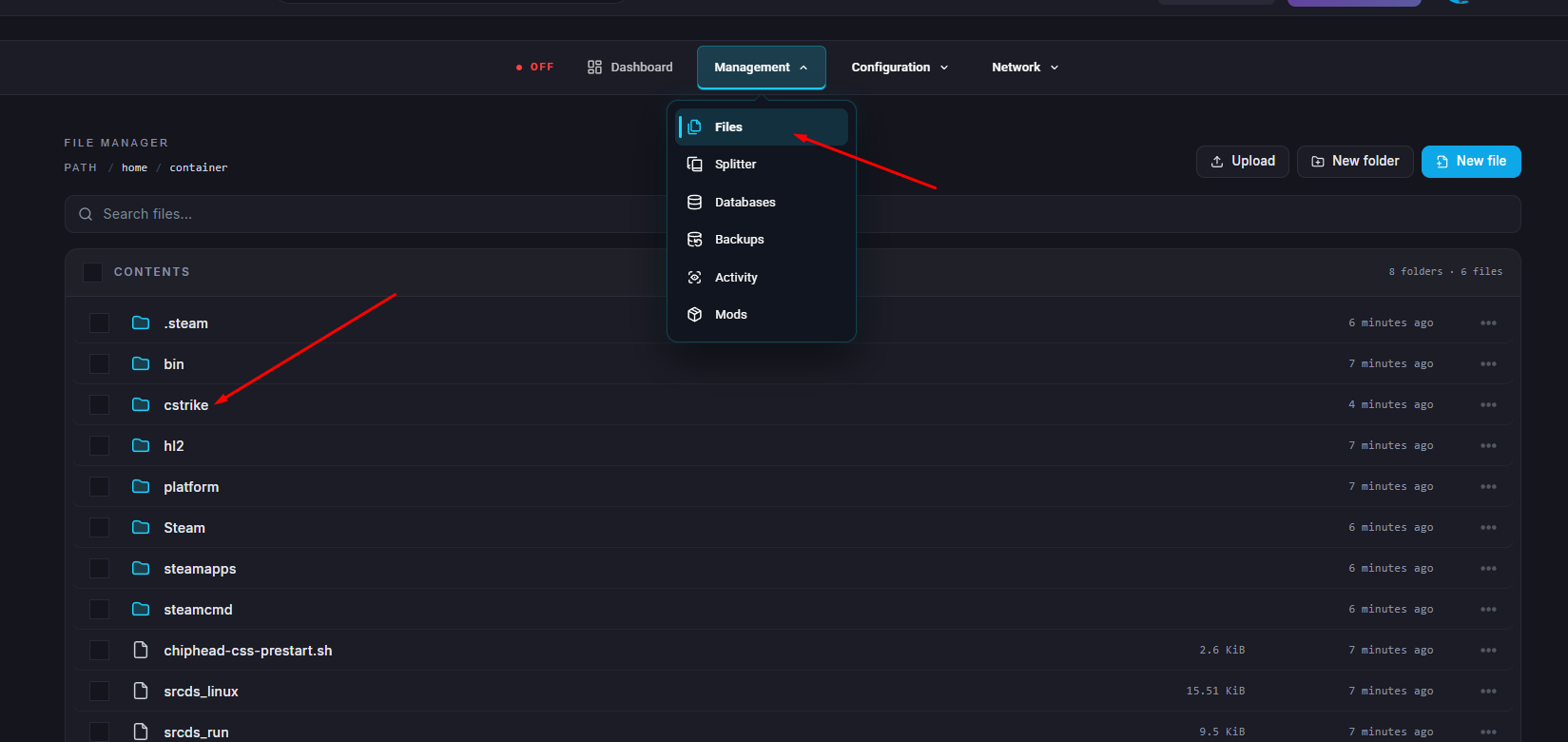
Locate and open the cstrike folder.
Upload your newly created zip file in Step 6
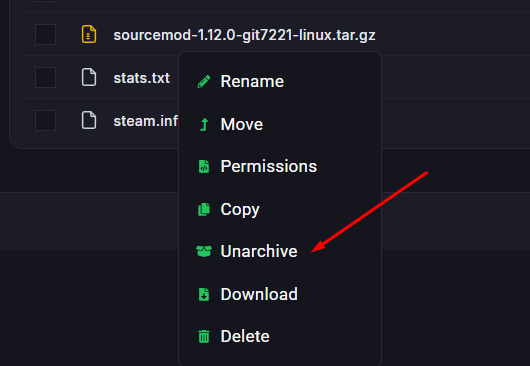
Click on the menu options (3 Dots) next to the file and select “Unarchive”
Start your server.
