
Summary
Counter-Strike 2 community servers support a variety of official game modes, including Competitive, Casual, Wingman, Arms Race, Deathmatch, and more. You can easily change your server’s game mode through the ChipHead Panel to provide different gameplay experiences for your players.
Changing the Game Mode
To change your CS2 server’s starting game mode:
Log in to your ChipHead Panel
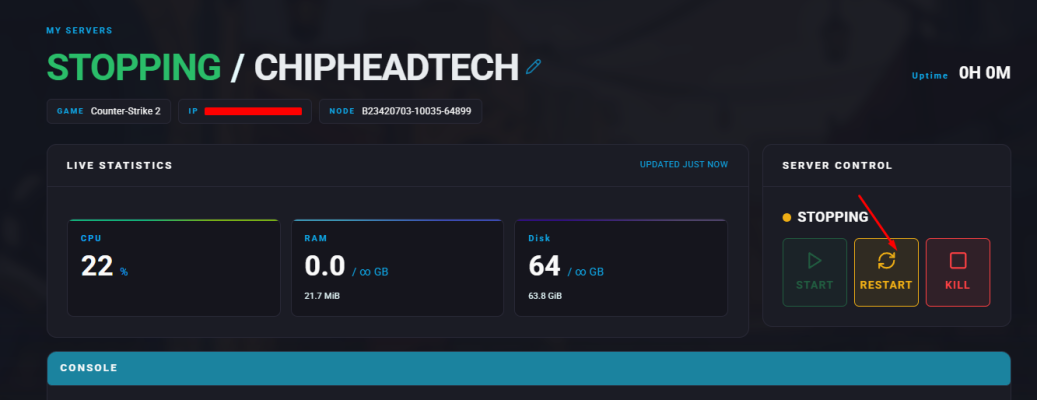
Stop your server.
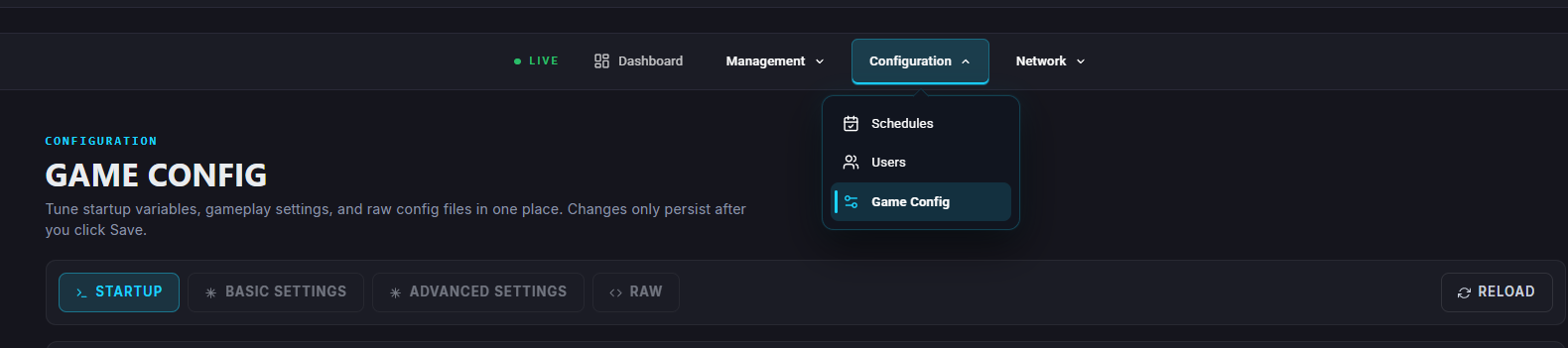
Go to “Startup”
Find the Game Mode Option:
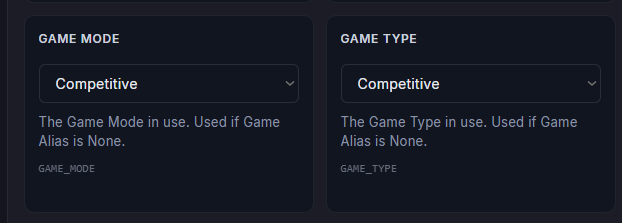
Set your desired game mode from the list below

here is a handy Command Generator
Insert your Game Mode & Game Type
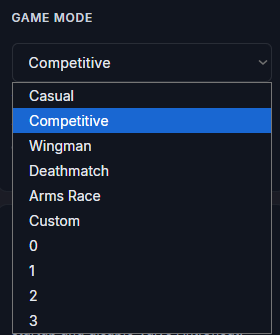
 Changes are saved automatically
Start the server
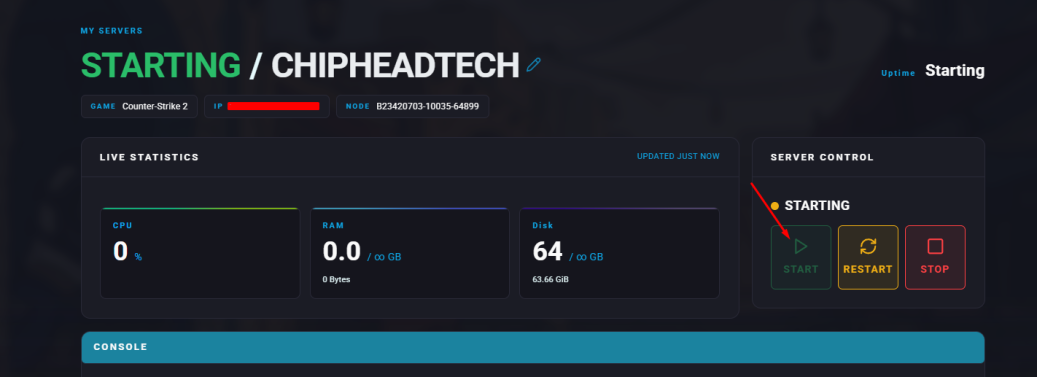
Your server will now launch using the new game mode !