Learn how to adjust enemy health, damage, and spawn rates to customise your Abiotic Factor gameplay experience.
In Abiotic Factor, enemy difficulty directly affects combat encounters by changing enemy health, aggression, spawn rates, and detection behaviour. Server owners can tweak these settings to make the game more intense for veteran players or more forgiving for newcomers.
All enemy difficulty settings can be found in the SandboxSettings.ini file. Follow the steps below to customise your server’s challenge level using the ChipHead Panel:
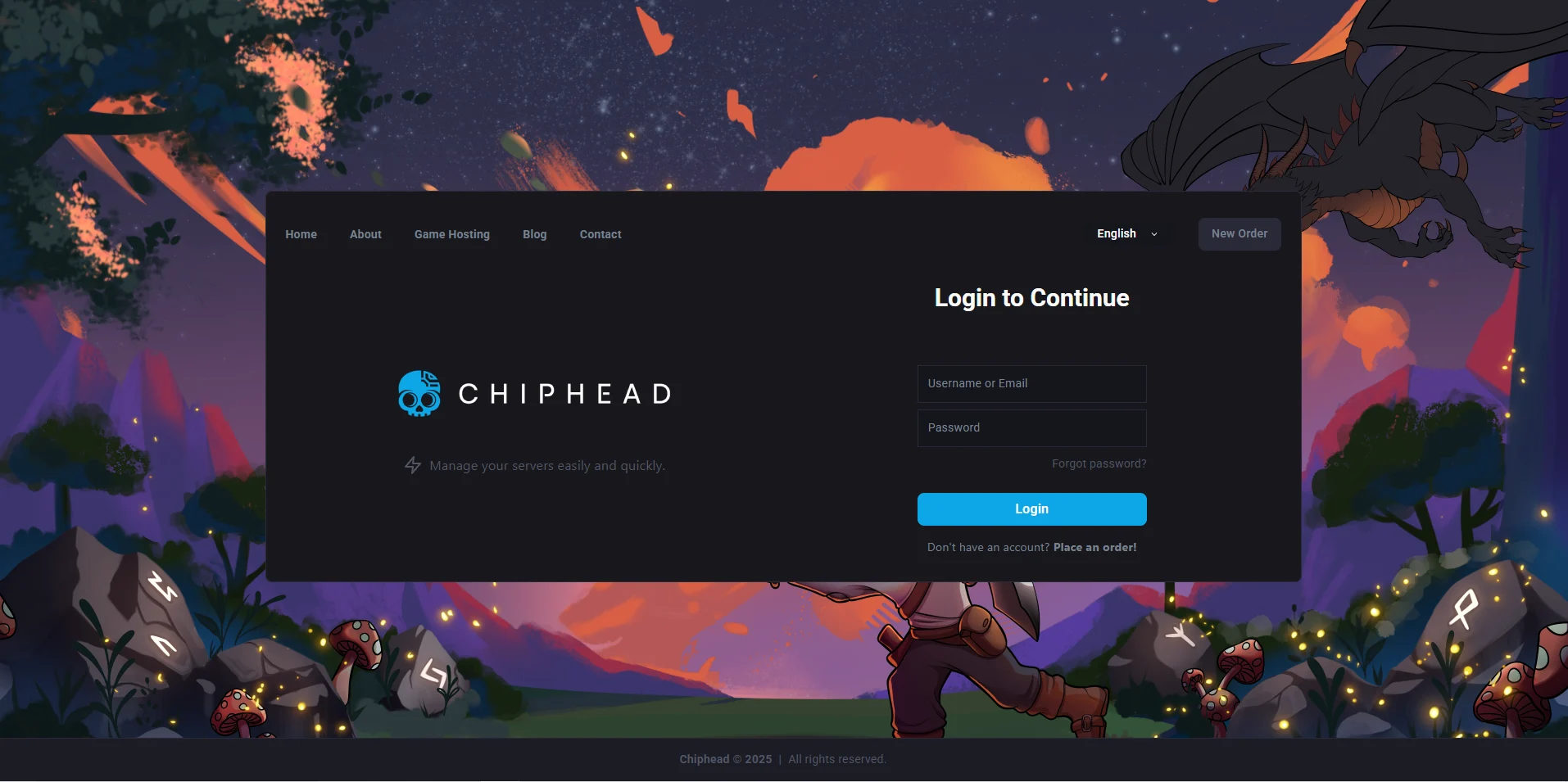
Log in to your ChipHead Panel.
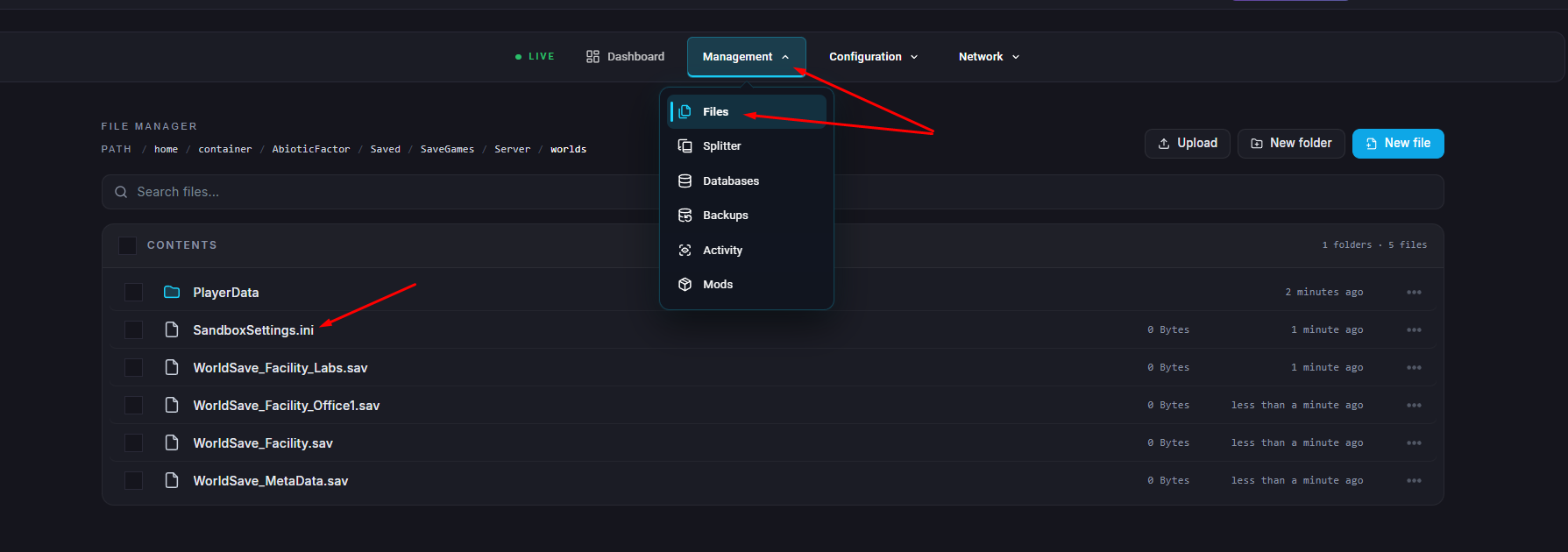
Click on Files & Navigate to the following directory:
AbioticFactor/Saved/SaveGames/Server/Worlds/<Your Save Name>/Open SandboxSettings.ini.
Locate and modify the following settings based on your preferred difficulty level:
Setting | Description | Min/Max Range |
GameDifficulty | Adjusts enemy aggression, reaction speed, and spawn density. | 1 = Normal2 = Hard3 = Apocalyptic |
EnemySpawnRate | Controls how often enemies respawn (higher = faster). | 0.5 – 3.0 |
EnemyHealthMultiplier | Changes enemy health (lower = weaker enemies). | 0.75 – 3.0 |
EnemyPlayerDamageMultiplier | Modifies how much damage enemies deal to players. | 0.25 – 3.0 |
EnemyDeployableDamageMultiplier | Controls how much damage enemies deal to deployable structures. | 0.1 – 5.0 |
DetectionSpeedMultiplier | Adjusts how quickly enemies detect players (higher = more alert). | 0.1 – 3.0 |
Click “Save Content”.
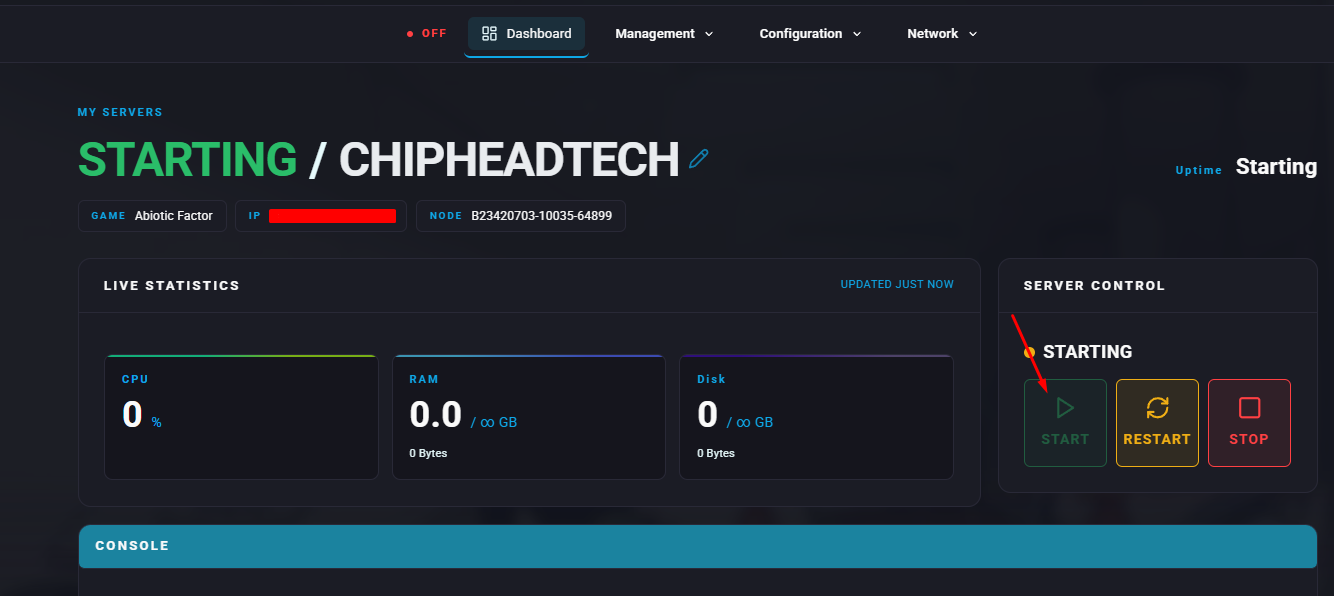
Start your server