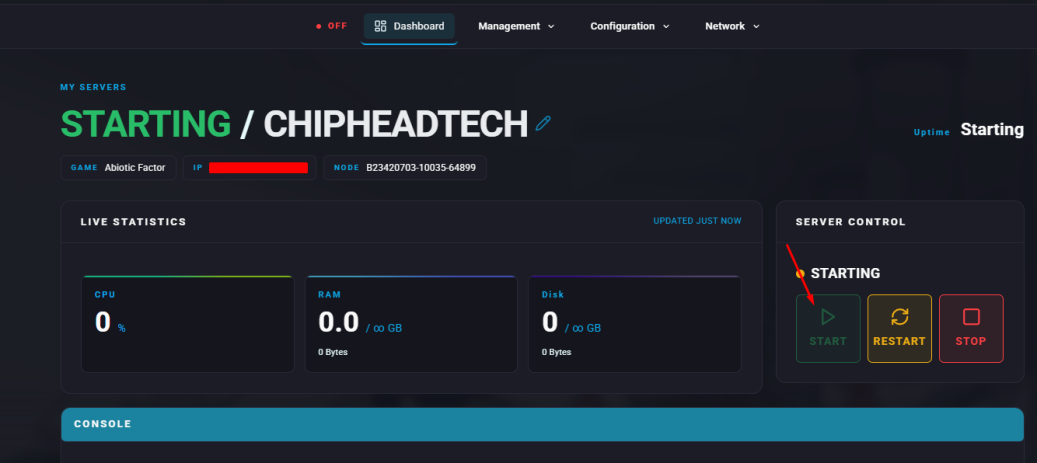
Customise what weapon players spawn with to adjust your Abiotic Factor server’s difficulty or balance early combat.
In Abiotic Factor, new players spawn with a default starting weapon. Using the FirstTimeStartingWeapon setting, server owners can change this to give players an advantage in early fights or make the start of the game more challenging.
This guide explains how to modify the starting weapon for your Abiotic Factor server.
You can edit the starting weapon setting by modifying the SandboxSettings.ini file through the ChipHead Panel:
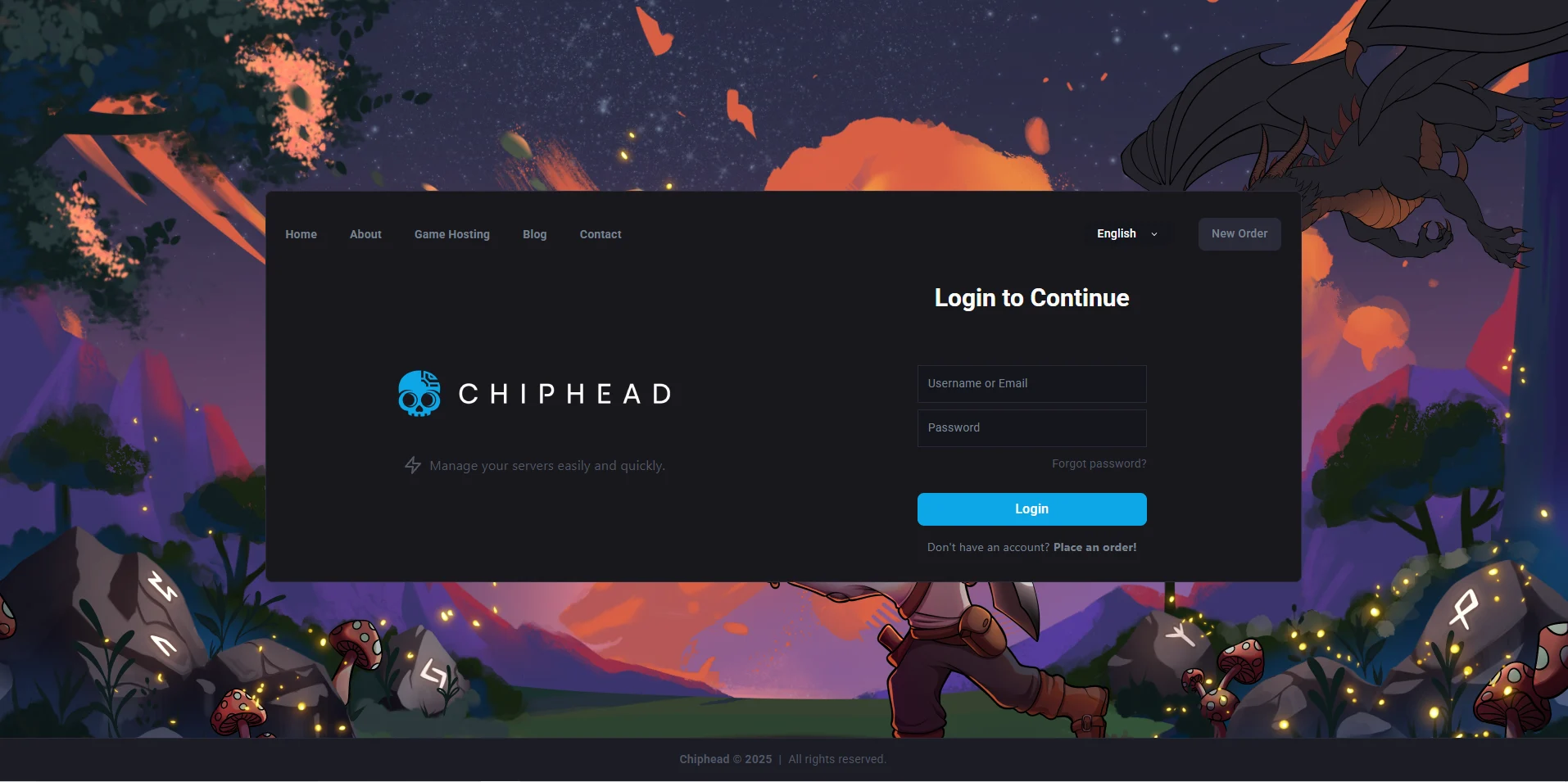
Log in to your ChipHead Panel.
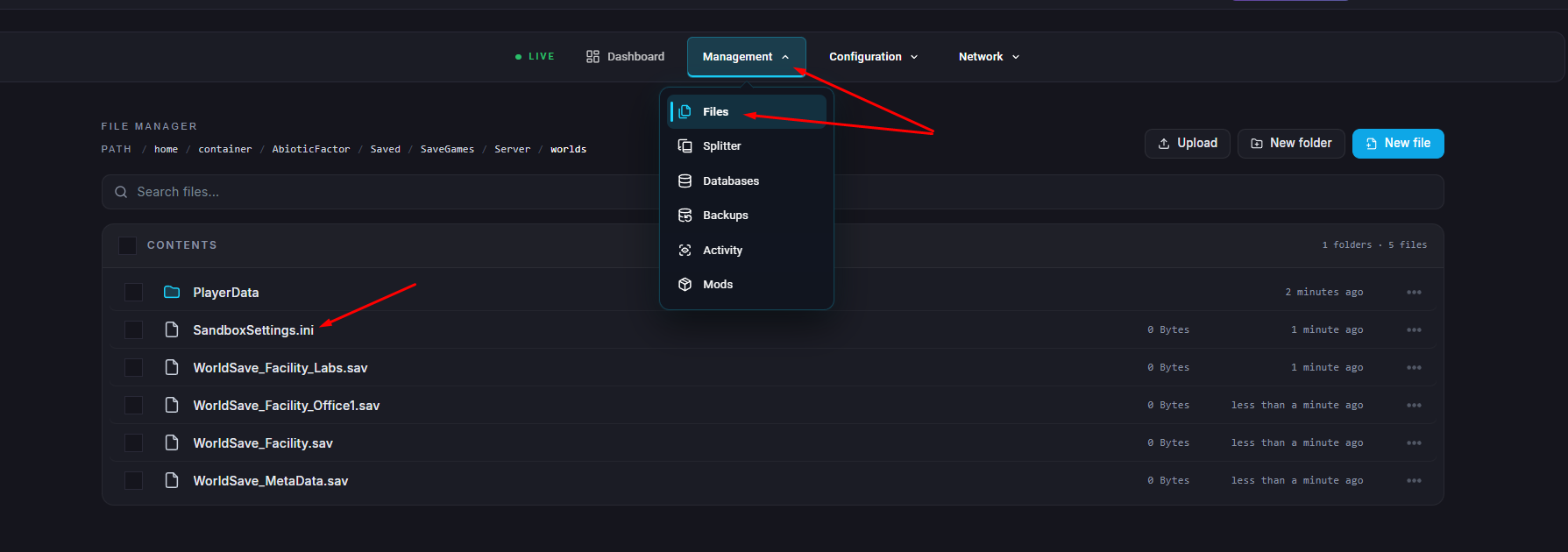
Click Files & Navigate to the following directory:
AbioticFactor/Saved/SaveGames/Server/Worlds/<Your Save Name>/Open the file SandboxSettings.ini.
Locate the line that says FirstTimeStartingWeapon and set it to your preferred value from the list below:
Value | Starting Weapon | Description |
0 | None | No weapon is given to new players. |
1 | Shiv | A basic short-range weapon. |
2 | Desk Leg | A makeshift blunt weapon. |
3 | Kitchen Knife | A sharp weapon that deals decent damage. |
4 | Starter Baton | A balanced melee weapon with good handling. |
5 | Pipe Club | A heavy melee weapon with strong knockback. |
6 | Random | Gives a random weapon from the list above. |
Click “Save Content”.
Start your server