Customise player survival needs by changing how quickly hunger, thirst, and fatigue increase on your Abiotic Factor server.
In Abiotic Factor, players must carefully manage their hunger, thirst, and fatigue to stay alive. Server owners can modify these survival rates to make the experience more forgiving or intensify the challenge for veteran players.
This guide explains how to tweak these values directly through your ChipHead Panel.
You can change these mechanics by editing the SandboxSettings.ini file in your server configuration:
Log in to your ChipHead Panel.

Click Files & Navigate to the following directory:
AbioticFactor/Saved/SaveGames/Server/Worlds/<Your Save Name>/Open SandboxSettings.ini.
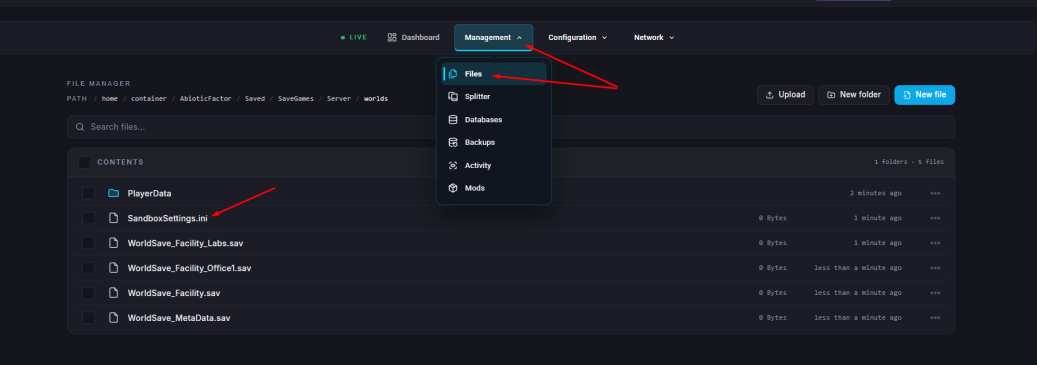
Find and adjust the following settings based on your preferences:
HungerSpeedMultiplier
ThirstSpeedMultiplier
FatigueSpeedMultiplier
Setting | Description | Example Adjustment |
Minimum Value: | Disables the mechanic entirely. |
|
Maximum Value: | Doubles the rate at which the need increases. |
|
Example 1: | Make hunger decrease slower. |
|
Example 2: | Make thirst increase faster. |
|
Click “Save Content”
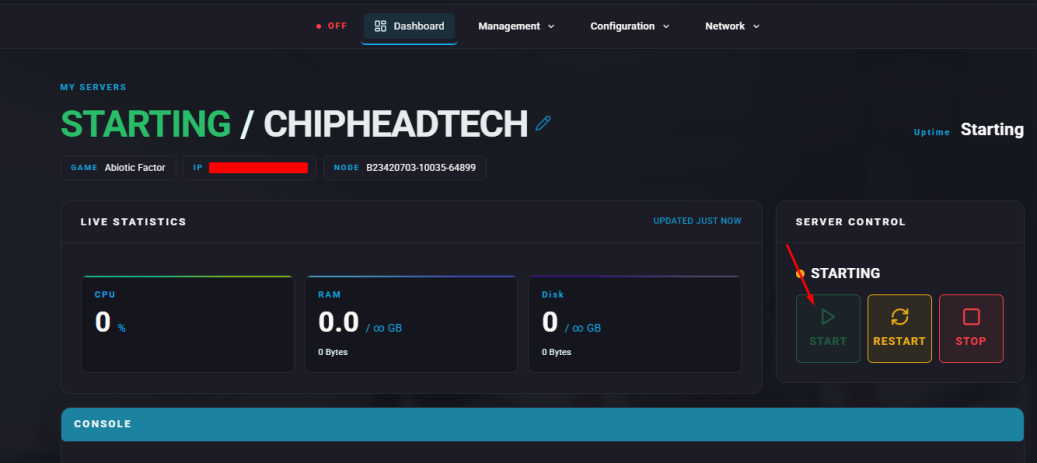
Start your server.