
Optimise inventory management by increasing how many items can stack in a single slot on your Abiotic Factor server.
By default, Abiotic Factor limits the number of items that can be stacked in one inventory slot. Increasing stack sizes helps reduce clutter, improve storage efficiency, and make large-scale resource gathering much easier.
Increasing Item Stack Sizes
You can adjust stack limits by editing the SandboxSettings.ini file through your ChipHead Panel:
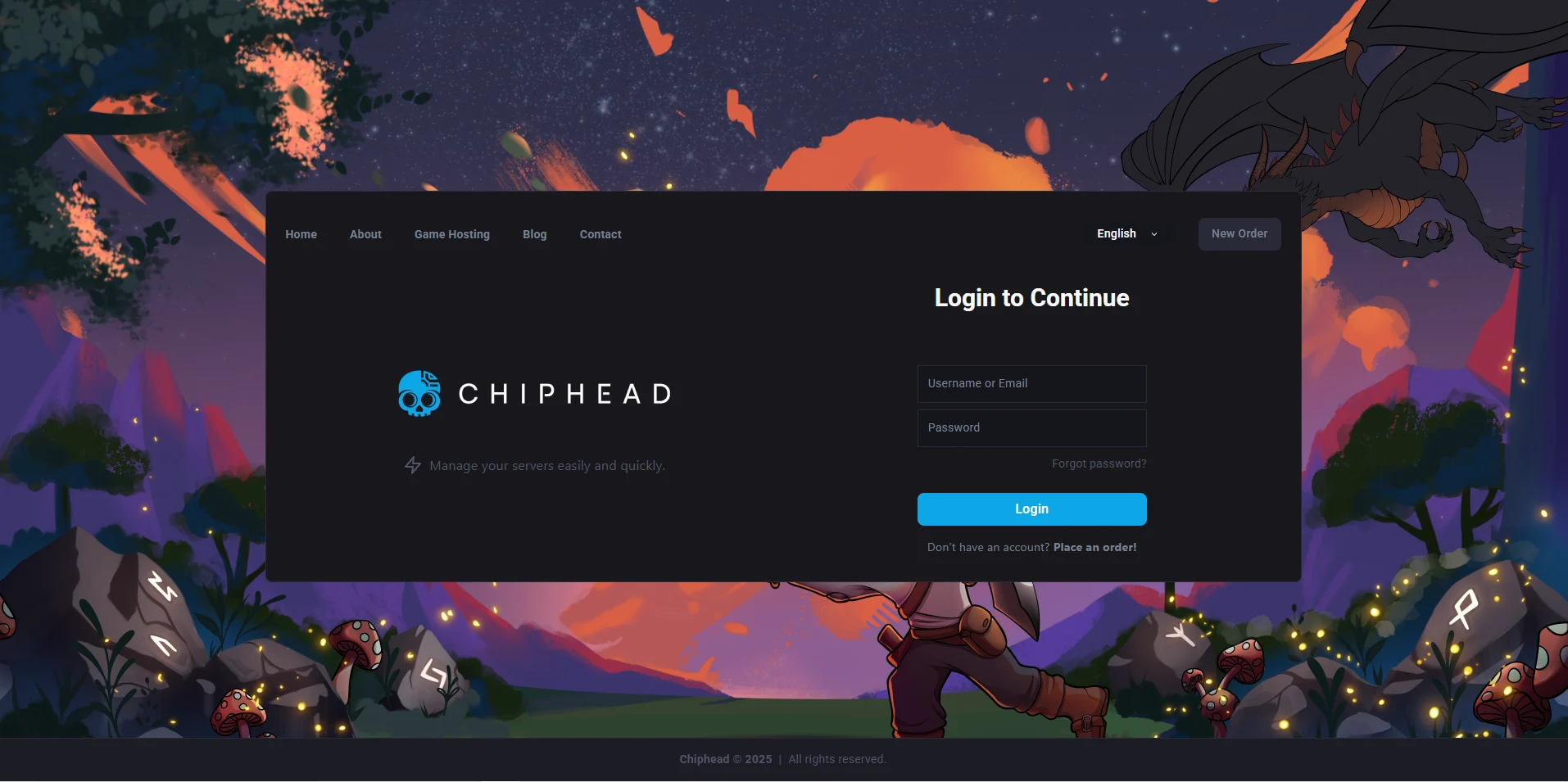
Log in to your ChipHead Panel.
Click Files & Navigate to the following directory:
AbioticFactor/Saved/SaveGames/Server/Worlds/<Your Save Name>/Open the SandboxSettings.ini file.
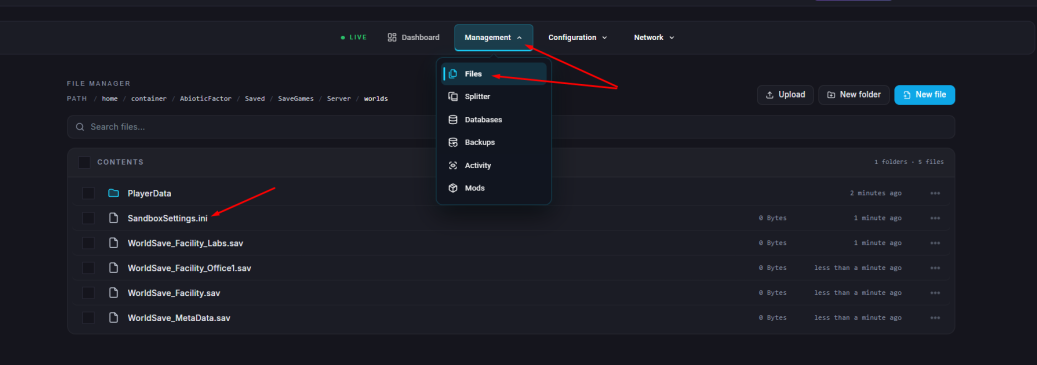
Locate the setting ItemStackSizeMultiplier and set it to your desired value.
Recommended Value Range
Setting | Description | Example |
1.0 | Default stack size. | Standard item limits per slot. |
Up to 30.0 | Maximum stack size (30x the normal limit). |
|
Click “Save Content”.
Start your server.
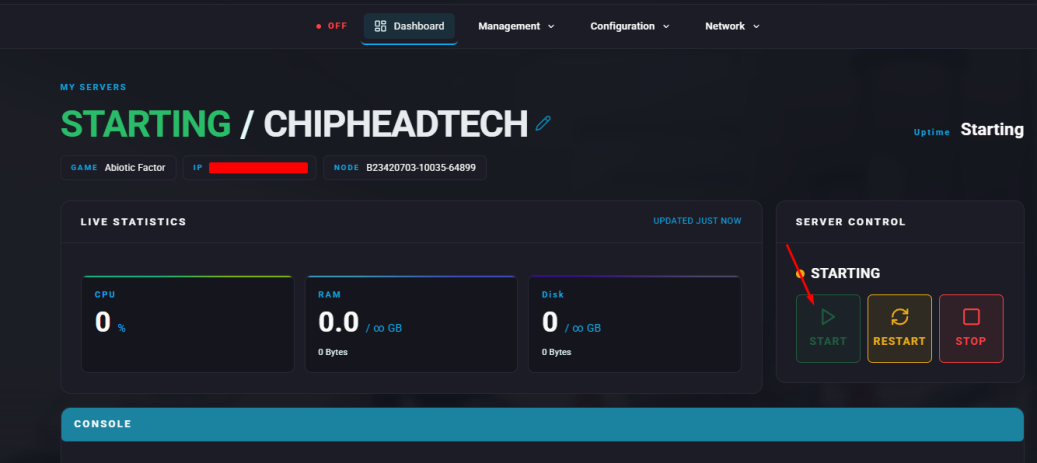

Your Abiotic Factor server will now support larger item stacks, giving players more space for resources and smoother gameplay. Customising storage like this helps you keep your ChipHead server organised and efficient.