Remove or customise death penalties to create a more forgiving or creative gameplay experience on your Abiotic Factor server.
By default, Abiotic Factor applies penalties when a player dies, causing item drops and durability loss. For players who prefer a less punishing experience, you can disable or modify these death rules to retain equipment and progress after death.
You can disable or adjust death penalties by modifying the DeathPenalties setting in your SandboxSettings.ini file through the ChipHead Panel:
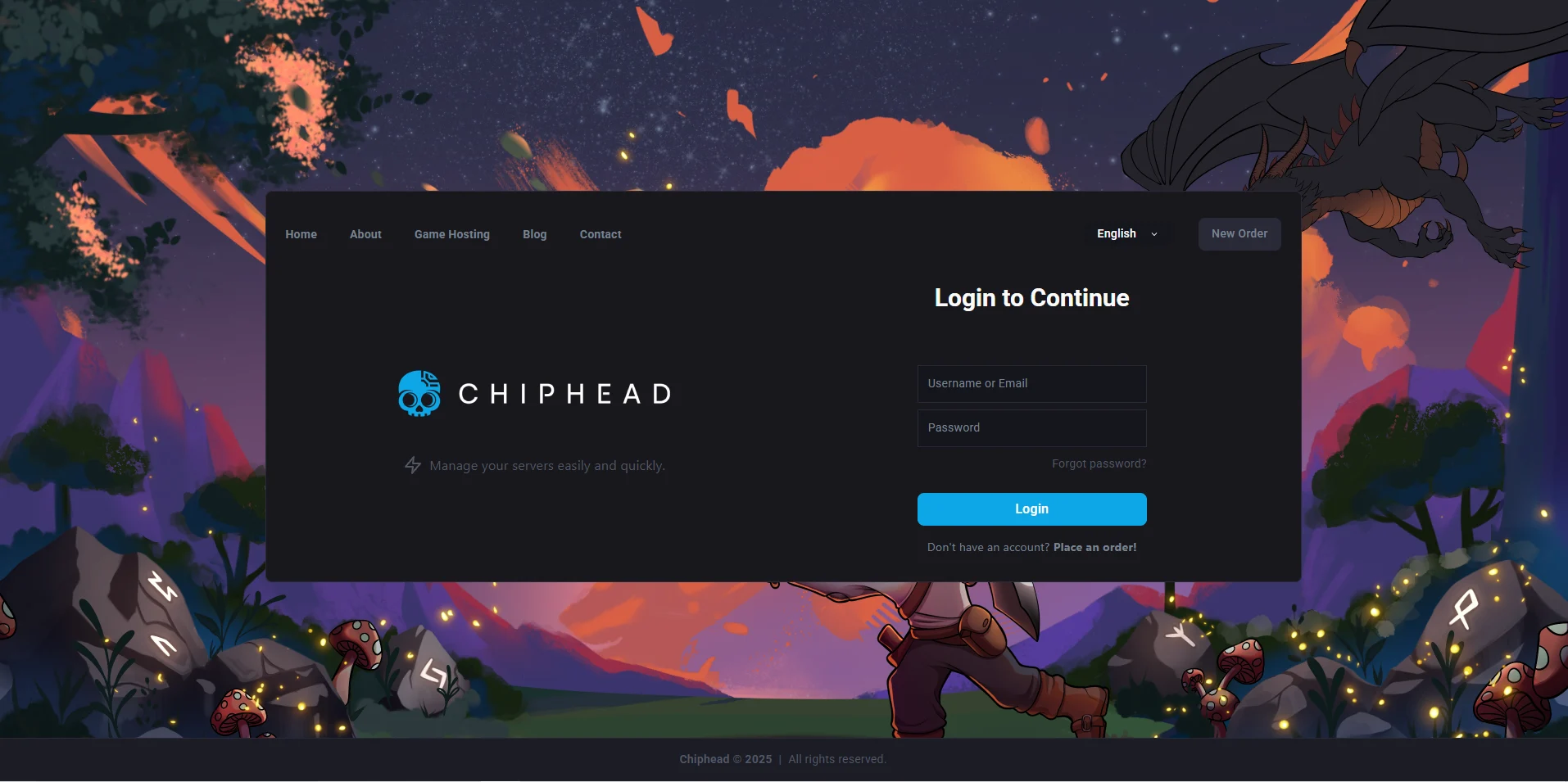
Log in to your ChipHead Panel.
Click Files & Navigate to the following directory:
AbioticFactor/Saved/SaveGames/Server/Worlds/<Your Save Name>/Open the SandboxSettings.ini file.
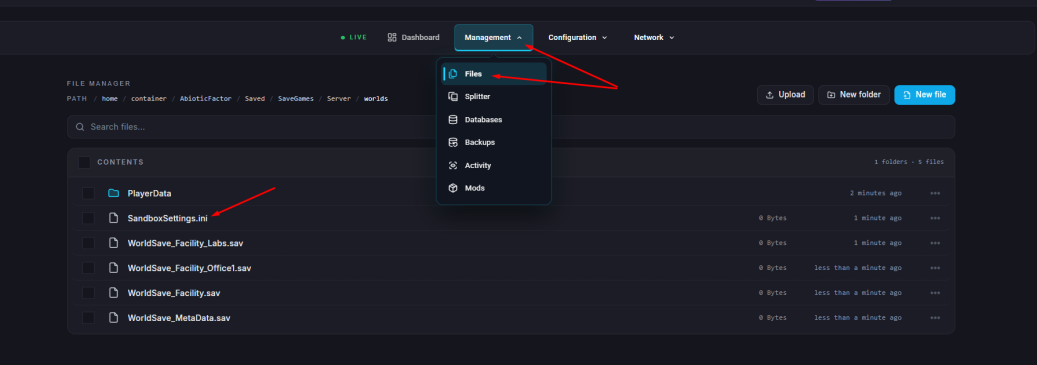
Locate the setting DeathPenalties.
To disable death penalties completely, set the value to:
DeathPenalties=0Click ”Save Content”.
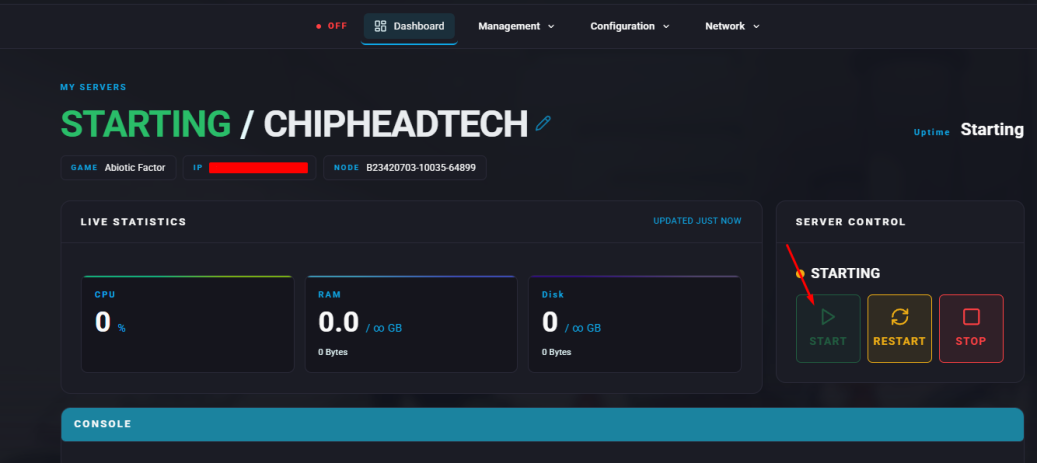
Start your server
If you’d like to customise what happens upon death instead of disabling penalties entirely, use one of the following values:
Value | Description |
0 | Keep all items upon death. |
1 | Keep equipped items and hotbar. |
2 | Keep hotbar items only. |
3 | Keep equipped items only. |
4 | Lose all items, including hotbar. |
5 | All items are permanently destroyed. |

