
Absolutely! You have the flexibility to upgrade or downgrade your server at any time directly from your client area.
Upgrading: Simply cover the cost difference between your current plan and the one you’d like to move to.
Downgrading: Open a support ticket
Upgrading your server
Log in to your ChipHead account
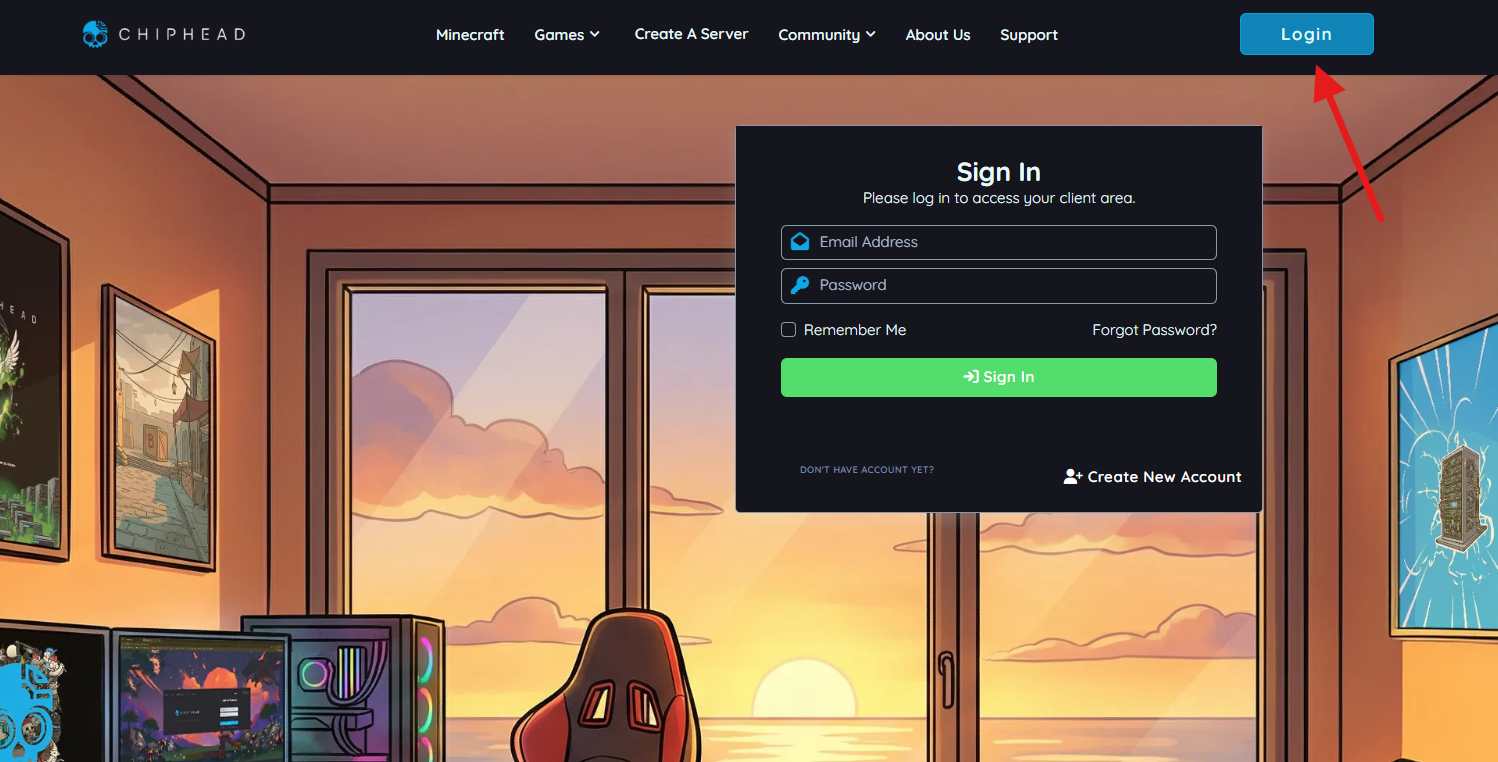
Navigate to your Client Area
Select your game and click on the “Config” wheel:

Select Upgrade from the menu options
Configure your Upgrade and Click the “Upgrade” button

Once your payment is confirmed, your server will automatically begin updating. Please allow some time for this process to complete.
Average upgrade time takes 20-30 minutes.
Average upgrade time takes 20-30 minutes.

If you encounter any issues please visit our homepage (https://chiphead.tech/home) and create a ticket using the icon in the bottom right hand corner