
Safely delete or refresh player save data to fix issues, clear progress, or give players a fresh start.
Resetting a player’s data on your Abiotic Factor server can help resolve bugs, corrupted files, or simply allow players to start over from scratch. This process removes the player’s saved data while keeping the rest of the world intact.
Resetting Player Data
Follow these steps to safely reset player data using the ChipHead Panel:
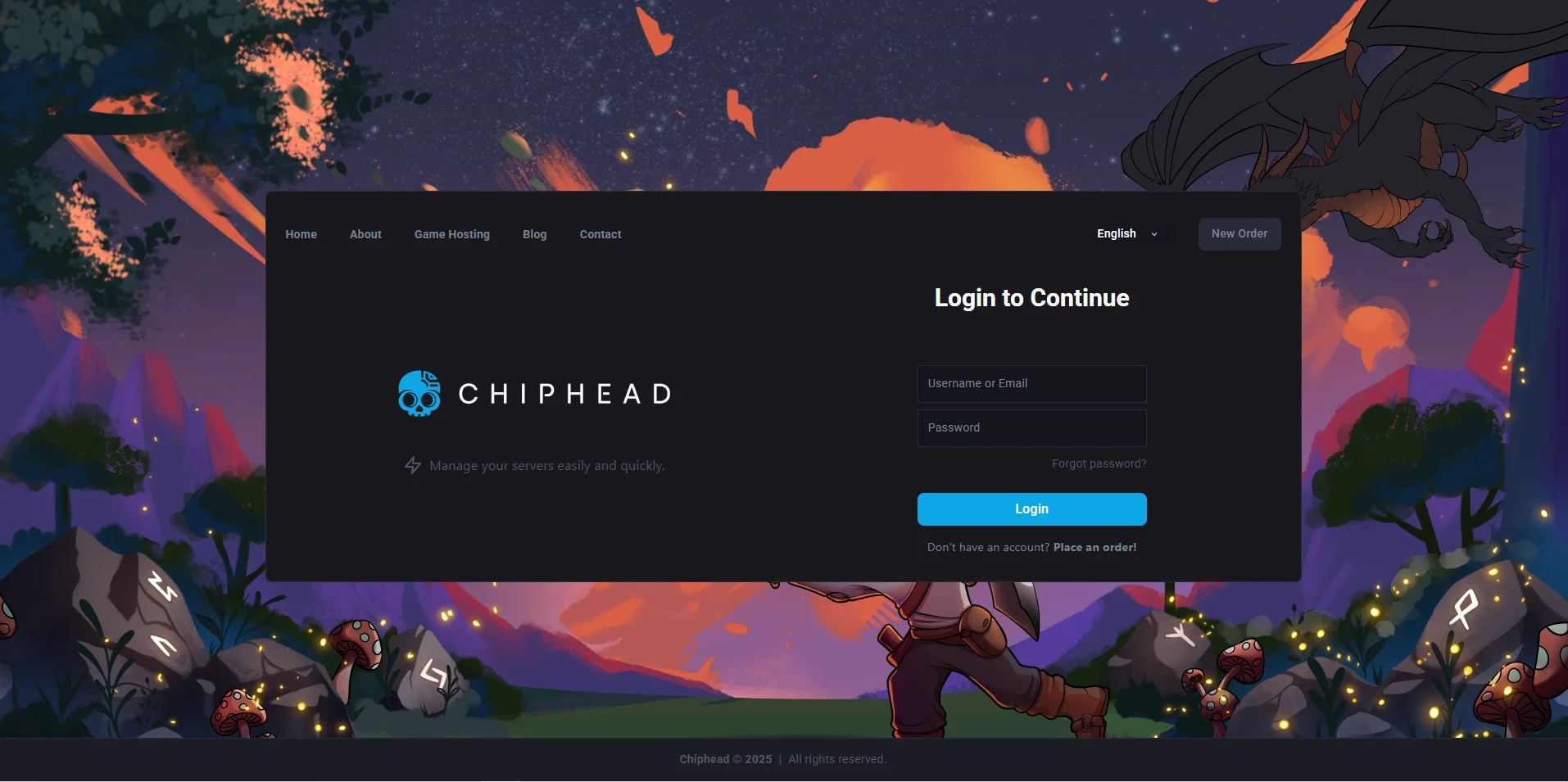
Log in to your ChipHead Panel
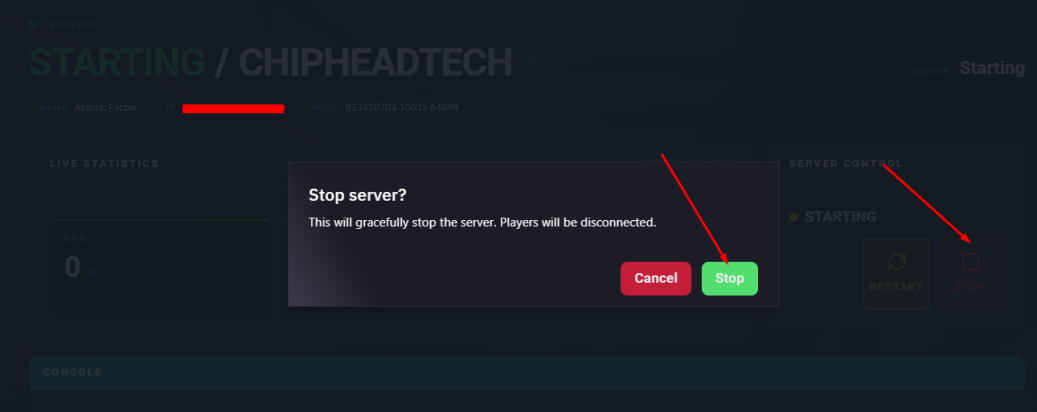
Stop your server.
Click Files & Navigate to the following directory:
AbioticFactor/Saved/SaveGames/Server/Worlds/<Your Save Name>/Open the PlayerData folder.
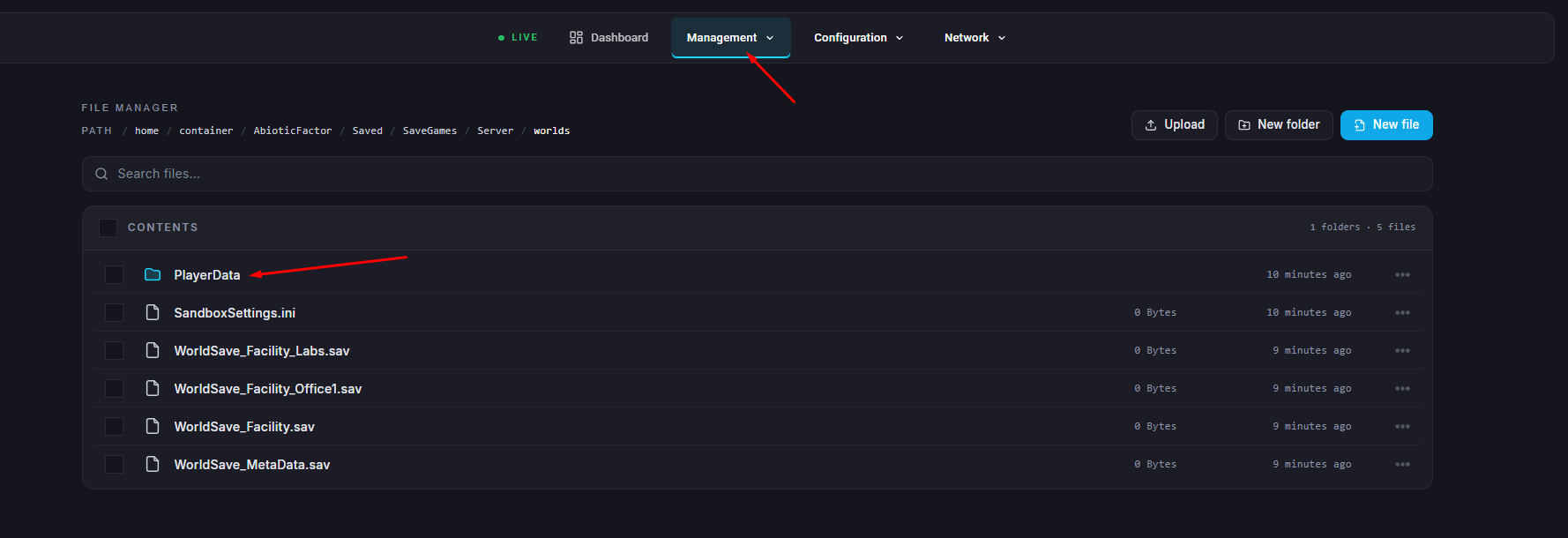
Locate the file that matches the player’s SteamID.
Select the file and click Delete to remove it.
Once deleted, click Start to restart your server.
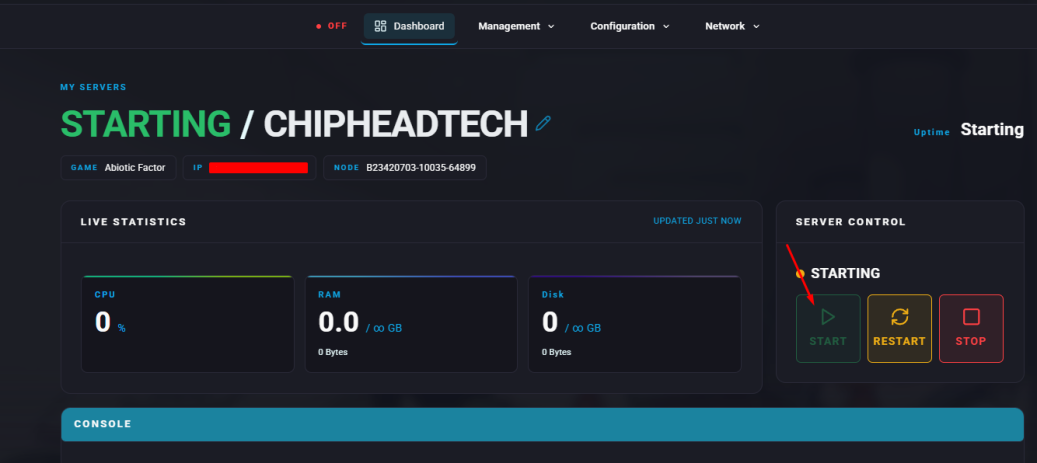

That’s it!
The player’s data has now been successfully reset. When they next log in, they’ll start fresh - just like joining the server for the first time. This method is a quick and effective way to resolve player-specific issues or prepare your ChipHead server for a new playthrough.
The player’s data has now been successfully reset. When they next log in, they’ll start fresh - just like joining the server for the first time. This method is a quick and effective way to resolve player-specific issues or prepare your ChipHead server for a new playthrough.