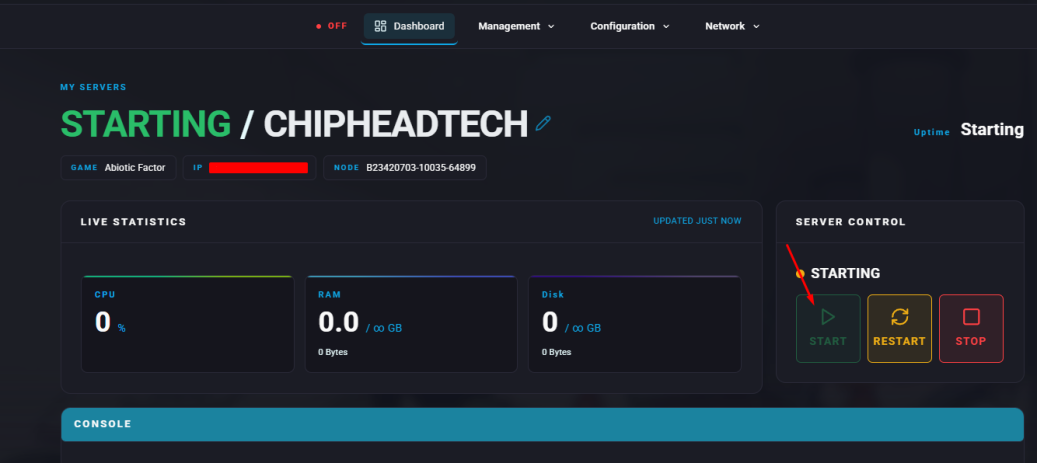
Allow resources and items to reappear over time by enabling loot respawns on your Abiotic Factor server.
By default, Abiotic Factor does not respawn loot once it has been collected. Enabling loot respawns ensures that items periodically reappear throughout the facility, keeping resources available for players on long-term or community servers.
This feature is ideal for maintaining balance and preventing resource shortages in extended survival sessions.
You can enable loot respawning by editing the SandboxSettings.ini file through your ChipHead Panel:
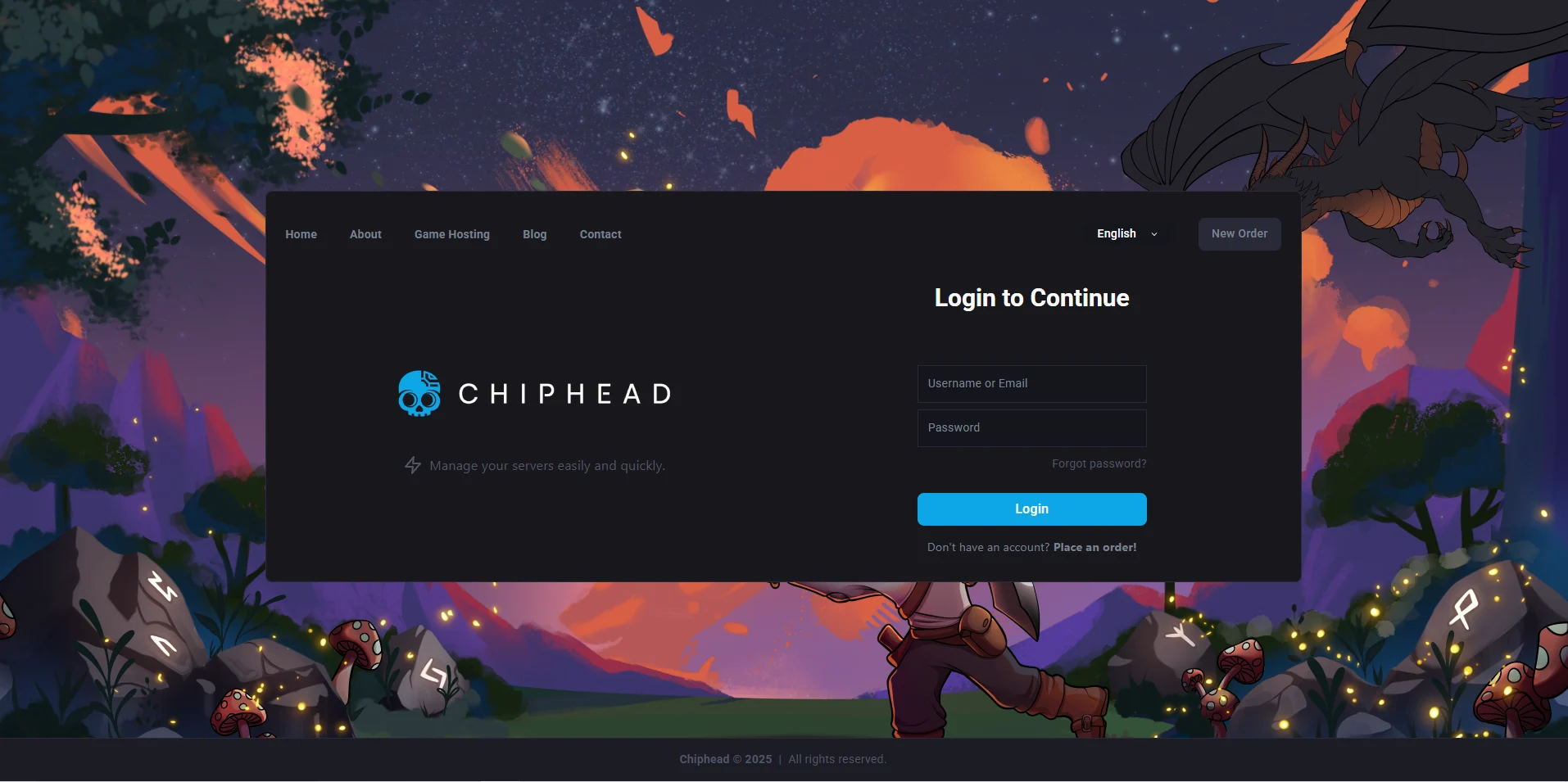
Log in to your ChipHead Panel.
Click Files & Navigate to the directory below:
AbioticFactor/Saved/SaveGames/Server/Worlds/<Your Save Name>/Open SandboxSettings.ini.
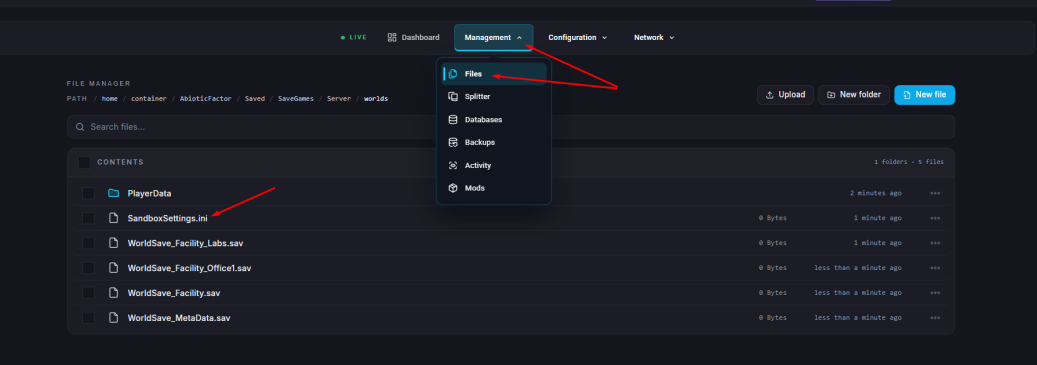
Locate the line that says:
LootRespawnEnabled=FalseChange it to:
LootRespawnEnabled=TrueClick "Save Content".
Start your server