Secure your server by setting or updating a password so only authorised players can join.
Setting a password on your Abiotic Factor server helps you control who can access your world, keeping it private for friends or restricted to your community. Follow the steps below to update or add a password using your ChipHead Panel.
You can easily update your server password through the configuration editor:
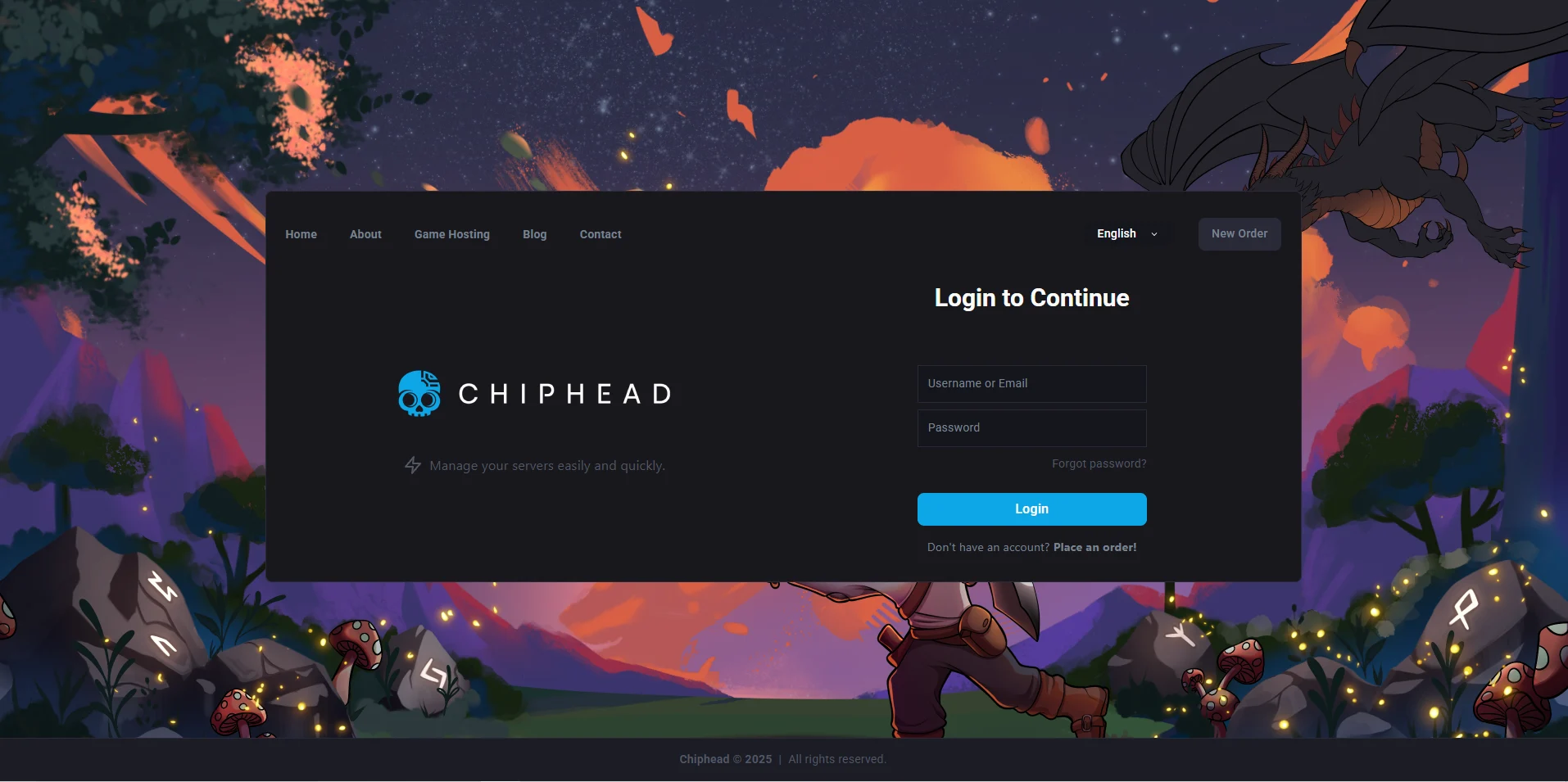
Log in to your ChipHead Panel.
Navigate to “Startup”.
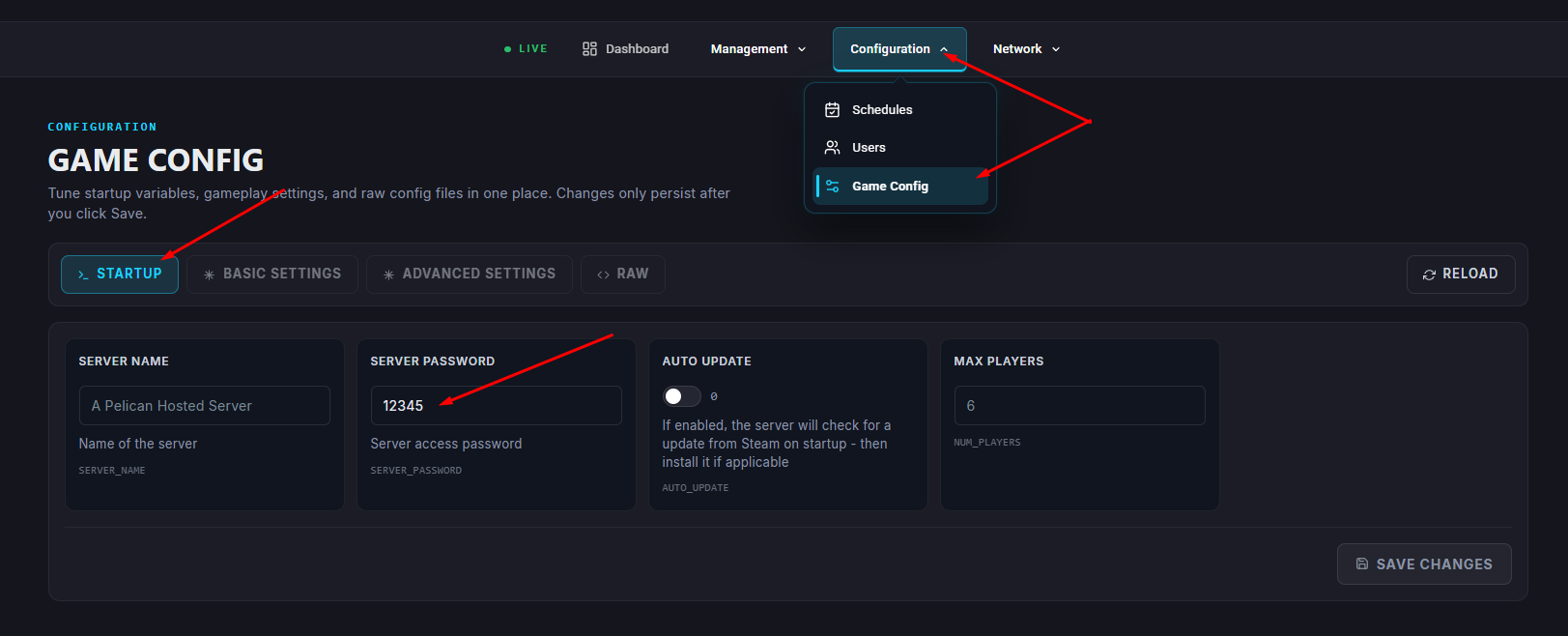
Find the Server Password field.
Enter your desired password.
Start your server.
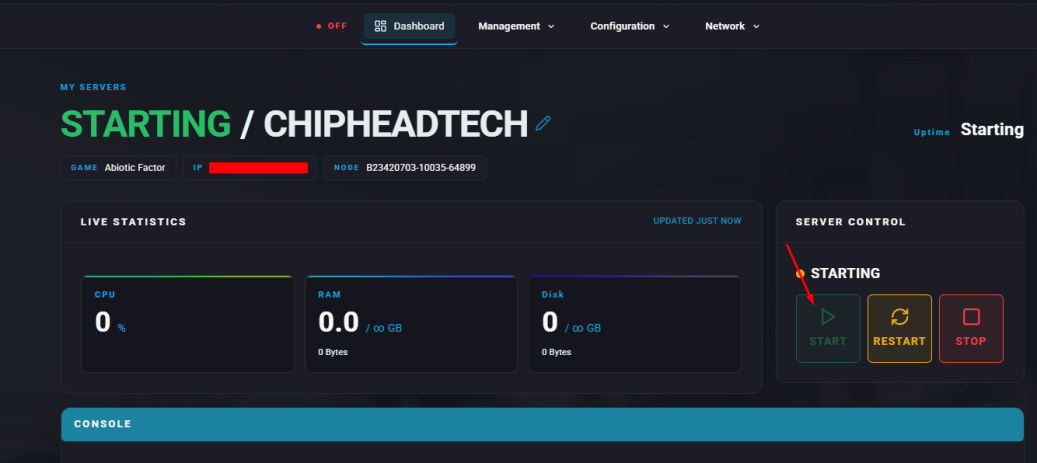
Once your server restarts, players will be required to enter the new password before joining.

