
Give your server a unique name to make it stand out and easier for players to find in the server browser.
Changing your Abiotic Factor server name helps players identify your world quickly in the in-game browser. A distinctive name not only improves visibility but also adds personality to your server, making it more memorable to your community.
Changing Your Server Name
You can update your server name through the ChipHead Panel in just a few steps:
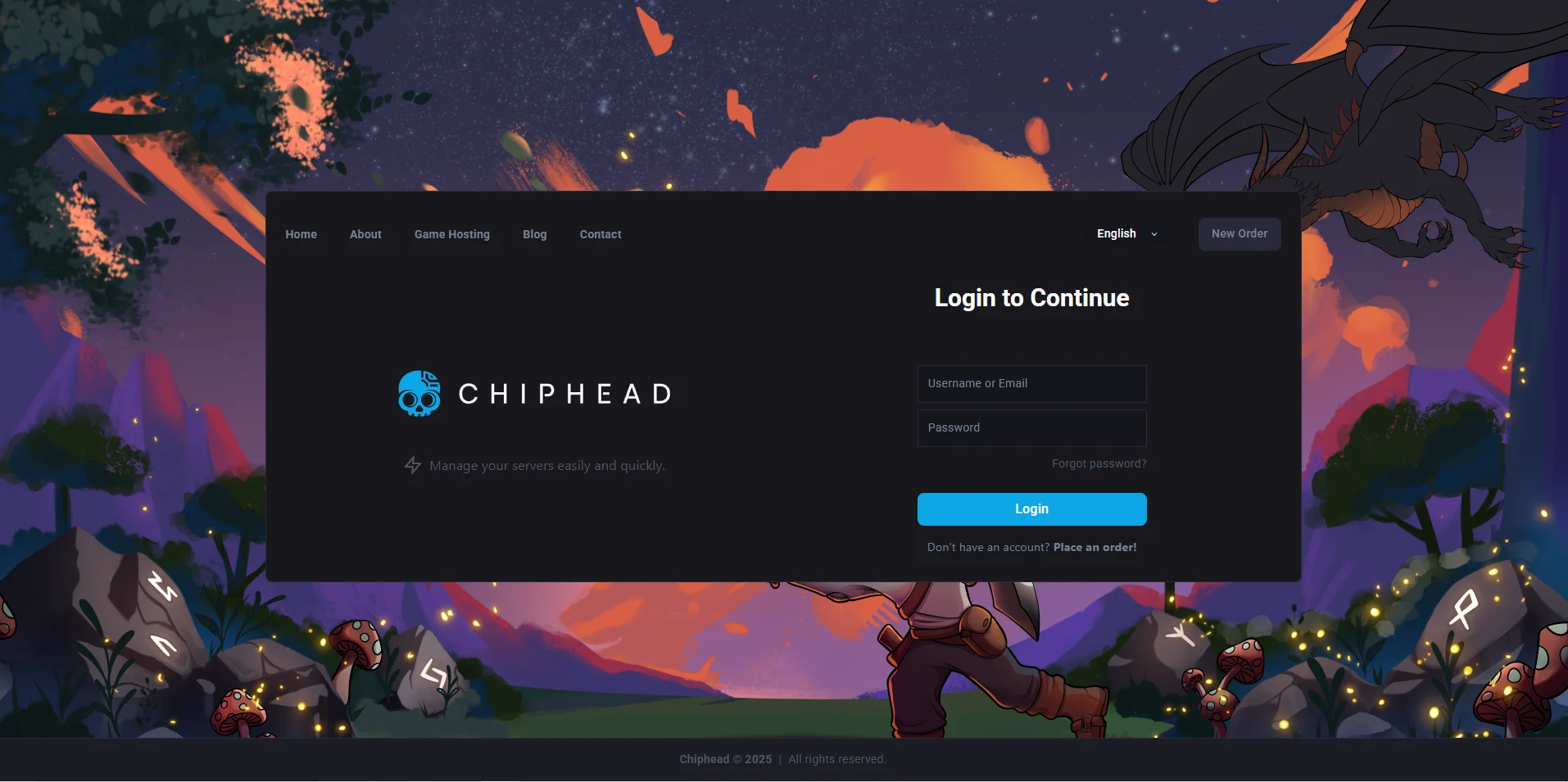
Log in to your ChipHead Panel.
Navigate to “Startup”.
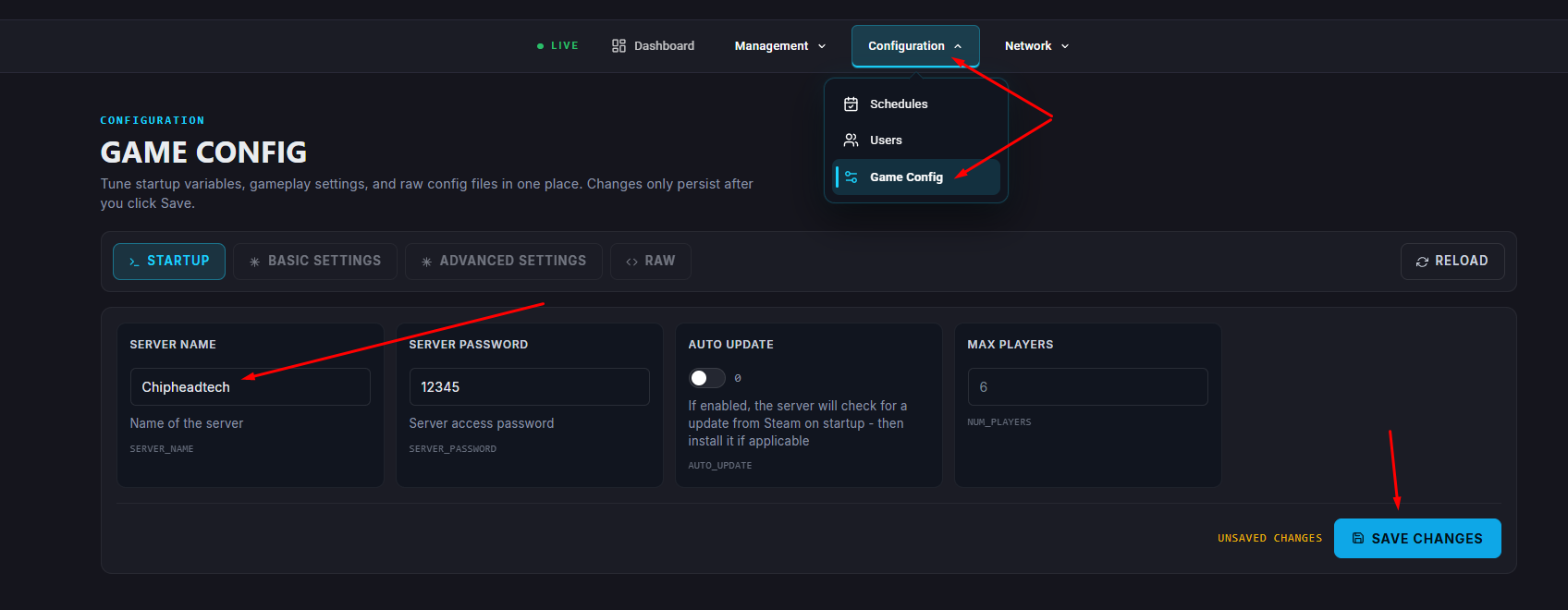
Find the Server Name field.
Enter your new, desired server name.
Start your server
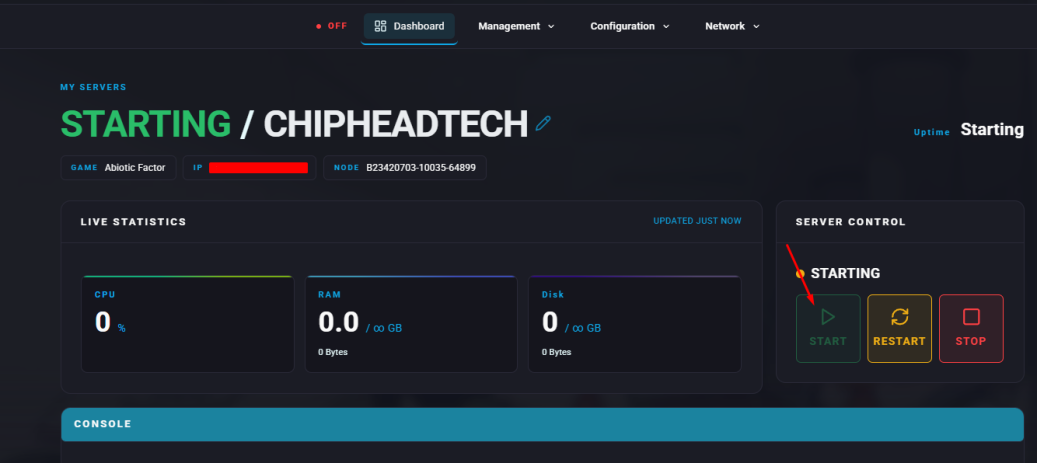
Your server will now display the updated name in the in-game browser.

All done!
Your Abiotic Factor server now has a fresh new name, making it easier for players to recognise and join your ChipHead server.
Your Abiotic Factor server now has a fresh new name, making it easier for players to recognise and join your ChipHead server.