Learn how to connect to your Aloft server using a Room Code or through the public world list.
Joining your Aloft server is quick and simple. Whether you’re connecting for the first time or helping friends get started, this guide will walk you through every step so you can jump straight into your floating island adventure.
You can connect to your server directly using the Room Code found in your server files.
Log in to your ChipHead Panel.
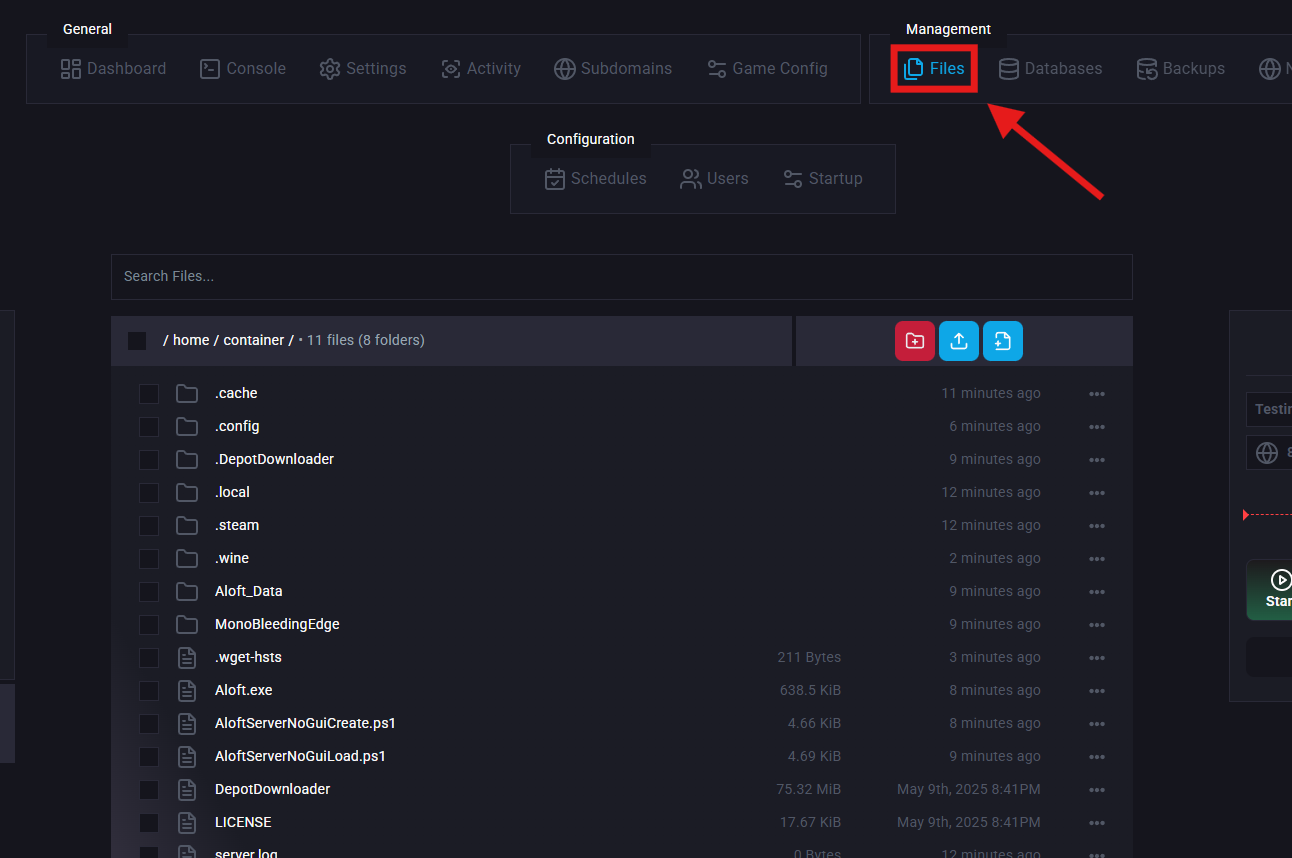
Navigate to Files.
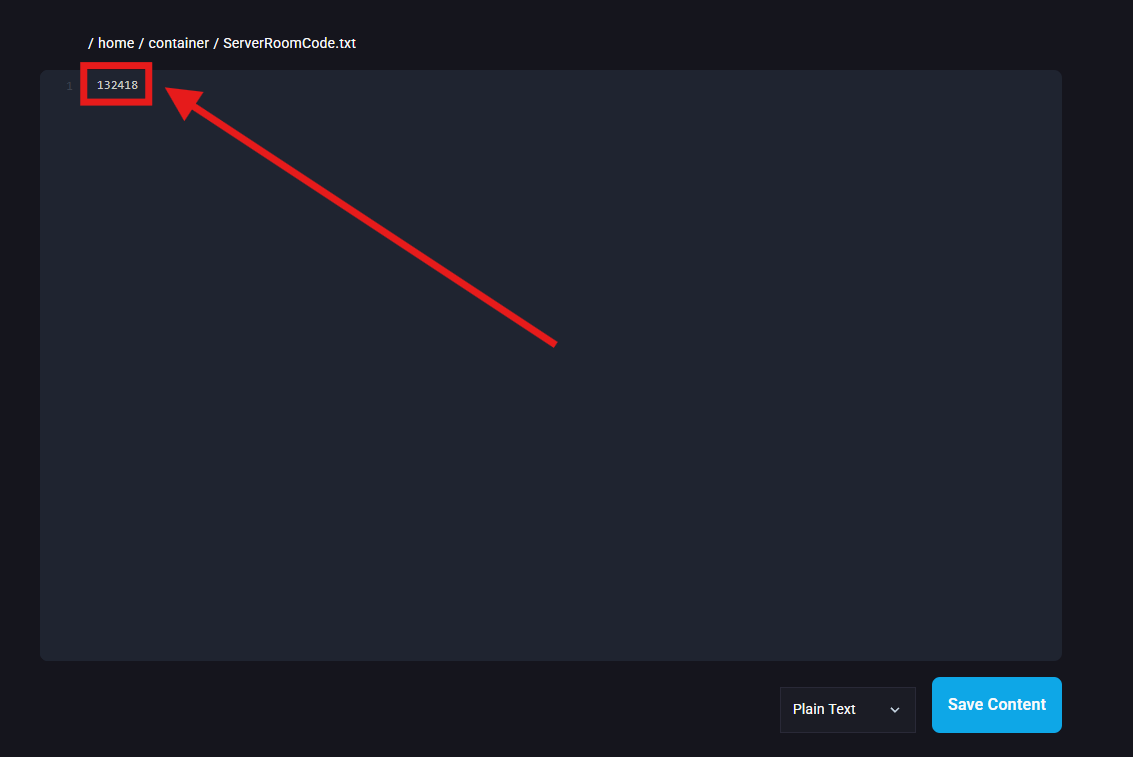
Locate and open the ServerRoomCode.txt file.
Copy the Room Code from that file.
Launch Aloft through Steam.
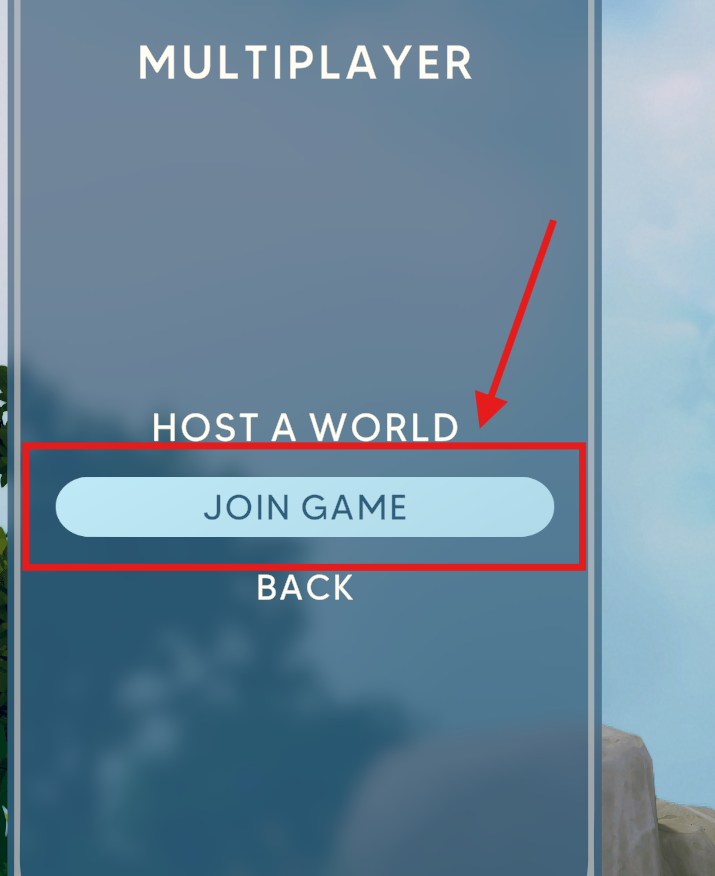
Go to the Multiplayer menu.
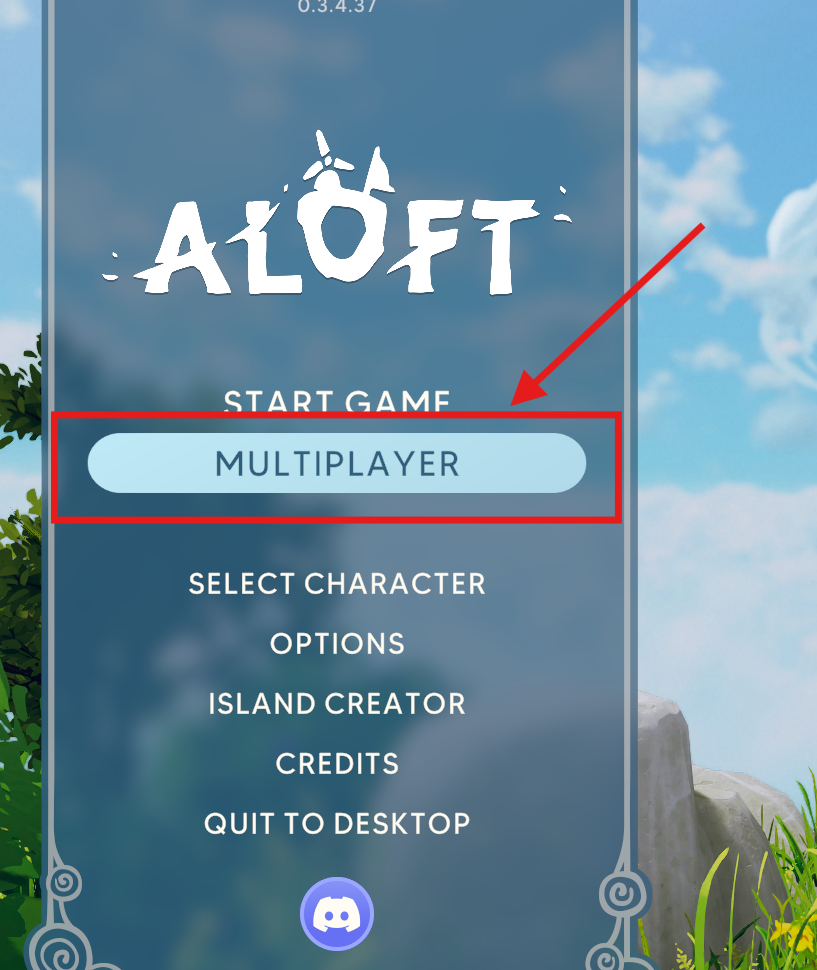
Click Join Game.
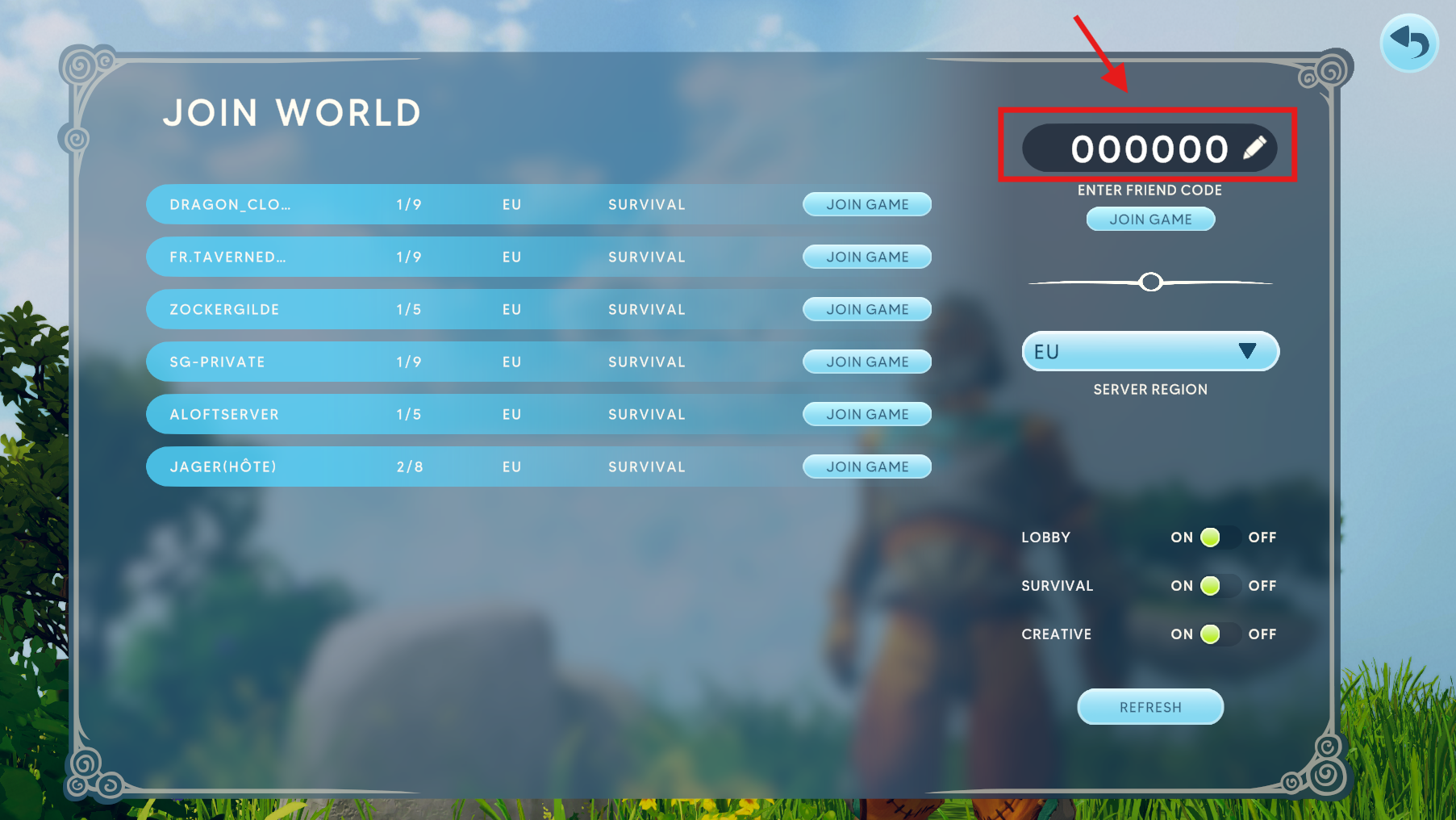
At the top of the screen, click the Room Code input box.
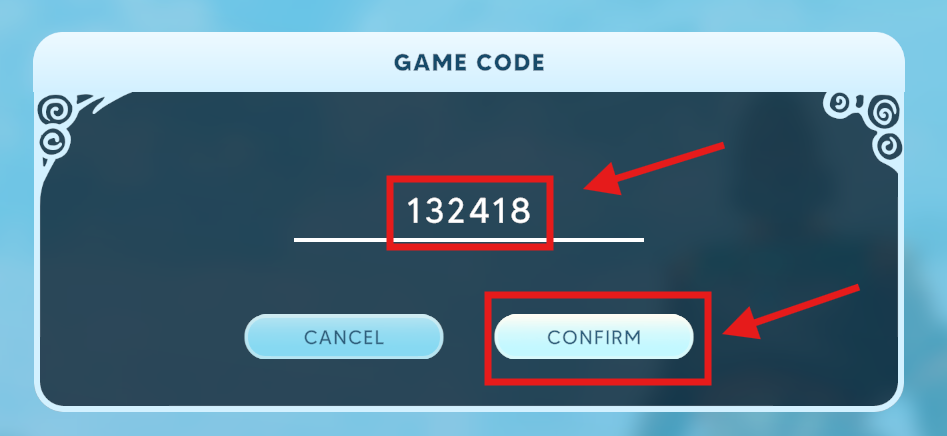
Paste the copied Room Code and click Confirm.
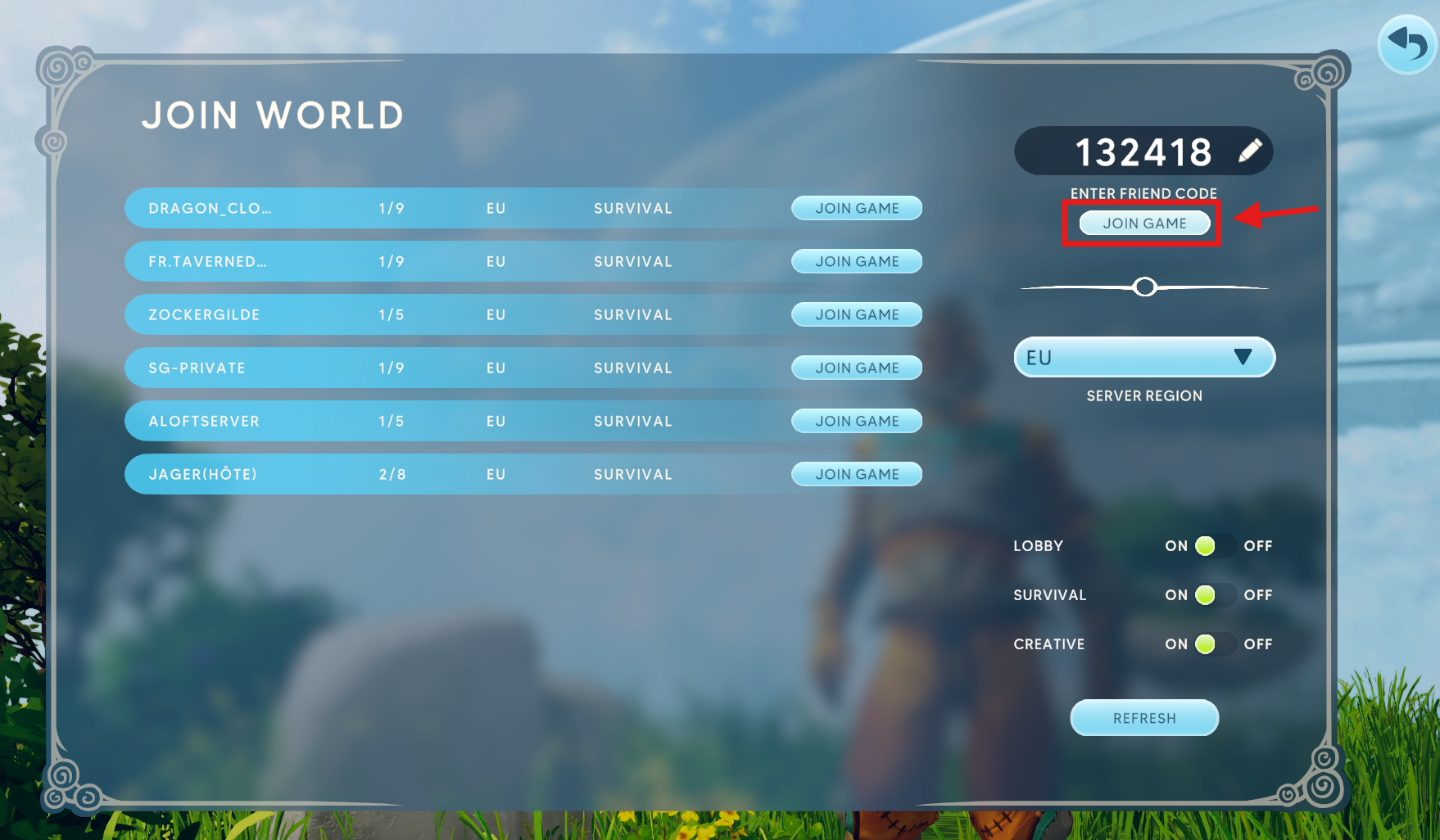
Once entered, click Join Game to connect.

If your server is set to Public, you can find and join it through the in-game world list.
Open Aloft and go to the Multiplayer menu.
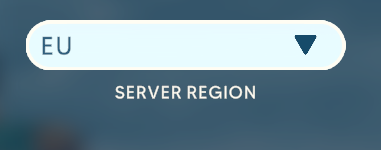
Set your server region to match your server’s location.
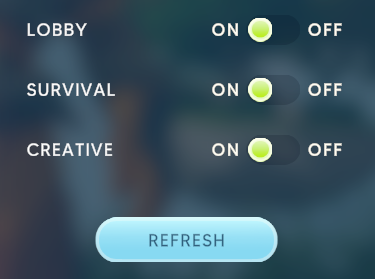
Use the filters to refine your search.
Locate your server by name and click Join.

