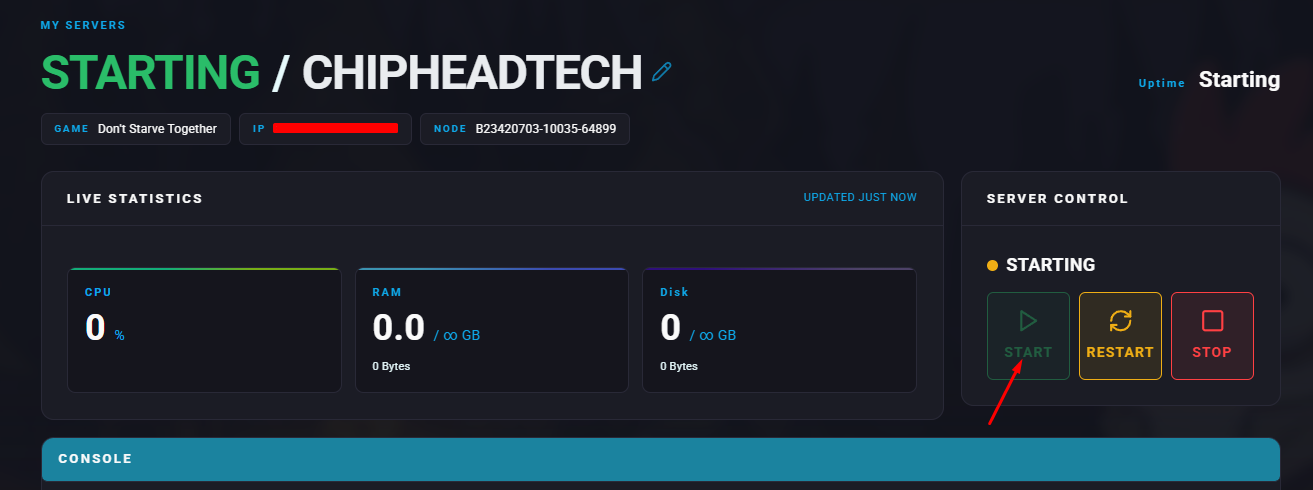
Granting admin permissions in Don’t Starve Together allows players to perform important moderation tasks, such as kicking or banning players and using special admin commands to manage the server.

Each player has a unique Klei User ID, which is required to grant admin access.
Launch Don’t Starve Together.
Click the Account Icon on the main menu to open the Steam Overlay.
In the overlay, look under User Info to find your Klei User ID.

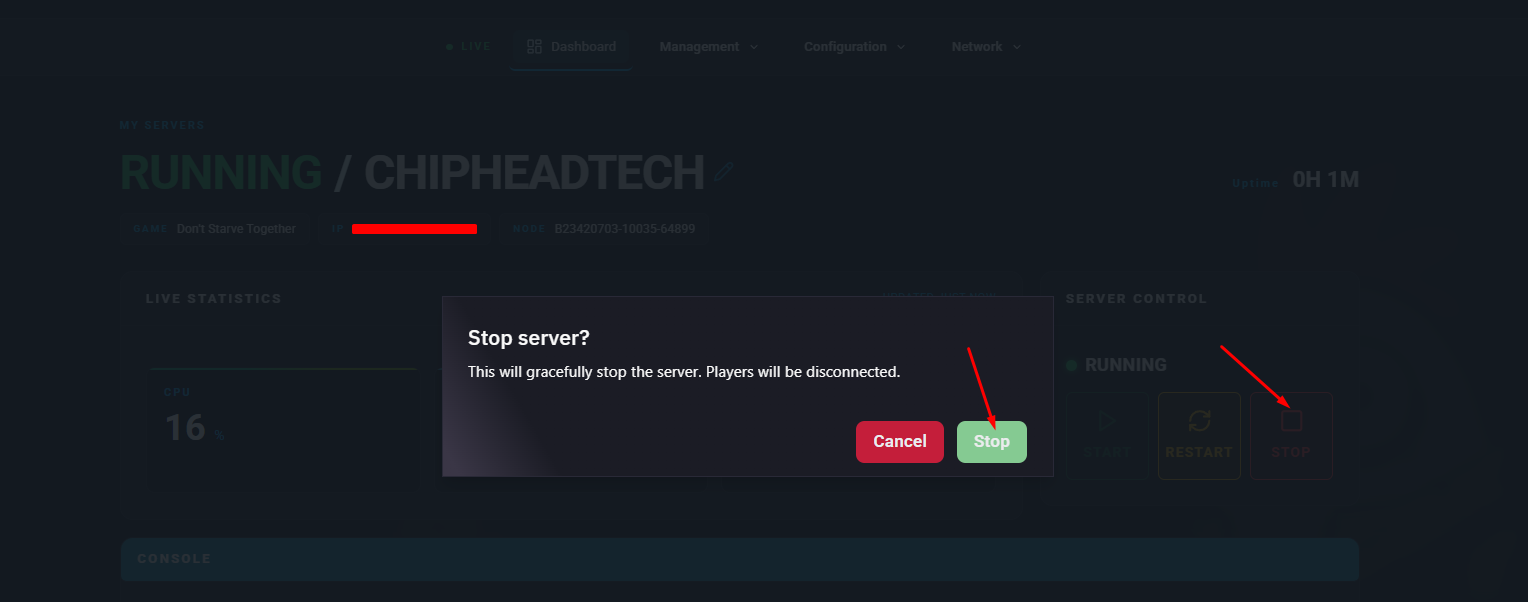
Log in to your ChipHead Panel and stop your server.
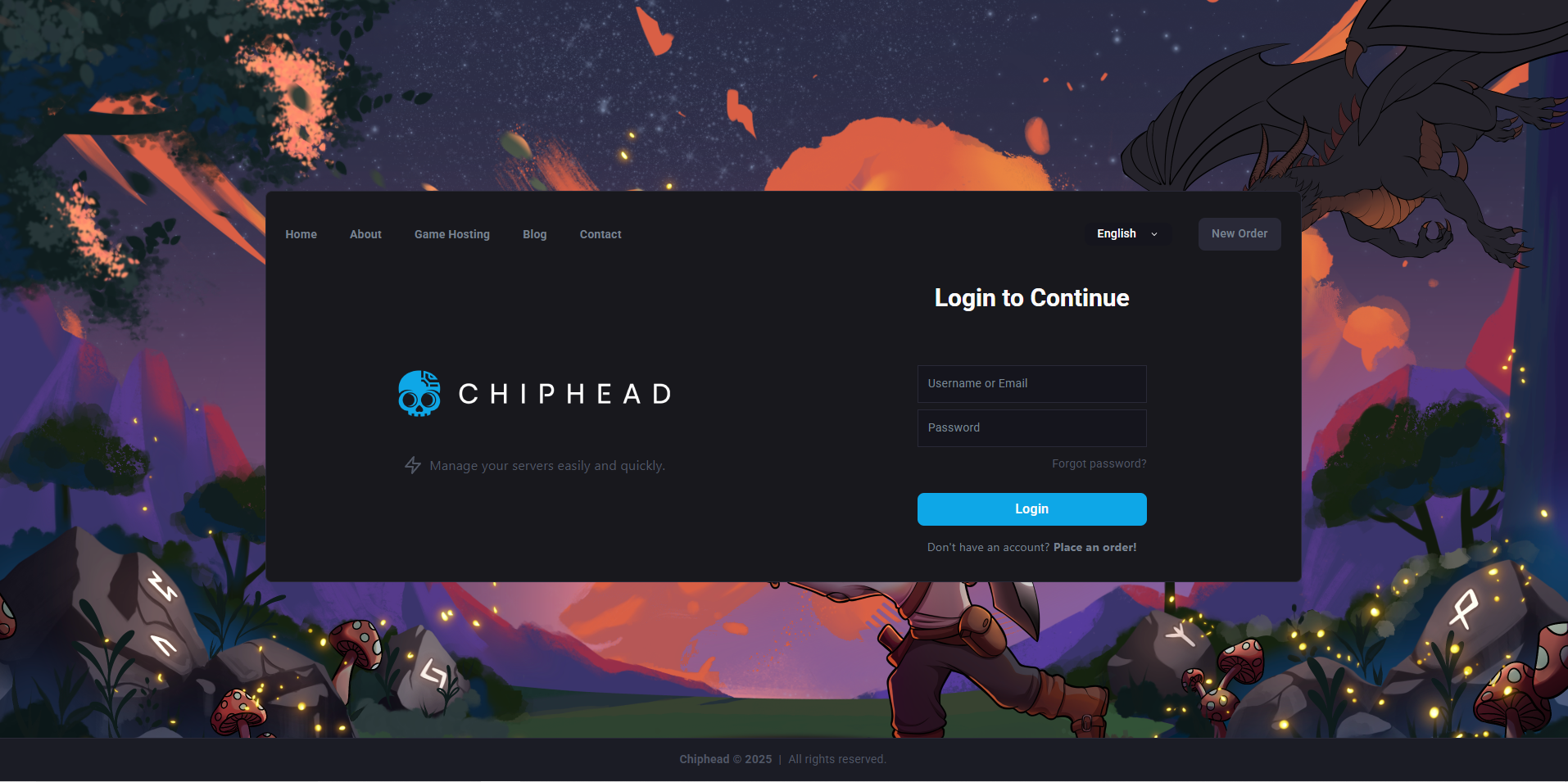
Stop your server.
Go to the Files tab & Navigate to: home/container/DoNotStarveTogether/config/server
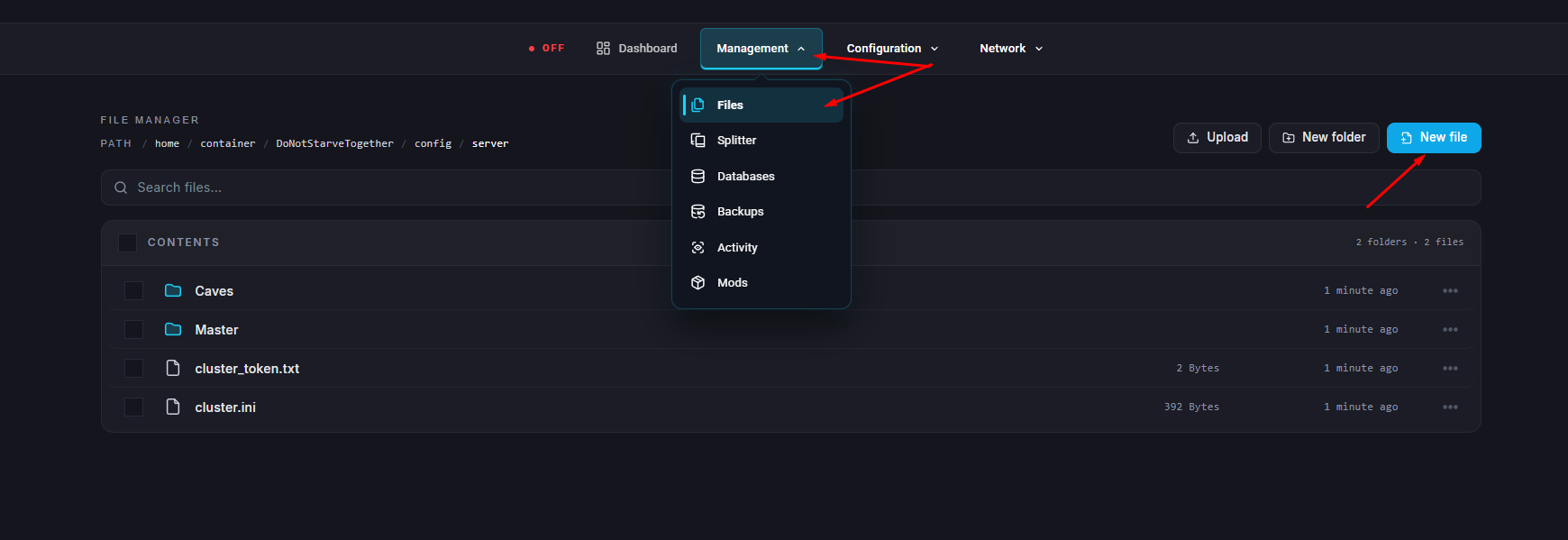
Create a new file named adminlist.txt (if it doesn’t already exist).
Edit the file and add each player’s Klei User ID, one per line.
Save your changes.
Start your server.