Make your Aloft server visible to players worldwide so anyone can find and join your floating island adventure.
Setting your Aloft server to public allows players across the globe to discover and connect to it. Whether you’re building a community or simply want to invite new explorers, enabling public visibility ensures your server appears in the in-game world list.
You can make your server public easily through the Config tab in your ChipHead Panel:
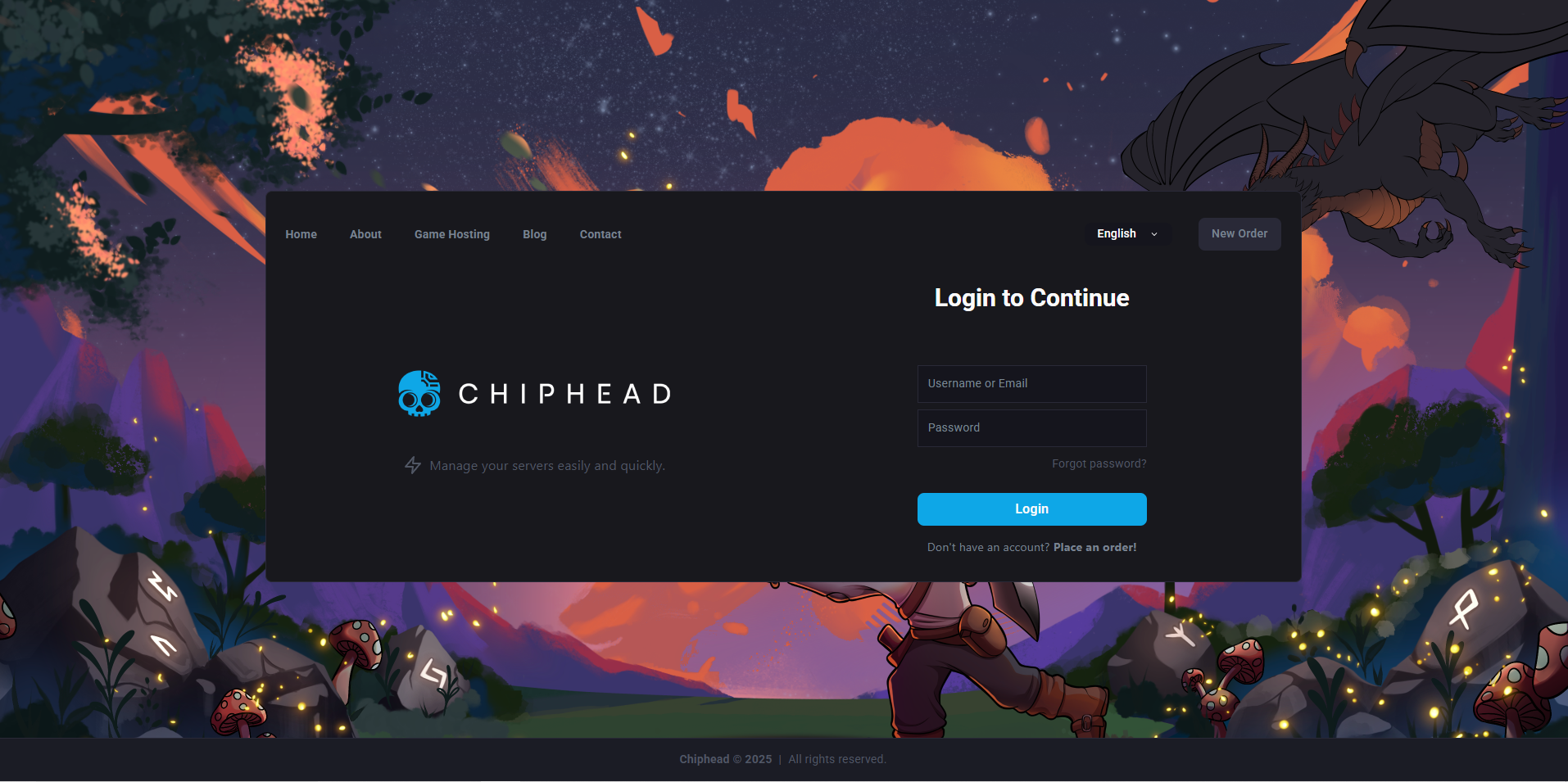
Log in to your ChipHead Panel.
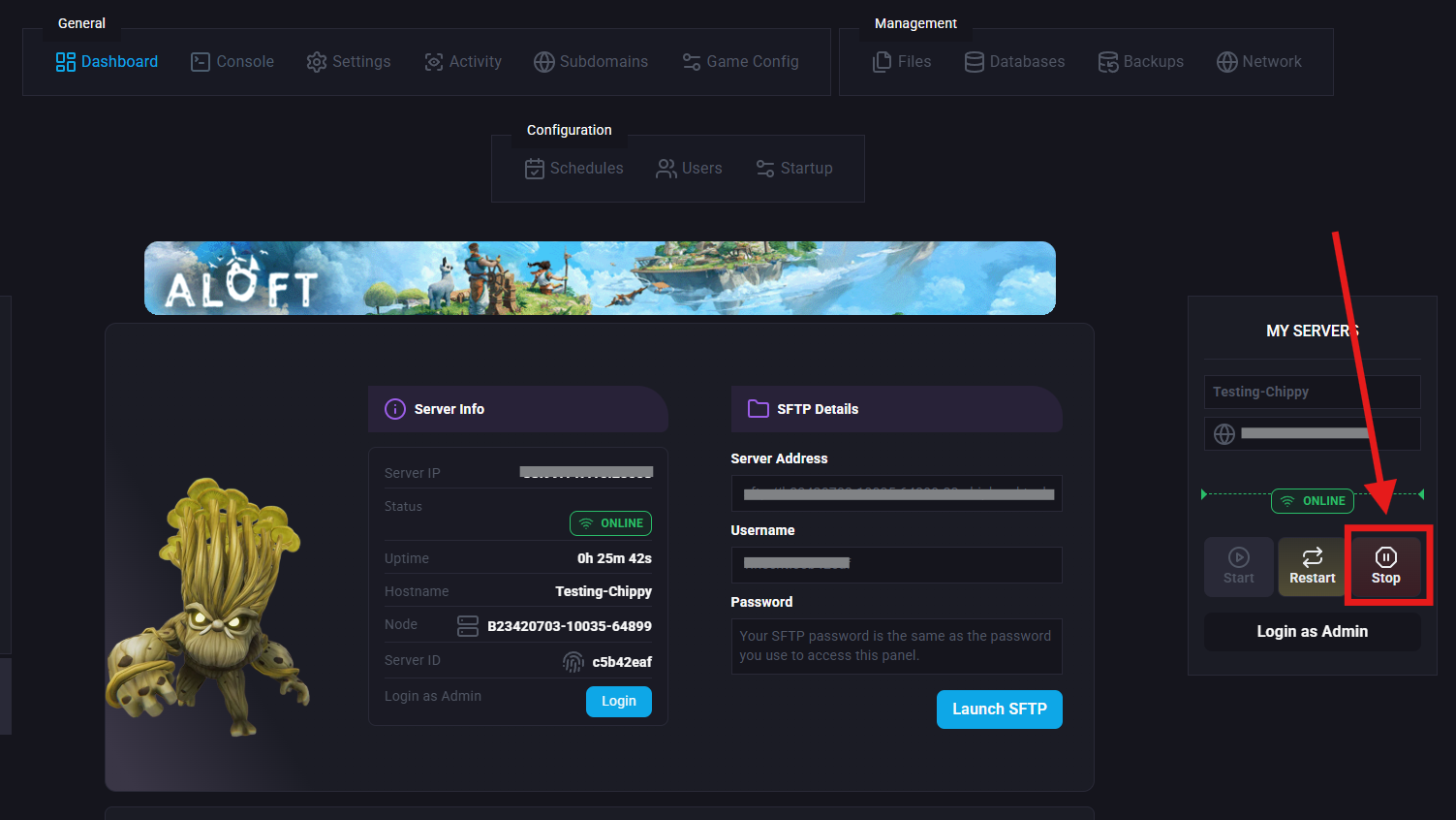
Stop your server.
Go to Startup > Variables.
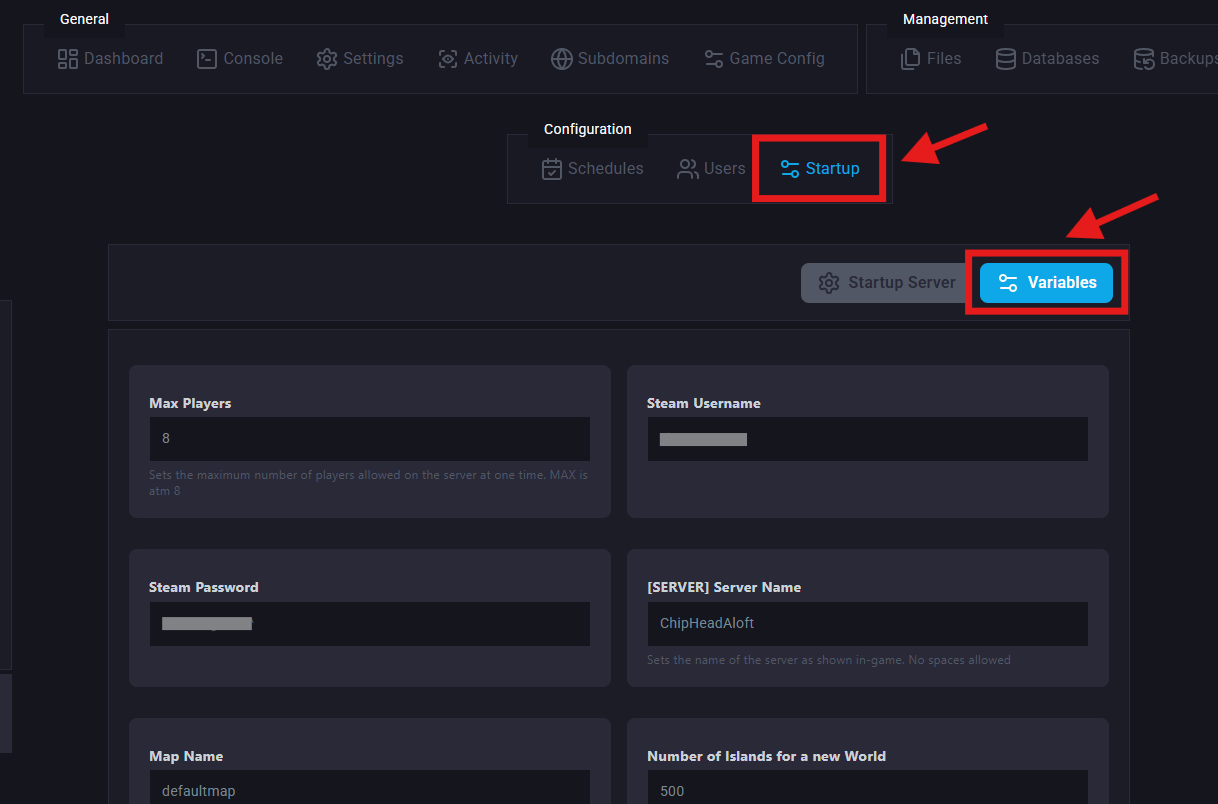
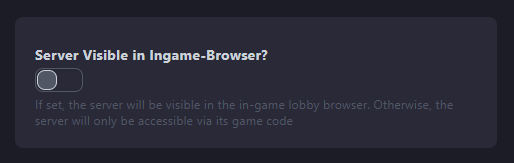
Find “Server Visible in InGame-Browser?” and toggle on/off, making your server visible to the public.
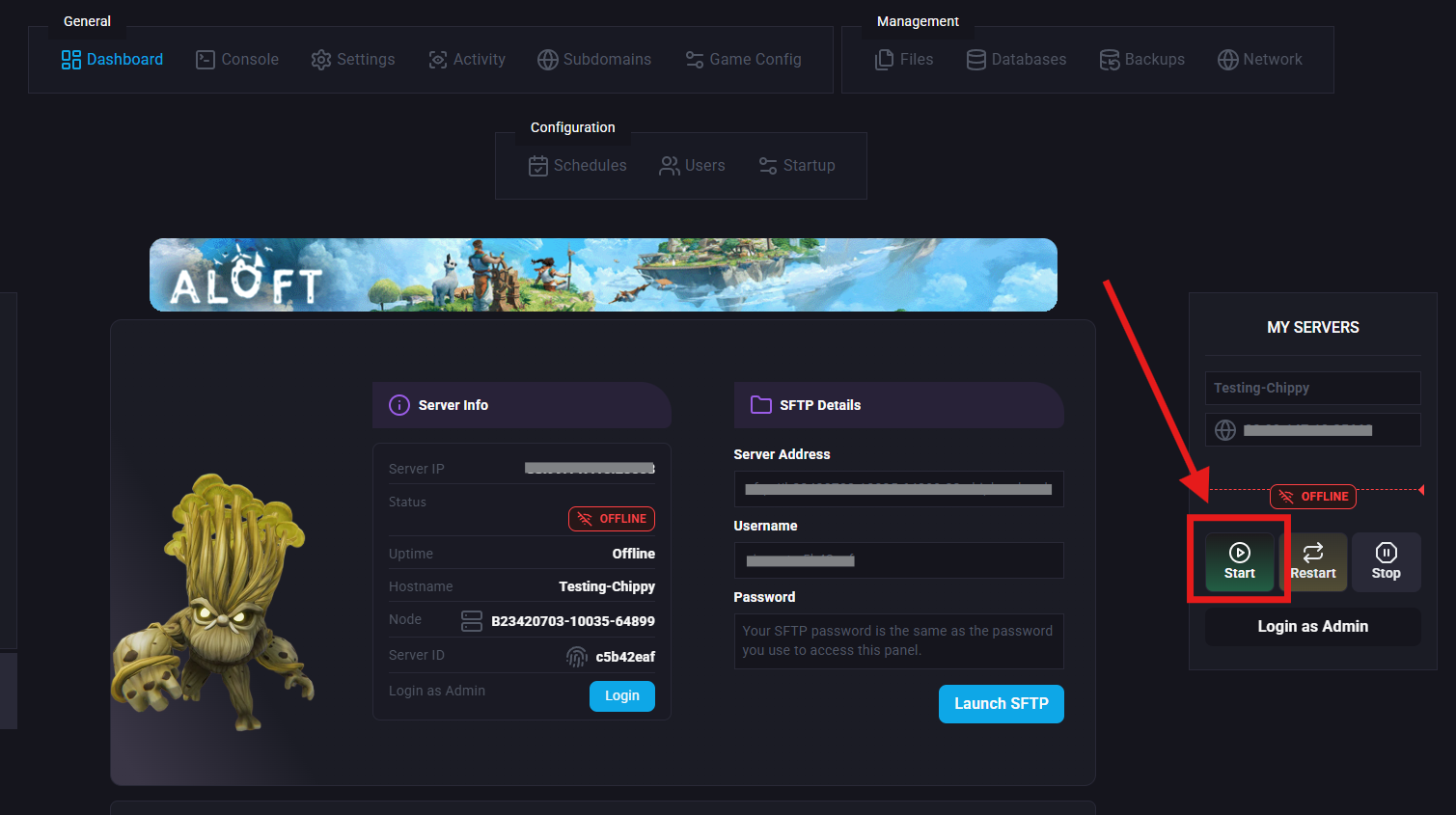
Start/Restart your server.