Sometimes, a disruptive or unwanted player may join your Don’t Starve Together server. This guide explains how to kick, ban, and temporarily ban players who are causing issues to help keep your server community safe and enjoyable.

The easiest way to remove players is through the in-game player list.
Hold down the TAB key while in-game to open the player list.
Find the player you want to remove.
Click the shoe icon to kick the player.
Click the hammer icon to ban the player.
You can also use console commands for more control over player management.
Open the developer console by pressing the ~ key.
Run the command:
c_listallplayers()
This will display a list of all players along with their unique Klei User IDs.
Use one of the following commands based on what you want to do:
TheNet:Kick("userid") | Temporarily removes a player from the game (they can rejoin immediately). | TheNet:Kick("KU_oD8s1Au4") |
TheNet:Ban("userid") | Permanently bans a player from the server. | TheNet:Ban("KU_oD8s1Au4") |
TheNet:BanForTime("userid", time_in_seconds) | Temporarily bans a player for a specific duration. | TheNet:BanForTime("KU_oD8s1Au4", 120) |
You can manually ban players by editing the server’s blocklist file.
Log in to your ChipHead Panel and stop your server.
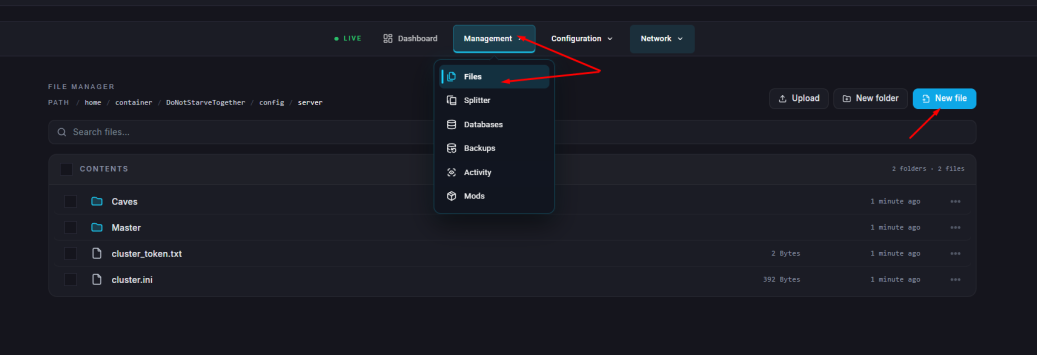
Go to the Files tab & Navigate to: home/container/DoNotStarveTogether/config/server
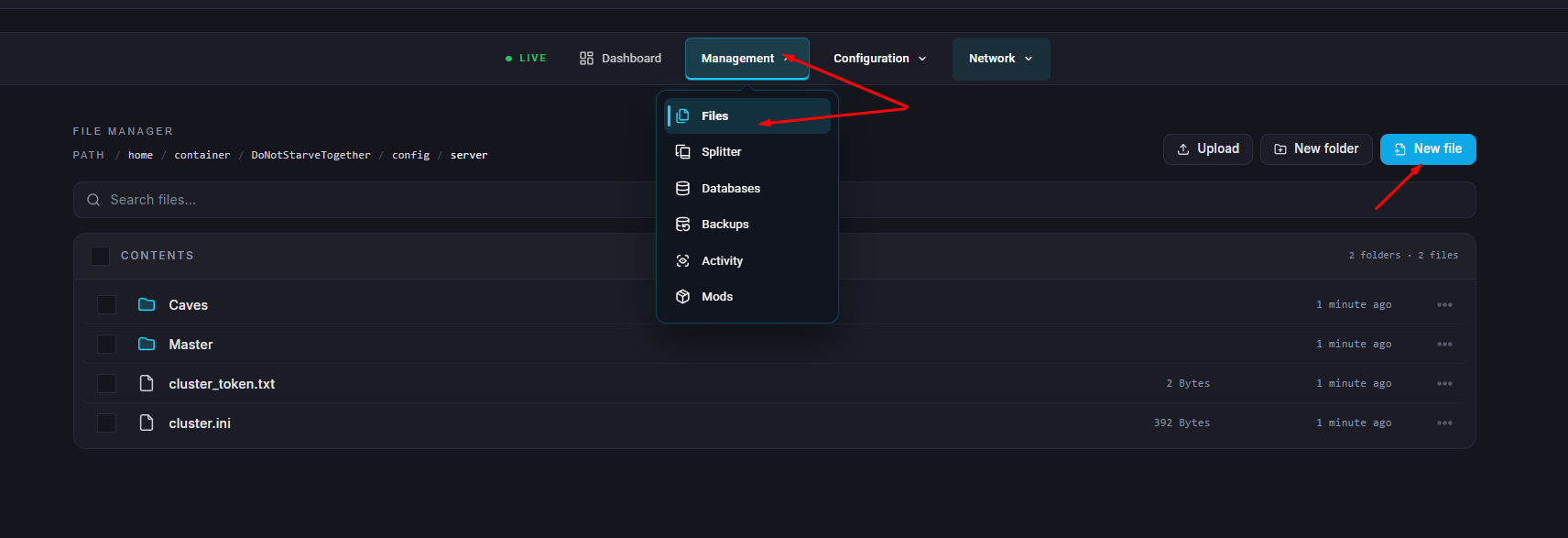
create a file called blocklist.txt if it doesn’t already exist.
Add the KU IDs of the players you want to ban, one per line.
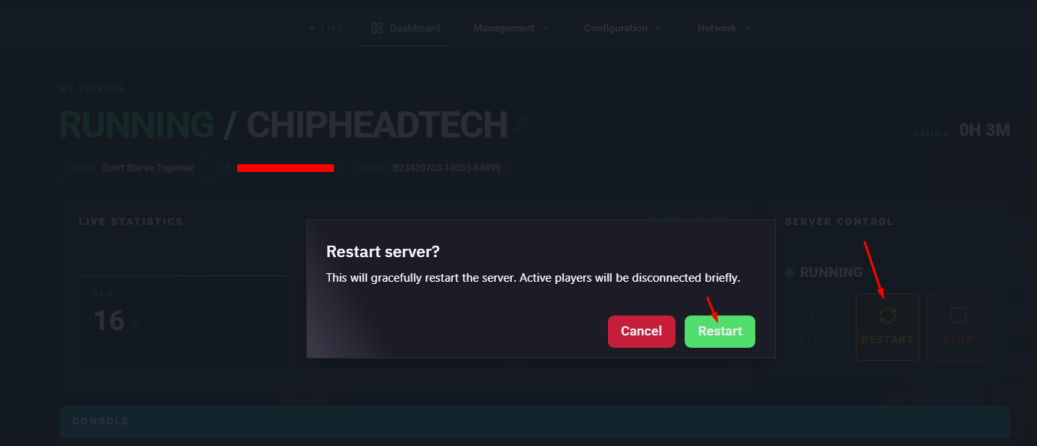
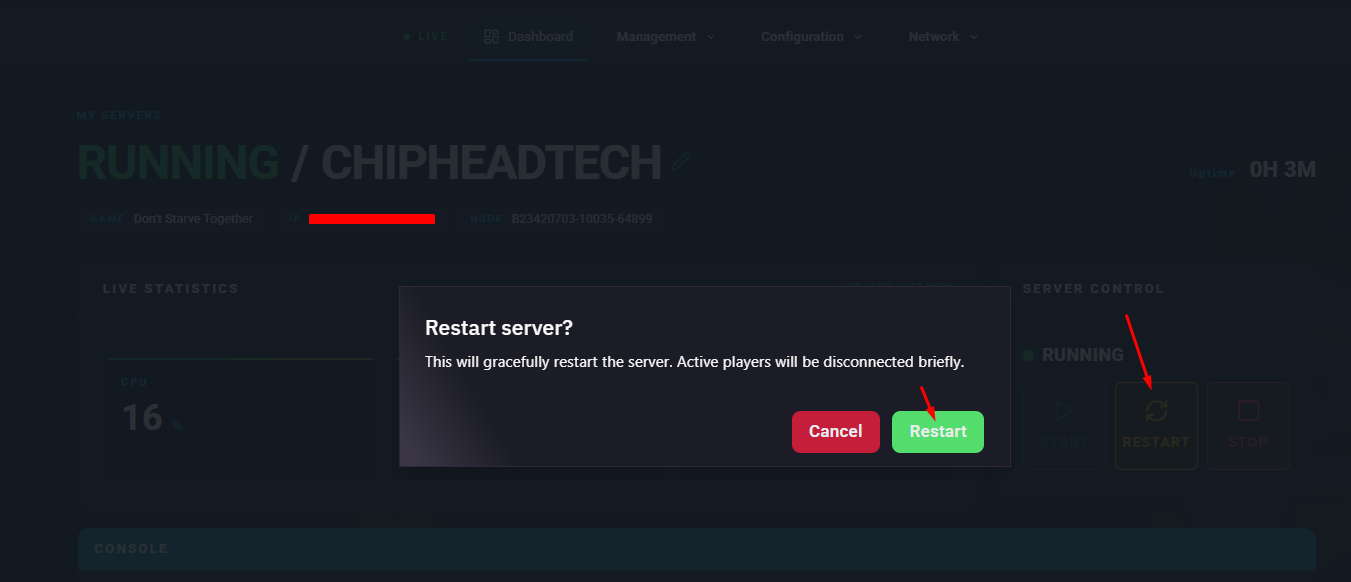
Save the file and restart your server.
To remove a player from the ban list:
Log in to your ChipHead Panel and stop your server.
Go to the Files tab & Navigate to: home/container/DoNotStarveTogether/config/server
Remove the player’s KU ID from the file and save it.
Restart your server again.