Customise your Aloft world by changing how many floating islands generate for players to explore.
Adjusting the island count on your Aloft server lets you modify the total number of islands generated in your world.

You can change the total island count in your ChipHead Panel under your server’s configuration settings:
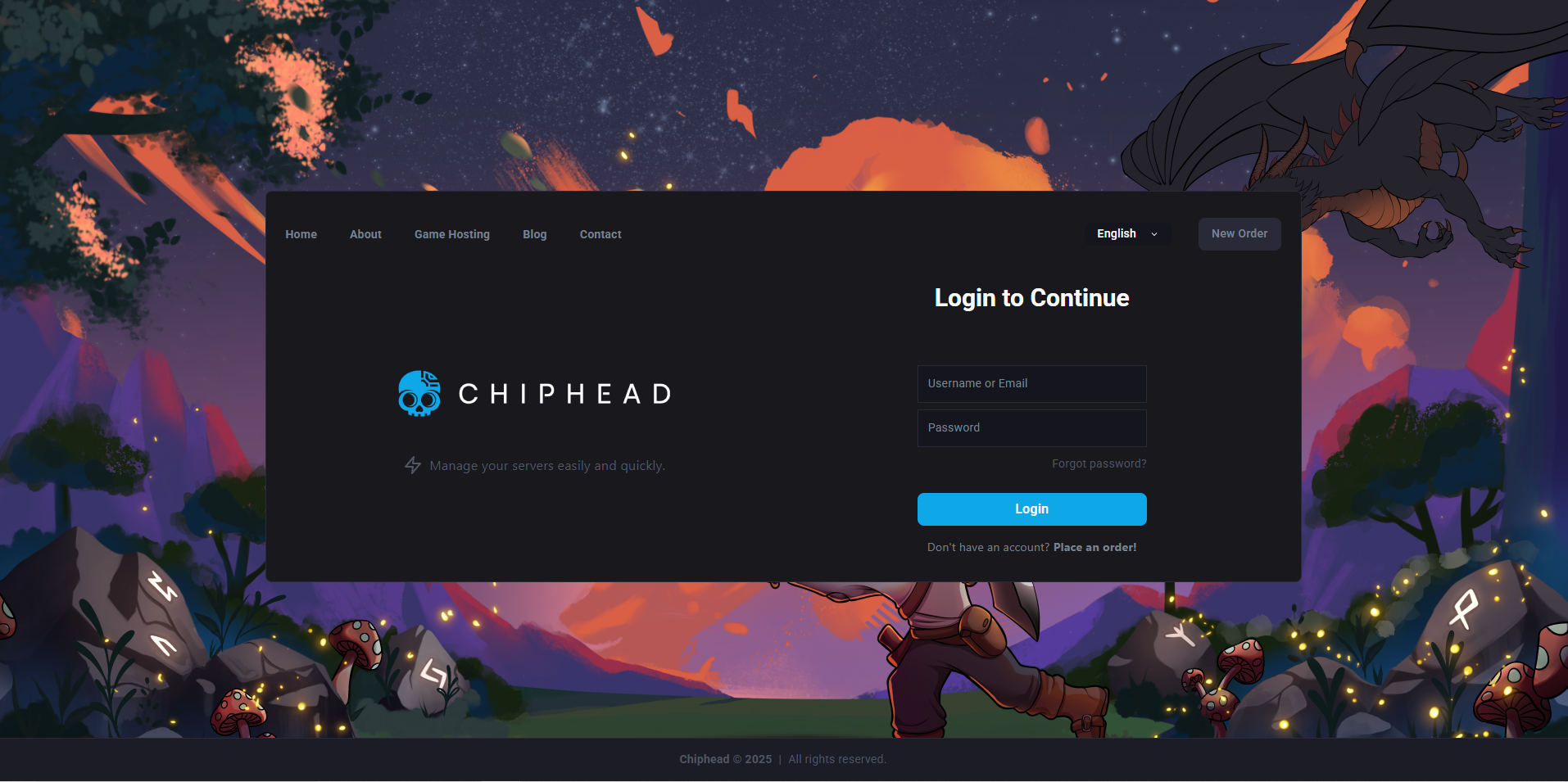
Log in to your ChipHead Panel.
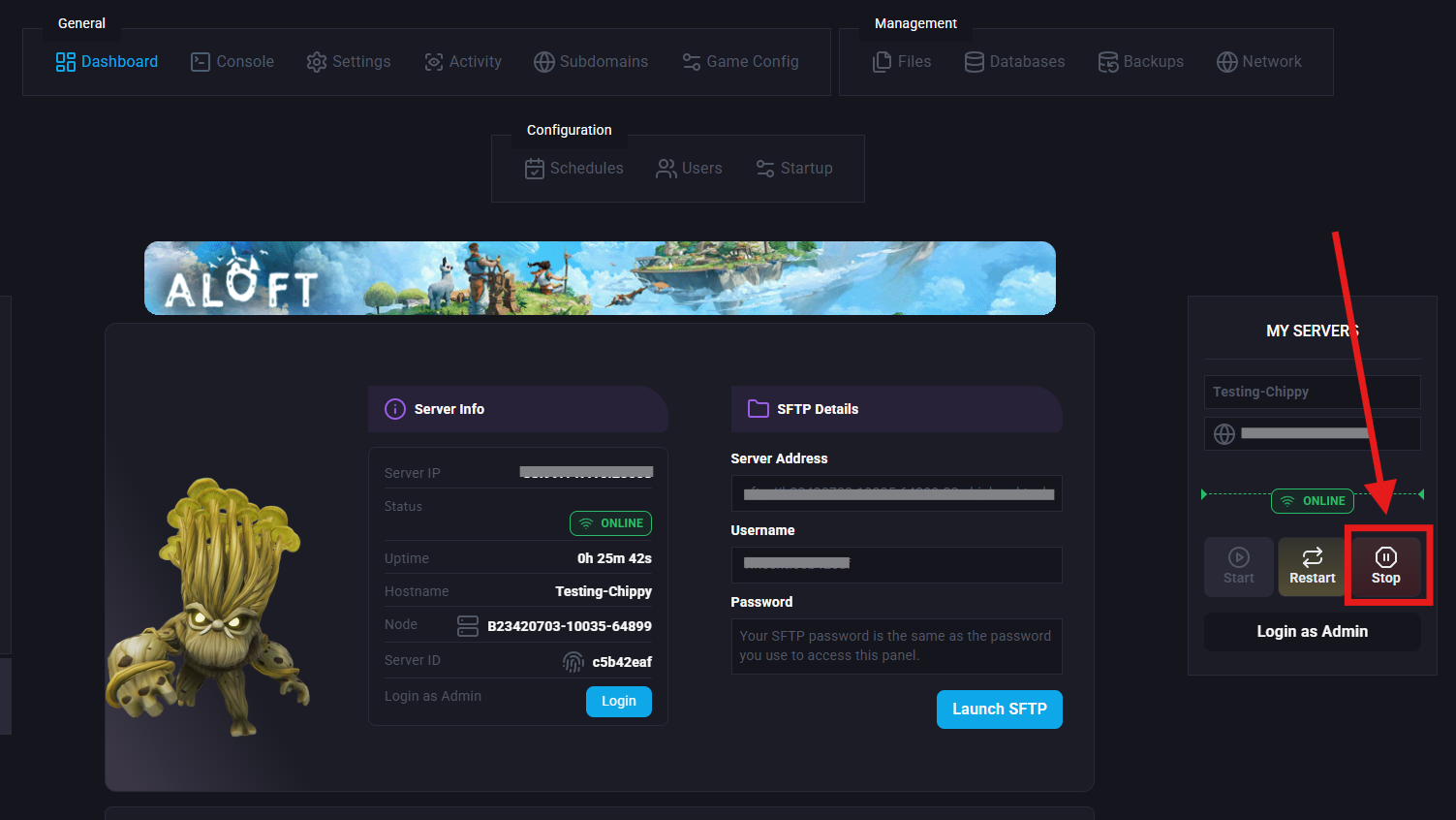
Stop your server.
Navigate to Startup > Variables.
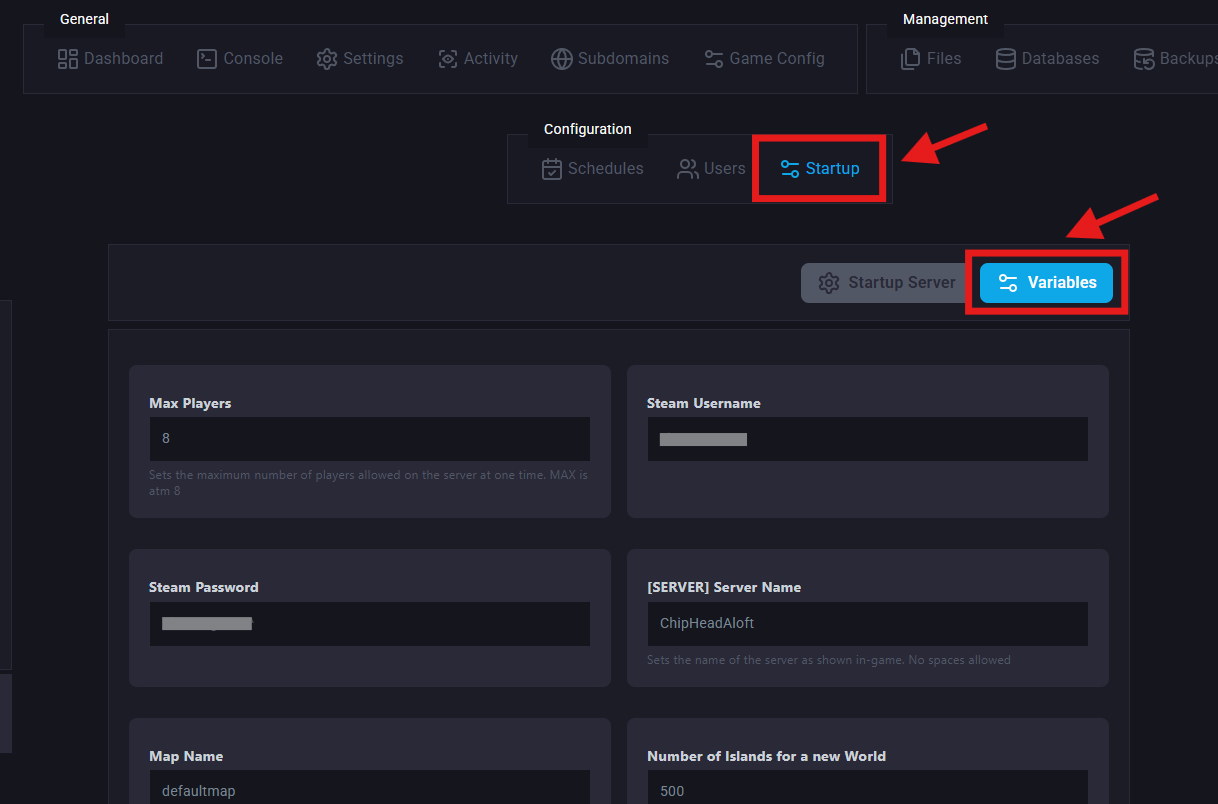
Find the Island Count setting.
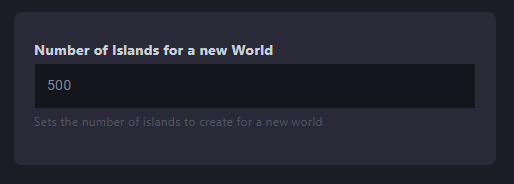
Adjust the value as desired to increase or reduce the number of islands (your changes will automatically save).
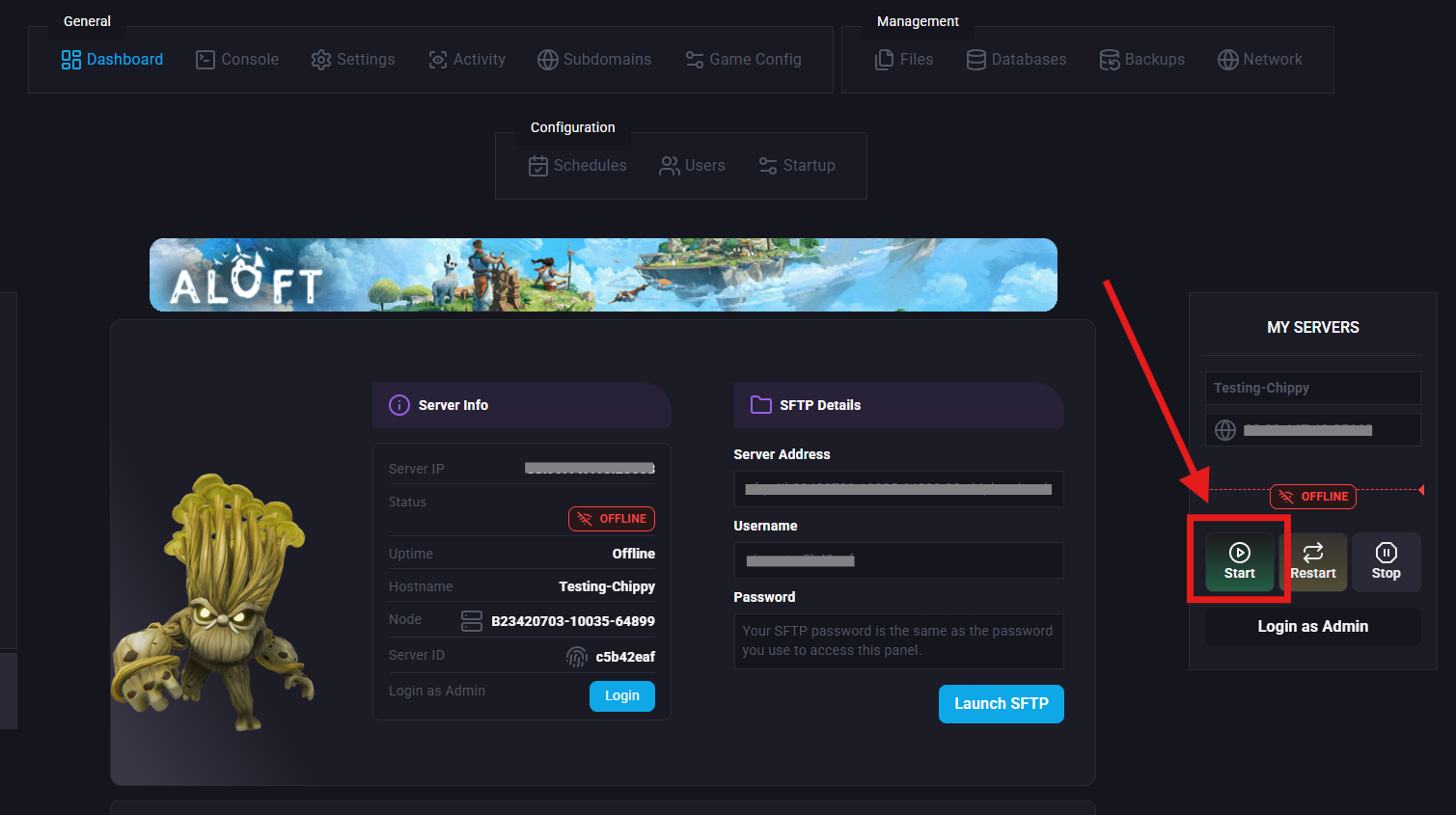
Start/Restart your server.