
Learn how to connect to your FiveM server using the in-game browser or directly through your server IP.
There are two main ways to join your FiveM server: through the in-game server list or by connecting directly using your server’s IP address. This guide will walk you through both methods so you can get online and start playing quickly.
Installing FiveM
Before joining your server, you’ll need to install the FiveM client:
Go to https://fivem.net.
Click Download Client and agree to the terms.
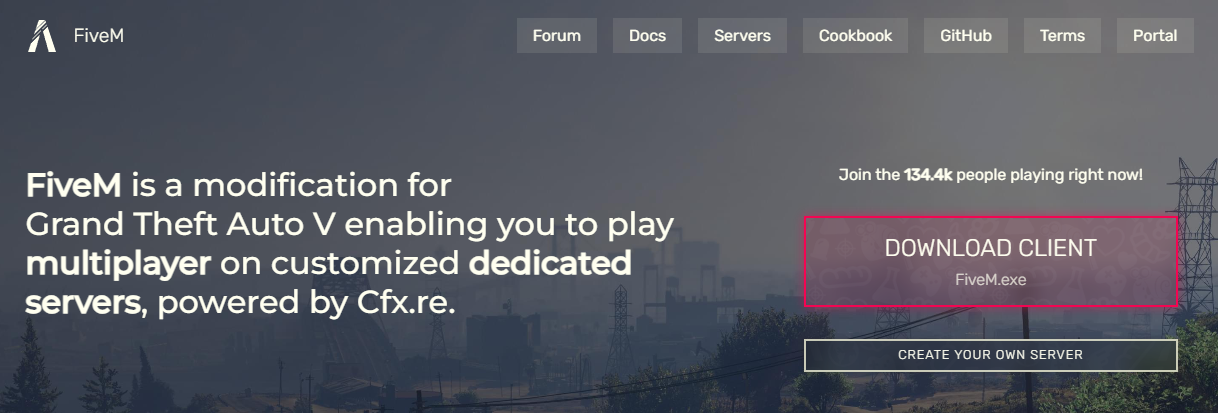
Run the installer and wait for the installation to complete.
Once finished, open FiveM.
Joining from the Server List
In the FiveM client, click the Play tab to view available servers.
Use the search bar or filters to find your server.
Click your server’s name and press Connect.

If your server doesn’t appear by name, type
> followed by your server’s IP address in the search bar and press Enter to connect.You can find your server IP in your ChipHead Panel.
Wait for the server to load, and you’ll be connected.
Connecting via IP
In the FiveM client, press F8 to open the console.
Type the command:
connect <serverip>Replace
<serverip>with your server’s actual IP address.Press Enter and wait for the game to load.
You’ll now connect directly to your FiveM server.

You’re now ready to join and play on your FiveM server. Whether connecting through the server list or directly by IP, you can jump right into the action and start your adventure on your ChipHead hosted server