Connect your FiveM server to a MySQL database to store player data, jobs, and other important information.
Some FiveM templates require a database connection to save player data and server information. Setting up a database ensures your server can store and manage data efficiently. This guide will show you how to create a database and connect it through txAdmin.

Log in to your ChipHead Panel.
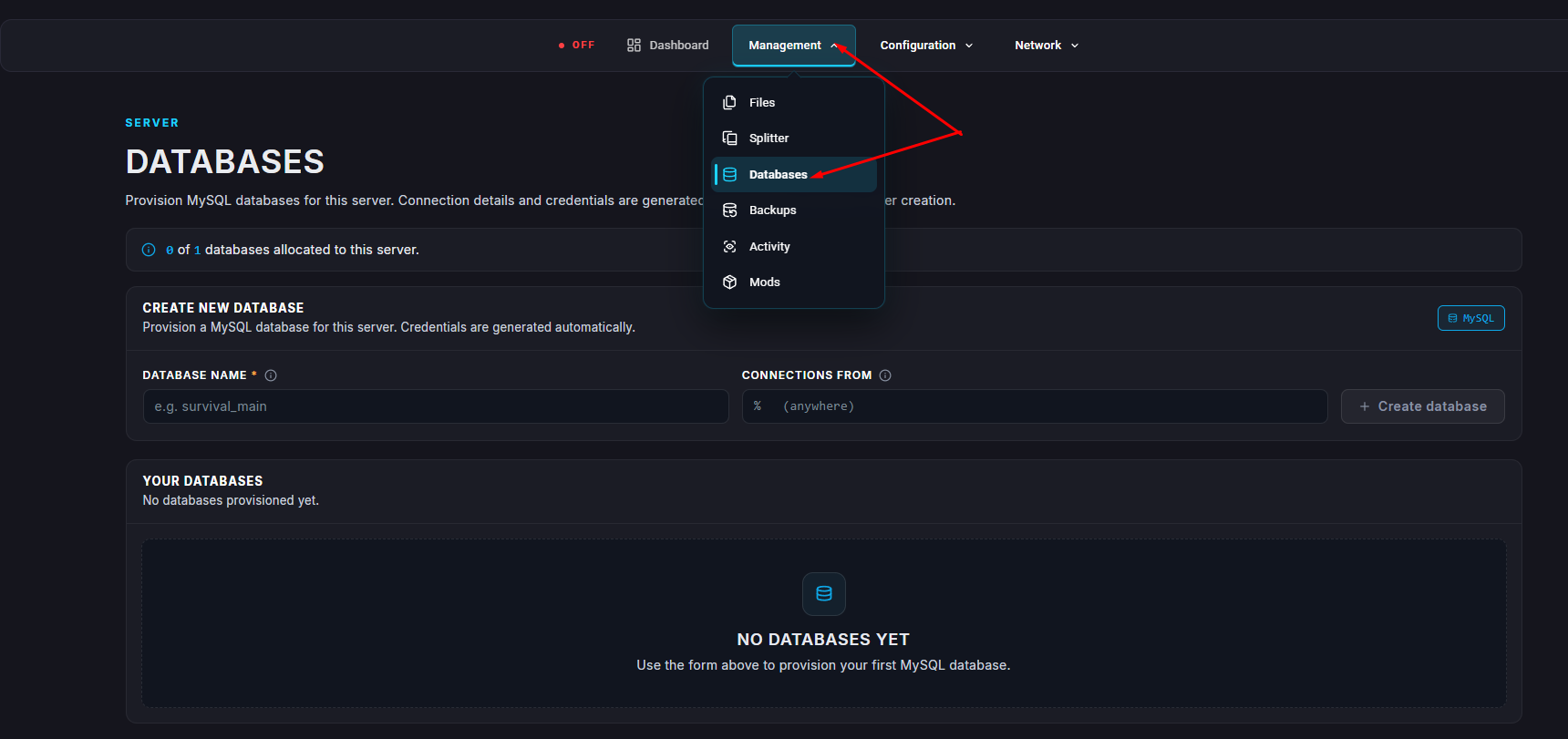
Navigate to the Databases section.
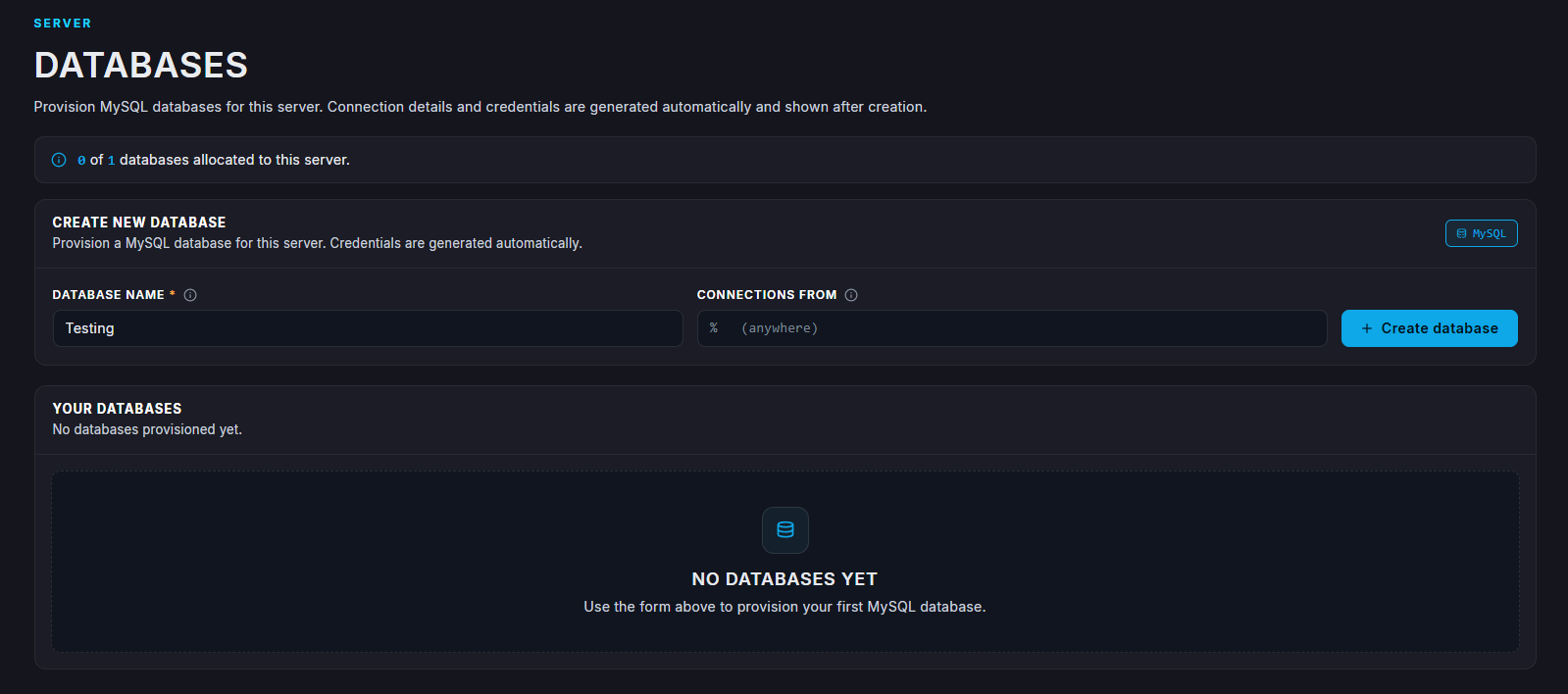
Enter a name & Click Create Database.
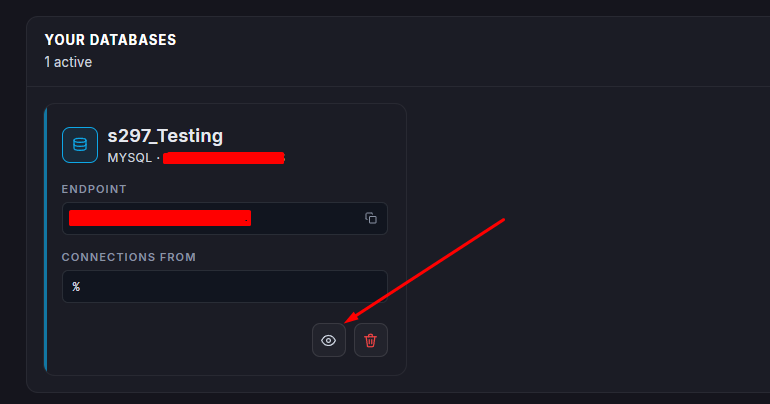
Select View Details to see username & password.
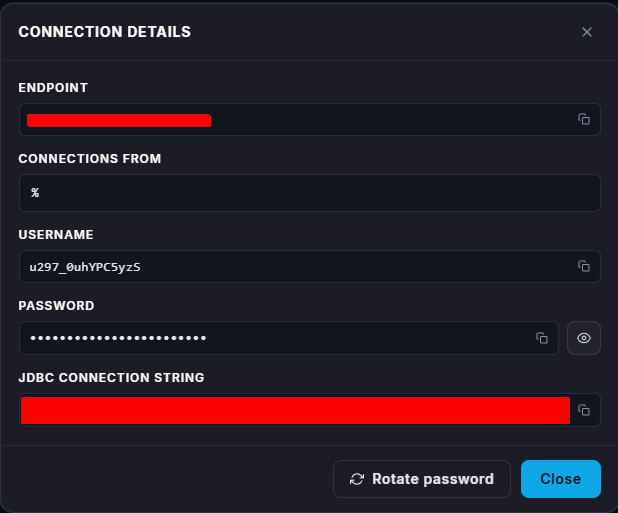
Make sure to note down the database name, username, password, and host - you’ll need these later when connecting.
In txAdmin, enable Database Options during setup.
Enter the following details from your database:
Host
Username
Password
Database Name
Run the setup recipe to connect your server.
Once your FiveM server has successfully connected to the database, it will begin storing data automatically.

