
Summary
If you’d like to set a custom Game ID for your Core Keeper server, it’s a great way to make your server easier for players to find and recognize.
Customizing Your Game ID for Core Keeper
You can update your Game ID directly through your server files in the ChipHead Panel.
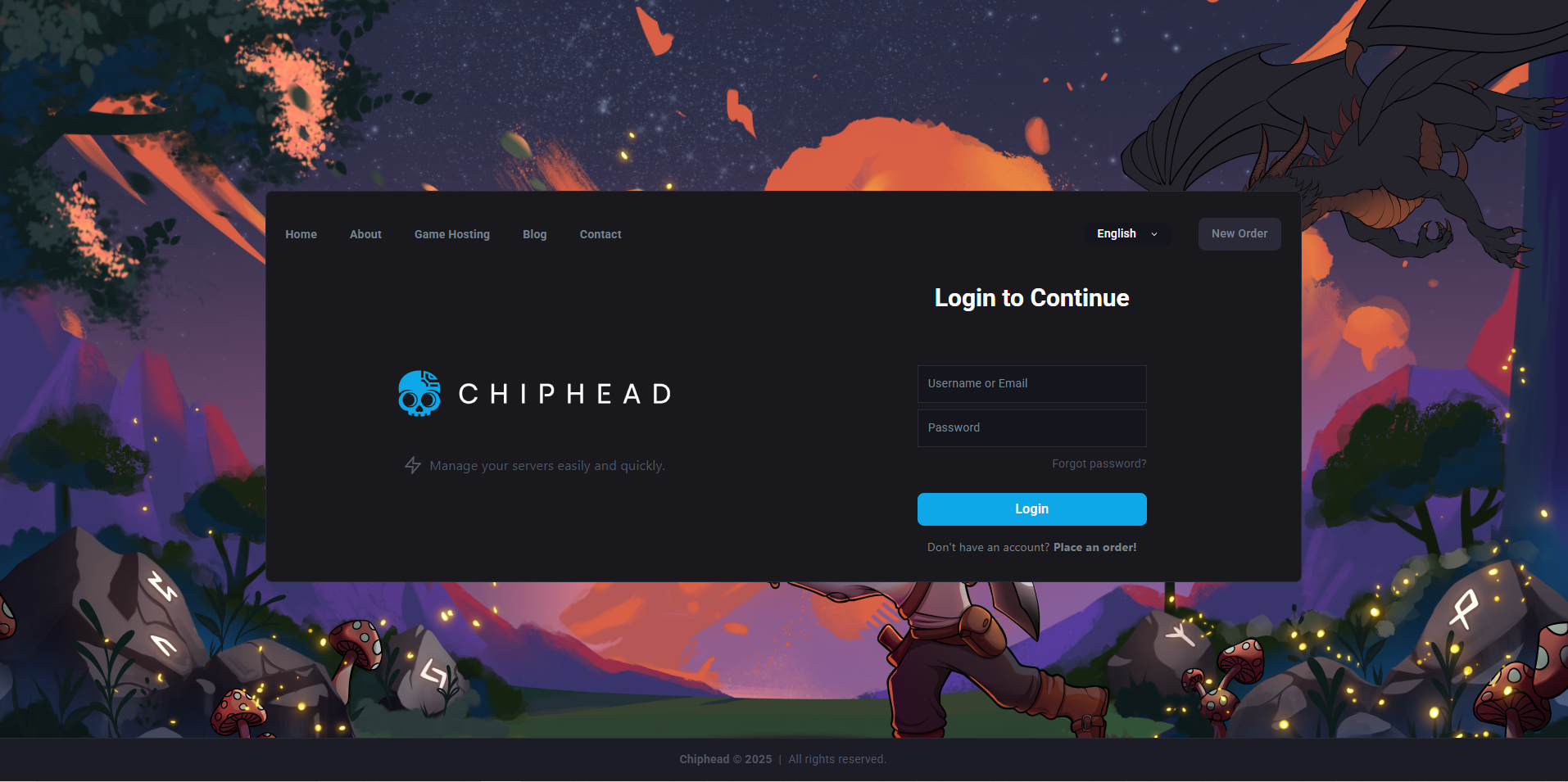
Log in to the ChipHead Panel and stop your server.
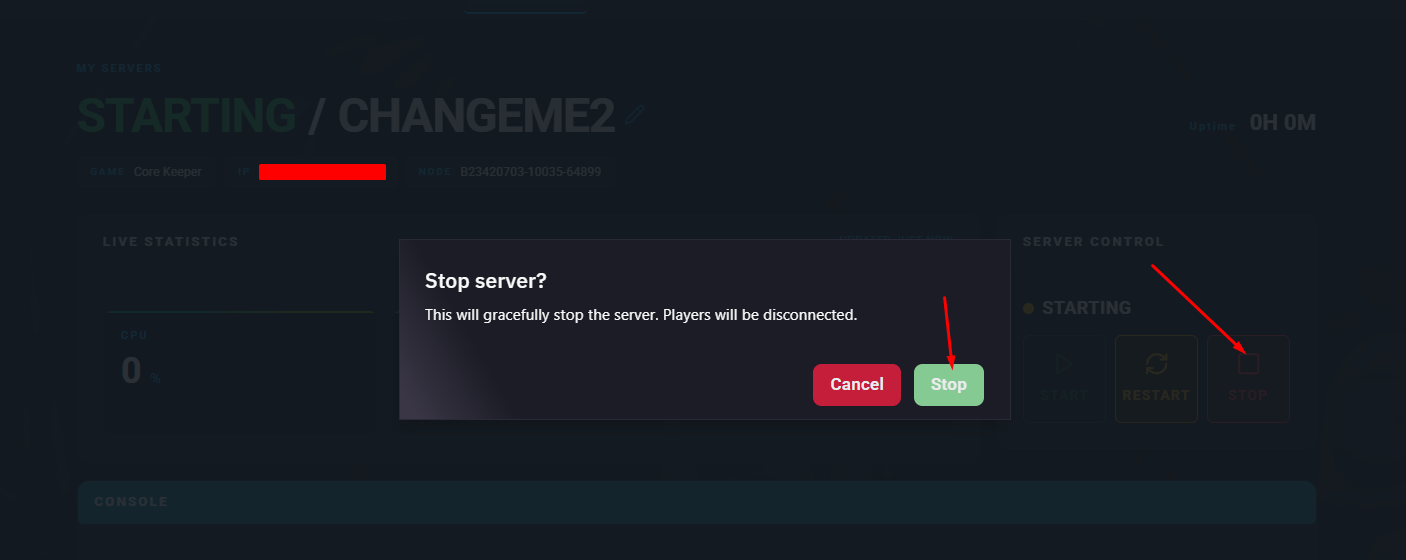
Go to your Game Config.

Within Server Properties access the ServerConfig.json file by clicking into </>Raw.
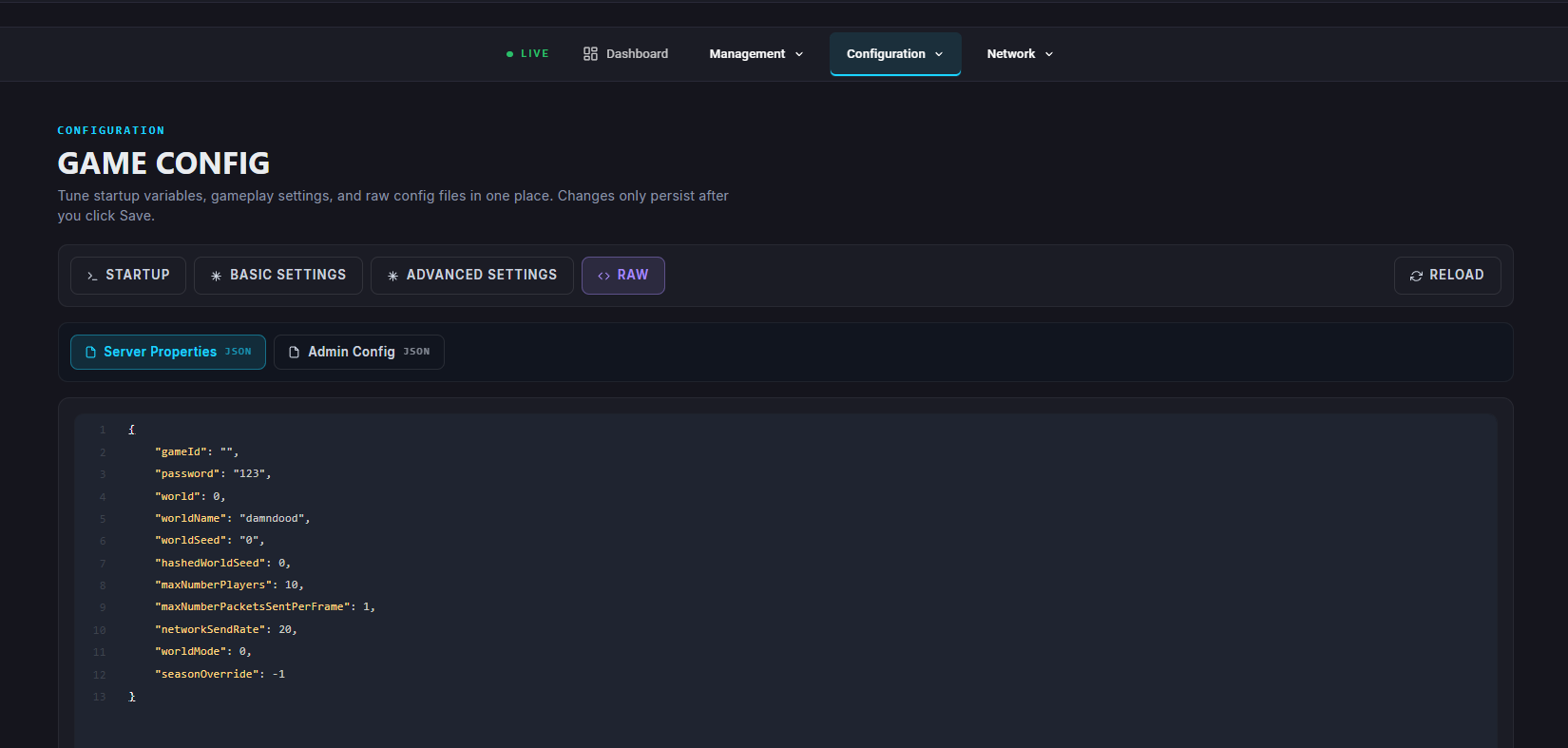
Find the line that says
"gameId": "..."and replace the value with your desired Game ID.
Follow these guidelines when setting your Game ID:It must be at least 28 characters long.
Do not use the number 0 (zero).
Do not include punctuation marks.
Save your changes.
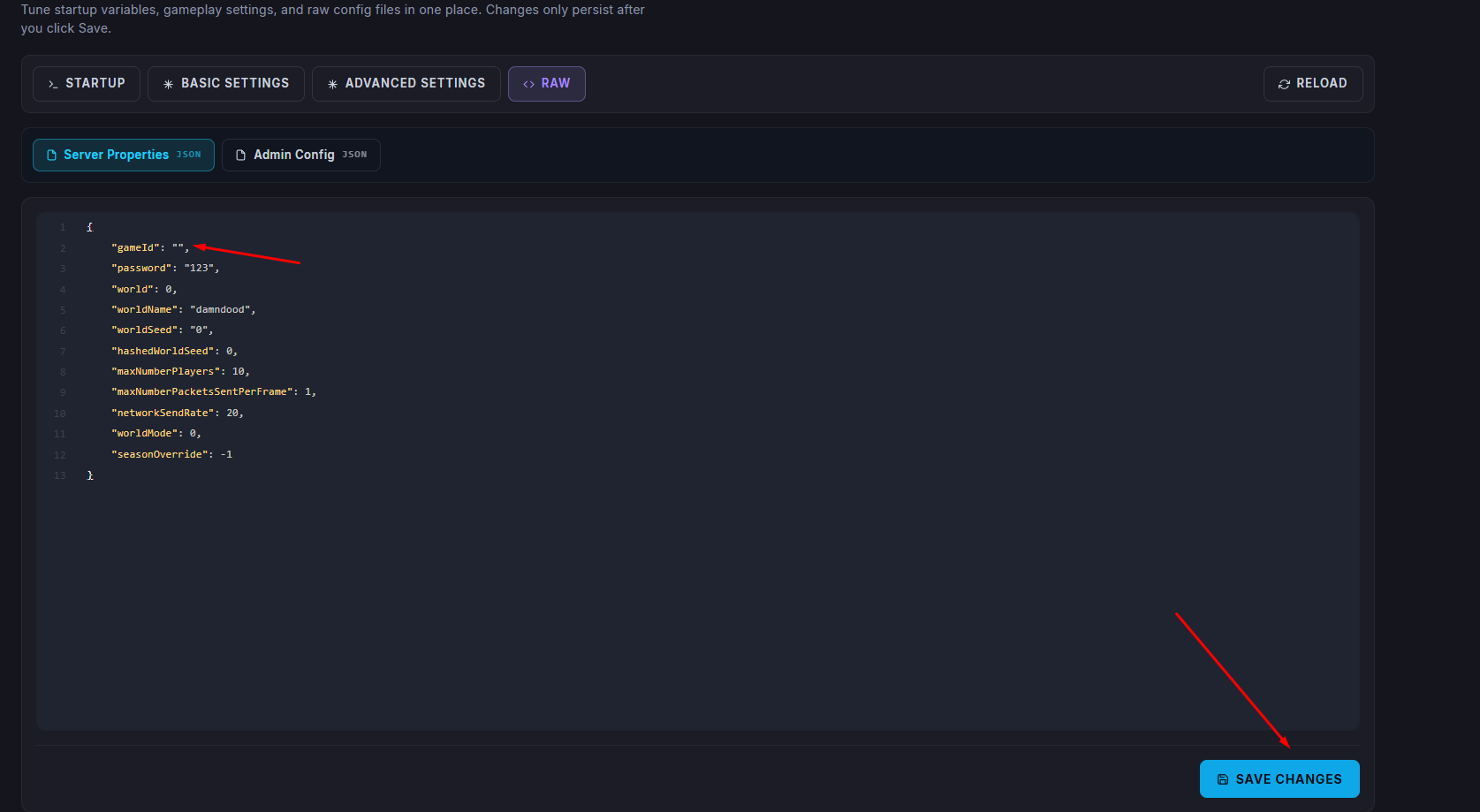
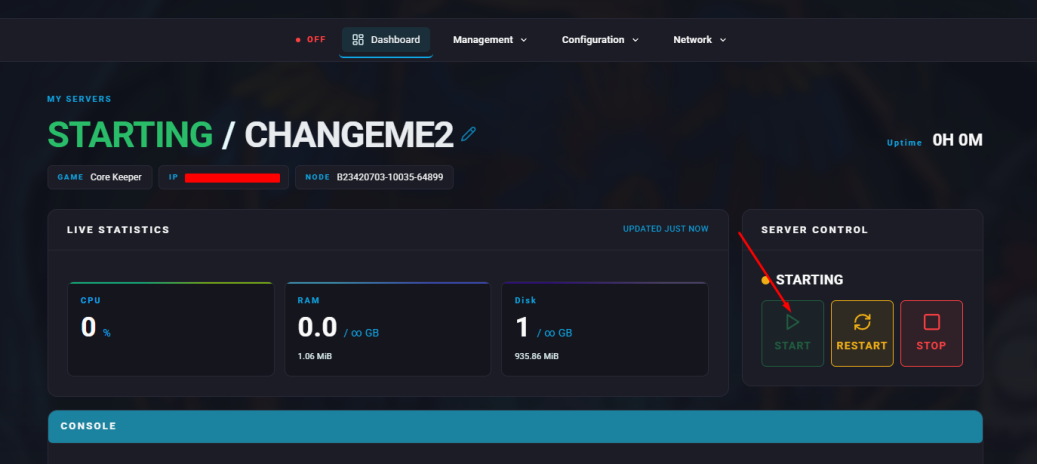
Restart/Start your server.

Your new Game ID will now be active, allowing players to easily find and connect to your Core Keeper server.