
Summary
If you want to play your Core Keeper world in singleplayer or keep a local backup for safekeeping, you can easily download it from your server.
Downloading Your Core Keeper World
Follow these steps to download your world file:
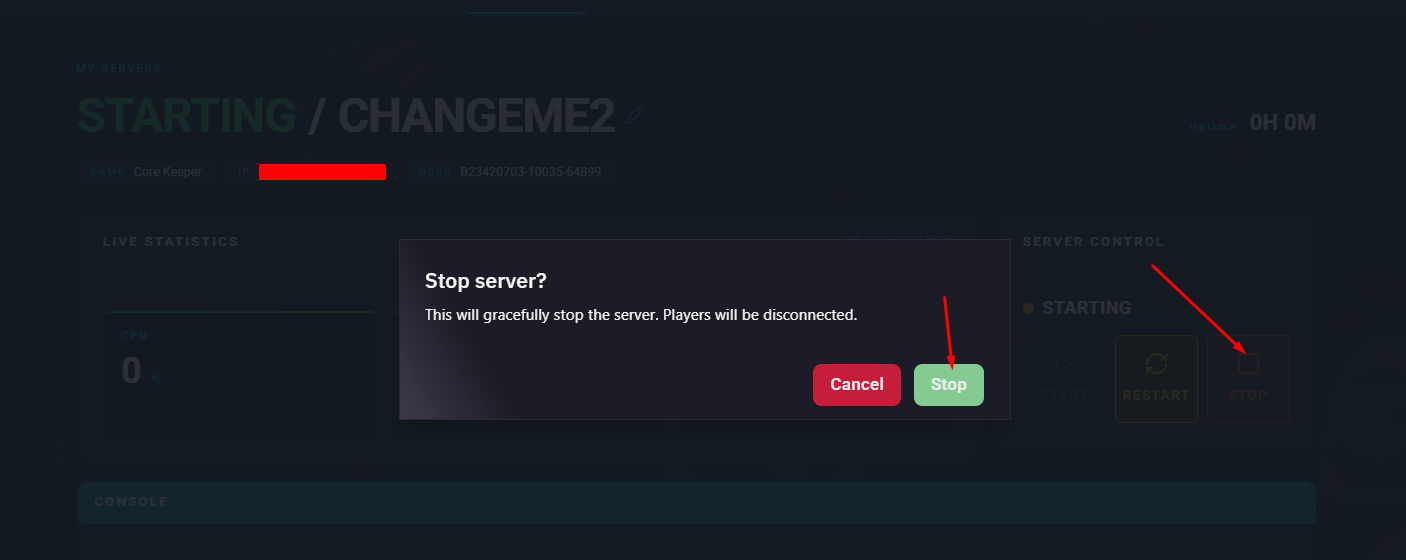
Log in to the ChipHead Panel and stop your server.
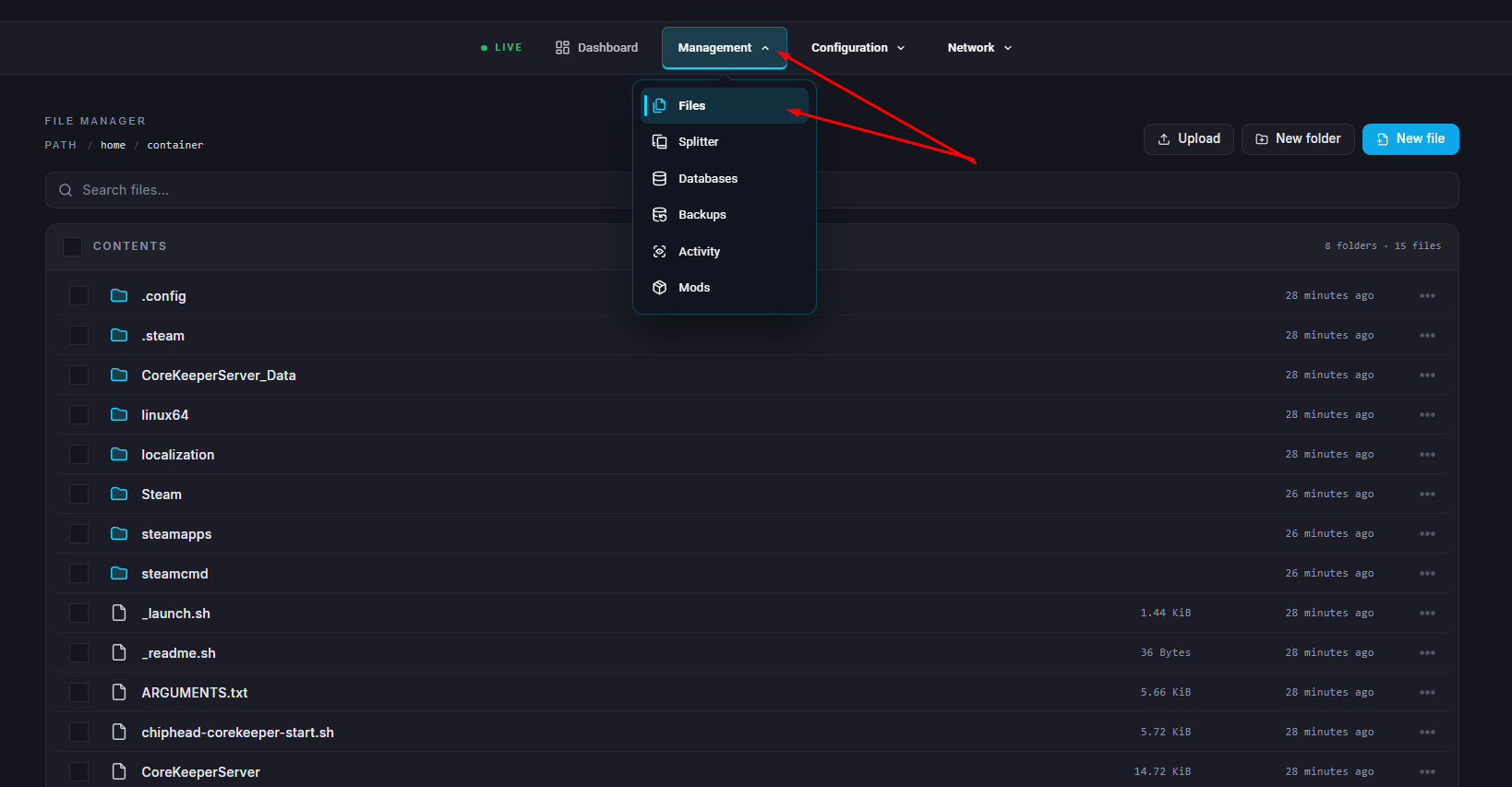
Go to Files.
Navigate to the Worlds folder by opening:
/home/container/.config/unity3d/Pugstorm/Core Keeper/DedicatedServer/worldsLocate the file named 0.world.gzip.
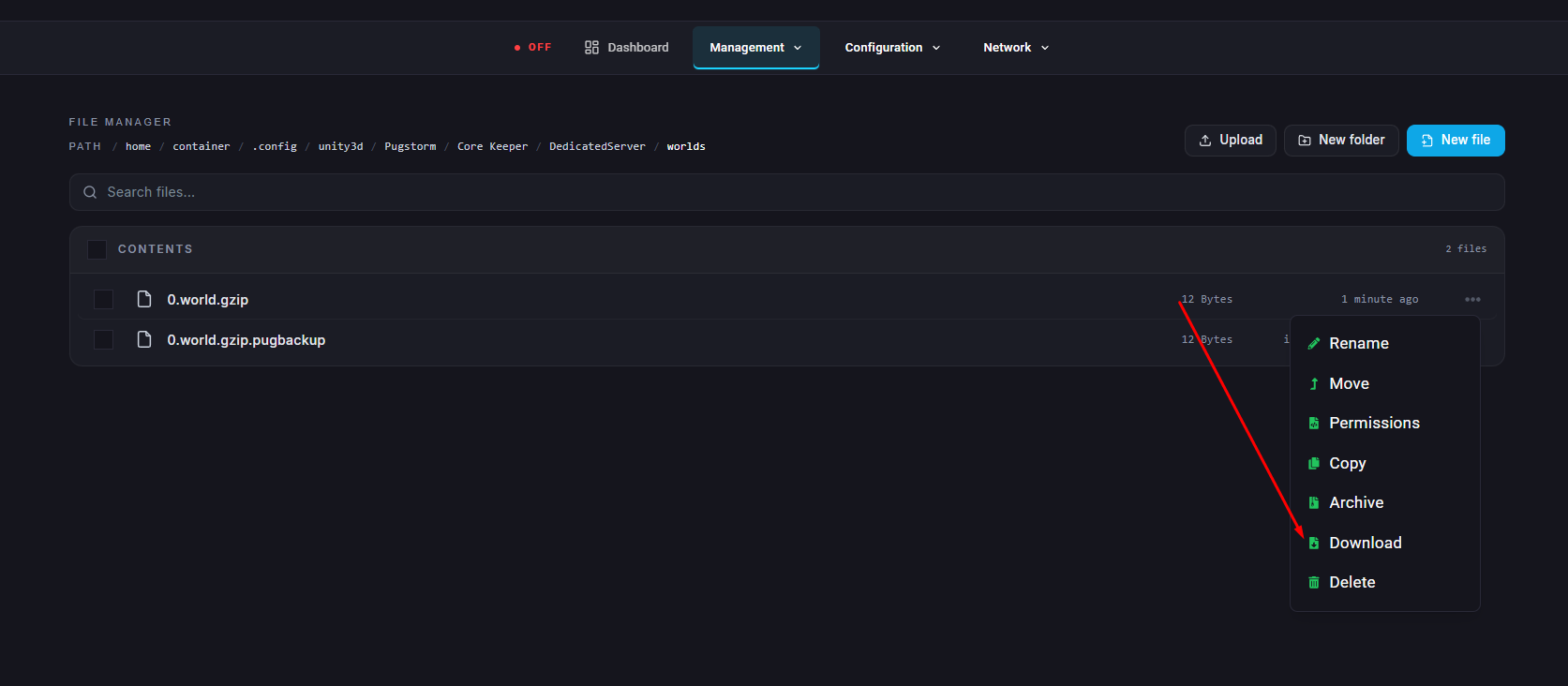
Download the file and save it somewhere safe on your computer.
To use your world in singleplayer, place the downloaded file in the following folder on your computer:
C:\Users\{USERNAME}\AppData\LocalLow\Pugstorm\Core Keeper\Steam\{STEAM_ID}\worlds
You can now access your server world in singleplayer or keep it as a backup for future use.