
Summary
Core Keeper includes an optional Hard Mode difficulty setting that increases the game’s overall challenge. Hard Mode can only be enabled when creating a new world — it cannot be toggled on or off within an existing world.
Important:
You cannot change the difficulty of an existing Core Keeper world. To enable Hard Mode, you must create a new world with the setting turned on.
Changing Your Game Mode via Server Settings
You can enable Hard Mode for your Core Keeper server by editing the configuration file.
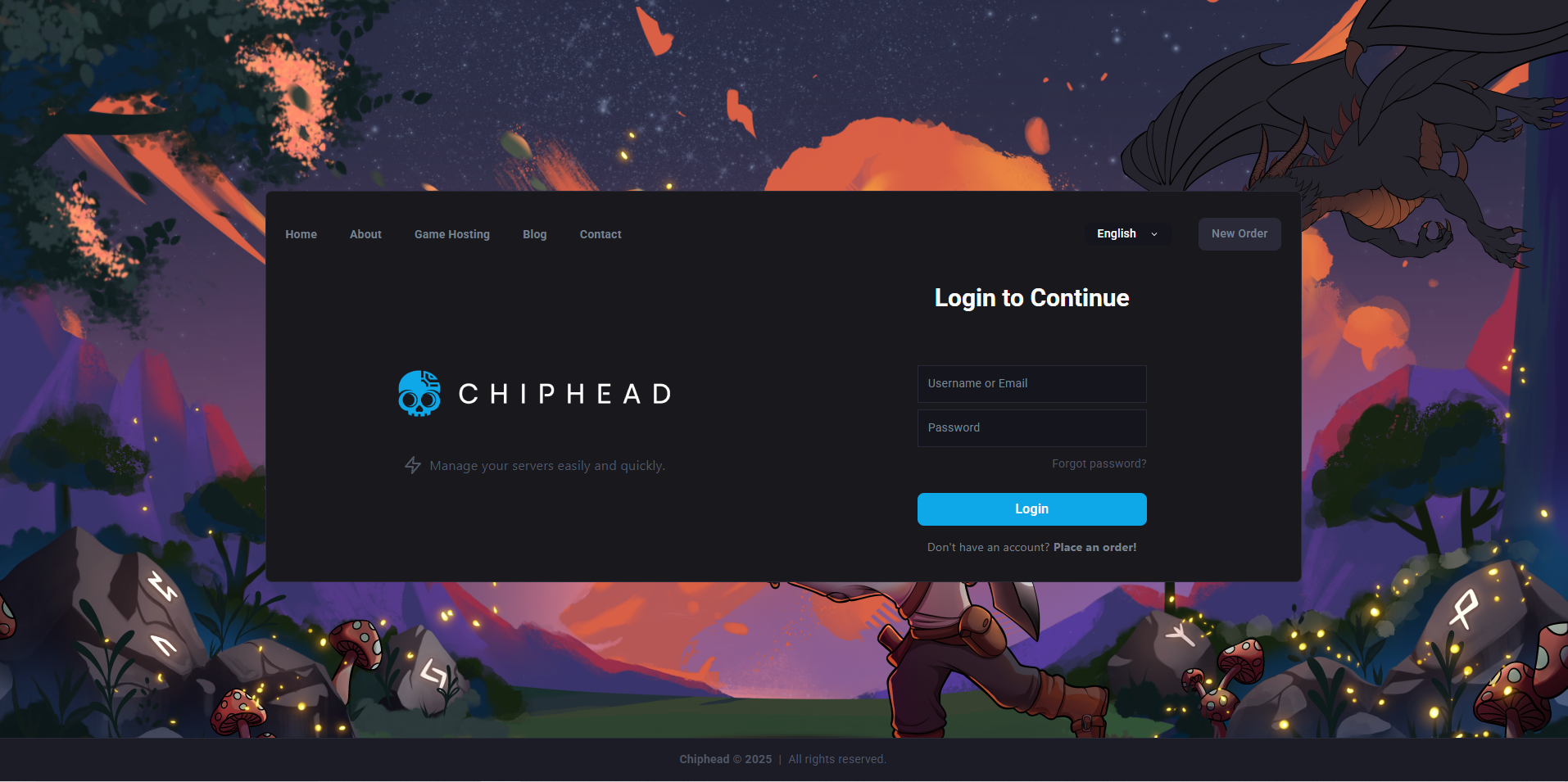
Log in to the ChipHead Panel and stop your server.
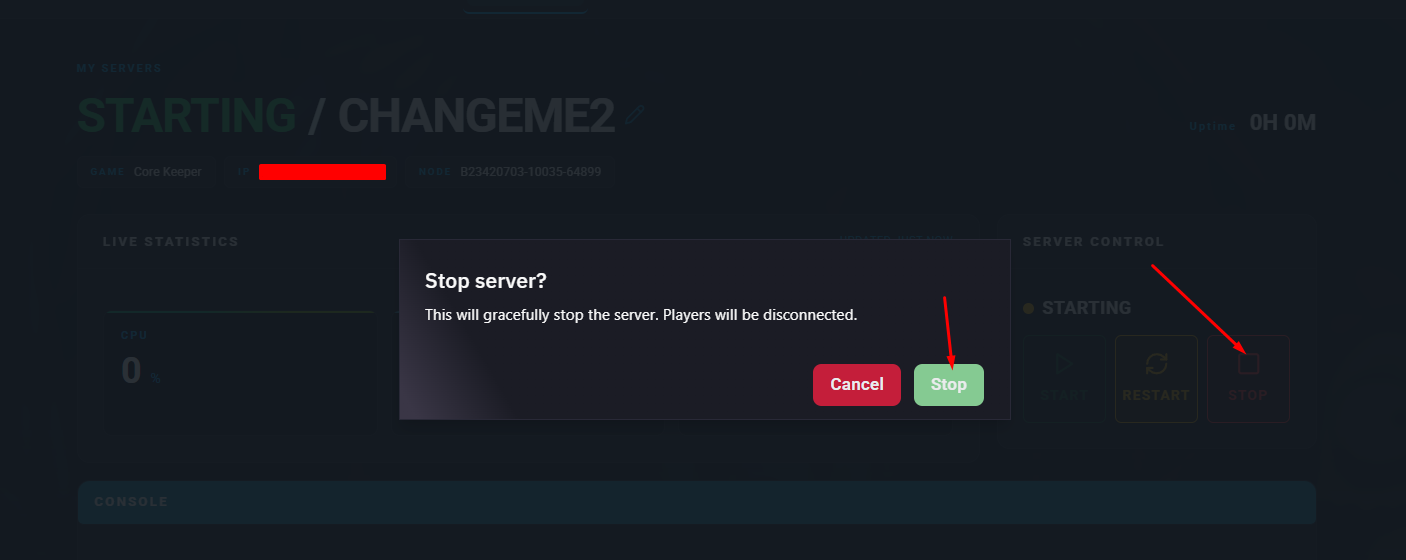
(Optional) Create a backup of your world before making changes.
Navigate to Game Config.
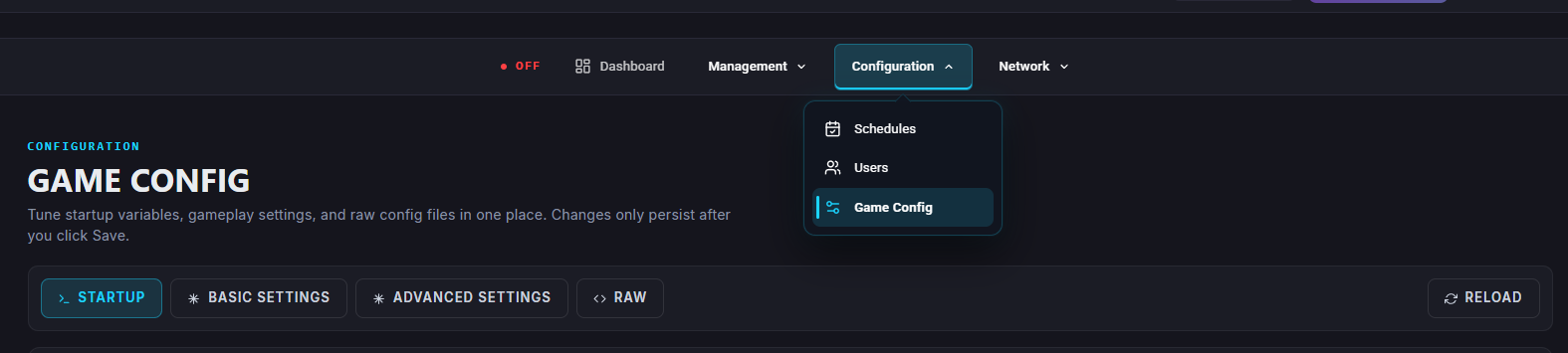
Within the Server Properties open </>Raw.
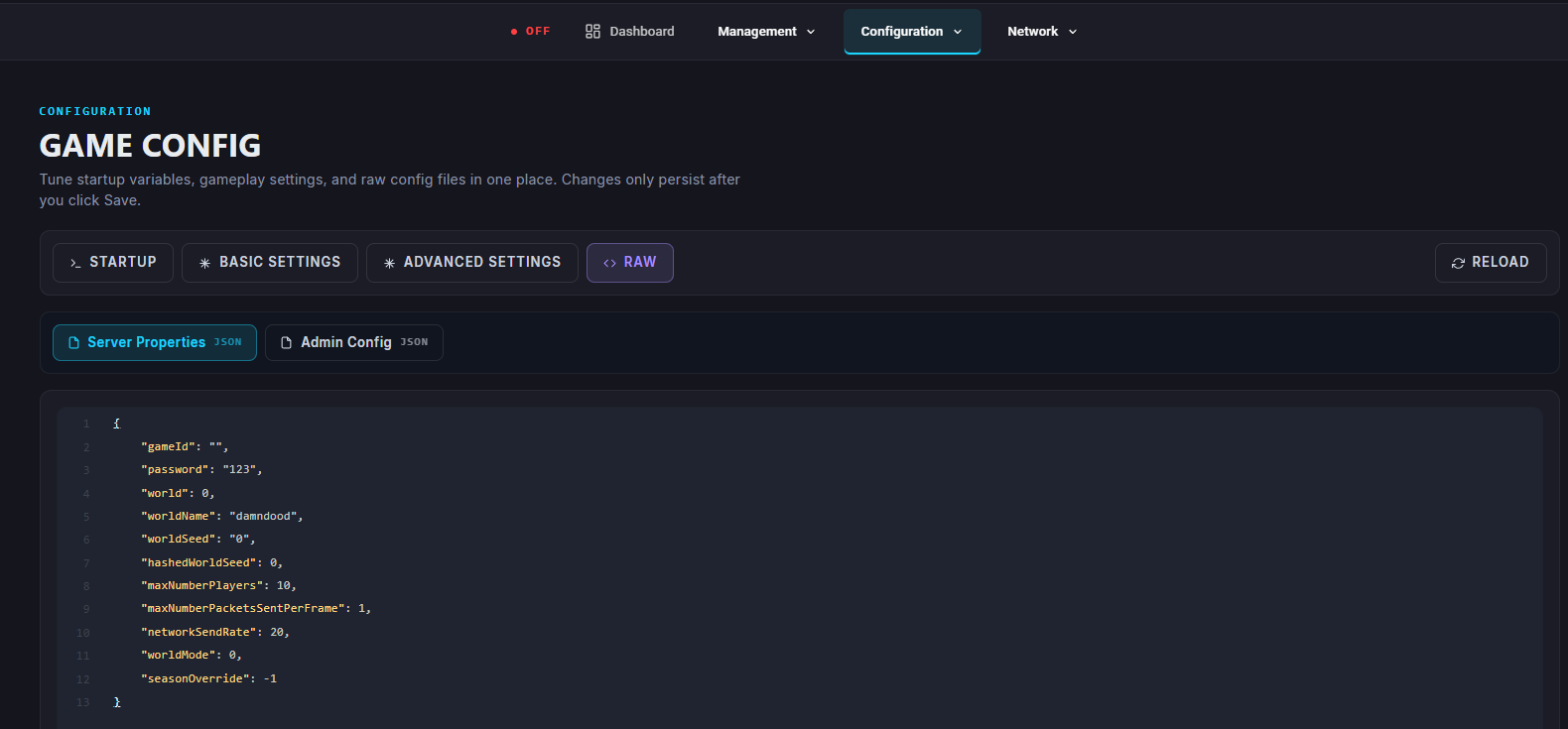
Find the line that says:
world_mode=and set it to:
world_mode=1Save the file.
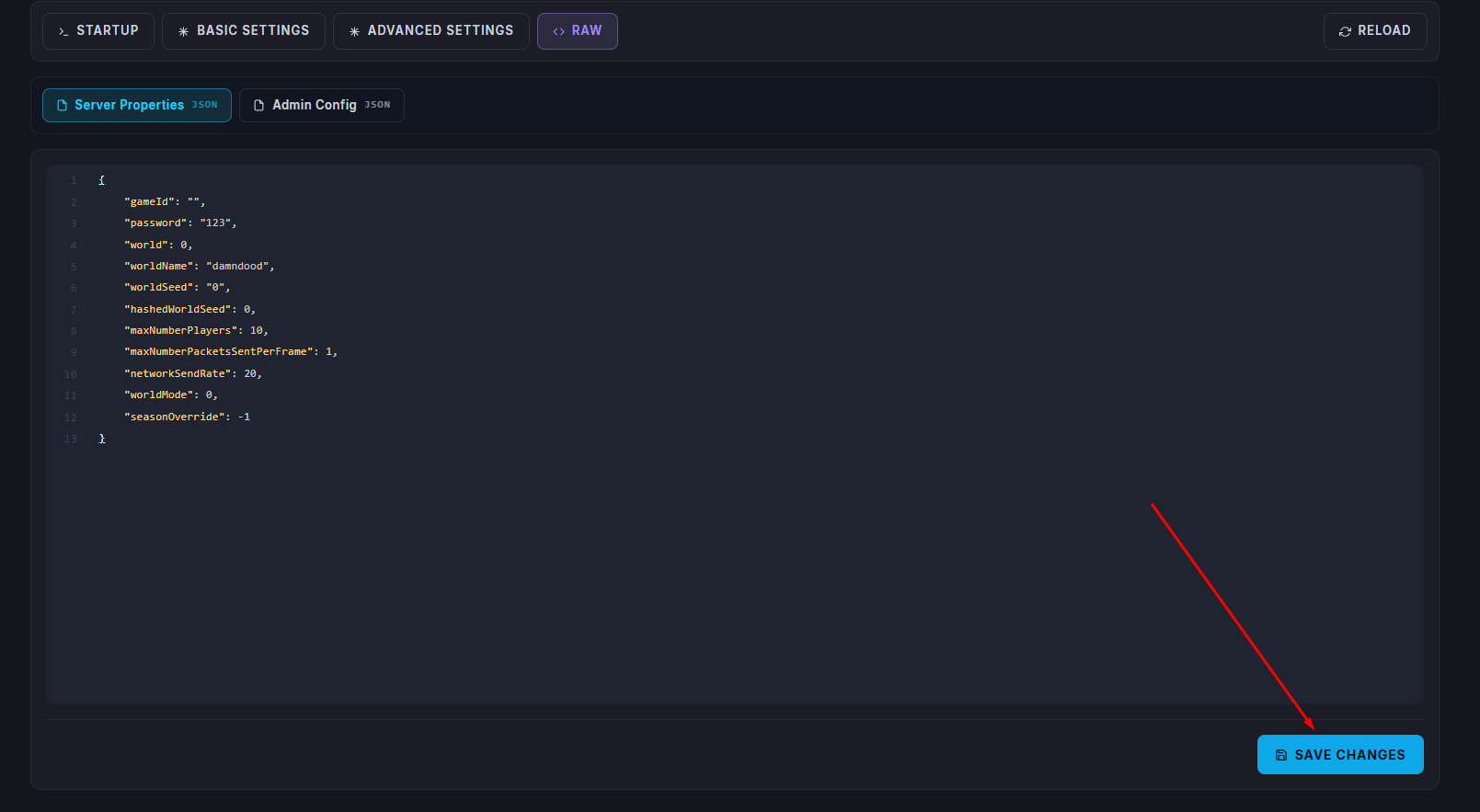
Start/restart your server.
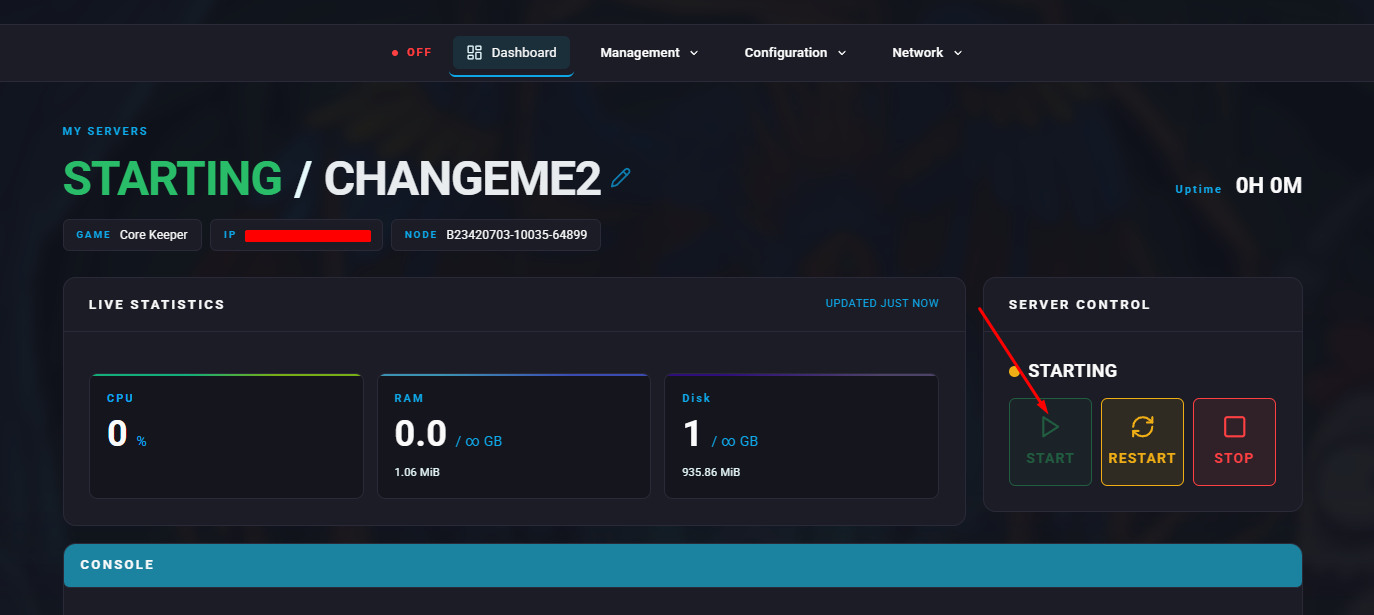

Your new world will now launch in Hard Mode, offering a more challenging and rewarding Core Keeper experience.