
Generate a Cfx.re registration key to activate and authenticate your FiveM server.
To set up your FiveM server, you’ll need a Registration Key from your Cfx.re account. Each account can create up to three keys, allowing you to run a maximum of three FiveM or RedM servers at once.
Thankfully, generating and adding your key is quick and can be done directly through the Cfx.re Portal.
Generating a Server Registration Key
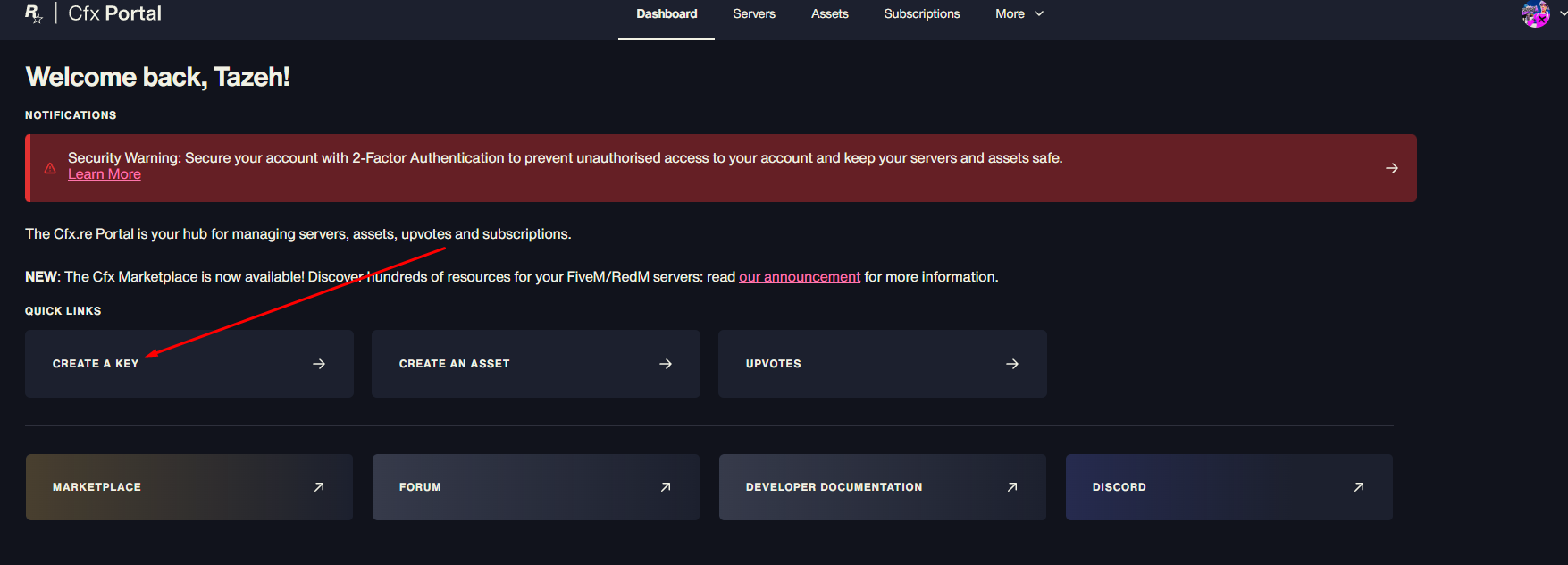
Go to the Cfx.re Keymaster Portal and log in with your account.
Click Generate Key.
Enter your desired Display Name for the server, then click Generate.
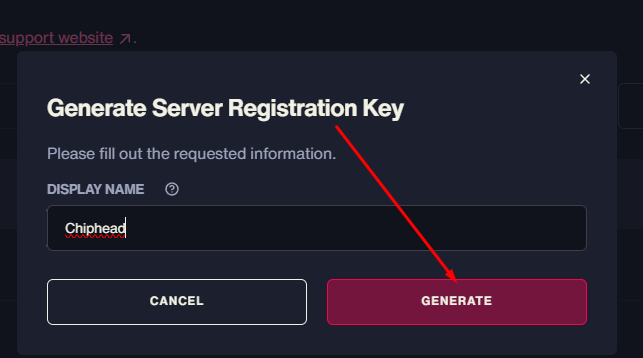
Note: This display name is for the Keymaster only and does not affect your server’s name in the in-game list.
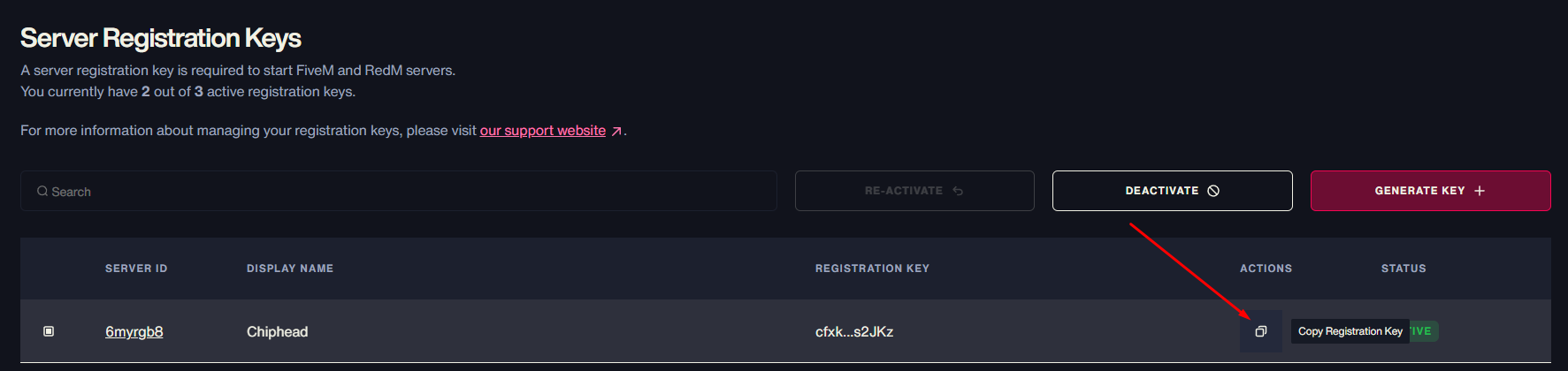
Your new Server Registration Key will appear in your key list.
Click the Copy button to copy your key.
Adding the Key to Your Server
Once you have your key, you’ll need to add it to your FiveM server configuration:
Log in to your ChipHead Panel.
Open your server.cfg file using the config editor.
Add the following line:
sv_licenseKey "your_registration_key_here"Click Save, then Restart your server.

Your FiveM server is now registered and linked to your Cfx.re account. This ensures it’s properly authenticated and ready for players to join - all managed easily through your ChipHead server panel.