
Grant admin permissions in txAdmin so trusted players can help manage and moderate your FiveM server.
Adding admins to your FiveM server allows you to delegate responsibilities like moderation, management, and configuration to trusted players. Using txAdmin, you can easily assign and manage admin permissions directly from your control panel.
Adding an Admin to Your Server
Log in to your ChipHead Panel.
Launch txAdmin.
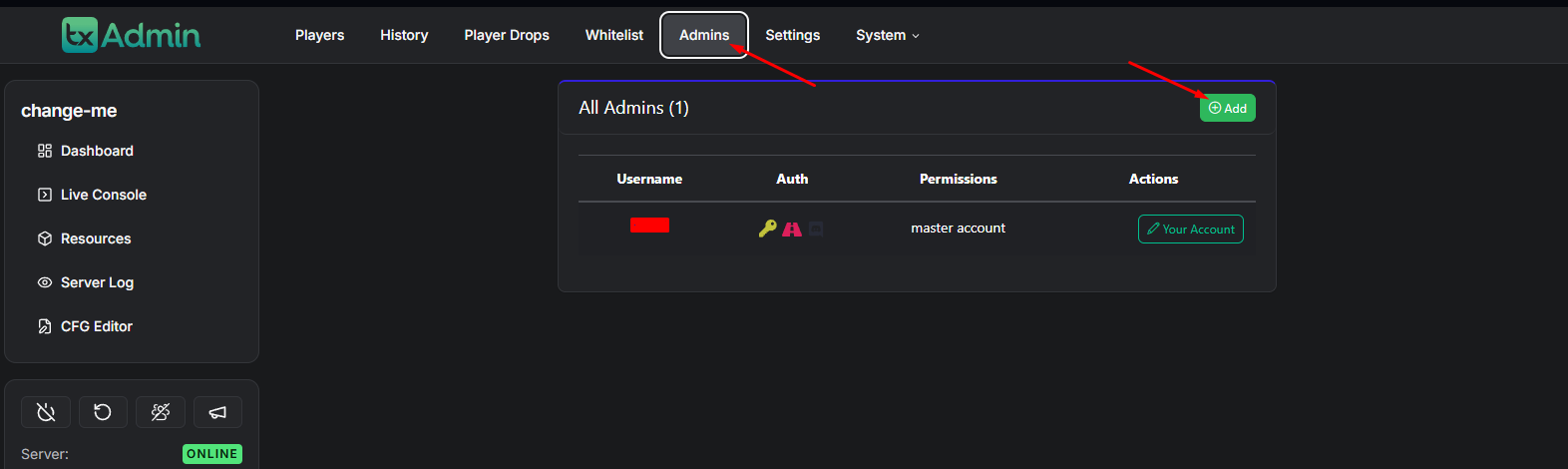
Navigate to the Admins tab.
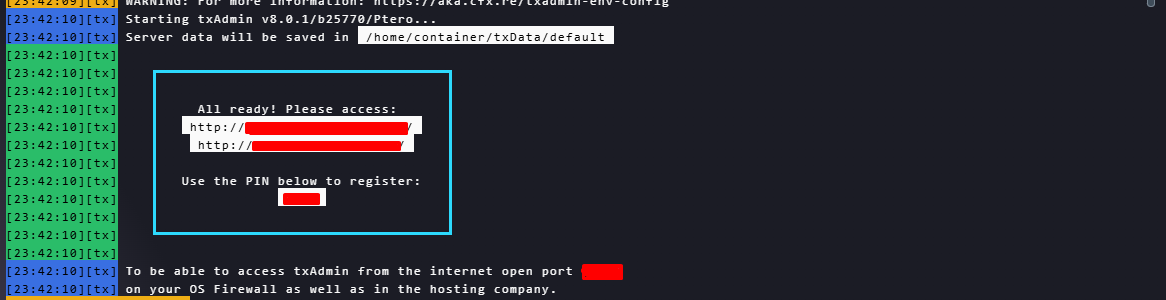
Click the Add button to create a new admin.
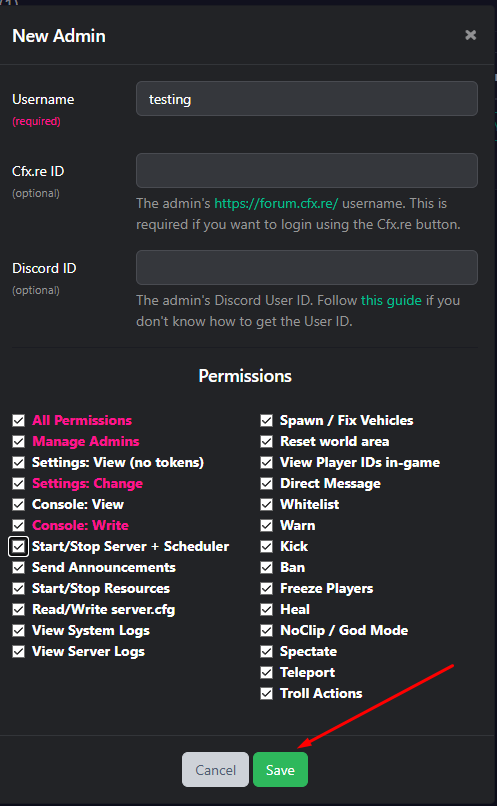
Enter the username of the player you want to make an admin.
(Optional) Add their Cfx.re ID and/or Discord ID for better identification.
Tick the checkboxes next to the permissions you want to grant.
Click Save to confirm.
Once added, txAdmin will generate a temporary password for the new admin. Share this securely with them so they can log in to their account.
Managing Existing Admins
If you need to update or remove an admin, follow these steps:
Log in to your ChipHead Panel.
Launch txAdmin.
Go to the Admins tab.
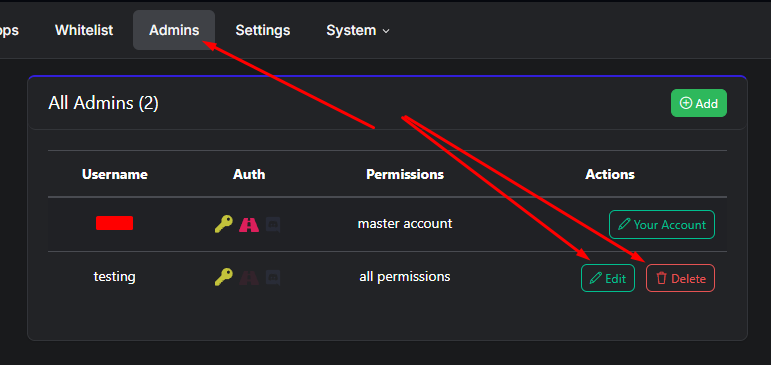
Locate the admin you wish to edit or delete.
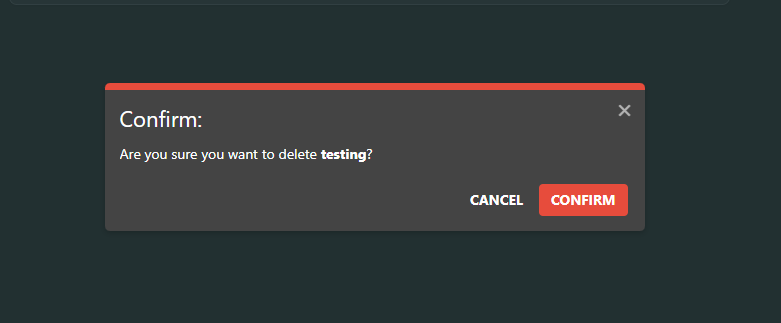
Click Edit to modify their permissions or Delete to remove their access.

You’ve successfully added and managed admins on your FiveM server. With txAdmin, you can easily assign roles, adjust permissions, and maintain a trustworthy team to help keep your ChipHead server running smoothly.