
Summary
Launch Terraria
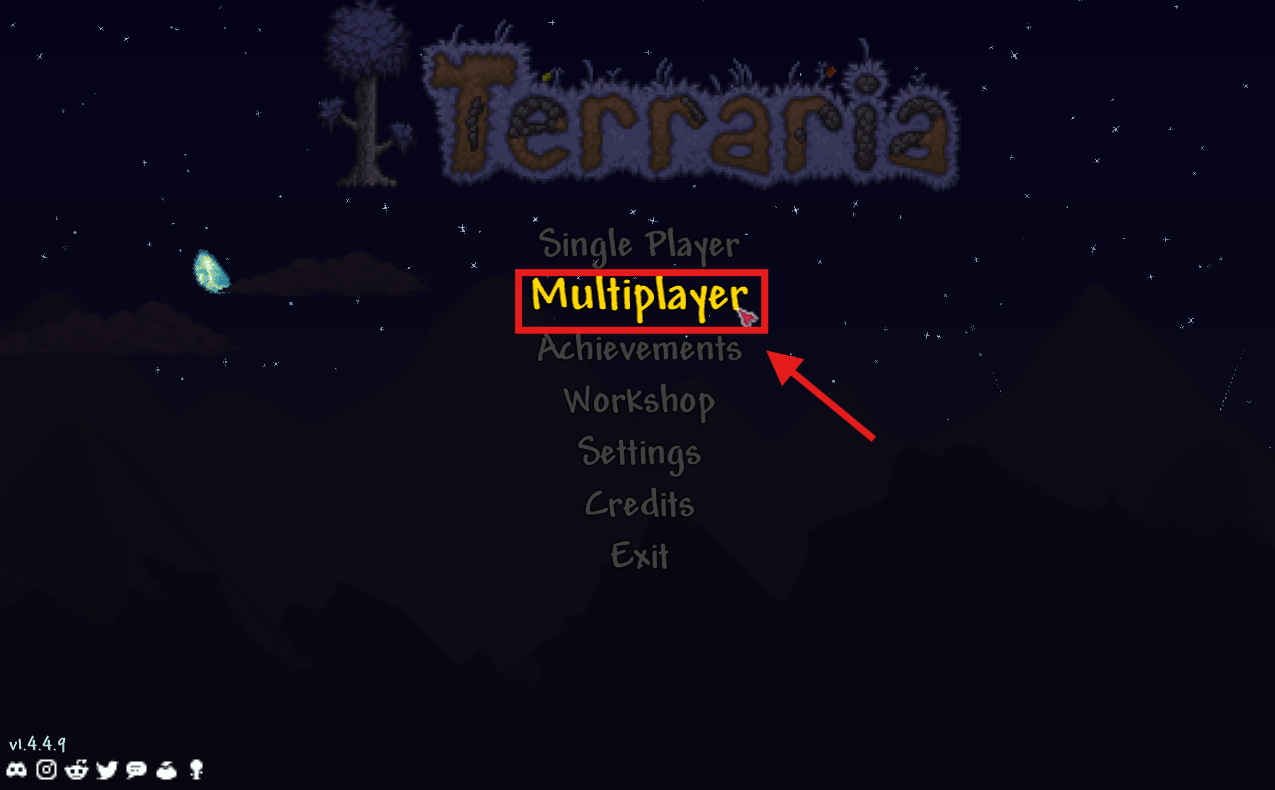
Select “Multiplayer”
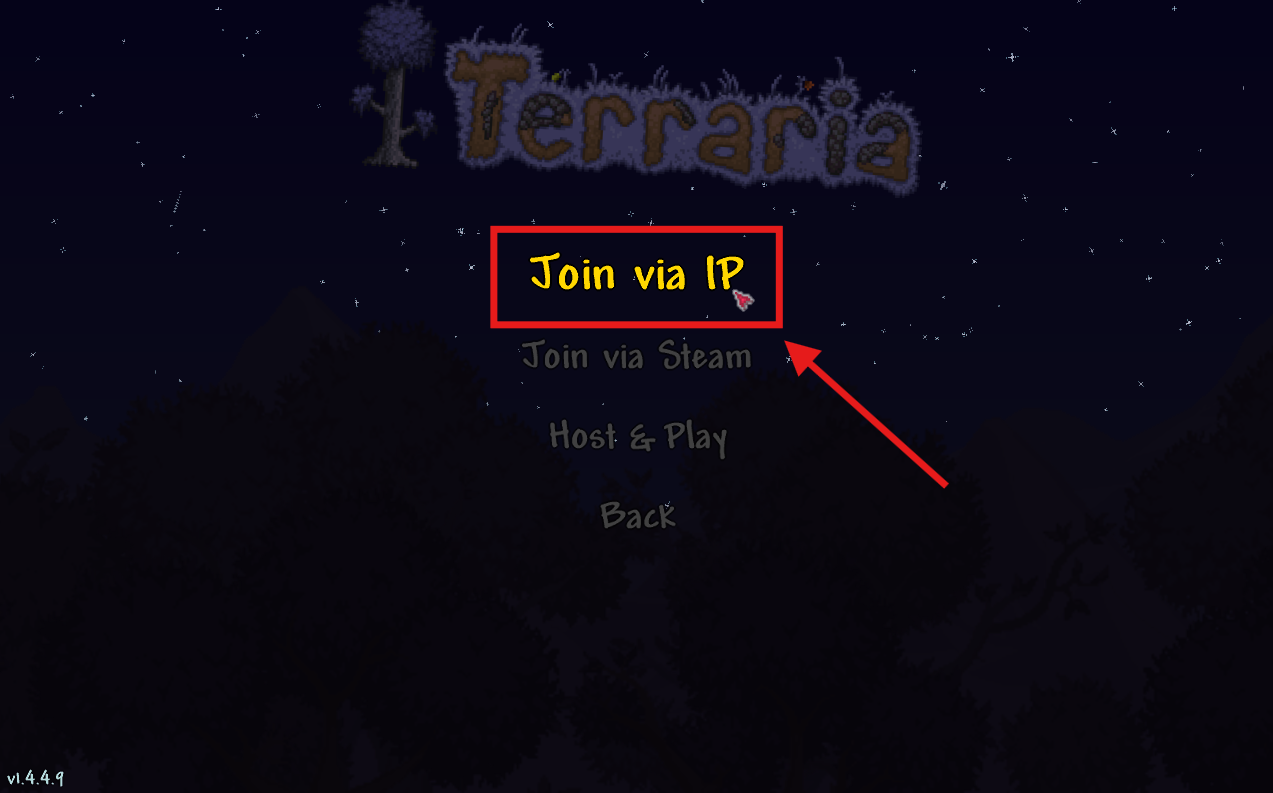
Select “Join by IP”
Select your character
 The character “game-type” must match the server’s game-type mode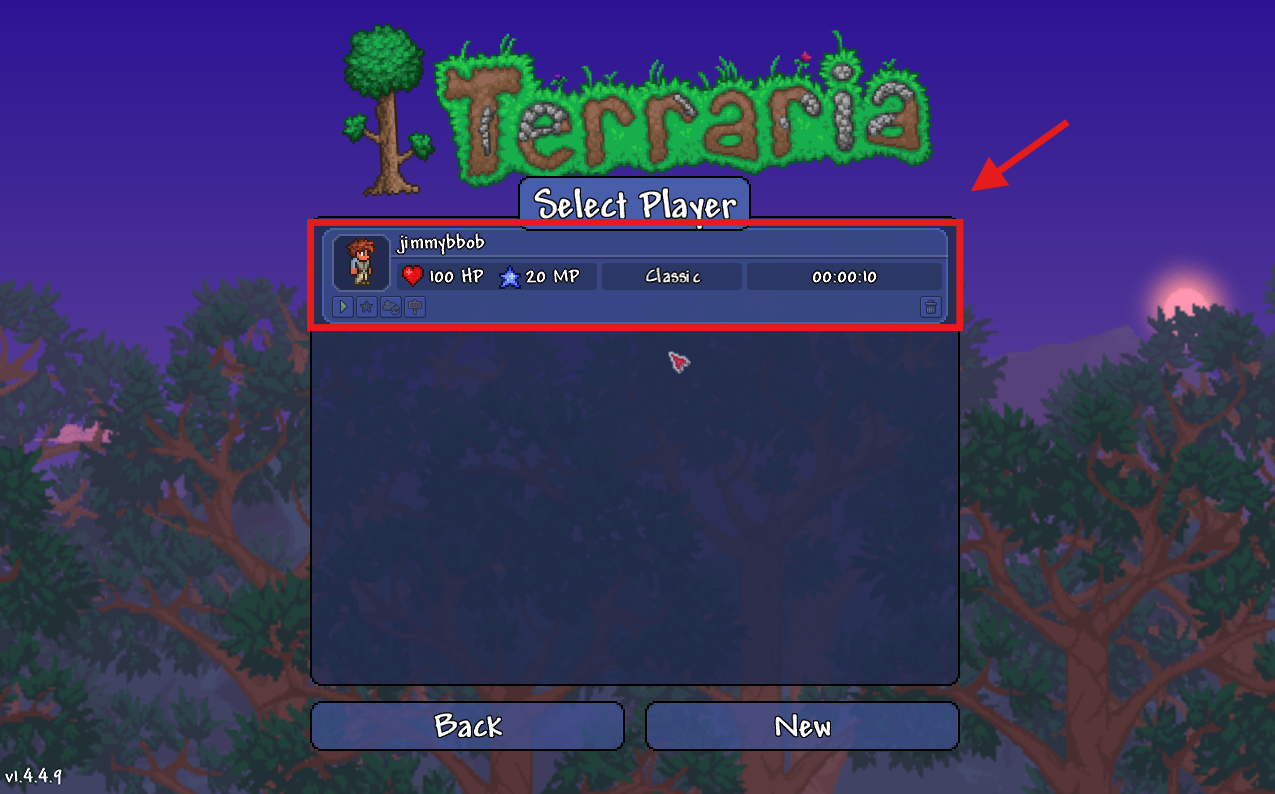
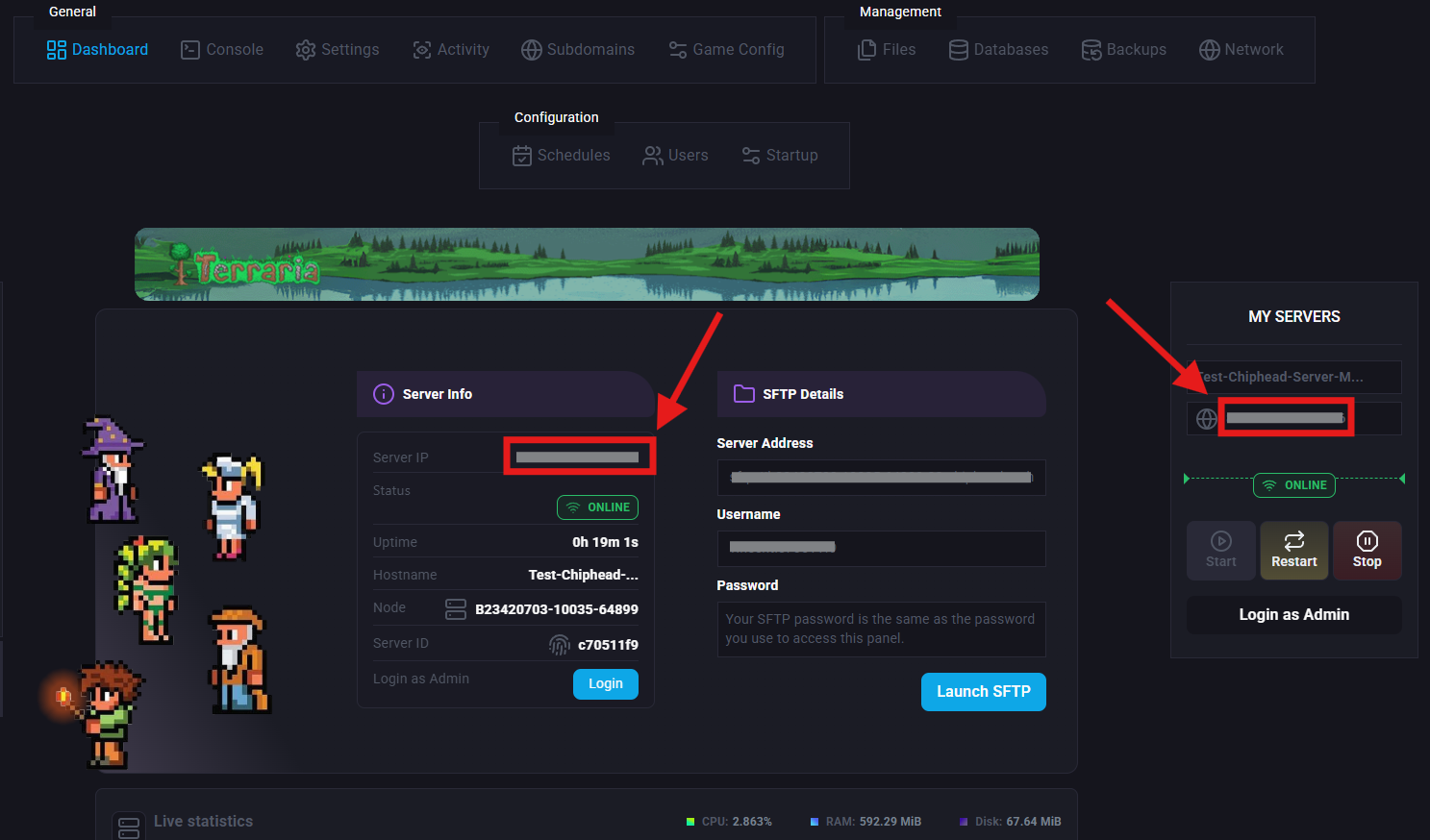
Copy your Server IP from your ChipHead Server
Paste it into Terraria and confirm with accept

Enter your Port Number and confirm with accept
TIP: Your Port Number is found at the end of your IP Address after “:”
example xx.xx.xxx.xx:7777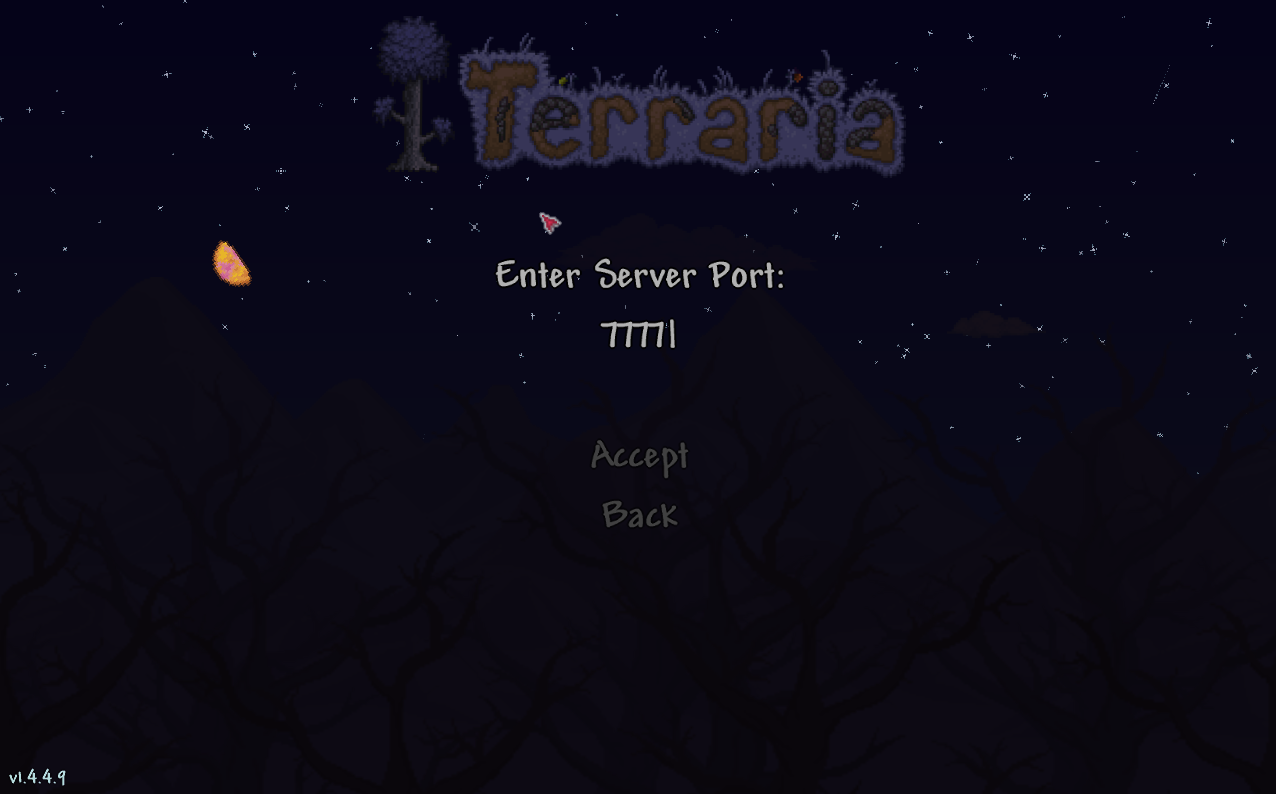

Congrats, you have now joined your server!