Summary
This guide will show you how to configure your ChipHead Arma 3 server with mods.

To comply with Steam’s Terms & Conditions, our servers use SteamCMD for authorization which does not store any of your Steam data. You will be required to temporarily enter your Steam username and Password so SteamCMD can verify ownership and download the server files. A valid Steam account with Steam Guard turned off and an active Arma 3 license is required for your modded server.
Log in to your ChipHead control panel.
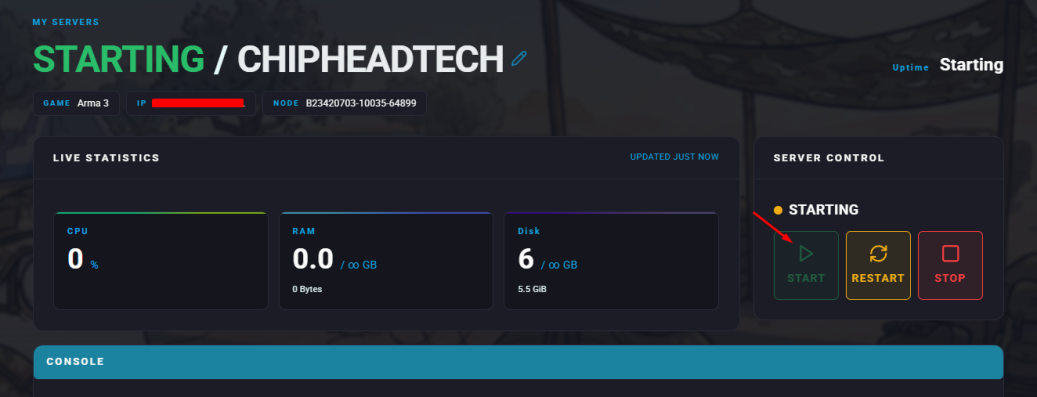
 Once you have Arma 3 installed on your ChipHead server, DO NOT start the server yet as you will need to use your steam credentials first.
If you’ve accidently started your server, you will have to reinstall your game using the game swapper via Settings > Installed Game.Navigate to Startup.
Scroll down to Steam Username and Steam Password.
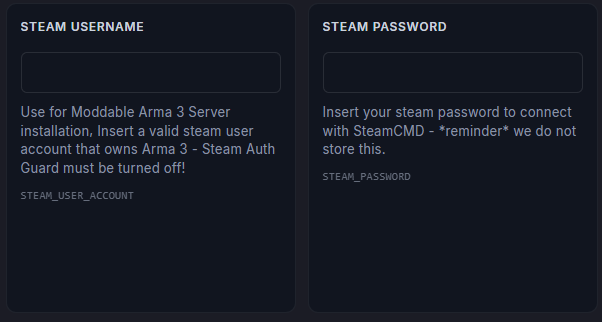
Enter in your steam username and password in their respective fields. Your changes will automatically save.
You may now start your server for the first time.