This guide will show you how to configure your freshly installed ChipHead Assetto Corsa server for newly purchased OR game swapped servers.
Log in to the ChipHead Panel.
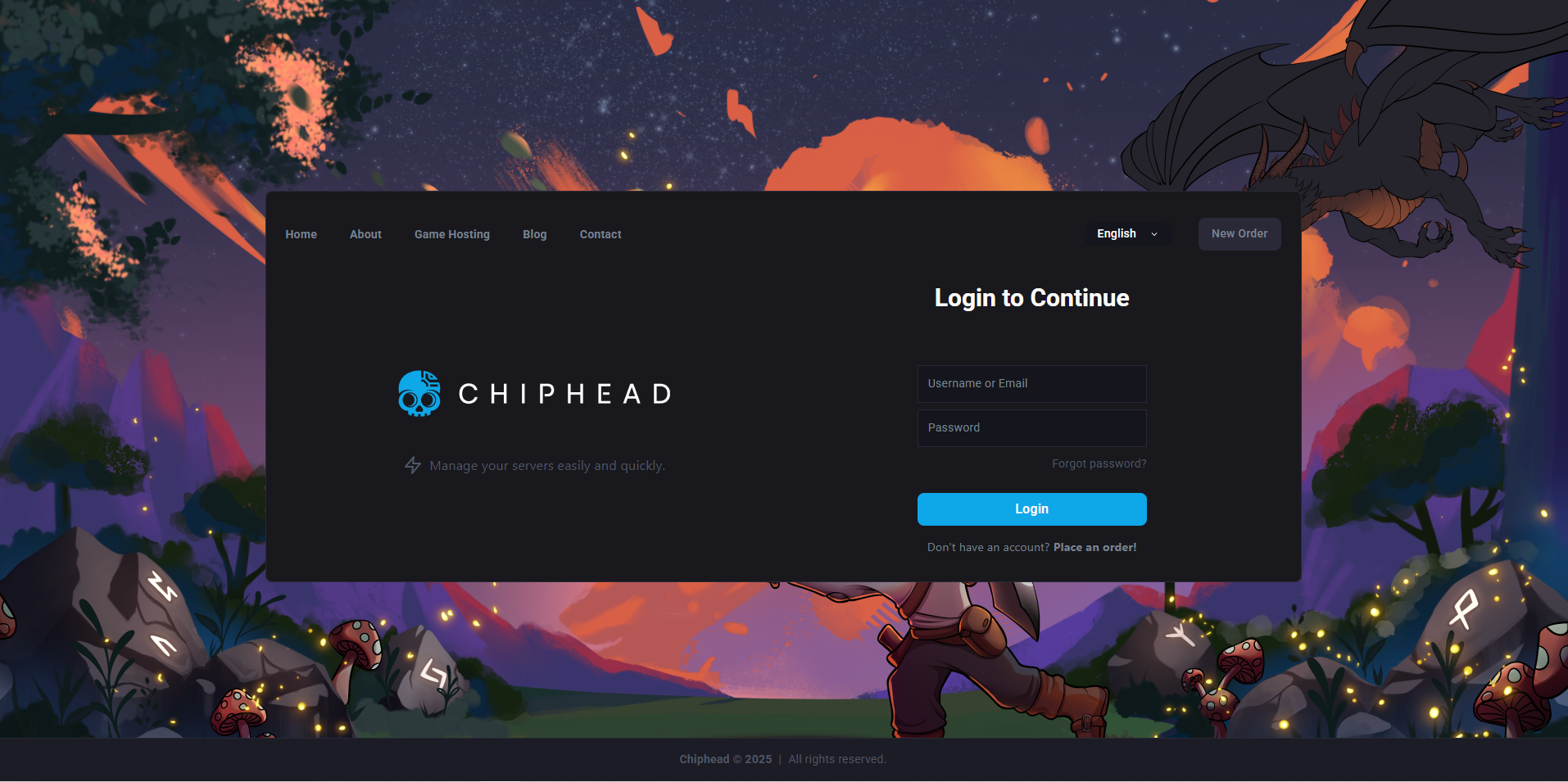
Go to your Chip Head Server.

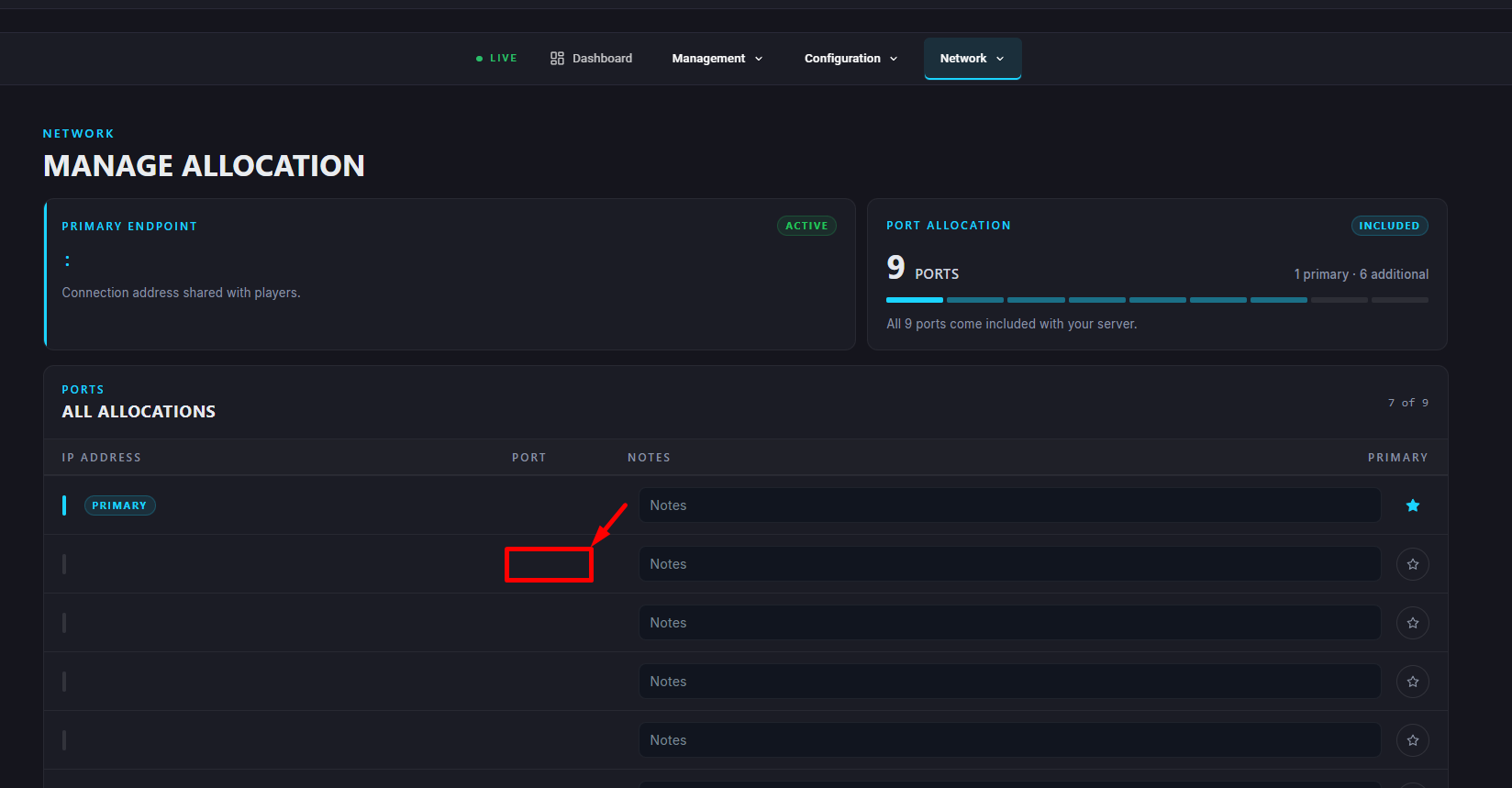
Navigate to “Network” and make a note of your secondary port number.
Navigate to Startup.
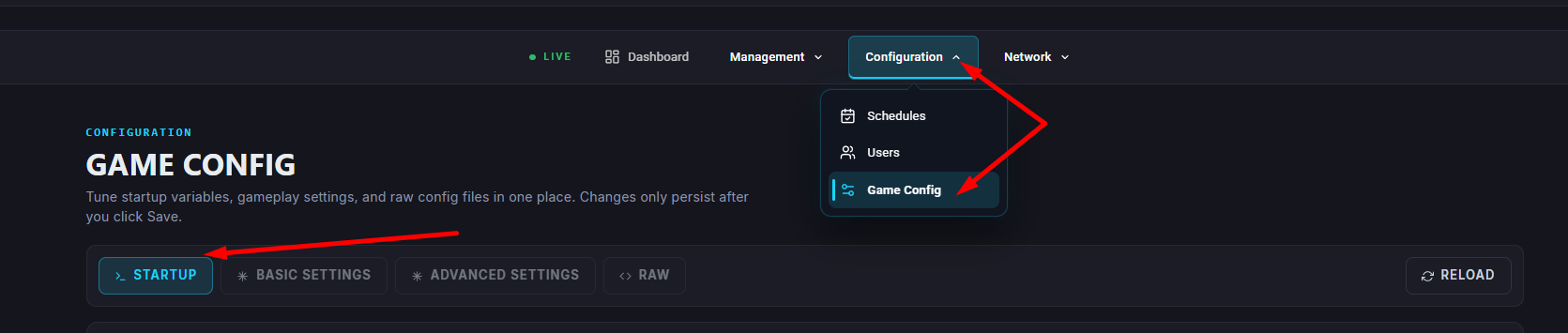
Insert your secondary port number from “Network”
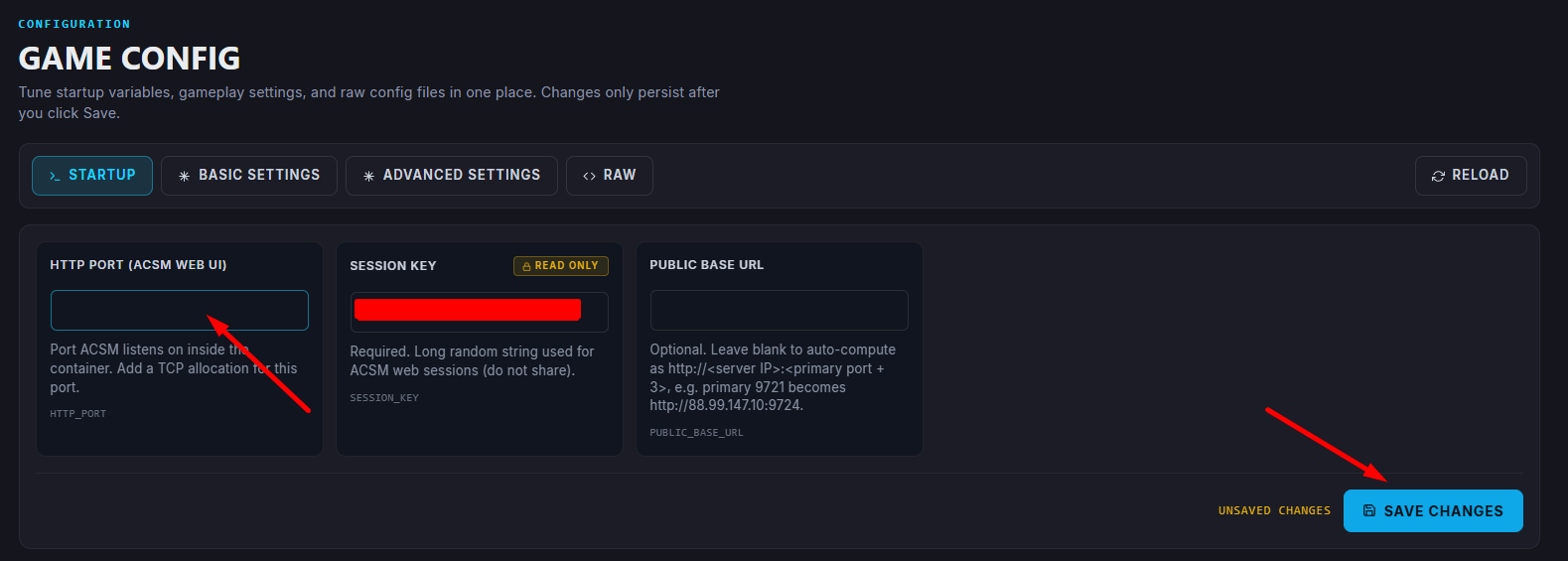

Copy your Server IP from “My Servers” and paste into Public Base URL and change the port number to your Secondary Port.
Example: xx.xx.xxx.xx:9623

Navigate to “Dashboard” scroll down and select “Reinstall”

Please wait for your server to finish installation - this can take 3-5 minutes.
Once server installation has finished click “Start”
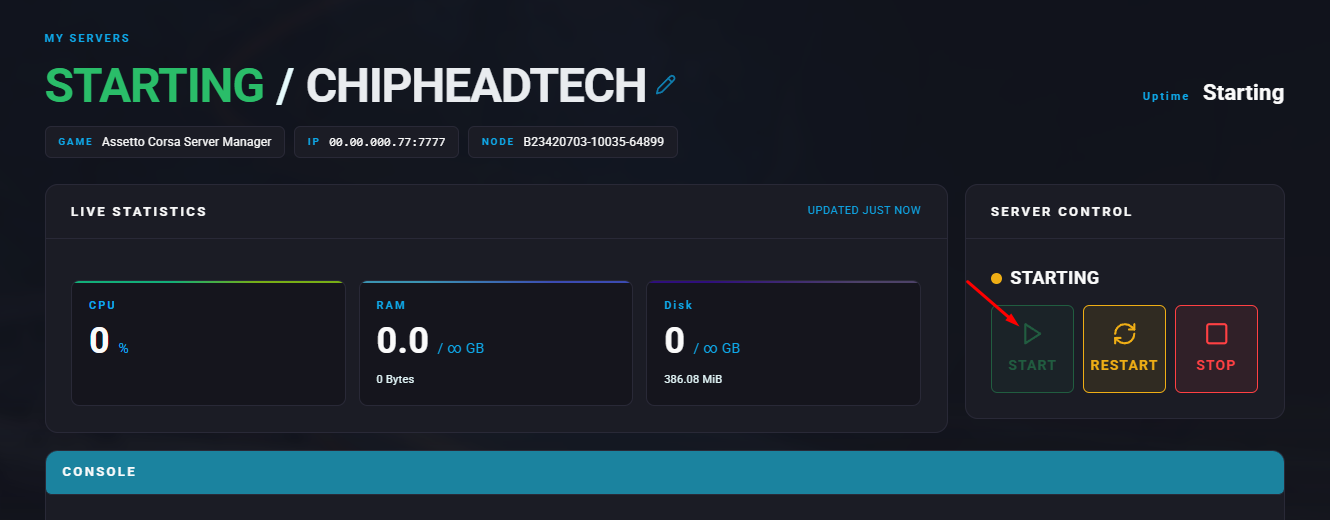
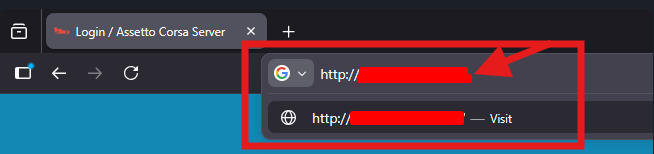
You can now connect to Assetto Corsa Server Manager using your Public URL in step 6.
Please insert this into any web browser.
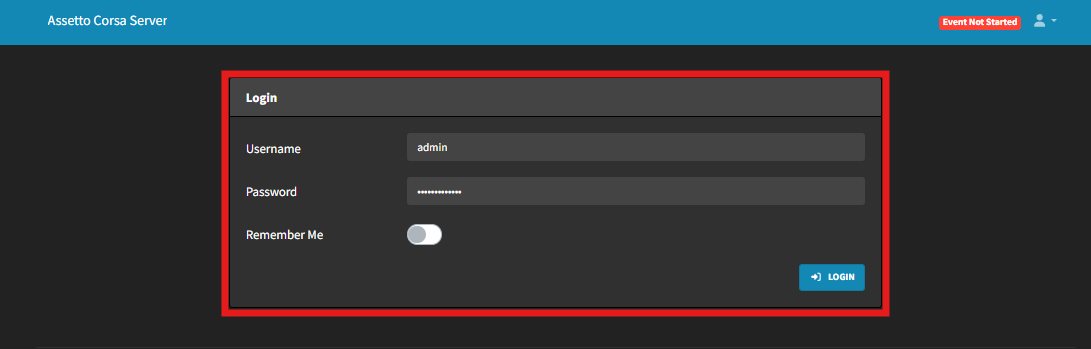
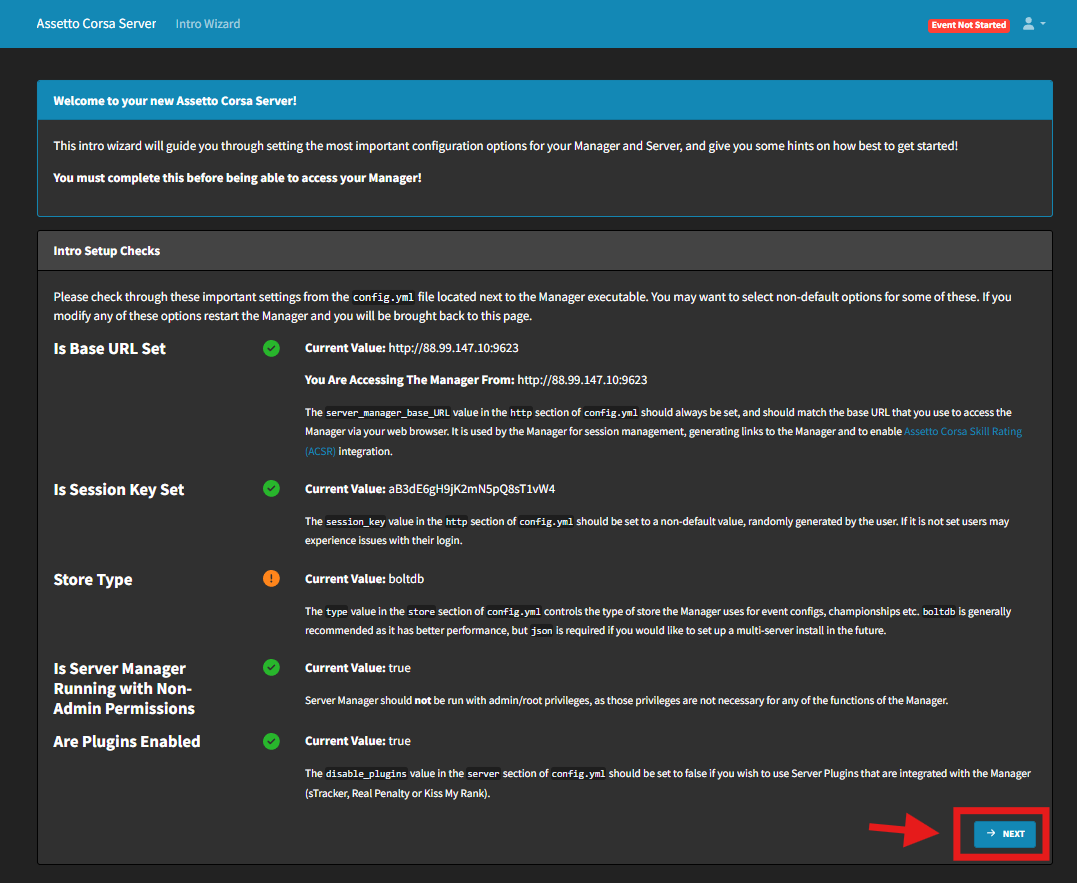
Login to your ChipHead Assetto Corsa server
Press “Next” to navigate to the setup
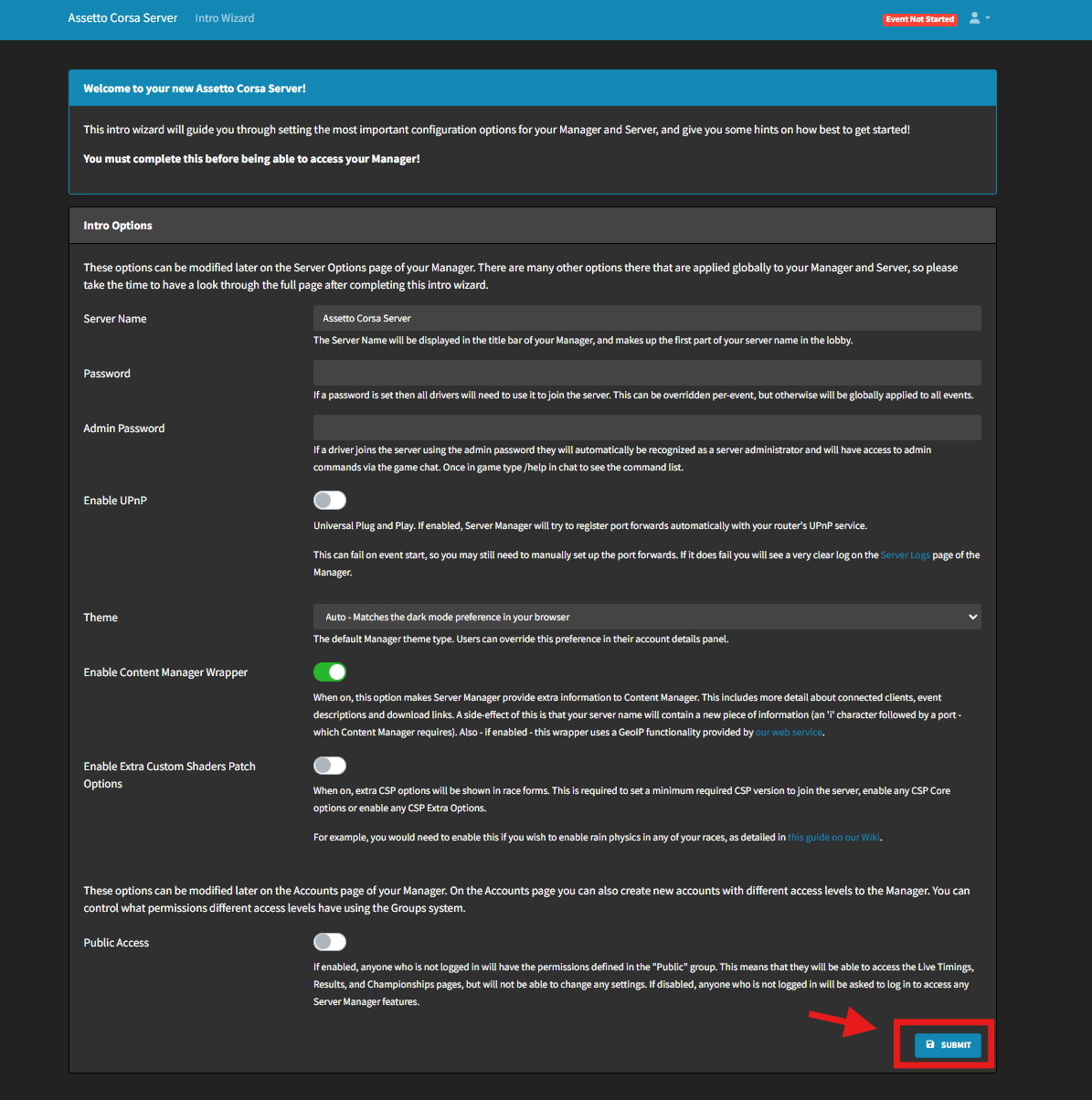
Configure your Server options and confirm with “Submit”
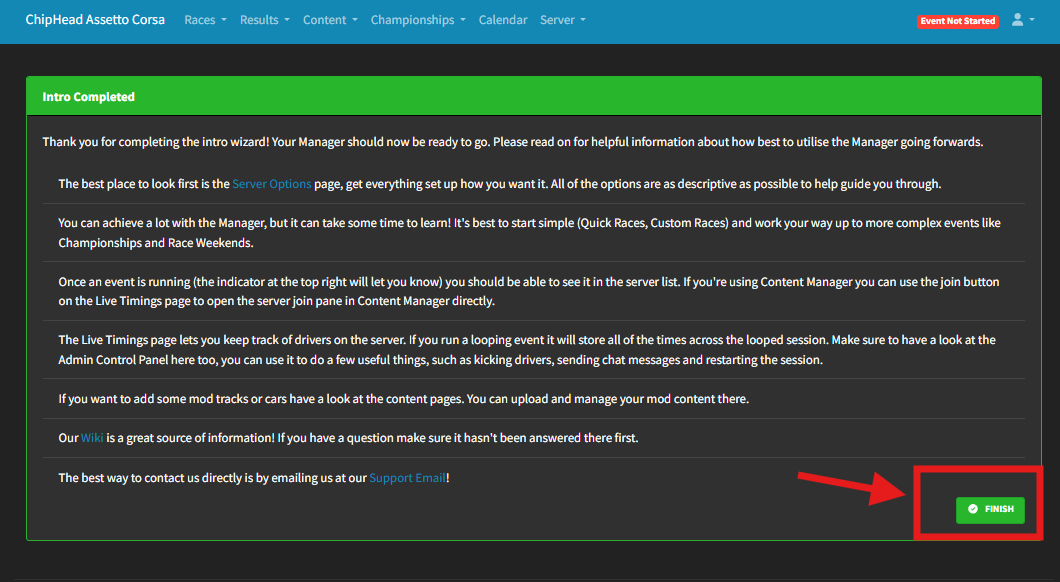
Confirm with “Finish”