---
title: "How to make yourself an Admin on Your 7 Days to Die Server"
description: "Add Admins to Your ChipHead 7D2D Server"
url: https://help.chiphead.tech/en/articles/425-how-to-make-yourself-an-admin-on-your-7-days-to-die-server
collection: "7 Days to Die"
updated: 2026-06-13
language: en
---
# How to make yourself an Admin on Your 7 Days to Die Server
Add Admins to Your ChipHead 7D2D Server
You can add an admin to your server using their username, entity ID, or Steam ID.
Once you've retrieved their ID, they can be added as an admin by editing the **serveradmin.xml** file.
## **Adding an Admin by Editing the** `serveradmin.xml` **File**
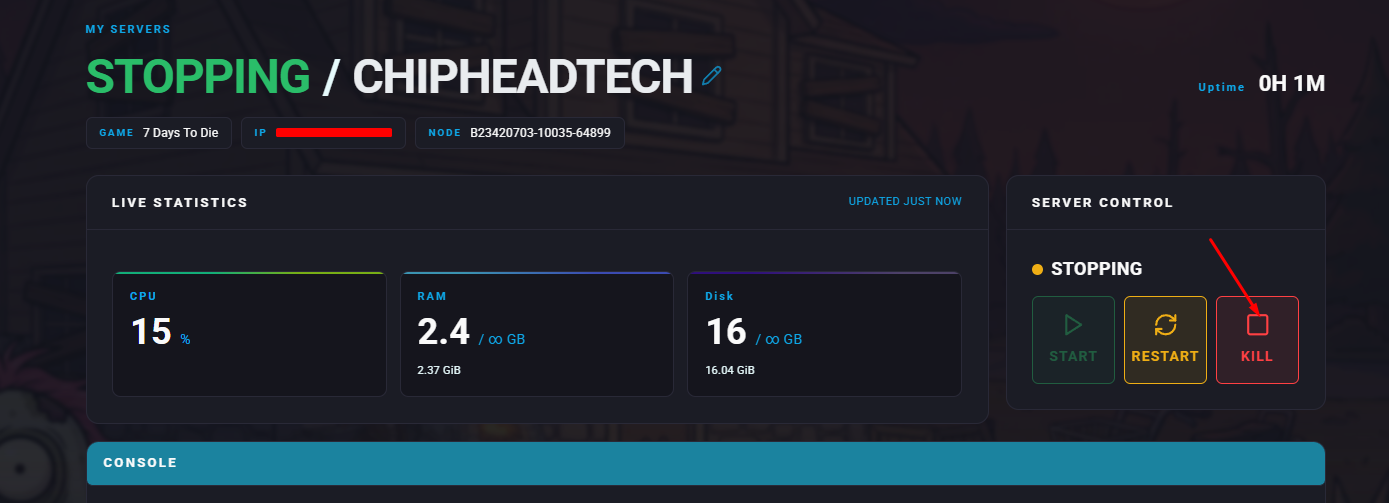
1. Open the **ChipHead Panel** and **Stop** your server.
2. Go to the **Config** tab.

3. Select the **Server Admin file**.
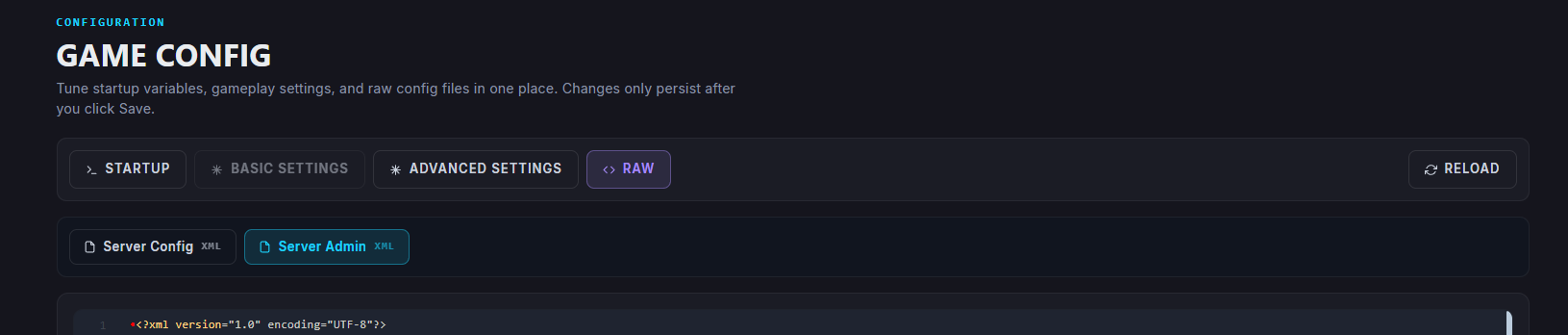
> **Error:** If you’ve installed your 7 Days To Die instance for the first time on your server, you might not see the **Server Admin** config file right away.
> Make sure to start the server and refresh the **Game Config** page and it should appear.
4. Click on **Raw** to access the **serveradmin.xml** file.
5. Locate the `` section (where admins can be added).

6. Inside the user section, add the following line:
``
7. Replace the values inside the line to assign a new admin.
1. `userID="STEAMID"` - Replace `STEAMID` with the admin's Steam ID.
2. `name="Admin's Name"` - Replace `Admin's Name` with the admin's name.
3. `permission_level="0"` - Set the number between `0-1000` (0 grants the highest authority)
8. Click **Save**.
9. **Start**/**restart** the server.